
Virginia Andersen – författare
426 kr
Skickas inom 3-6 vardagar
476 kr
Skickas inom 3-6 vardagar
Publisher's Note: Products purchased from Third Party sellers are not guaranteed by the publisher for quality, authenticity, or access to any online entitlements included with the product.
Maximize the powerful features of the latest release of today's most popular desktop database program
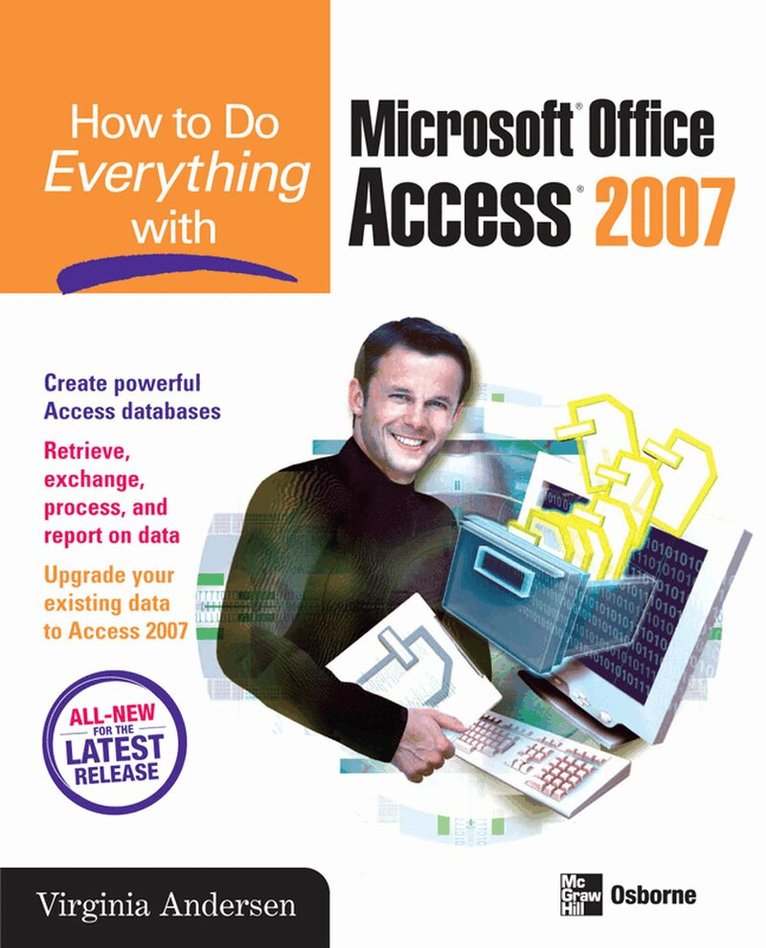
How to Do Everything with Microsoft Office Access 2007 shows you how to create and customize an efficient, multi-user database, retrieve, interpret, and share your data, secure your information, and much more. Designed to help you get things done quickly and easily, this user-friendly guide is your all-access pass to Access 2007.
Navigate the new user interface with easeDesign a well-organized database using pre-designed templatesEnter and edit data and ensure data validitySort, filter, and print recordsExtract specific information using queriesMaster form and report design basicsAdd charts and graphs to forms and reports easilyOptimize database performance and speedExchange database objects and text files between Access databases
286 kr
Skickas inom 3-6 vardagar
285 kr
Tillfälligt slut
Publisher's Note: Products purchased from Third Party sellers are not guaranteed by the publisher for quality, authenticity, or access to any online entitlements included with the product.
The Ultimate Microsoft Office Access 2007 Resource
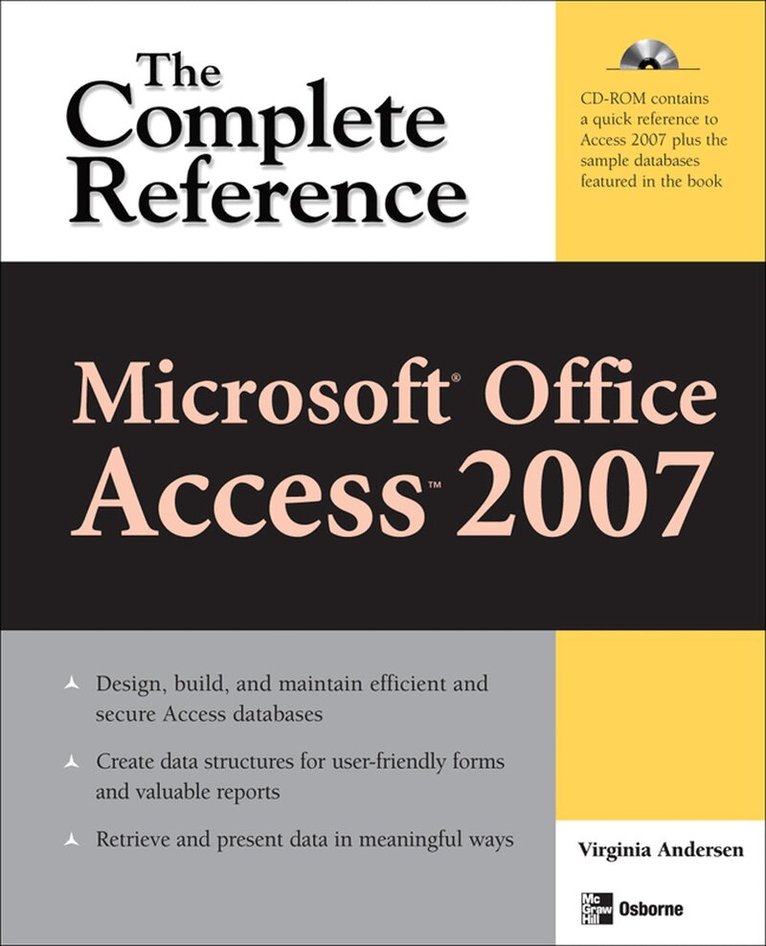
Build a highly responsive a database so you can track, report, and share information and make more informed decisions. This comprehensive resource shows you how to design and develop custom Access 2007 databases--even if you have little or no programming experience. You'll learn to collect data from a variety of sources, share it securely with others, and integrate it with other Office applications.
Filled with detailed, easy-to-follow instructions, Microsoft Office Access 2007: The Complete Reference shows you how to take full advantage of all the new features, including the new ribbon user interface and navigation pane, new field types, and more. Create a reliable and versatile information management solution with help from this all-inclusive guide. As a bonus, you can gain hands-on experience by following along with the book's sample databases on the CD-ROM.
Customize the user interface to suit your preferences Use the built-in database templates or design your ownCreate, modify, and relate tablesEnter and edit dataWrite advanced queries to extract and manipulate informationCreate customized forms and reportsImprove performance and back up your databaseDevelop macros to carry out automated responses to user actionsImport, link, and export dataEnable a multiple-user environmentSecure your database