
Visar resultat för..."Adobe"
396 kr
Skickas inom 7-10 vardagar
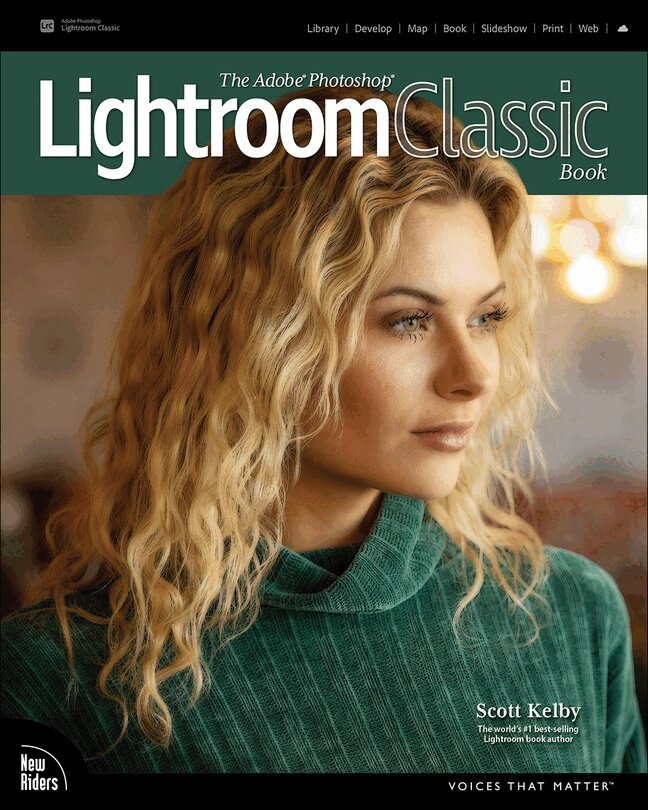
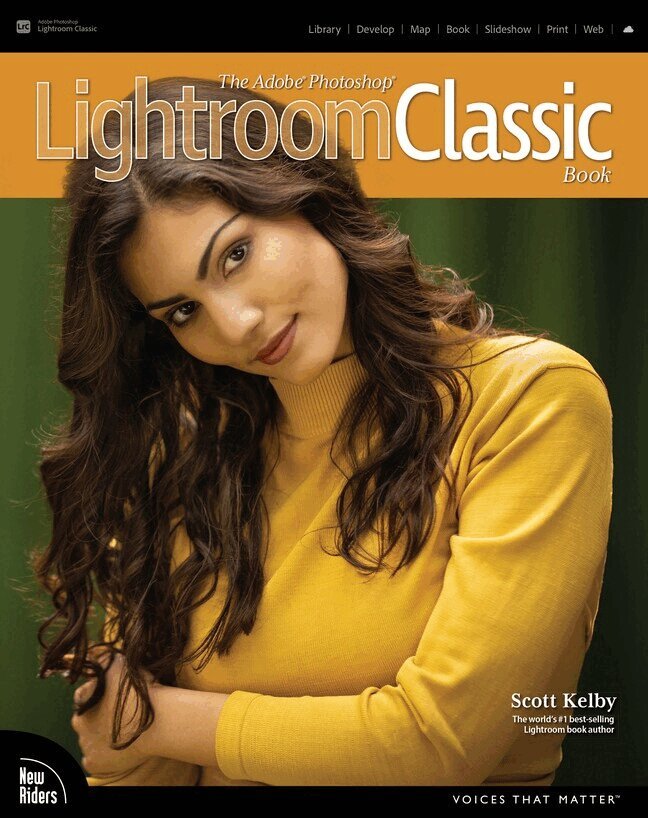
Since Lightroom first launched 18 years ago, Scott Kelby’s The Adobe Photoshop Lightroom Book has been the world’s #1 top-selling Lightroom book (it has been translated into dozens of different languages), and this latest version is a huge update where Scott shares all his newest techniques, insights, and invaluable tips using his award-winning, plain-English style that makes learning Lightroom easy and fun.
Scott doesn’t just show you which sliders do what (every Lightroom book does that, right?). Instead, he shares his own personal settings, his time-tested techniques, and his proven step-by-step method of learning Lightroom, so you can begin using it like a pro from the start. Each year, he trains thousands of Lightroom users at his live seminars, online conferences, and through his blog at LightroomKillerTips.com, and he has learned firsthand what really works and what doesn’t. He tells you flat-out which techniques work best, which ones to avoid, and why.
You’ll learn:
His SLIM (Simplified Lightroom Image Management) system, which is taught at colleges and universities around the world because it’s so simple and straightforward, as it teaches you step by step how to organize your images, back them up, and be able to find them quickly and easily. How to make your images look like the pros, remove distracting things that are ruining otherwise great photos, and finally “get” the whole image editing thing. You’ll learn exactly what to do, in which order, and why. How to unlock the incredible power of Lightroom’s Masking tools (these are real game changers), including how to “paint with light” and Scott’s top masking tips to take your images to another level. How to use Lightroom along with Photoshop, and how to make the two work together absolutely seamlessly. You’ll be surprised at what you’ll be able to do, even if you’ve never used Photoshop before. How to expand Lightroom’s power to your phone or tablet, so you can organize and edit your images from anywhere. How to share your images in print and in gorgeous coffee table books, or online, including how to do online client proofing or share images with a group.You can download many of the same images in the book, so you can follow right along, and you'll get a killer collection of custom Lightroom Develop and Print presets to give you some of the most sought-after looks and effects, all with just one click.
This is the first and only book to bring the whole process together in such a clear, concise, and visual way. There is no faster, more straight-to-the-point, or more fun way to learn Lightroom.
485 kr
Skickas inom 7-10 vardagar
The fastest, easiest, most comprehensive way to learn Adobe Illustrator
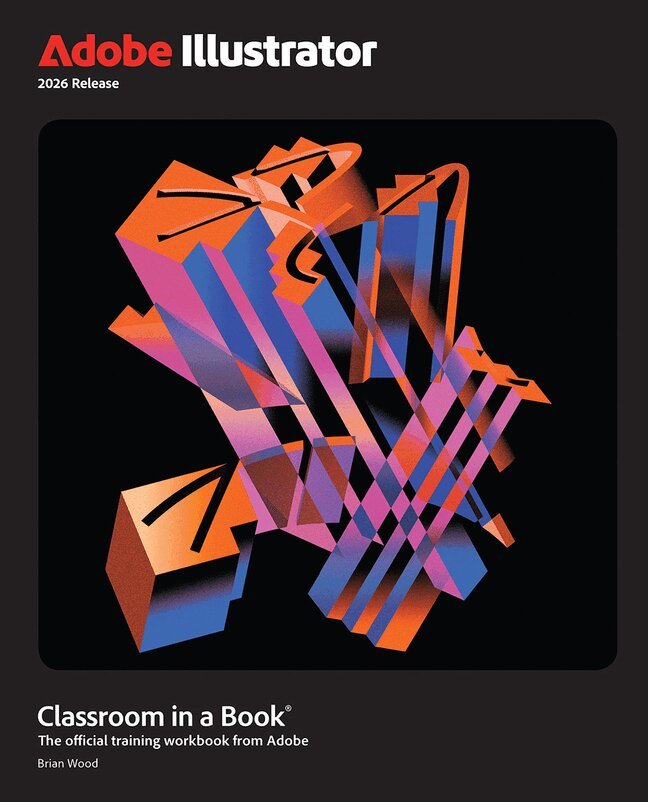
Adobe Illustrator Classroom in a Book 2026 Release contains 17 lessons that use real-world, project-based learning to cover the basics and beyond, providing countless tips and techniques to help you become more productive with the program. For beginners and experienced users alike, you can follow the book from start to finish or choose only those lessons that interest you.
Unleash your creativity with 17 hands-on projects—from bold logos and sleek illustrations to stunning posters and expressive digital art Dive in with quick, step-by-step lessons that build real Illustrator skills fast Master selections, shapes, colors, and edits—then push your style further with Generative AI, gradients, layers, artistic brushes, effects, sharing, and much more Every project helps you create something eye-catching, original, and portfolio-readyClassroom in a Book®, the best-selling series of hands-on software training workbooks, offers what no other book or training program does – an official training series from Adobe, developed with the support of Adobe product experts.
Purchasing this book includes valuable online extras. Follow the instructions in the book’s “Getting Started” section to unlock access to:
Downloadable lesson files you need to work through the projects in the book Web Edition containing the complete text of the book, interactive quizzes, and videos that walk you through the lessons step by stepWhat you need to use this book: Adobe Illustrator 2026 Release software, for either Windows or macOS. (Software not included.)
380 kr
Skickas inom 7-10 vardagar
Are you ready for an amazing new edition of the Photoshop book that breaks all the rules?
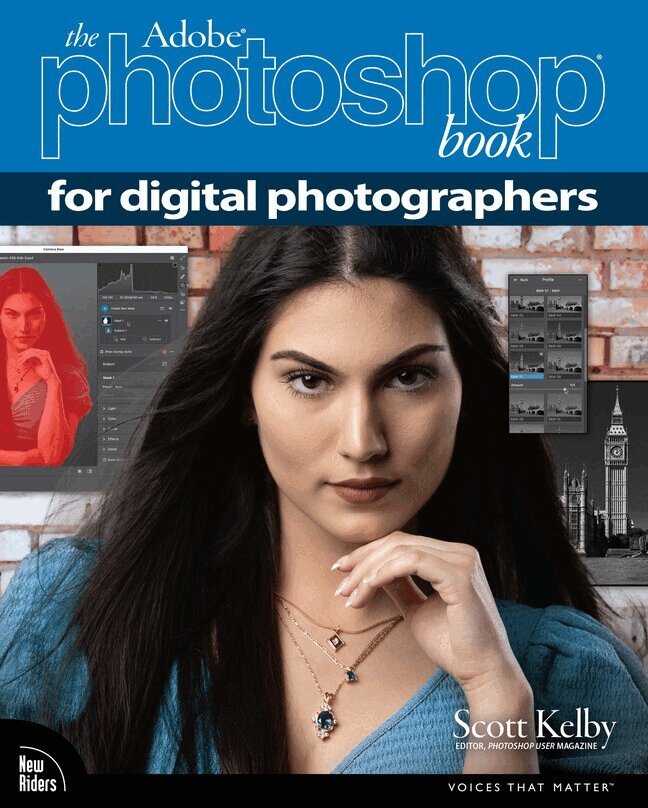
Scott Kelby, Editor and Publisher of Photoshop User magazine—and the #1 best-selling photography techniques author—once again takes this book to a whole new level as he uncovers more of the latest, most important, and most useful Adobe Photoshop techniques for photographers.
This update to his award-winning, record-breaking book does something for digital photographers that has never been done before—it cuts through the bull and shows you exactly “how to do it.” It's not a bunch of theory; it doesn't challenge you to come up with your own settings or figure it out on your own. Instead, Scott shows you step by step the exact techniques used by today's cutting-edge photographers, and best of all, he shows you flat-out exactly which settings to use, when to use them, and why. That's why editions of this book are widely used as the official study guide in photography courses at colleges and universities around the world.
The photographer's workflow in Photoshop has evolved greatly over time and, in the latest edition of this book, you'll learn how to leverage Photoshop's new AI-powered masking features and how to spend less time on boring production tasks, so you can spend more time being creative. Plus, you'll learn:
The most useful retouching techniques for photographers, such as how to make “impossible” selections, like wind-blown hair (it's easy, once you know the secrets), and how to use layers like a pro. The sharpening techniques the pros really use. The pros' tricks for fixing the most common photo problems fast! How to seamlessly remove distracting things from your images. How to make the most of Camera Raw and when to work it into your workflow, even if you never shoot in RAW—it works great on JPEGs and TIFFs, too. The latest Photoshop special effects for photographers (there's a whole chapter just on these!). A host of shortcuts, workarounds, and slick “insider” tricks to help you get twice the work done in half the time.You also get four online bonus chapters with even more content, along with the images used in the book, for download, so you can follow right along. If you're ready to learn all the “tricks of the trade”—the same ones that today's leading pros use to correct, edit, retouch, and sharpen their work—then you're holding the book that will do just that.
467 kr
Skickas inom 7-10 vardagar
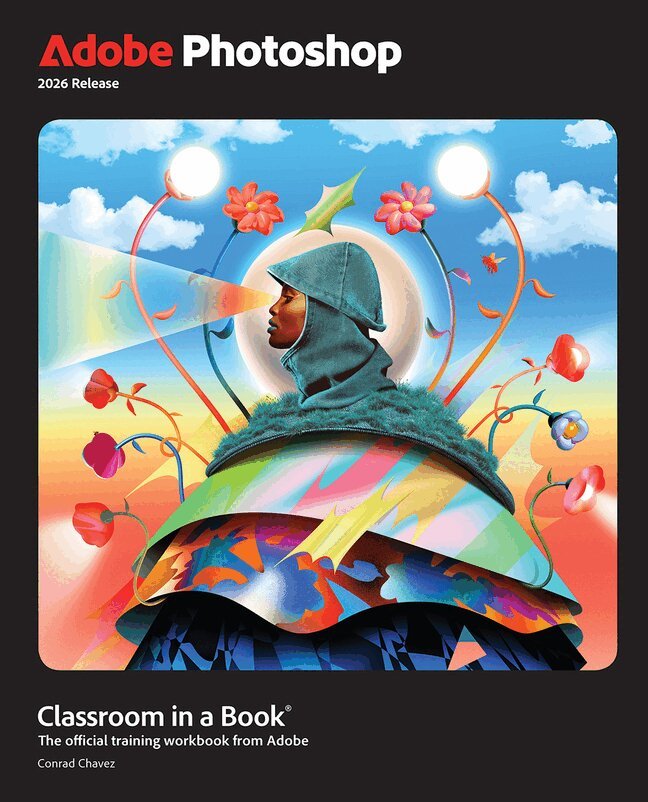
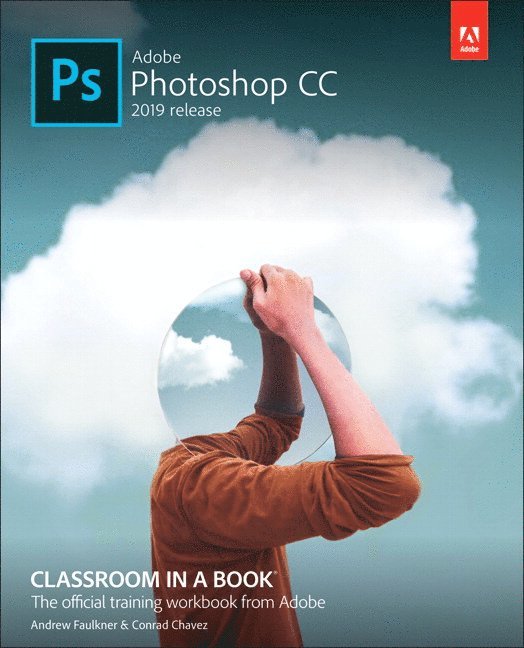
Adobe Photoshop Classroom in a Book 2026 contains 15 lessons that use real-world, project-based learning to cover the basics and beyond, providing countless tips and techniques to help you become more productive with the program. For beginners and experienced users alike, you can follow the book from start to finish or choose only those lessons that interest you. Learn to:
Create and improve images using the professional tools in Adobe Photoshop Easily correct and repair photos Seamlessly remove backgrounds and unwanted object Select subjects with complex outlines, including hair Use Adobe Firefly generative AI to retouch challenging images or to create new images Composite multiple images with graphics and typography Using a timeline, animate graphics and type and combine them with video and audio Automate repetitive tasks Edit camera raw images Export your work for the web, mobile devices, video, and printClassroom in a Book®, the best-selling series of hands-on software training workbooks, offers what no other book or training program does – an official training series from Adobe, developed with the support of Adobe product experts.
Purchasing this book includes valuable online extras. Follow the instructions in the book’s “Getting Started” section to unlock access to:
Downloadable lesson files you need to work through the projects in the book Web Edition containing the complete text of the book, interactive quizzes, and videos that walk you through the lessons step by stepWhat you need to use this book: Adobe Photoshop 2026 Release software, for either Windows or macOS. (Software not included.)
471 kr
Skickas inom 7-10 vardagar
The fastest, easiest, most comprehensive way to learn Adobe Photoshop
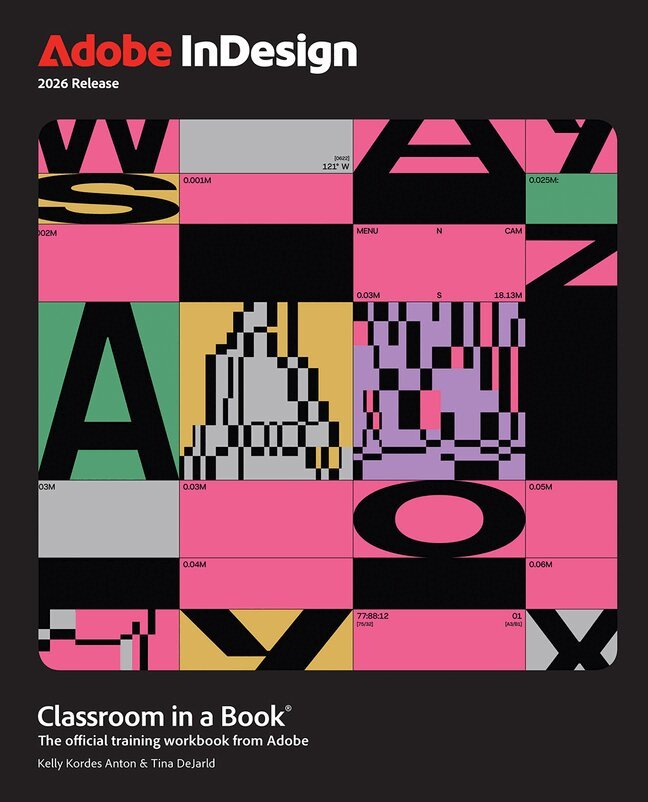
Adobe InDesign Classroom in a Book 2026 Release contains 14 lessons that use real-world, project-based learning to cover the basics and beyond, providing countless tips and techniques to help you become more productive with the program. For beginners and experienced users alike, you can follow the book from start to finish or choose only those lessons that interest you.
Learn to:
Bring messages to life with expert typography tools, seamless integration with Adobe Photoshop and Adobe Illustrator, and dynamic effects such as color blending, layering, and transparency. Boost creativity and efficiency with AI-powered and productivity tools—from Color Themes and Style Packs to Text to Image, Generative Expand, and Flex Layout. Effortlessly generate harmonious color palettes, create beautiful typography, find the perfect visuals, and adapt layouts with ease. Publish anywhere with confidence using InDesign’s robust export capabilities, optimized for professional printing, websites, social media, ebooks, and more.Classroom in a Book®, the best-selling series of hands-on software training workbooks, offers what no other book or training program does – an official training series from Adobe, developed with the support of Adobe product experts.
Purchasing this book includes valuable online extras. Follow the instructions in the book’s “Getting Started” section to unlock access to:
Downloadable lesson files you need to work through the projects in the book Web Edition containing the complete text of the book, interactive quizzes, and videos that walk you through the lessons step by stepWhat you need to use this book: Adobe InDesign 2026 Release software, for either Windows or macOS. (Software not included.)
480 kr
Skickas inom 7-10 vardagar
The fastest, easiest, most comprehensive way to learn Adobe Photoshop
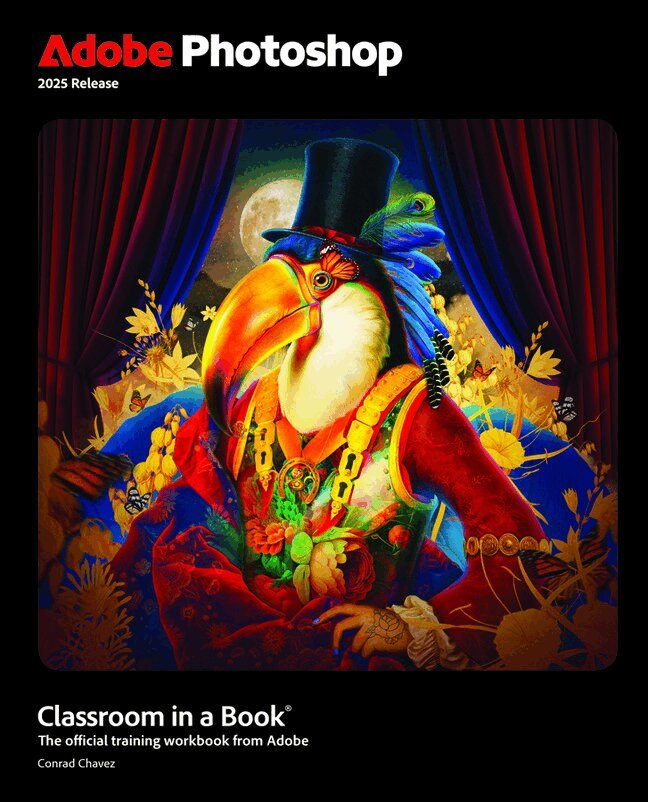
Adobe Photoshop Classroom in a Book 2025 Release contains 15 lessons that use real-world, project-based learning to cover the basics and beyond, providing countless tips and techniques to help you become more productive with the program. For beginners and experienced users alike, you can follow the book from start to finish or choose only those lessons that interest you. Learn to:
Create and improve images using the professional tools in Adobe Photoshop Seamlessly remove backgrounds, replace skies, and repair photos Select subjects with complex outlines, including hair Use Adobe Firefly generative AI to retouch challenging images or to create new images from a text prompt Composite multiple images with graphics and typography Using a timeline, animate graphics and type and combine them with video and audio Automate repetitive tasks Edit camera raw images Export your work for the web, mobile devices, video, and printClassroom in a Book®, the best-selling series of hands-on software training workbooks, offers what no other book or training program does – an official training series from Adobe, developed with the support of Adobe product experts.
Purchasing this book includes valuable online extras. Follow the instructions in the book’s “Getting Started” section to unlock access to:
Downloadable lesson files you need to work through the projects in the book Web Edition containing the complete text of the book, interactive quizzes, and videos that walk you through the lessons step by stepWhat you need to use this book: Adobe Photoshop 2025 Release software, for either Windows or macOS. (Software not included.)
965 kr
Skickas inom 5-8 vardagar
888 kr
Skickas inom 5-8 vardagar
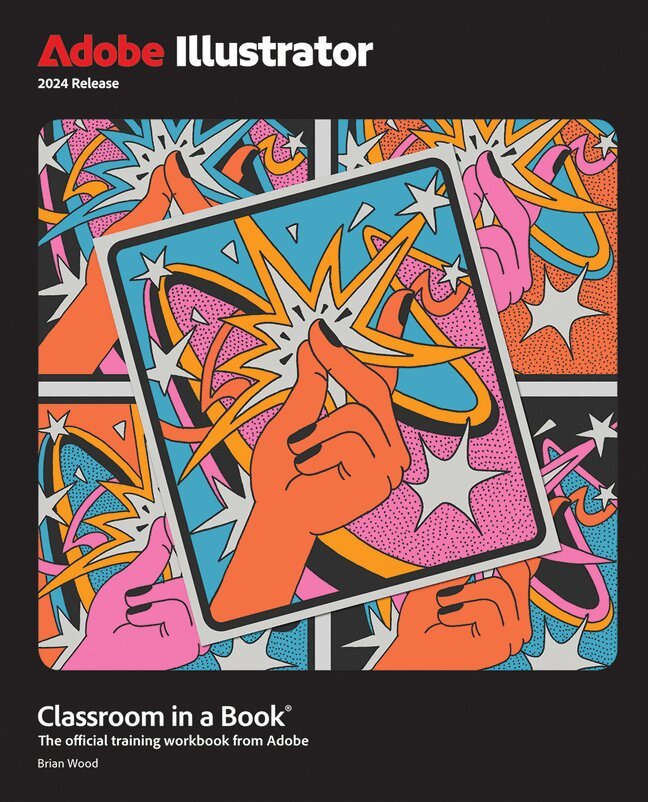
467 kr
Skickas inom 7-10 vardagar
The fastest, easiest, most comprehensive way to learn Adobe Illustrator
Adobe Illustrator Classroom in a Book 2024 Release contains 17 lessons that use real-world, project-based learning to cover the basics and beyond, providing countless tips and techniques to help you become more productive with the program. For beginners and experienced users alike, you can follow the book from start to finish or choose only those lessons that interest you. Learn to:
Create artwork, from precise drawings to stylistic paintings Explore Generative AI to create vector artwork Make logos, illustrations, posters, podcast covers, flyers, and more Explore selections, text, shapes, and color Progress to freeform gradients and layers Work with dynamic symbols, brushes, and creative effects Create product mockups Efficiently export assets and share for reviewClassroom in a Book®, the best-selling series of hands-on software training workbooks, offers what no other book or training program does—an official training series from Adobe, developed with the support of Adobe product experts.
Purchasing this book includes valuable online extras. Follow the instructions in the book's "Getting Started" section to unlock access to:
Downloadable lesson files you need to work through the projects in the book Web Edition containing the complete text of the book, interactive quizzes, and videos that walk you through the lessons step by stepWhat you need to use this book: Adobe Illustrator 2024 Release software, for either Windows or macOS. (Software not included.
728 kr
Skickas inom 10-15 vardagar
3 333 kr
Skickas inom 10-15 vardagar
236 kr
Skickas inom 3-6 vardagar
707 kr
Skickas inom 5-8 vardagar
489 kr
Skickas inom 3-6 vardagar
801 kr
Skickas inom 5-8 vardagar
388 kr
Skickas inom 3-6 vardagar
405 kr
Skickas inom 7-10 vardagar
380 kr
Skickas inom 7-10 vardagar
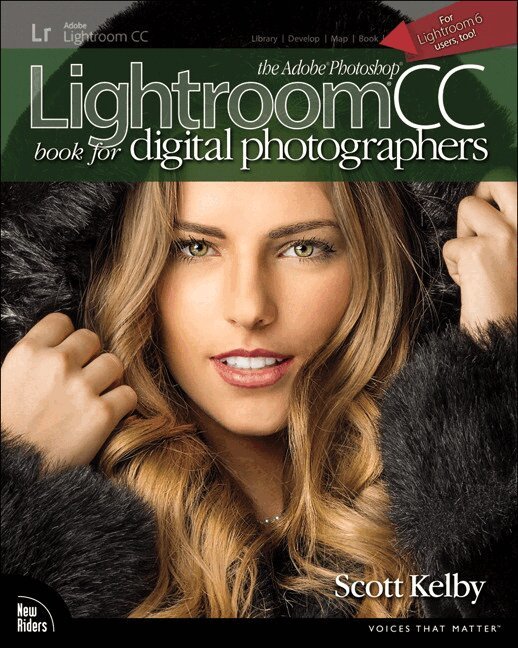
Since Lightroom first launched 15 years ago, Scott Kelby's The Adobe Photoshop Lightroom Book for Digital Photographers has been the world's #1 top-selling Lightroom book (it has been translated into dozens of different languages), and in this latest version, Scott did his biggest update ever, sharing all his newest techniques, insights, and invaluable tips using his award-winning, plain-English style that makes learning Lightroom easy and fun.
Scott doesn't just show you which sliders do what (every Lightroom book does that, right?). Instead, he shares his own personal settings, his time-tested techniques, and his proven step-by-step method of learning Lightroom, so you can begin using it like a pro from the start.
Each year, he trains thousands of Lightroom users at his live seminars, online conferences, and through his blog at LightroomKillerTips.com, and he has learned firsthand what really works and what doesn't. He tells you flat-out which techniques work best, which ones to avoid, and why.
You'll learn:
His famous SLIM (Simplified Lightroom Image Management) system that will teach you, step by step, how to organize your images, back them up, and be able to find them quickly and easily. Scott's SLIM system is taught at colleges and universities around the world, because it's so simple, straightforward, and it works. How to make your images look like the pros, and how to take advantage of the camera, creative, and B&W profiles—you'll finally "get" the whole image editing thing, and you'll know exactly what to do, which sliders to move (and which to avoid) in what order, and why. How to unlock the power of Lightroom's Masking tools and how to "paint with light" to take your images to another level. How to use Lightroom along with Photoshop, and how to make the two work together absolutely seamlessly. You'll be surprised at what you'll be able to do, even if you've never used Photoshop before. How to expand Lightroom's power to your phone or tablet, so you can organize and edit your images from anywhere. How to share your images in print and in gorgeous coffee table books, or online, including how to do online client proofing or share images with a group. Download most of the same images used in the book to follow right along with. You'll get a killer collection of custom Lightroom Develop and Print presets to give you some of the most sought-after looks and effects, all with just one click.This is the first and only book to bring the whole process together in such a clear, concise, and visual way. There is no faster, more straight-to-the-point, or more fun way to learn Lightroom.

357 kr
Skickas inom 3-6 vardagar
399 kr
Skickas
699 kr
Skickas inom 10-15 vardagar
570 kr
Skickas inom 3-6 vardagar
Publisher's Note: Products purchased from Third Party sellers are not guaranteed by the publisher for quality, authenticity, or access to any online entitlements included with the product.
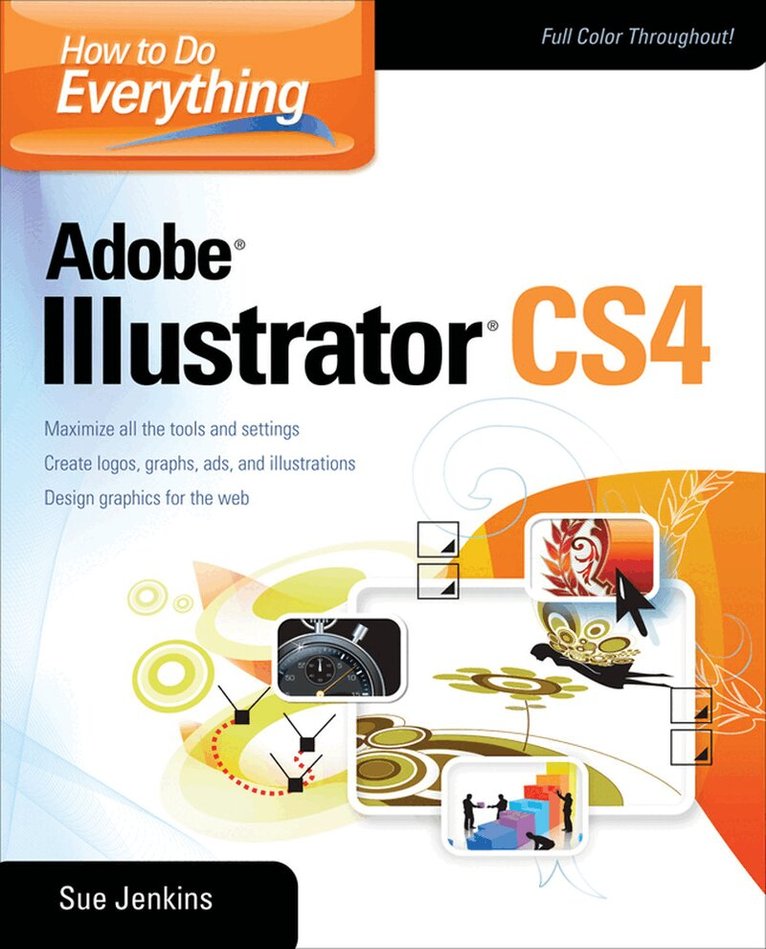
Master Adobe Illustrator CS4
Filled with full-color examples, this hands-on guide explains how to use the latest release of the premier vector graphics program. How to Do Everything: Adobe Illustrator CS4 takes you step-by-step through the process of creating a wide variety of illustrations, and demonstrates expert techniques, shortcuts, and solutions. A gallery profiling professional illustrators and their work highlights real-world examples. With this book, you'll learn how to use all the program's tools and settings to draw just about anything you can imagine!
Use the drawing, painting, selection, and arrangement toolsAdd vibrancy to your illustrations using colors, swatches, and Adobe KulerWork with layers, format text, and create custom graphsCreate patterns, gradients, and blendsApply vector and raster special effectsUse Live Paint, Live Trace, the Appearance panel, and the Graphic Styles panelCreate logos, page layouts, book jackets, ads, and web graphicsPrint high-quality workIntegrate Illustrator artwork into Adobe Flash to create motion graphicsAnd much more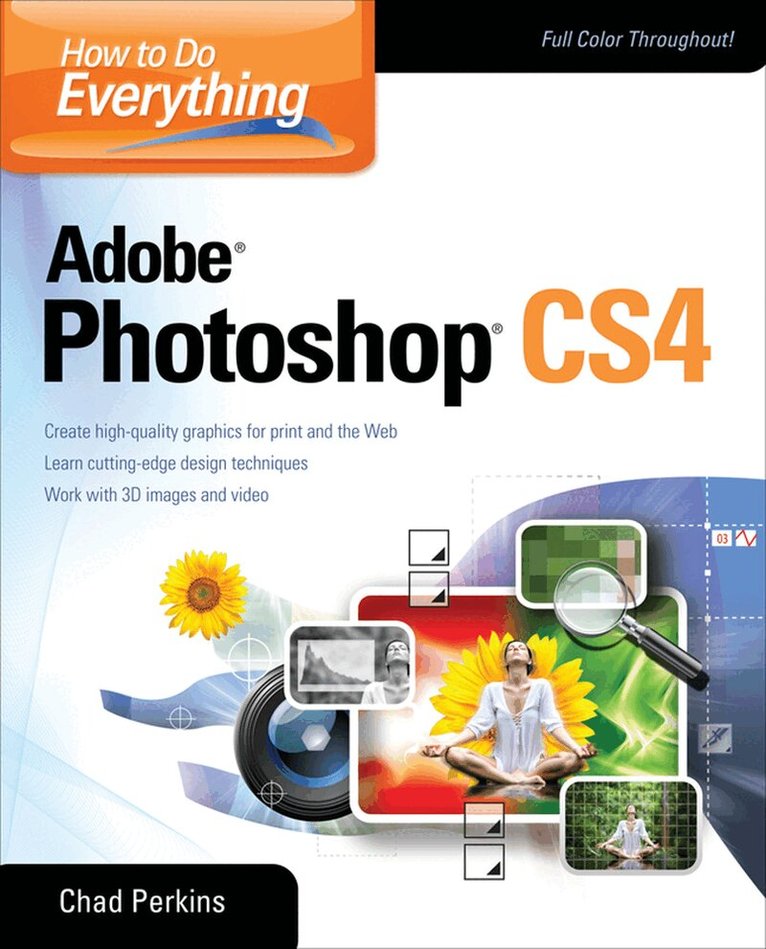
440 kr
Skickas inom 3-6 vardagar
Master Adobe Photoshop CS4
Filled with full-color examples, this hands-on guide explains how to use the latest release of the industry standard program for graphics professionals. How to Do Everything: Adobe Photoshop CS4 takes you step-by-step through the process of bringing your creative concepts to completion. Real-world examples reveal how cutting-edge design techniques are achieved. With this book, you'll learn how to use all the program's tools and settings to create and edit compelling images for print, the Web, and animation.
Manage and customize the interface Create, manage, and blend layers and apply layer stylesWork with color, brushes, painting tools, gradients, and vector shapesPick pixels with selectionsEdit, repair, and enhance images and Camera Raw filesTransform objects without degrading image qualityCreate and format textUse the 3D and video features of Photoshop ExtendedApply special effects with filters, warping, and texturesOptimize your work for print, the Web, and mobile devicesSave time using automation tools
372 kr
Skickas inom 5-8 vardagar
334 kr
Skickas inom 3-6 vardagar
499 kr
Skickas inom 3-6 vardagar
439 kr
Skickas inom 3-6 vardagar
Publisher's Note: Products purchased from Third Party sellers are not guaranteed by the publisher for quality, authenticity, or access to any online entitlements included with the product.
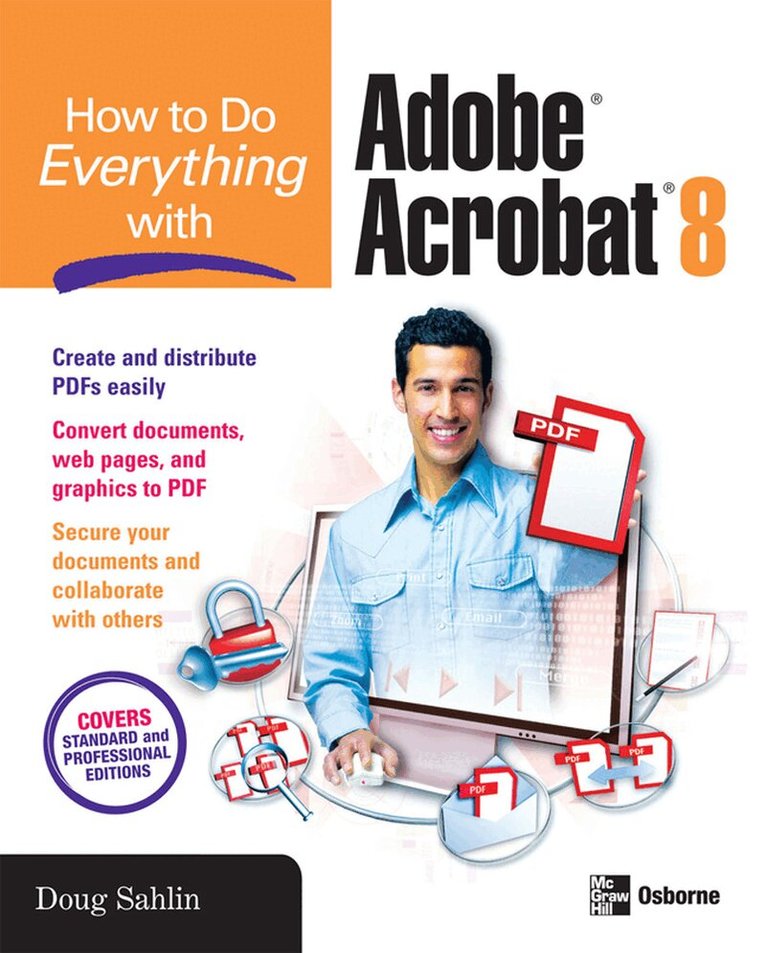
Get more out of the latest version of Adobe Acrobat than ever!
Create and share sophisticated electronic documents easily using Adobe Acrobat 8 and the helpful tips in this hands-on guide. How to Do Everything with Adobe Acrobat 8 shows you how to generate Adobe PDF files that retain the look and feel of the original documents, edit PDFs, collaborate with other users, and optimize PDFs for print or the web. You'll also learn to secure your PDFs and maintain document integrity. Covering both Adobe Acrobat Standard and Professional editions, this book makes it easy for you to take full advantage of all the new and improved features of this powerful program.
Open, view, and search PDFsConvert virtually any document to PDF Capture PDFs from a scanner or web page Create navigation devices, including bookmarks, thumbnails, and linksAdd interactivity with actionsReview, edit, and annotate PDFs Add digital signatures and apply document securityOptimize documents for print, CD/DVD applications, the web, and other usesAdd multimedia elementsCreate a searchable index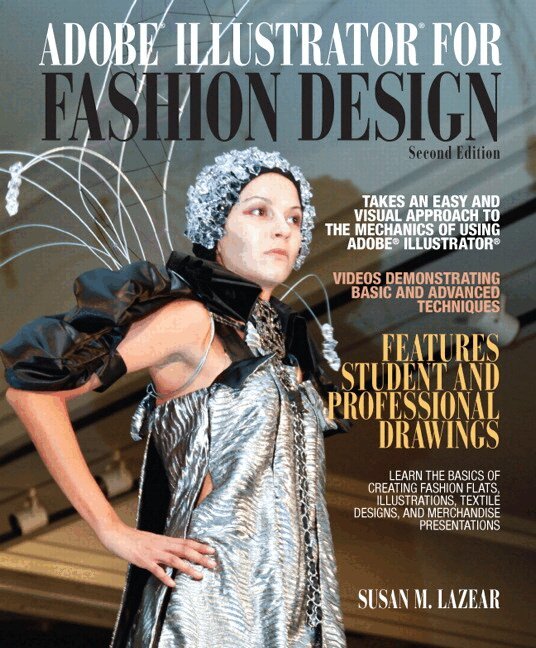
1 748 kr
Skickas
For college and high school courses in Fashion Design by Computer, Fashion Illustration by Computer, Computer Design, and CAD for Fashion.
This fully-updated text addresses industry’s need to train fashion students to draw fashion flats and illustrations, textile designs, and presentations using the latest versions of Adobe Illustrator. Emphasizing the creative process, ADOBE ILLUSTRATOR FOR FASHION DESIGN, 2/e explores Illustrator’s powerful capabilities as related to drawings of clothing, fashion poses, and textile prints. It offers clear and illustrated instructions throughout, guiding students through learning all the electronic drawing techniques they will need to work successfully in fashion. In this second edition, new online videos show students how to perform many key techniques step-by-step, and online examples of previous student projects inspire new students. This Second Edition also adds updated coverage of merchandising techniques, electronic portfolio preparation, technical drawings, tech packs, and much more.
367 kr
Skickas
468 kr
Skickas