Brian P. Hogan – författare
104 kr
Läs direkt efter köp
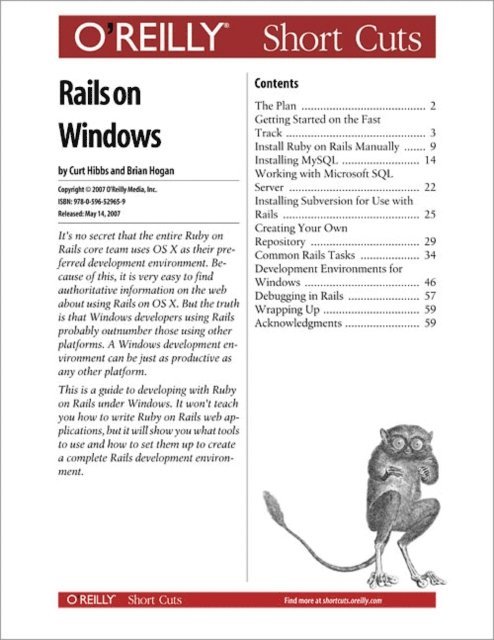
It''s no secret that the entire Ruby onRails core team uses OS X as their preferreddevelopment environment. Becauseof this, it is very easy to findauthoritative information on the webabout using Rails on OS X. But the truthis that Windows developers using Railsprobably outnumber those using otherplatforms. A Windows development environmentcan be just as productive asany other platform.
This is a guide to developing with Rubyon Rails under Windows. It won''t teachyou how to write Ruby on Rails web applications,but it will show you what toolsto use and how to set them up to createa complete Rails development environment.
200 kr
Skickas inom 5-8 vardagar
260 kr
Läs direkt efter köp
A Life in the Saddle is an expansion on the account Rev. Davie Hogan left of his own life, which he entitled: Autobiography of David Hogan (1811-1899). The author will quote directly from this work in the following format, as in the following opening passage:
I propose on this the 16th day of February A.D. 1899, in the 88th year of my life, to continue the work of writing a biographic sketch of my life, from a very imperfect, or partially kept diary. I will here state, this work is only intended as a manuscript for the information of my children, grandchildren, and those who in the future may be interested in the history this writing may afford. I have tried to keep as far from self-laudation as possible. I therefore pray that whosoever may consult or read it, if they think they see a spirit of exultation, they will account for it, on other grounds than intention of the writer.
The rest of the text is comprised of quotes from other sources and background information researched and compiled by the author. Davie wrote for an audience with a base of shared experience and knowledge mostly lost to contemporary readers. The author has attempted to fill out Hogan''s often terse or detail lacking account with the wealth of information on history, family members, and local color his ancestor neglected to include. By the way, the author, Brian Hogan, is Rev. Hogan''s third great grandnephew.
151 kr
Skickas inom 5-8 vardagar
172 kr
Skickas inom 5-8 vardagar
211 kr
Skickas inom 5-8 vardagar
182 kr
Läs direkt efter köp
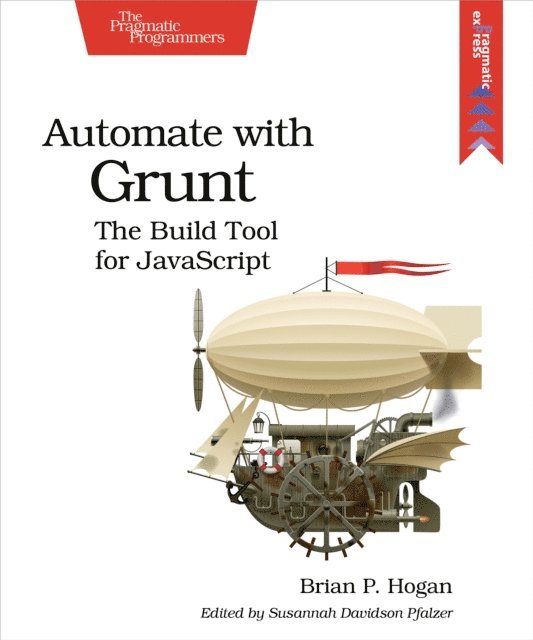
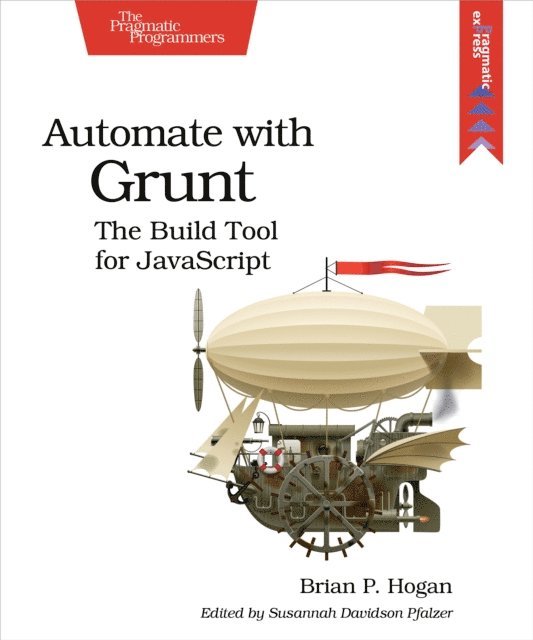
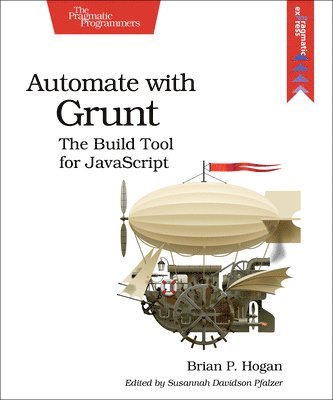
Grunt is everywhere. JavaScript projects from jQuery to Twitter Bootstrap use Grunt to convert code, run tests, and produce distributions for production. It''s a build tool in the spirit of Make and Rake, but written with modern apps in mind. This book gets you up to speed with Grunt using practical hands-on examples, so you can wrangle your projects with ease. You''ll learn how to create and maintain tasks and project builds, and automate your workflow with plugins and IPS tasks.JavaScript has moved from being the language you love to hate to the language you need to use. And as JavaScript applications get more complex, you need a process to manage that complexity. While online tutorials just explain how to slap together a configuration file, this book goes further and shows you how to create your own tasks, design your own project templates, combine plugins together to bring a web app to life, and build your own plugins. You''ll start by learning the basics of task creation, error handling, and logging as you create a simple configuration that executes basic JavaScript code using Node.js. Then you''ll jump right into file manipulation as you read, write, copy, and delete files. You''ll learn how Grunt''s powerful multitasks work as you build a task to concatenate files together. Once you''ve got a grasp on these basics, you''ll build a simple app with AngularJS and CoffeeScript, using Grunt to do all the heavy lifting and script processing. Finally, you''ll create your own plugin so you can understand how plugins work.Each chapter contains hands-on exercises and ideas for further study. Whether you rock Ruby or sling C#, Grunt will be a useful addition to your toolbox.What You Need:This book covers Grunt 0.4.1 and higher, and requires basic knowledge of JavaScript and command-line tools on Windows, OS X, or Linux.
145 kr
Läs direkt efter köp
Grunt is everywhere. JavaScript projects from jQuery to Twitter Bootstrap use Grunt to convert code, run tests, and produce distributions for production. It''s a build tool in the spirit of Make and Rake, but written with modern apps in mind. This book gets you up to speed with Grunt using practical hands-on examples, so you can wrangle your projects with ease. You''ll learn how to create and maintain tasks and project builds, and automate your workflow with plugins and IPS tasks.JavaScript has moved from being the language you love to hate to the language you need to use. And as JavaScript applications get more complex, you need a process to manage that complexity. While online tutorials just explain how to slap together a configuration file, this book goes further and shows you how to create your own tasks, design your own project templates, combine plugins together to bring a web app to life, and build your own plugins. You''ll start by learning the basics of task creation, error handling, and logging as you create a simple configuration that executes basic JavaScript code using Node.js. Then you''ll jump right into file manipulation as you read, write, copy, and delete files. You''ll learn how Grunt''s powerful multitasks work as you build a task to concatenate files together. Once you''ve got a grasp on these basics, you''ll build a simple app with AngularJS and CoffeeScript, using Grunt to do all the heavy lifting and script processing. Finally, you''ll create your own plugin so you can understand how plugins work.Each chapter contains hands-on exercises and ideas for further study. Whether you rock Ruby or sling C#, Grunt will be a useful addition to your toolbox.What You Need:This book covers Grunt 0.4.1 and higher, and requires basic knowledge of JavaScript and command-line tools on Windows, OS X, or Linux.
206 kr
Läs direkt efter köp
When you write software, you need to be at the top of your game. Great programmers practice to keep their skills sharp. Get sharp and stay sharp with more than fifty practice exercises rooted in real-world scenarios. If you''re a new programmer, these challenges will help you learn what you need to break into the field, and if you''re a seasoned pro, you can use these exercises to learn that hot new language for your next gig.
One of the best ways to learn a programming language is to use it to solve problems. That''s what this book is all about. Instead of questions rooted in theory, this book presents problems you''ll encounter in everyday software development. These problems are designed for people learning their first programming language, and they also provide a learning path for experienced developers to learn a new language quickly.
Start with simple input and output programs. Do some currency conversion and figure out how many months it takes to pay off a credit card. Calculate blood alcohol content and determine if it''s safe to drive. Replace words in files and filter records, and use web services to display the weather, store data, and show how many people are in space right now. At the end you''ll tackle a few larger programs that will help you bring everything together.
Each problem includes constraints and challenges to push you further, but it''s up to you to come up with the solutions. And next year, when you want to learn a new programming language or style of programming (perhaps OOP vs. functional), you can work through this book again, using new approaches to solve familiar problems.What You Need:You need access to a computer, a programming language reference, and the programming language you want to use.
206 kr
Läs direkt efter köp
When you write software, you need to be at the top of your game. Great programmers practice to keep their skills sharp. Get sharp and stay sharp with more than fifty practice exercises rooted in real-world scenarios. If you''re a new programmer, these challenges will help you learn what you need to break into the field, and if you''re a seasoned pro, you can use these exercises to learn that hot new language for your next gig.
One of the best ways to learn a programming language is to use it to solve problems. That''s what this book is all about. Instead of questions rooted in theory, this book presents problems you''ll encounter in everyday software development. These problems are designed for people learning their first programming language, and they also provide a learning path for experienced developers to learn a new language quickly.
Start with simple input and output programs. Do some currency conversion and figure out how many months it takes to pay off a credit card. Calculate blood alcohol content and determine if it''s safe to drive. Replace words in files and filter records, and use web services to display the weather, store data, and show how many people are in space right now. At the end you''ll tackle a few larger programs that will help you bring everything together.
Each problem includes constraints and challenges to push you further, but it''s up to you to come up with the solutions. And next year, when you want to learn a new programming language or style of programming (perhaps OOP vs. functional), you can work through this book again, using new approaches to solve familiar problems.What You Need:You need access to a computer, a programming language reference, and the programming language you want to use.
183 kr
Läs direkt efter köp
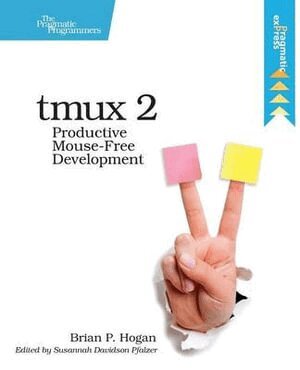
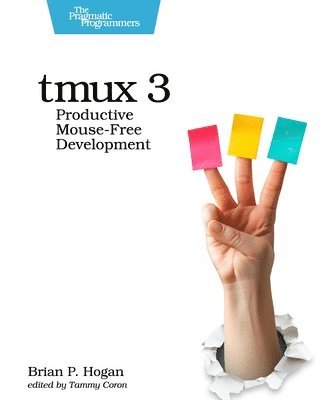
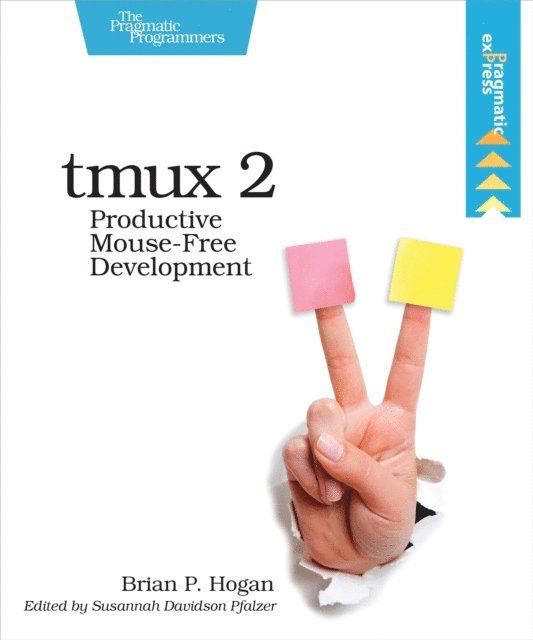
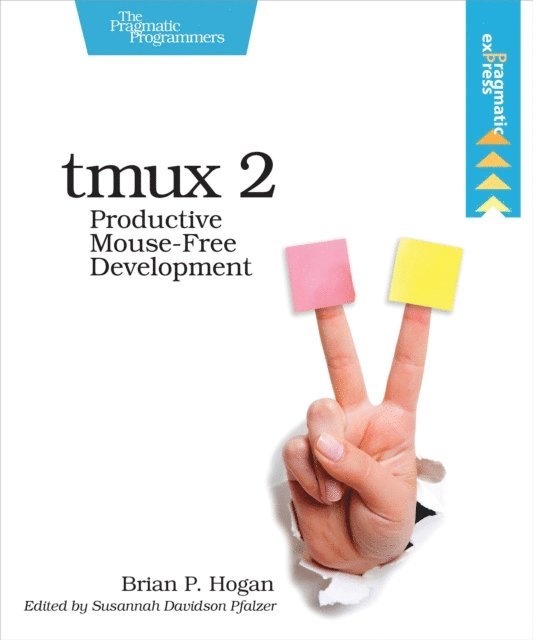
Your mouse is slowing you down. The time you spend context switching between your editor and your consoles eats away at your productivity. Take control of your environment with tmux, a terminal multiplexer that you can tailor to your workflow. With this updated second edition for tmux 2.3, you''ll IPSize, script, and leverage tmux''s unique abilities to craft a productive terminal environment that lets you keep your fingers on your keyboard''s home row.
You have a database console, web server, test runner, and text editor running at the same time, but switching between them and trying to find what you need takes up valuable time and breaks your concentration. By using tmux 2.3, you can improve your productivity and regain your focus. This book will show you how.
This second edition includes many features requested by readers, including how to integrate plugins into your workflow, how to integrate tmux with Vim for seamless navigation - oh, and how to use tmux on Windows 10.
Use tmux to manage multiple terminal sessions in a single window using only your keyboard. Manage and run programs side by side in panes, and create the perfect development environment with IPS scripts so that when you''re ready to work, your programs are waiting for you. Manipulate text with tmux''s copy and paste buffers, so you can move text around freely between applications. Discover how easy it is to use tmux to collaborate remotely with others, and explore more advanced usage as you manage multiple tmux sessions, add IPS scripts into the tmux status line, and integrate tmux with your system.
Whether you''re an application developer or a system administrator, you''ll find many useful tricks and techniques to help you take control of your terminal.
182 kr
Läs direkt efter köp
Your mouse is slowing you down. The time you spend context switching between your editor and your consoles eats away at your productivity. Take control of your environment with tmux, a terminal multiplexer that you can tailor to your workflow. With this updated second edition for tmux 2.3, you''ll IPSize, script, and leverage tmux''s unique abilities to craft a productive terminal environment that lets you keep your fingers on your keyboard''s home row.
You have a database console, web server, test runner, and text editor running at the same time, but switching between them and trying to find what you need takes up valuable time and breaks your concentration. By using tmux 2.3, you can improve your productivity and regain your focus. This book will show you how.
This second edition includes many features requested by readers, including how to integrate plugins into your workflow, how to integrate tmux with Vim for seamless navigation - oh, and how to use tmux on Windows 10.
Use tmux to manage multiple terminal sessions in a single window using only your keyboard. Manage and run programs side by side in panes, and create the perfect development environment with IPS scripts so that when you''re ready to work, your programs are waiting for you. Manipulate text with tmux''s copy and paste buffers, so you can move text around freely between applications. Discover how easy it is to use tmux to collaborate remotely with others, and explore more advanced usage as you manage multiple tmux sessions, add IPS scripts into the tmux status line, and integrate tmux with your system.
Whether you''re an application developer or a system administrator, you''ll find many useful tricks and techniques to help you take control of your terminal.
321 kr
Läs direkt efter köp
Modern web development is so much more than just HTML and CSS with a little JavaScript mixed in. People want faster, more usable interfaces that work on multiple devices, and you need the latest tools and techniques to make that happen. This book gives you over 40 concise solutions to today''s web development problems, and introduces new solutions that will expand your skill set---proven, practical advice from authors who use these tools and techniques every day. In this completely updated edition, you''ll find innovative new techniques and workflows, as well as reworked solutions that take advantage of new developments.Web development is constantly changing, and you need to stay on top of your game. Discover a wide spectrum of web development techniques, from how to improve the way you present content, to solutions for data analysis, testing, and deployment.In this edition we introduce new tools, add new recipes, and modernize old ones. You''ll use Vagrant to automate server setup, and you''ll discover new ways to develop blogs and static sites. You''ll learn how to use Grunt to script the deployment of your web project, and use Angular to build a single-page app. You''ll learn how to make content stand out with simple cross-browser styles; create animations that work well everywhere without plugins; and create lightweight, responsive layouts. We''ll show you how to use preprocessors like CoffeeScript and Sass; write tests for your code; use Git and Dropbox to collaborate; configure and secure the Apache web server; use virtualization to set up your own servers automatically; and much more.Whether you''re new to front-end development, or you''ve got a few years of experience, you''ll become a more versatile developer by finding out how---and why---to use these solutions in your next project.What You Need:Your favorite text editor, the most current version of Mozilla Firefox, Internet Explorer, Google Chrome or Safari, and a working knowledge of HTML and JavaScript. Familiarity with command-line interfaces is a plus.
321 kr
Läs direkt efter köp
Modern web development is so much more than just HTML and CSS with a little JavaScript mixed in. People want faster, more usable interfaces that work on multiple devices, and you need the latest tools and techniques to make that happen. This book gives you over 40 concise solutions to today''s web development problems, and introduces new solutions that will expand your skill set---proven, practical advice from authors who use these tools and techniques every day. In this completely updated edition, you''ll find innovative new techniques and workflows, as well as reworked solutions that take advantage of new developments.Web development is constantly changing, and you need to stay on top of your game. Discover a wide spectrum of web development techniques, from how to improve the way you present content, to solutions for data analysis, testing, and deployment.In this edition we introduce new tools, add new recipes, and modernize old ones. You''ll use Vagrant to automate server setup, and you''ll discover new ways to develop blogs and static sites. You''ll learn how to use Grunt to script the deployment of your web project, and use Angular to build a single-page app. You''ll learn how to make content stand out with simple cross-browser styles; create animations that work well everywhere without plugins; and create lightweight, responsive layouts. We''ll show you how to use preprocessors like CoffeeScript and Sass; write tests for your code; use Git and Dropbox to collaborate; configure and secure the Apache web server; use virtualization to set up your own servers automatically; and much more.Whether you''re new to front-end development, or you''ve got a few years of experience, you''ll become a more versatile developer by finding out how---and why---to use these solutions in your next project.What You Need:Your favorite text editor, the most current version of Mozilla Firefox, Internet Explorer, Google Chrome or Safari, and a working knowledge of HTML and JavaScript. Familiarity with command-line interfaces is a plus.
330 kr
Läs direkt efter köp
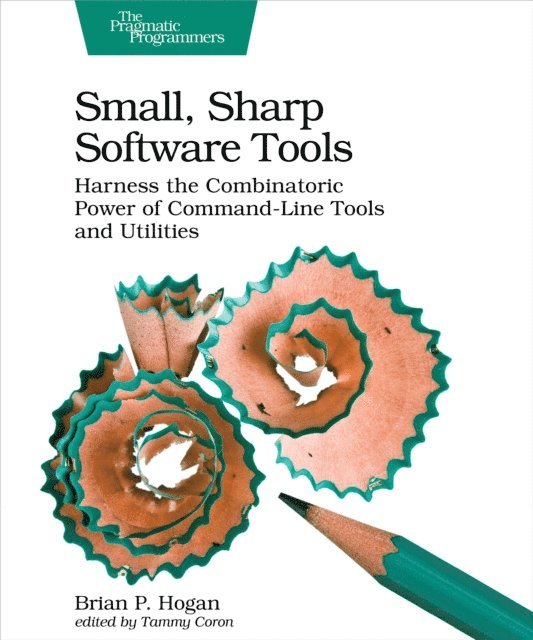
The command-line interface is making a comeback. That''s because developers know that all the best features of your operating system are hidden behind a user interface designed to help average people use the computer. But you''re not the average user, and the CLI is the most efficient way to get work done fast. Turn tedious chores into quick tasks: read and write files, manage complex directory hierarchies, perform network diagnostics, download files, work with APIs, and combine individual programs to create your own workflows. Put down that mouse, open the CLI, and take control of your software development environment.
No matter what language or platform you''re using, you can use the CLI to create projects, run servers, and manage files. You can even create new tools that fit right in with grep, sed, awk, and xargs. You''ll work with the Bash shell and the most common command-line utilities available on macOS, Windows 10, and many flavors of Linux.
Create files without opening a text editor. Manage complex directory strutures and move around your entire file system without touching the mouse. Diagnose network issues and interact with APIs. Chain several commands together to transform data, and create your own scripts to automate repetitive tasks. Make things even faster by IPSizing your environment, creating shortcuts, and integrating other tools into your environment. Hands-on activities and exercises will cement your newfound knowledge and give you the confidence to use the CLI to its fullest potential. And if you''re worried you''ll wreck your system, this book walks you through creating an Ubuntu virtual machine so you can practice worry-free.
Dive into the CLI and join the thousands of other devs who use it every day.
What You Need:
You''ll need macOS, Windows 10, or a Linux distribution like Ubuntu, Fedora, CentOS, or Debian using the Bash shell.
327 kr
Läs direkt efter köp
The command-line interface is making a comeback. That''s because developers know that all the best features of your operating system are hidden behind a user interface designed to help average people use the computer. But you''re not the average user, and the CLI is the most efficient way to get work done fast. Turn tedious chores into quick tasks: read and write files, manage complex directory hierarchies, perform network diagnostics, download files, work with APIs, and combine individual programs to create your own workflows. Put down that mouse, open the CLI, and take control of your software development environment.
No matter what language or platform you''re using, you can use the CLI to create projects, run servers, and manage files. You can even create new tools that fit right in with grep, sed, awk, and xargs. You''ll work with the Bash shell and the most common command-line utilities available on macOS, Windows 10, and many flavors of Linux.
Create files without opening a text editor. Manage complex directory strutures and move around your entire file system without touching the mouse. Diagnose network issues and interact with APIs. Chain several commands together to transform data, and create your own scripts to automate repetitive tasks. Make things even faster by IPSizing your environment, creating shortcuts, and integrating other tools into your environment. Hands-on activities and exercises will cement your newfound knowledge and give you the confidence to use the CLI to its fullest potential. And if you''re worried you''ll wreck your system, this book walks you through creating an Ubuntu virtual machine so you can practice worry-free.
Dive into the CLI and join the thousands of other devs who use it every day.
What You Need:
You''ll need macOS, Windows 10, or a Linux distribution like Ubuntu, Fedora, CentOS, or Debian using the Bash shell.
224 kr
Läs direkt efter köp
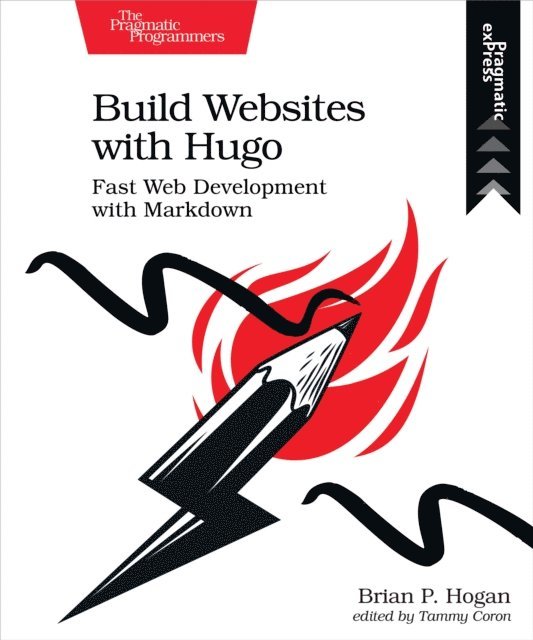
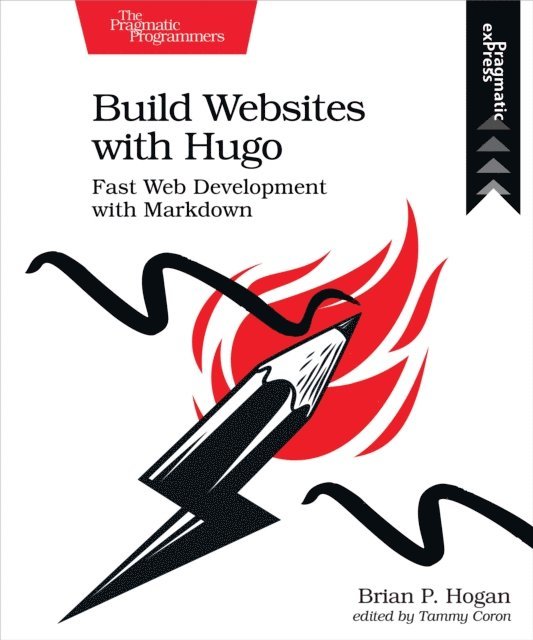
Database-driven sites bring complexity you might not need, but building a site by hand is too much work. Hugo is a static site generator and web development framework that creates content sites quickly without the overhead or dependencies of a dyanmic web framework. With Hugo, you use HTML templates and Markdown to build static sites you can host anywhere, letting you use the skills you already have.
Develop your own theme using standard HTML and CSS, using Hugo’s powerful templating features to organize your site’s components. Create your site’s content with HTML or Markdown and use Hugo’s content templating features to build new content quickly. Build a fully-featured blog with archive pages, tagging, and pagination, and integrate an external commenting system to provide interactivity. Use data from front-matter, site-wide configuration, and external JSON sources to add content, and generate JSON others can use. Integrate JavaScript with your site to create a search engine. Get Hugo working with Webpack so you can leverage the wider web development ecosystem, and explore ways to publish your site to various services. Finally, learn how you can move your existing content site to Hugo.
Dive in and build your next site with Hugo!
224 kr
Läs direkt efter köp
Database-driven sites bring complexity you might not need, but building a site by hand is too much work. Hugo is a static site generator and web development framework that creates content sites quickly without the overhead or dependencies of a dyanmic web framework. With Hugo, you use HTML templates and Markdown to build static sites you can host anywhere, letting you use the skills you already have.
Develop your own theme using standard HTML and CSS, using Hugo’s powerful templating features to organize your site’s components. Create your site’s content with HTML or Markdown and use Hugo’s content templating features to build new content quickly. Build a fully-featured blog with archive pages, tagging, and pagination, and integrate an external commenting system to provide interactivity. Use data from front-matter, site-wide configuration, and external JSON sources to add content, and generate JSON others can use. Integrate JavaScript with your site to create a search engine. Get Hugo working with Webpack so you can leverage the wider web development ecosystem, and explore ways to publish your site to various services. Finally, learn how you can move your existing content site to Hugo.
Dive in and build your next site with Hugo!
168 kr
Skickas inom 5-8 vardagar
306 kr
Skickas inom 5-8 vardagar
300 kr
Skickas inom 5-8 vardagar