
Jason Rich - Böcker
371 kr
Skickas inom 3-6 vardagar
Publisher's Note: Products purchased from Third Party sellers are not guaranteed by the publisher for quality, authenticity, or access to any online entitlements included with the product.
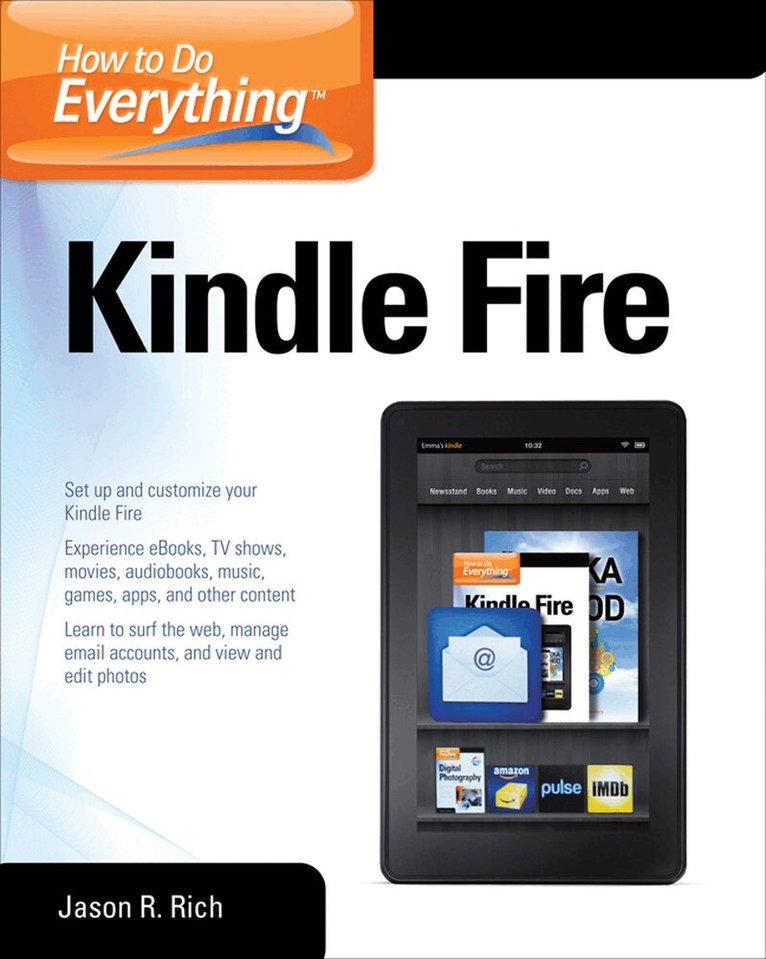
Maximize Kindle Fire's multimedia, entertainment, and Internet capabilities, use apps, and read eBooks--virtually anywhere!
How to Do Everything: Kindle Fire makes it easy for you to enjoy all of the exciting multimedia content, entertainment-related apps, and personal productivity features of Amazon's Kindle Fire. Learn how to register, set up, and customize your Kindle Fire; browse, download (or stream) and experience TV shows, movies, games, music, audiobooks, and other multimedia content; use Gallery to organize and view photos; surf the web; manage your email accounts; access, use, and edit Microsoft Office files...and of course, use the Kindle fire as a powerful eBook reader.
Set up and get started using your Kindle fire right awayGet connected to the Internet and use Amazon's Cloud DriveMaster the Navigation Bar, Favorites Bar, Carousel, and other Home Screen featuresLoad your Kindle Fire with music from Amazon's MP3 Music Store (and other sources), and listen to your digital music library anywhereTransfer files and data to and from your computer wirelessly or via USB linkManage your contacts and scheduleQuickly find the best deals on anything you're shopping for onlineRead bestsellers, your favorite authors, or the latest issues of popular newspapers and magazinesDiscover the best apps to dramatically enhance the capabilities of your Kindle FirePlay thousands of popular gamesManage your Facebook and/or Twitter accounts while on the go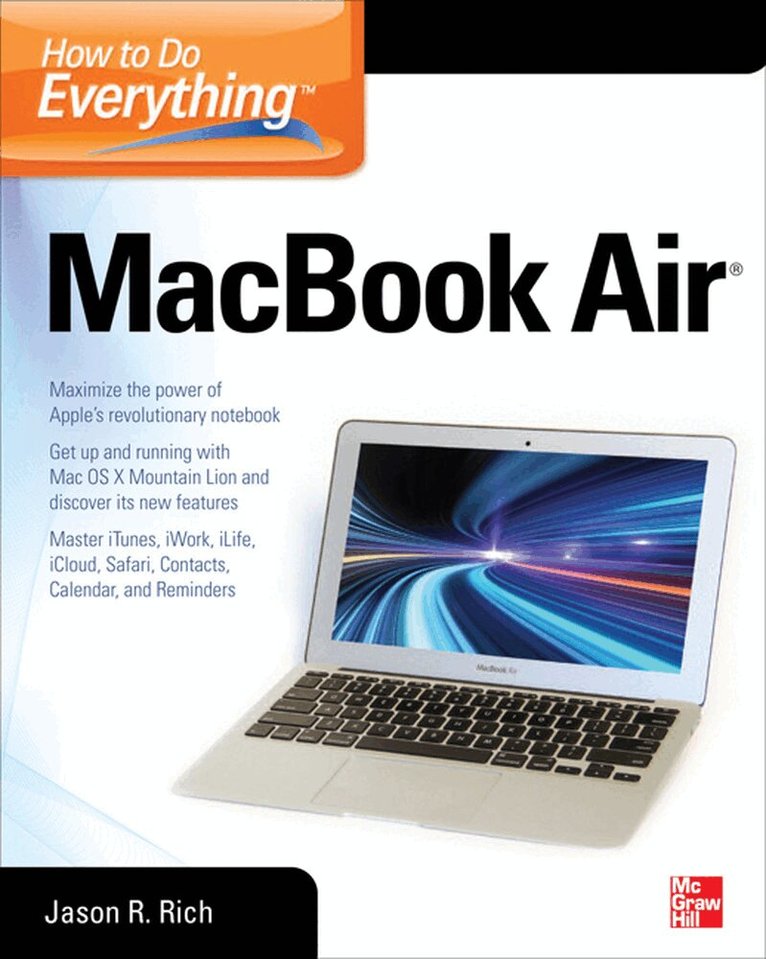
318 kr
Skickas inom 3-6 vardagar
Publisher's Note: Products purchased from Third Party sellers are not guaranteed by the publisher for quality, authenticity, or access to any online entitlements included with the product.
Take your MacBook Air to new heights!
Discover how to get more than ever before out of Apple’s incredibly thin and light notebooks with help from this hands-on guide. How to Do Everything: MacBook Air shows you how to harness the power of the new Mac OS X Mountain Lion operating system, and use iTunes, iWork, iLife, iCloud, Safari, Contacts, Calendar, Reminders, Notification Center, Mail, and other powerful apps. Tap into all the computing power built into Apple’s ultra-portable MacBook Air while you’re at home, at work, or on-the-go.
Custom configure your MacBook Air and navigate with the Multi-Touch trackpadGet the most out of the new Mac OS X Mountain Lion operating systemTransfer data from a PC or another MacManage your email accounts with the Mail appSync all of your data and devices via iCloudConnect peripherals—Bluetooth devices, printers, cameras, and moreUse your MacBook Air to connect to Facebook, Twitter, Google+, Flickr, Tumblr, LinkedIn, and other servicesMaximize productivity tools, such as Microsoft Office and the iWork appsDownload and play movies, TV shows, and gamesManage your iTunes Library Get organized with the new Contacts, Calendar, and Reminders appsCommunicate efficiently using the Messages appVideo chat with FaceTime or SkypeRun Microsoft Windows programs on your MacBook AirUpdate, back up, troubleshoot, and maintain your MacBook Air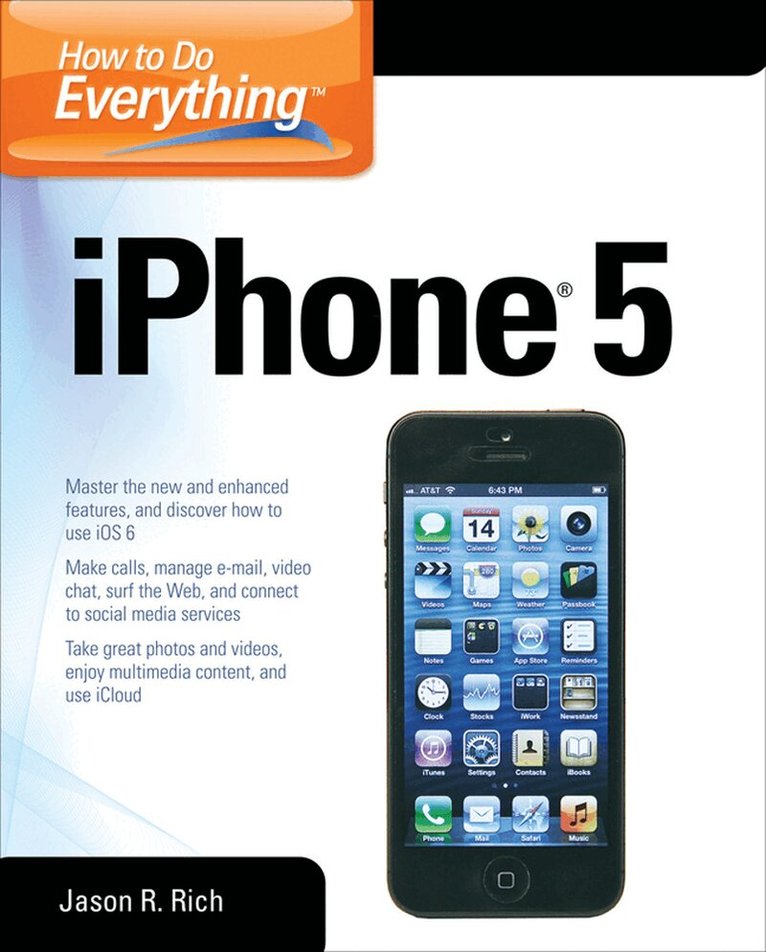
389 kr
Skickas inom 3-6 vardagar
Publisher's Note: Products purchased from Third Party sellers are not guaranteed by the publisher for quality, authenticity, or access to any online entitlements included with the product.
Maximize the power of your iPhone 5
Master the versatile features of your iPhone 5 and stay organized, connected, informed, and entertained. How to Do Everything: iPhone 5 covers iOS 6 and the new capabilities added to the core functions and apps, such as Contacts, Calendar, Reminders, Notes, Safari, Mail, Camera, Maps, FaceTime, and iTunes. You’ll also learn how to use iCloud, Notification Center, and Siri. Plus, discover tips on finding and downloading additional apps that can dramatically increase your iPhone’s performance. This hands-on guide covers it all!
Get assistance from Siri and use the Dictation featureImport and sync data from your computer, iCloud, and other iOS devicesDiscover preinstalled apps and download additional appsMake and receive calls, use voicemail, and set up custom ringtonesManage Contacts and stay organized with Calendar, Reminders, and NotesSurf the Web with SafariShoot, edit, and share photos and videosNavigate with turn-by-turn directions using the newly redesigned Maps appManage e-mail accounts, use text messaging, and connect to social media networks, including Facebook and TwitterVideo chat via FaceTime or SkypeExperience multimedia entertainment and read e-books and digital editions of newspapers and magazinesPlay exciting single- and multi-player gamesProtect and troubleshoot your iPhone 5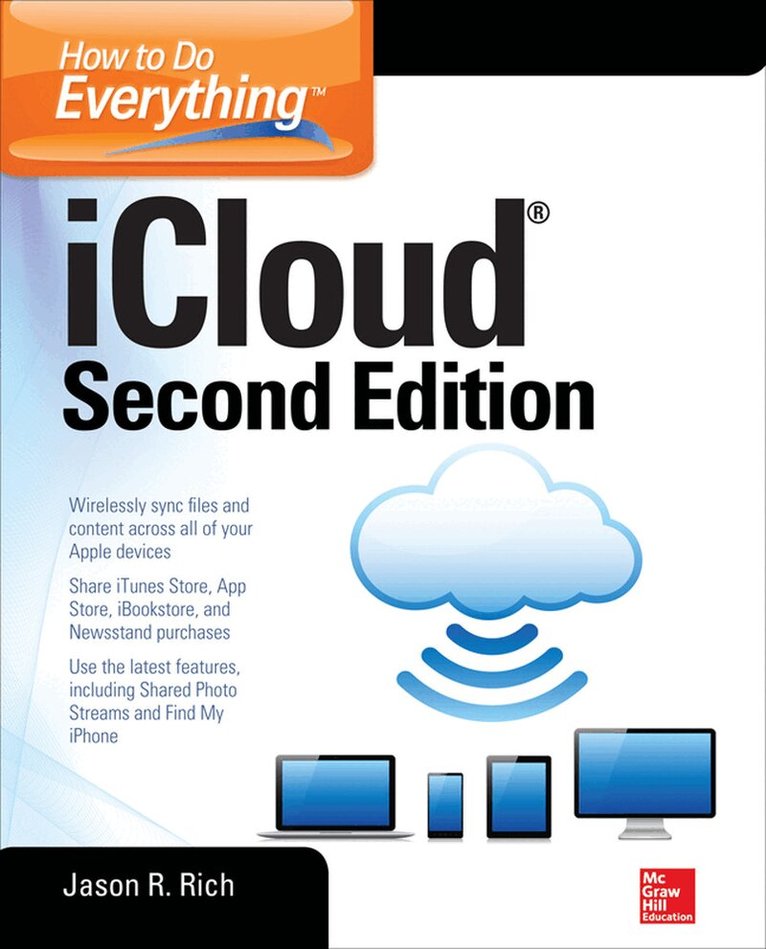
298 kr
Skickas inom 3-6 vardagar
Publisher's Note: Products purchased from Third Party sellers are not guaranteed by the publisher for quality, authenticity, or access to any online entitlements included with the product.
Maximize the latest iCloud capabilities
This all-new edition of How To Do Everything: iCloud fully covers iCloud’s versatile features and offers step-by-step directions on how to use each one, including Shared Photo Streams, the iWork for iCloud apps, and iCloud Keychain. You’ll learn how to set up iCloud, transfer and sync app-specific data, documents, files, photos, music, and other content among your computers and iOS mobile devices.
Use iCloud with your Mac, iPhone, iPad, iPad mini, and iPod touch Migrate from Apple MobileMe to iCloudLearn new iCloud features, including Shared Photo Streams, iWork for iCloud online apps, iCloud Keychain, and much moreManage your digital music library and iTunes purchases with iCloudUse the Premium iTunes Match serviceStore and manage your digital photos with My Photo StreamShare your digital images with others using iCloud’s Shared Photo StreamsSync files and documents among computers and iOS devices Manage and sync your Safari bookmarks, reading list, and passwords using iCloud and iCloud KeychainWork with iWork for iCloudLearn about other cloud-based servicesSync and share apps, app-related data, and eBooks among iOS mobile devices and your computer(s) Back up your iPhone and iPad with iCloudStream Apple TV content to your HD TVLocate a Lost Mac, iPhone, iPad or iPod touch with iCloud’s Find My… featureManage your iCloud email accountTroubleshoot iCloud-related problems
247 kr
Skickas

232 kr
Tillfälligt slut
205 kr
Skickas inom 7-10 vardagar
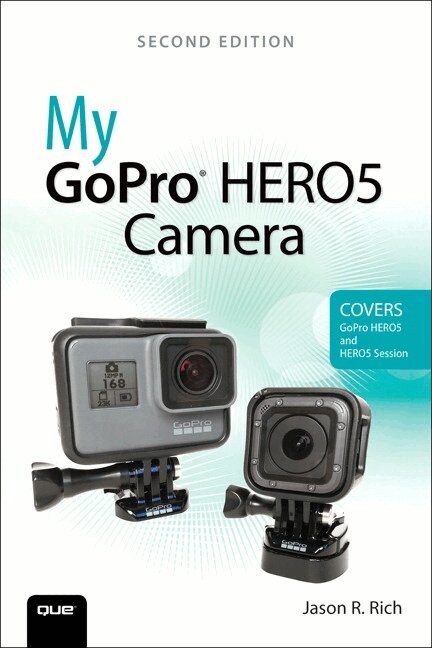
Step-by-step instructions with callouts to the GoPro HERO5 Black, HERO5 Session™, or HERO Session™ camera. Photos and sample images show you exactly what to do.
Help when you run into problems or limitations with your GoPro camera in specific shooting situations.
Tips and Notes to help you get the most from your GoPro camera when taking pictures or shooting HD video in a wide range of shooting situations.
Full-color, step-by-step tasks walk you through getting and keeping your GoPro camera working just the way you want in order to shoot the absolute best photos and videos possible. Learn how to:
Set up your GoPro camera and prepare for any type of shooting situation Take awesome first- or third-person videos just about anywhere, including underwater or in low-light situations Select and use the best camera housing, mount, and accessories to capture the perfect shots Take detailed and vibrant high-resolution, digital images with your GoPro camera Shoot stunning HD video using your GoPro camera Record high-quality audio in conjunction with your videos Choose the best resolution and camera settings for each shooting situation you encounter Wirelessly transfer your digital content from your camera to your smartphone or tablet using the GoPro Capture™ mobile app Transfer content from your camera to your computer to view, edit, enhance, archive, and share it using photo editing software or the GoPro QUIK Desktop™ and GoPro Studio™ video editing software Learn strategies used by the pros to achieve your own professional results
50 kr
Skickas

127 kr
Skickas inom 11-20 vardagar
WWW.(Your Web Design Business).COM
Are you an online artist ready to take your passion to the next level? Would you love your creative talent to be on showcase for millions to see and buy?
Thanks to today's amazing technology, it's easier than ever to tap into your passion and turn it into your next paycheck! In just a few days and a few clicks, you can build a successful online web design business selling your creative services. Discover how to easily develop your own website, effectively showcase your work, promote yourself to a worldwide audience, generate new clients, better service existing clients, and more!
Design an attractive, business website using inexpensive, turnkey solutions from established companies like Google, Yahoo! and Go Daddy that require no programming knowledgeCreate a killer online portfolio that captures new clients Use easy online tools that work 24/7 to handle requests and paymentsDrive traffic using search engine optimization and other marketing and advertising techniquesBoost profits by expanding your specialty or your businessCreate your next masterpiece-your own online business!