
Fotoredigering och bildredigering
556 kr
Skickas
- Nyhet
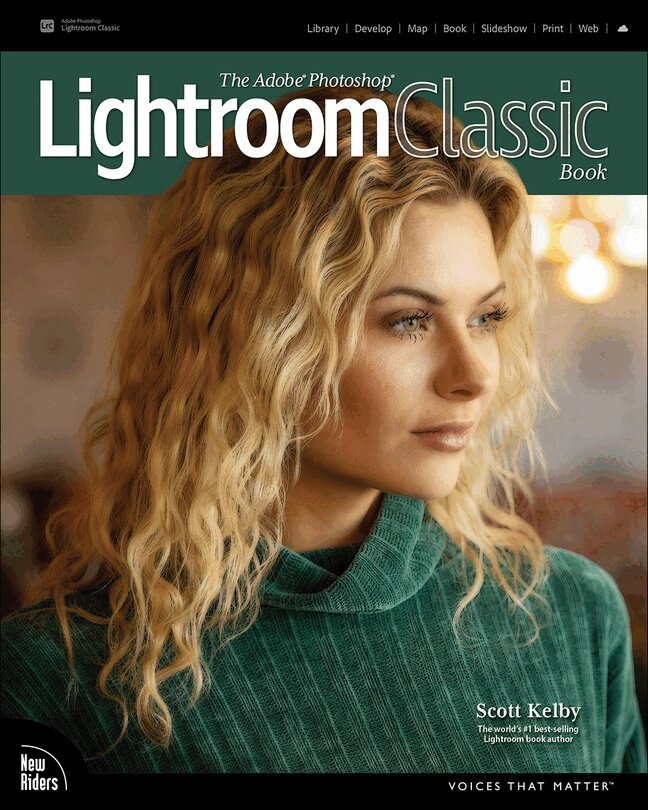
420 kr
Skickas inom 7-10 vardagar
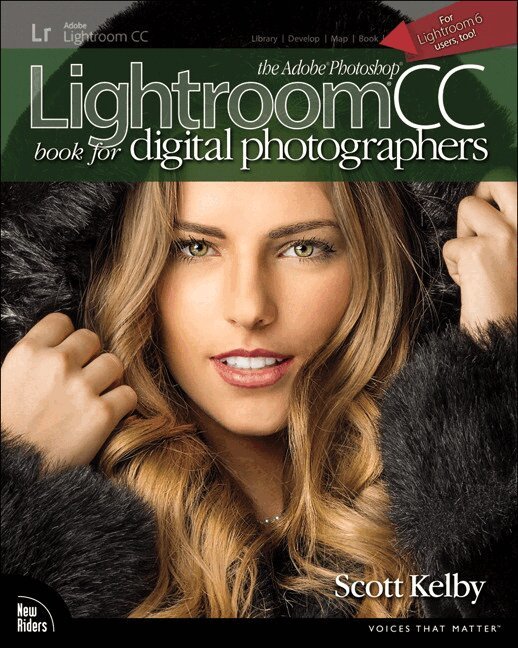
Since Lightroom first launched 18 years ago, Scott Kelby’s The Adobe Photoshop Lightroom Book has been the world’s #1 top-selling Lightroom book (it has been translated into dozens of different languages), and this latest version is a huge update where Scott shares all his newest techniques, insights, and invaluable tips using his award-winning, plain-English style that makes learning Lightroom easy and fun.
Scott doesn’t just show you which sliders do what (every Lightroom book does that, right?). Instead, he shares his own personal settings, his time-tested techniques, and his proven step-by-step method of learning Lightroom, so you can begin using it like a pro from the start. Each year, he trains thousands of Lightroom users at his live seminars, online conferences, and through his blog at LightroomKillerTips.com, and he has learned firsthand what really works and what doesn’t. He tells you flat-out which techniques work best, which ones to avoid, and why.
You’ll learn:
His SLIM (Simplified Lightroom Image Management) system, which is taught at colleges and universities around the world because it’s so simple and straightforward, as it teaches you step by step how to organize your images, back them up, and be able to find them quickly and easily. How to make your images look like the pros, remove distracting things that are ruining otherwise great photos, and finally “get” the whole image editing thing. You’ll learn exactly what to do, in which order, and why. How to unlock the incredible power of Lightroom’s Masking tools (these are real game changers), including how to “paint with light” and Scott’s top masking tips to take your images to another level. How to use Lightroom along with Photoshop, and how to make the two work together absolutely seamlessly. You’ll be surprised at what you’ll be able to do, even if you’ve never used Photoshop before. How to expand Lightroom’s power to your phone or tablet, so you can organize and edit your images from anywhere. How to share your images in print and in gorgeous coffee table books, or online, including how to do online client proofing or share images with a group.You can download many of the same images in the book, so you can follow right along, and you'll get a killer collection of custom Lightroom Develop and Print presets to give you some of the most sought-after looks and effects, all with just one click.
This is the first and only book to bring the whole process together in such a clear, concise, and visual way. There is no faster, more straight-to-the-point, or more fun way to learn Lightroom.
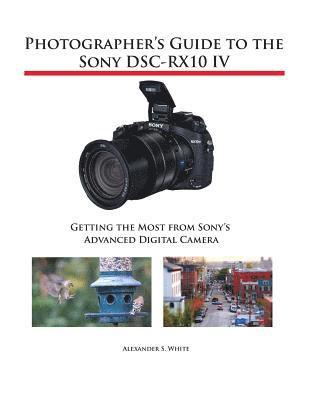
Photographer's Guide to the Sony DSC-RX10 IV
Getting the Most from Sony's Advanced Digital Camera
413 kr
Skickas inom 5-8 vardagar
627 kr
380 kr
Skickas inom 7-10 vardagar
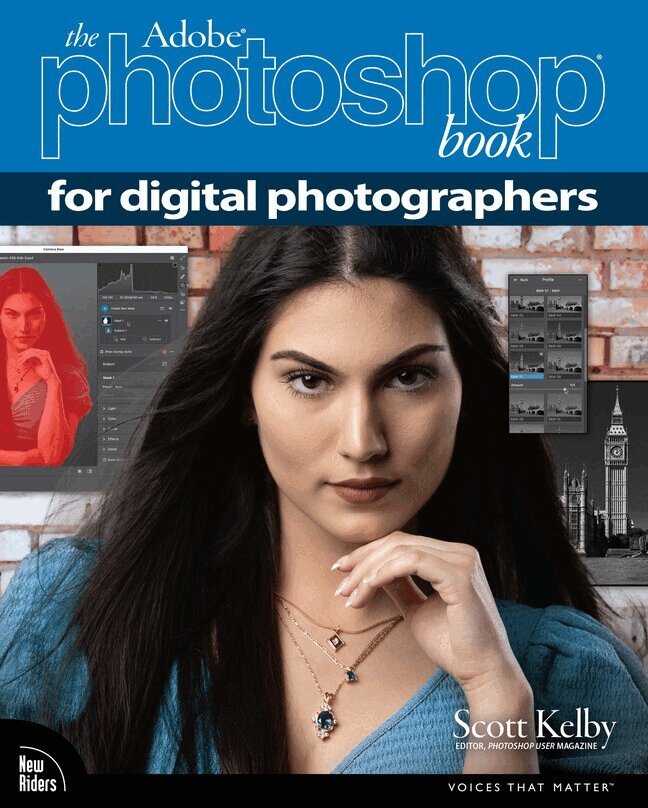
Are you ready for an amazing new edition of the Photoshop book that breaks all the rules?
Scott Kelby, Editor and Publisher of Photoshop User magazine—and the #1 best-selling photography techniques author—once again takes this book to a whole new level as he uncovers more of the latest, most important, and most useful Adobe Photoshop techniques for photographers.
This update to his award-winning, record-breaking book does something for digital photographers that has never been done before—it cuts through the bull and shows you exactly “how to do it.” It's not a bunch of theory; it doesn't challenge you to come up with your own settings or figure it out on your own. Instead, Scott shows you step by step the exact techniques used by today's cutting-edge photographers, and best of all, he shows you flat-out exactly which settings to use, when to use them, and why. That's why editions of this book are widely used as the official study guide in photography courses at colleges and universities around the world.
The photographer's workflow in Photoshop has evolved greatly over time and, in the latest edition of this book, you'll learn how to leverage Photoshop's new AI-powered masking features and how to spend less time on boring production tasks, so you can spend more time being creative. Plus, you'll learn:
The most useful retouching techniques for photographers, such as how to make “impossible” selections, like wind-blown hair (it's easy, once you know the secrets), and how to use layers like a pro. The sharpening techniques the pros really use. The pros' tricks for fixing the most common photo problems fast! How to seamlessly remove distracting things from your images. How to make the most of Camera Raw and when to work it into your workflow, even if you never shoot in RAW—it works great on JPEGs and TIFFs, too. The latest Photoshop special effects for photographers (there's a whole chapter just on these!). A host of shortcuts, workarounds, and slick “insider” tricks to help you get twice the work done in half the time.You also get four online bonus chapters with even more content, along with the images used in the book, for download, so you can follow right along. If you're ready to learn all the “tricks of the trade”—the same ones that today's leading pros use to correct, edit, retouch, and sharpen their work—then you're holding the book that will do just that.
556 kr

Photographer's Guide to the Sony DSC-RX100 VII
Getting the Most from Sony's Advanced Compact Camera
429 kr
Skickas inom 5-8 vardagar
388 kr
Tillfälligt slut

289 kr
Skickas inom 7-10 vardagar
317 kr
Skickas inom 5-8 vardagar
- Nyhet
204 kr
Skickas

355 kr
Skickas inom 7-10 vardagar
Digital Painting in Photoshop: Industry Techniques for Beginners
A comprehensive introduction to techniques and approaches
344 kr
Skickas inom 5-8 vardagar
48 kr
Skickas
450 kr
Skickas inom 3-6 vardagar
Master Adobe Photoshop CS4
Filled with full-color examples, this hands-on guide explains how to use the latest release of the industry standard program for graphics professionals. How to Do Everything: Adobe Photoshop CS4 takes you step-by-step through the process of bringing your creative concepts to completion. Real-world examples reveal how cutting-edge design techniques are achieved. With this book, you'll learn how to use all the program's tools and settings to create and edit compelling images for print, the Web, and animation.
Manage and customize the interface Create, manage, and blend layers and apply layer stylesWork with color, brushes, painting tools, gradients, and vector shapesPick pixels with selectionsEdit, repair, and enhance images and Camera Raw filesTransform objects without degrading image qualityCreate and format textUse the 3D and video features of Photoshop ExtendedApply special effects with filters, warping, and texturesOptimize your work for print, the Web, and mobile devicesSave time using automation tools
345 kr
Tillfälligt slut
Step-by-Step, Full-Color Graphics!
Get started with Photoshop CS4 right away-the QuickSteps way. Color photos and screenshots with clear instructions show you how to use all the new and improved features of this powerful software. Follow along and learn how to work with the drawing and painting tools, edit and retouch photos, add text, use layers, create special effects, prepare your art for print or the Web, and much more. You can flip straight to the information you need easily using the color-coded tabs. Get the book that gets you up-and-running on Photoshop in no time!
Use these handy guideposts:
Shortcuts for accomplishing common tasksNeed-to-know facts in concise narrativeHelpful reminders or alternate ways of doing things Bonus information related to the topic being coveredErrors and pitfalls to avoid
493 kr
Skickas inom 5-8 vardagar
210 kr
Skickas inom 5-8 vardagar
280 kr
Skickas inom 5-8 vardagar
423 kr
Skickas inom 3-6 vardagar
Publisher's Note: Products purchased from Third Party sellers are not guaranteed by the publisher for quality, authenticity, or access to any online entitlements included with the product.
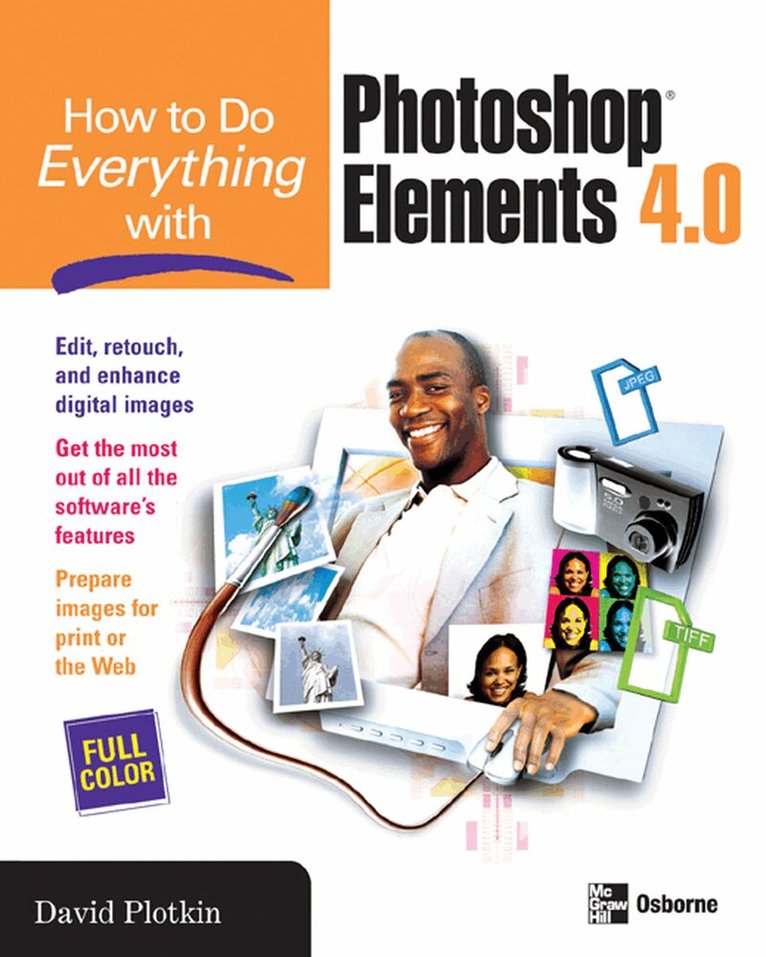
Edit, organize, and show off your photos using Photoshop Elements 4.0 and the expert tips in this full-color guide. You’ll learn to customize the program to suit your preferences, and then get started retouching, repairing, and enhancing digital images in no time. Step-by-step examples show you how to crop images, fix color, focus, and exposure problems, eliminate defects, manipulate images, add special effects, and much more. You’ll also get tips for getting high-quality prints and creating a Web gallery.
340 kr
Skickas
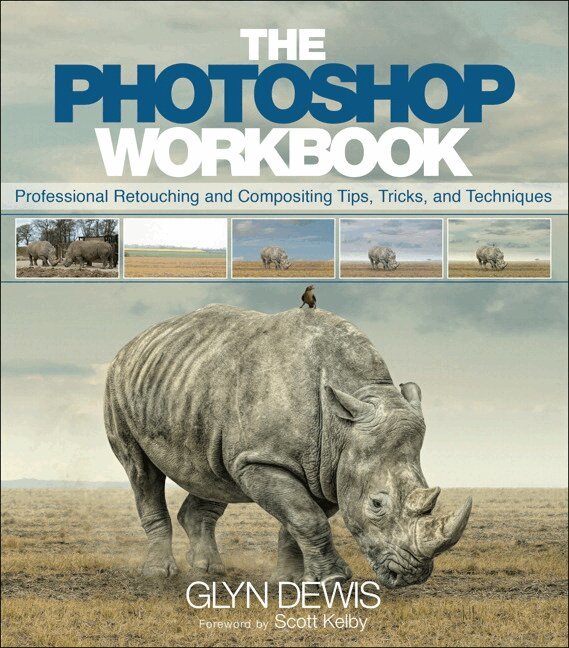
Photoshop Workbook, The
Professional Retouching and Compositing Tips, Tricks, and Techniques
339 kr
Skickas inom 7-10 vardagar
205 kr
Skickas
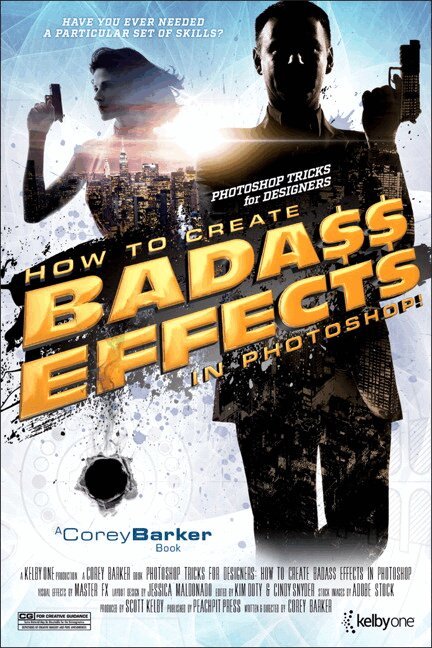
Perhaps you are working on a new project and need a little inspiration , or even a quick reference to show you how to do that one cool effect that will be the finishing touch on your latest creation. Whatever you need, this book can help you in so many ways. One of the toughest things about being a designer is getting a good idea. The next challenge is realizing that idea. This book will not only be a source of ideas , but will also show you how to create them step by step. You can even combine multiple effects to create other cool results–the book’s cover was designed by combining at least half a dozen techniques found within.
Corey wrote this book for working designers, or anyone who just wants to add some “cool factor” to their projects. Each tutorial is a stand-alone technique or mini-project, so you do not have to follow the book in sequence. Just find what you like and have at it. And, as an added bonus, you can download all of t he images used in the book to follow along with.
It’s everything you loved about the Down & Dirty books, now in a small handbook size you can use as a quick reference to a variety of effects.
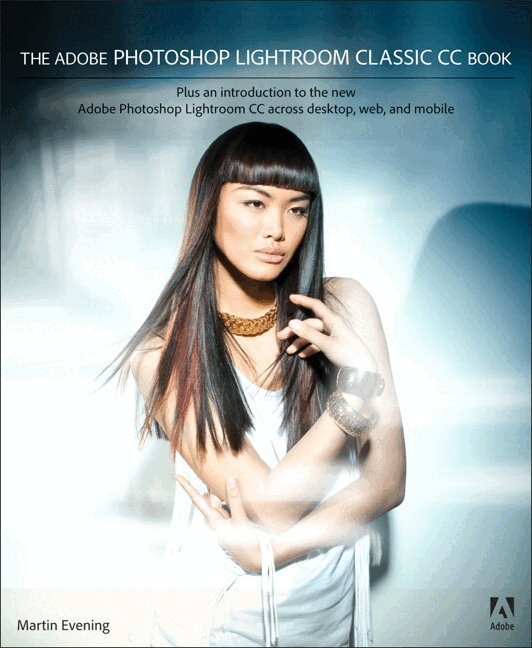
Adobe Photoshop Lightroom Classic CC Book
Plus an introduction to the new Adobe Photoshop Lightroom CC across desktop, web, and mobile
407 kr
Skickas
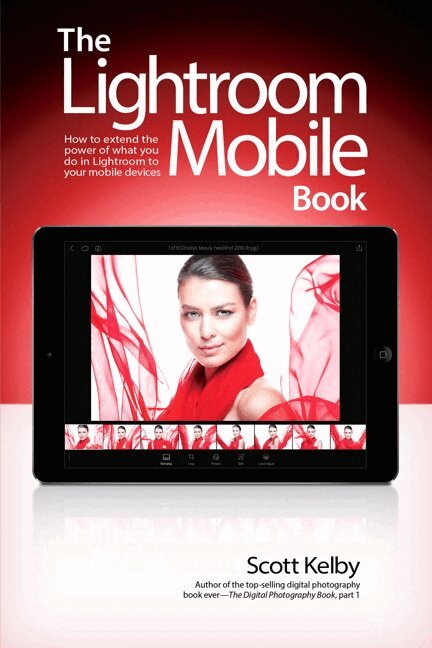
Lightroom Mobile Book, The
How to extend the power of what you do in Lightroom to your mobile devices
173 kr
Skickas inom 7-10 vardagar
Scott Kelby, the #1 best-selling Lightroom book author, brings you everything you need to know about Lightroom Mobile in his newest book.
Lightroom Mobile, which is kind of like an extension of the regular desktop version of Lightroom, allows users to use Lightroom on their iPads, iPhones, and Android devices. This is really handy because it lets you do a lot of the main things you use the desktop version for, but with Lightroom Mobile, you can easily do them on your mobile device. Plus, it’s “free,” and that’s a hard price to beat.
The Lightroom Mobile Book, first shows you how to get up and running quickly. Then, comes the fun stuff, like telling Lightroom on your computer which collections you want access to over in Lightroom Mobile. Plus, you’ll learn how to manage your collections, add Pick flags and star ratings, move images, play slide shows, and a bunch of other important stuff you’ll want to know right up front. Then, you’ll learn how to edit your images in Lightroom Mobile, using the same Basic panel features found in the desktop version of Lightroom–it’s the same sliders that do the same thing, and it’s even in the same order. You’ll also learn how to easily crop images, as well as use the in-app camera. You’ll learn step by step how to set up Lightroom on your desktop and mobile device, so that during a shoot, you can hand your client your tablet and not only can they see the images coming in live as you shoot, they can make their own Picks, comments, and even share the link with someone at a different location, so they can be part of the shoot, and the approval process, too!
There are lots of other handy features you’ll want to know about, and Scott tells you exactly how to use them just like he was sitting there beside you, using the same casual style as if he were telling a friend.
In The Lightroom Mobile Book, Scott brings the whole process together in a clear, concise, and visual way. There is no faster, more straight-to-the-point, or more fun way to learn Lightroom Mobile than with this groundbreaking book.
303 kr
Skickas inom 7-10 vardagar
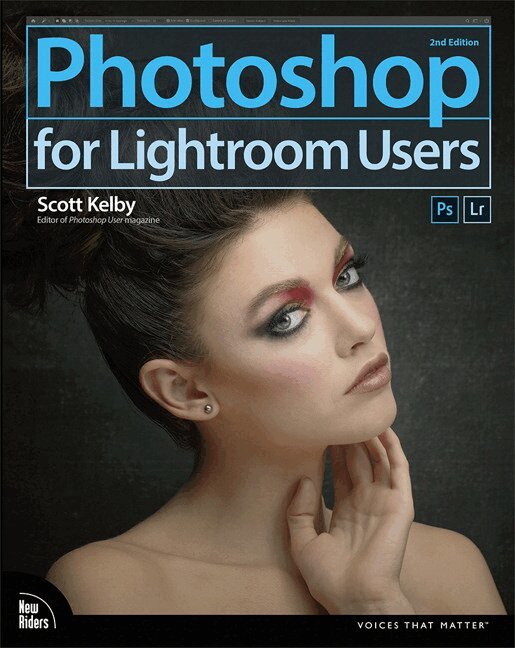
Adobe Photoshop Lightroom is truly an awesome program, and the primary editing tool for so many photographers today. But, at some point, you realize that there are things you need to do to your images that Lightroom just can’t do. It could be anything from pro-level portrait retouching, to blending two or more images together, to incredible special effects, to removing distracting things in your image, to adding beautiful type to your images, and, well…there are just lots of incredible things you could do…if you just knew Photoshop.
Adobe Photoshop is…well…it’s Photoshop—this huge, amazing, Swiss Army knife of a program with 70+ tools, and more than a hundred filters. So, compared to Lightroom it seems really complicated, and it could be, but you’ve got a secret weapon: Scott Kelby. He’s the same guy who wrote the world’s #1 best-selling book on Lightroom, he’s Editor and Publisher of Photoshop User magazine and Lightroom Magazine, and he’s here to teach you just the most important, most useful parts of Photoshop—just the stuff that Lightroom can’t already do. Once you learn these techniques (all covered in this short, quick, easy-to-use, plain-English guide), it opens a whole new world of productivity and creativity.
Here’s what you’ll learn:
Scott tells you flat-out which tools to use, which techniques work best, which ones to avoid, and why. You only really need about 20% of what Photoshop can do, and that 20% is all covered right in this book. The most important layer techniques, and learning layers is like being handed the keys to the candy store—this is where the fun begins, and you’ll be amazed at what you’ll be able to do, so quickly and easily. Scott’s favorite (and most useful) portrait retouching techniques; his favorite special effects for landscape, travel, and people photos; plus which filters are awesome (and which ones waste your time). Also, you’ll learn how to mask hair and create super-realistic composites (you’ll be amazed when you learn how easy this is), plus how to take advantage of all the latest Photoshop technology, how to leverage the latest features (so you’re doing things the easy way), and a bunch of today’s most popular techniques (the same commercial looks you’re seeing in hot demand), so you’ll be using Photoshop like a shark in no time.
If you’ve been saying to yourself, “Ya know, I really should learn Photoshop,” you’re holding the absolute best book to get you there, coming from the guy who literally wrote the book on Lightroom. He knows how to help you make the most of using these two powerful tools together to take your images (and your fun) to the next level. You are going to love being a Photoshop shark!
411 kr
Skickas inom 7-10 vardagar
375 kr
Skickas
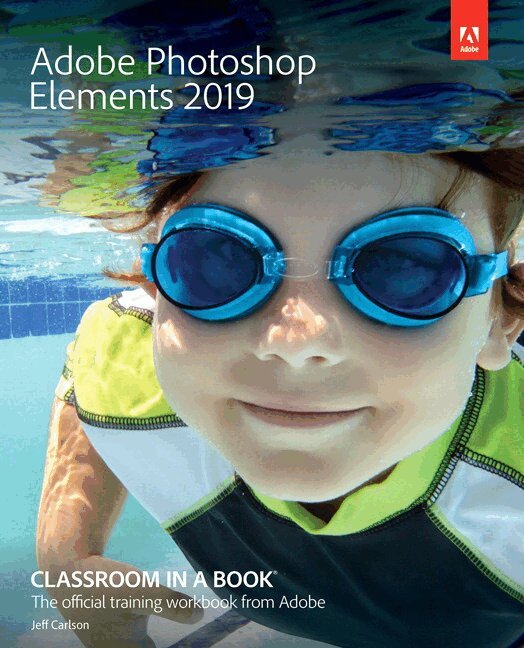
Adobe Photoshop Elements 2019 Classroom in a Book is the most thorough and comprehensive way for you to master Adobe’s industry-leading consumer-targeted photo-editing software. Each chapter in this step-by-step, lesson-based guide contains a project that builds on your growing knowledge of the program, while end-of-chapter review questions reinforce each lesson. You will learn the basics of editing your images with Photoshop Elements and learn how to best use the program's many new features.
This edition covers many new and improved features in Adobe Photoshop Elements 2019, from the Auto Curate feature that makes it easier than ever to organize and find your photos by analyzing your library to present just the best images, to a revamped slide show, and new tools that will help you make complex selections in moments or improve a portrait by opening closed eyes. New exercises explore enhancements in the Organizer, an improved selection workflow, and several of the latest guided edits. You’ll discover new tools that let you expand your creativity. And you’ll learn how to print, export, and share your images.
481 kr
Skickas inom 7-10 vardagar
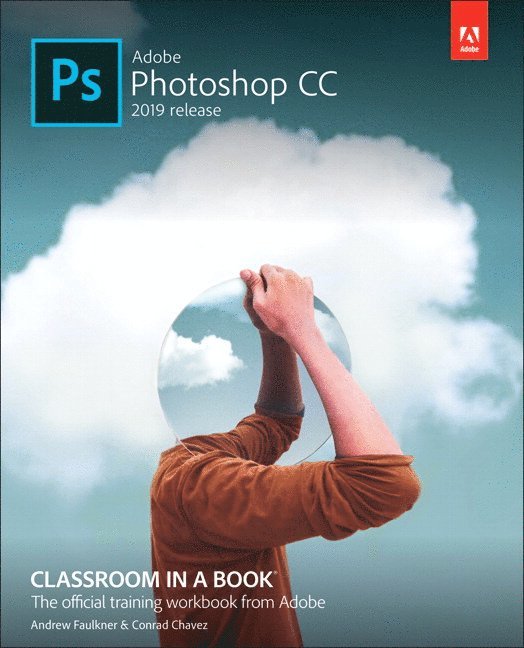
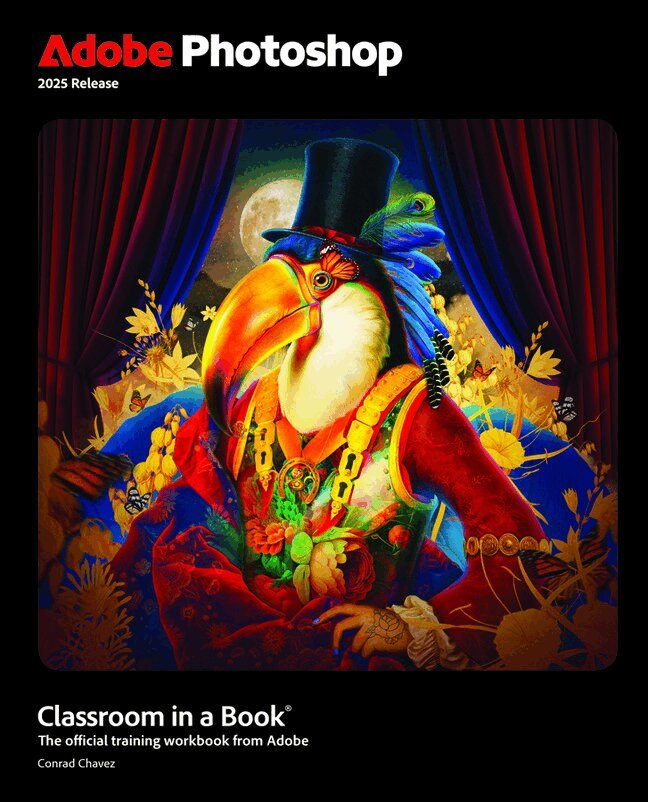
The fastest, easiest, most comprehensive way to learn Adobe Photoshop
Adobe Photoshop Classroom in a Book 2025 Release contains 15 lessons that use real-world, project-based learning to cover the basics and beyond, providing countless tips and techniques to help you become more productive with the program. For beginners and experienced users alike, you can follow the book from start to finish or choose only those lessons that interest you. Learn to:
Create and improve images using the professional tools in Adobe Photoshop Seamlessly remove backgrounds, replace skies, and repair photos Select subjects with complex outlines, including hair Use Adobe Firefly generative AI to retouch challenging images or to create new images from a text prompt Composite multiple images with graphics and typography Using a timeline, animate graphics and type and combine them with video and audio Automate repetitive tasks Edit camera raw images Export your work for the web, mobile devices, video, and printClassroom in a Book®, the best-selling series of hands-on software training workbooks, offers what no other book or training program does – an official training series from Adobe, developed with the support of Adobe product experts.
Purchasing this book includes valuable online extras. Follow the instructions in the book’s “Getting Started” section to unlock access to:
Downloadable lesson files you need to work through the projects in the book Web Edition containing the complete text of the book, interactive quizzes, and videos that walk you through the lessons step by stepWhat you need to use this book: Adobe Photoshop 2025 Release software, for either Windows or macOS. (Software not included.)
- Nyhet
Kelby Portrait Retouching 2024
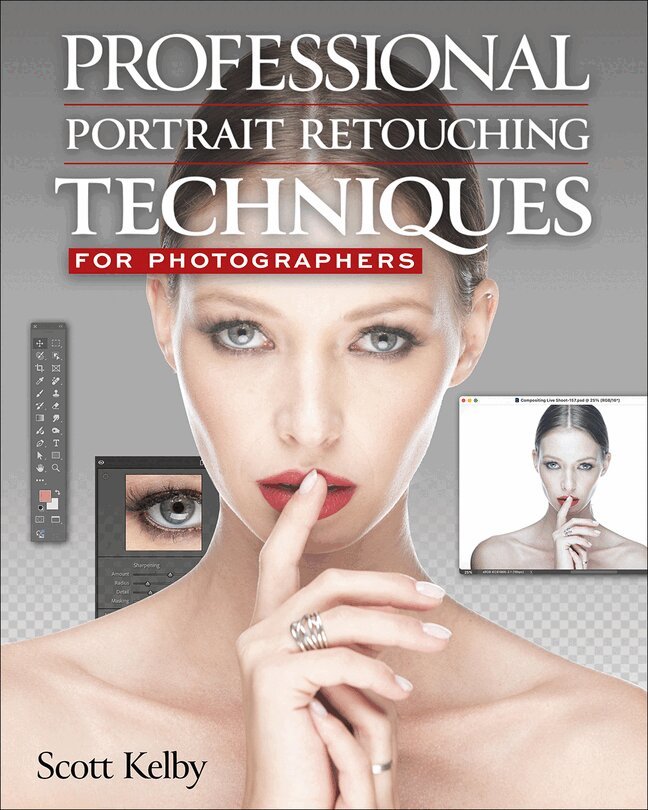
Professional Portrait Retouching Techniques for Photographers
677 kr
Skickas inom 11-20 vardagar
Learn Portrait Retouching with Scott Kelby
Each year, Scott Kelby, Editor-in-Chief of Photoshop User magazine and the #1 best-selling Photoshop author, trains thousands of photographers on how to retouch portraits using Photoshop through his live seminars, online classes, DVDs, and workshops at the Photoshop World Conference & Expo. Now you can learn the same techniques he uses in his own retouching workflow, in the only book written expressly for photographers who do their own retouching.
As a pro photographer himself, Scott understands that photographers make their living shooting, not retouching. But, delivering fully retouched images is now expected by clients. That's why Scott put together this amazing resource for teaching photographers the quickest, easiest, and most effective ways to create professional-looking, retouched final images without spending hours on detailed techniques.
LEARN HOW THE PROS DO IT It's all here—the step-by-step methods for fixing, enhancing, and finishing your portraits in Photoshop. Using the techniques in this book, you'll create images that will absolutely wow your clients. You'll learn:
How to soften skin and still retain detail and texture The best tricks for beautifully enhancing eyes, eyebrows, and eyelashes How to selectively sharpen portraits without complicated masking How to create gorgeous-looking lips How to remove blemishes fast and keep the most detail The pros' tricks for body sculpting How to make your subject's hair look fabulous How to give your retouches that natural look that sets them apart Plus, you get Scott's complete 5-minute, 15-minute, and 30-minute start-to-finish workflowsIf you're ready to learn the "tricks of the trade"—the same ones that today's leading pro photographers use to retouch, tuck, tighten, and tone their images for that pro-retouched look—you're holding the book that will do exactly that. It will radically change the way you retouch your portraits from here on out, and give you the best-looking, most natural retouches you've ever done.