Conrad Chavez - Böcker
411 kr
Skickas inom 7-10 vardagar
489 kr
Skickas inom 7-10 vardagar
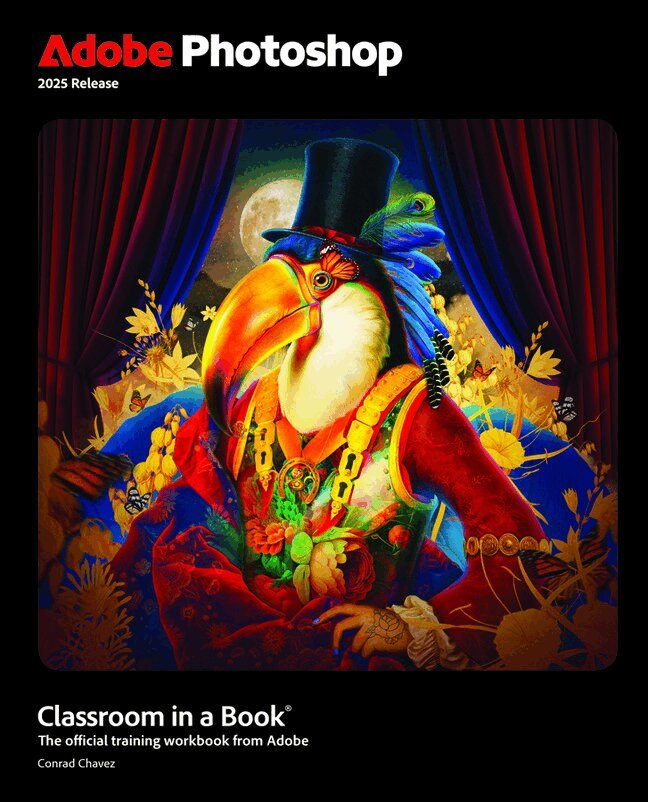
The fastest, easiest, most comprehensive way to learn Adobe Photoshop
Adobe Photoshop Classroom in a Book 2025 Release contains 15 lessons that use real-world, project-based learning to cover the basics and beyond, providing countless tips and techniques to help you become more productive with the program. For beginners and experienced users alike, you can follow the book from start to finish or choose only those lessons that interest you. Learn to:
Create and improve images using the professional tools in Adobe Photoshop Seamlessly remove backgrounds, replace skies, and repair photos Select subjects with complex outlines, including hair Use Adobe Firefly generative AI to retouch challenging images or to create new images from a text prompt Composite multiple images with graphics and typography Using a timeline, animate graphics and type and combine them with video and audio Automate repetitive tasks Edit camera raw images Export your work for the web, mobile devices, video, and printClassroom in a Book®, the best-selling series of hands-on software training workbooks, offers what no other book or training program does – an official training series from Adobe, developed with the support of Adobe product experts.
Purchasing this book includes valuable online extras. Follow the instructions in the book’s “Getting Started” section to unlock access to:
Downloadable lesson files you need to work through the projects in the book Web Edition containing the complete text of the book, interactive quizzes, and videos that walk you through the lessons step by stepWhat you need to use this book: Adobe Photoshop 2025 Release software, for either Windows or macOS. (Software not included.)
705 kr
Skickas
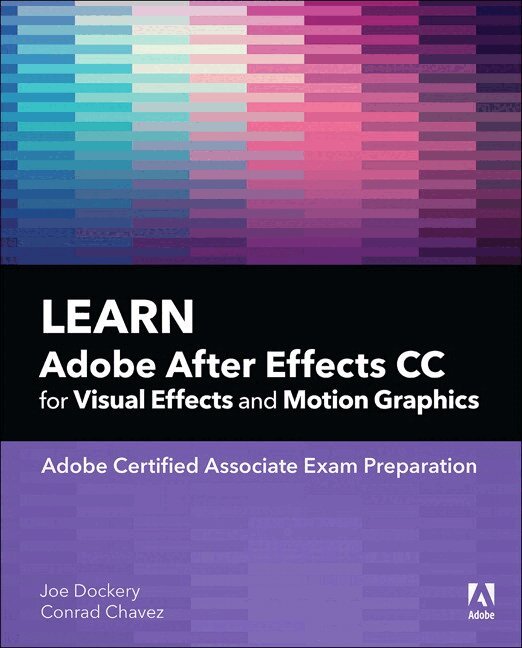
Motion graphics are no longer just for movie and television screens. You now see motion graphics anywhere there’s a moving image, including your desktop web browser, your smartphone, and on digital signage when you shop or travel. Creating motion graphics with Adobe After Effects can enhance your value as a creative professional. Learn Adobe After Effects CC by building cool creative projects that teach you how to:
Apply and customize effects and layer styles, and use animation presets to apply pre-built animations and effect combinations Achieve advanced effects quickly using techniques such as green screen background removal, masking, speed changes, motion tracking, and animation in 3D space Animate individual layers of still graphics imported from Adobe Photoshop and Adobe Illustrator Animate text, including changing type size, letter spacing, rotation, and color over time, and flowing text along a path Create a set of visually consistent intro videos for a social media platform, while practicing efficient production techniques Export a motion graphics composition once and render multiple versions for different delivery media (such as television, web sites, and smartphones) This study guide uses over 7 hours of video integrated with text to help you gain real-world skills that will get you started in your career in motion graphics. It lays the foundation for taking the Adobe Certified Associate (ACA) certification exam and helps prepare you for an entry-level position in a competitive job market.474 kr
Skickas inom 7-10 vardagar
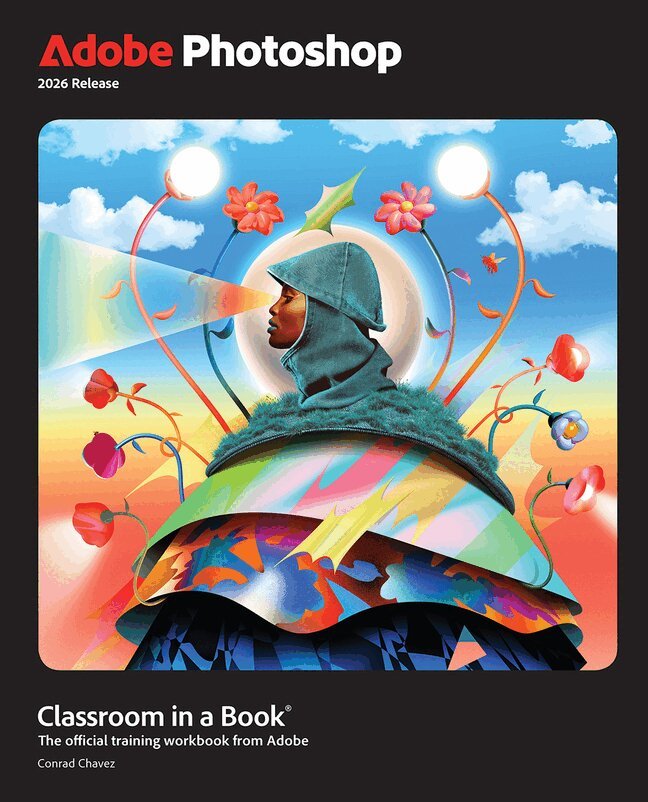
Adobe Photoshop Classroom in a Book 2026 contains 15 lessons that use real-world, project-based learning to cover the basics and beyond, providing countless tips and techniques to help you become more productive with the program. For beginners and experienced users alike, you can follow the book from start to finish or choose only those lessons that interest you. Learn to:
Create and improve images using the professional tools in Adobe Photoshop Easily correct and repair photos Seamlessly remove backgrounds and unwanted object Select subjects with complex outlines, including hair Use Adobe Firefly generative AI to retouch challenging images or to create new images Composite multiple images with graphics and typography Using a timeline, animate graphics and type and combine them with video and audio Automate repetitive tasks Edit camera raw images Export your work for the web, mobile devices, video, and printClassroom in a Book®, the best-selling series of hands-on software training workbooks, offers what no other book or training program does – an official training series from Adobe, developed with the support of Adobe product experts.
Purchasing this book includes valuable online extras. Follow the instructions in the book’s “Getting Started” section to unlock access to:
Downloadable lesson files you need to work through the projects in the book Web Edition containing the complete text of the book, interactive quizzes, and videos that walk you through the lessons step by stepWhat you need to use this book: Adobe Photoshop 2026 Release software, for either Windows or macOS. (Software not included.)
688 kr
Skickas inom 3-6 vardagar
Learn to create and edit images using Adobe Photoshop
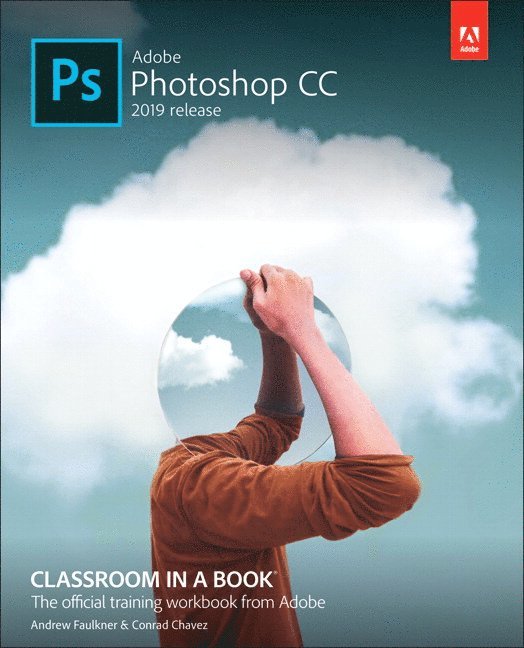
Adobe Photoshop Classroom in a Book (2023 release) uses real-world, project-based learning to cover the basics and beyond, providing countless tips and techniques to help you become more productive with the program. For beginners and experienced users alike, you can follow the book from start to finish or choose only those lessons that interest you. Learn to:
Correct and improve digital images Seamlessly remove backgrounds, repair images, and replace skies Explore advanced filters that use machine learning and cloud processing Select subjects with complex outlines, including hair, quickly and precisely Composite multiple images and combine with typography Edit video, including transitions and motion effects Edit camera raw images Automate tasks Save as a Photoshop cloud document to easily edit across desktop and mobile devices Export your work for web, mobile devices, and printClassroom in a Book®, the best-selling series of hands-on software training workbooks, offers what no other book or training program does—an official training series from Adobe, developed with the support of Adobe product experts.
Purchasing this book includes valuable online extras. Follow the instructions in the book's "Getting Started" section to unlock access to:
Downloadable lesson files you need to work through the projects in the book Web Edition containing the complete text of the book, interactive quizzes, and videos that walk you through the lessons step by stepWhat you need to use this book: Adobe Photoshop (2023 release) software, for either Windows or macOS. (Software not included.)
Note: Classroom in a Book does not replace the documentation, support, updates, or any other benefits of being a registered owner of Adobe Photoshop software. This book covers Photoshop on desktop only. It does not address Photoshop on the iPad.
474 kr
The fastest, easiest, most comprehensive way to learn Adobe Photoshop
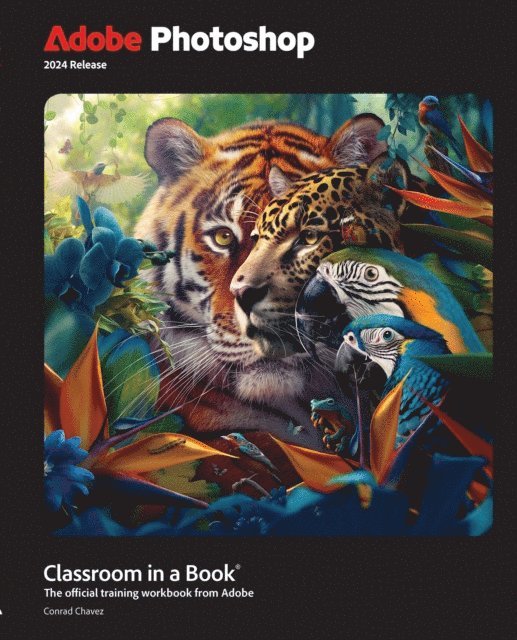
Adobe Photoshop Classroom in a Book 2024 Release contains 15 lessons that use real-world, project-based learning to cover the basics and beyond, providing countless tips and techniques to help you become more productive with the program. For beginners and experienced users alike, you can follow the book from start to finish or choose only those lessons that interest you. Learn to:
Create and improve digital images with AI-powered tools including Generative Fill. Seamlessly remove backgrounds, replace skies, and repair photos Select subjects with complex outlines, including hair, quickly and precisely Composite multiple images and typography Animate video, still, and type layers and export as a video Edit camera raw images Automate repetitive tasks Save as a Photoshop cloud document to easily edit across desktop and mobile devices Export your work for web, mobile devices, and printClassroom in a Book®, the best-selling series of hands-on software training workbooks, offers what no other book or training program does—an official training series from Adobe, developed with the support of Adobe product experts.
Purchasing this book includes valuable online extras. Follow the instructions in the book's "Getting Started" section to unlock access to:
Downloadable lesson files you need to work through the projects in the book Web Edition containing the complete text of the book, interactive quizzes, and videos that walk you through the lessons step by stepWhat you need to use this book: Adobe Photoshop (2024 release) software, for either Windows or macOS. (Software not included.)