Gary David Bouton - Böcker
345 kr
Tillfälligt slut
Step-by-Step, Full-Color Graphics!
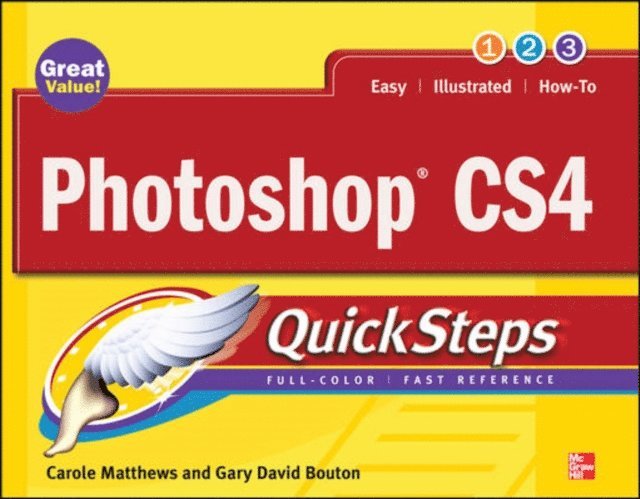
Get started with Photoshop CS4 right away-the QuickSteps way. Color photos and screenshots with clear instructions show you how to use all the new and improved features of this powerful software. Follow along and learn how to work with the drawing and painting tools, edit and retouch photos, add text, use layers, create special effects, prepare your art for print or the Web, and much more. You can flip straight to the information you need easily using the color-coded tabs. Get the book that gets you up-and-running on Photoshop in no time!
Use these handy guideposts:
Shortcuts for accomplishing common tasksNeed-to-know facts in concise narrativeHelpful reminders or alternate ways of doing things Bonus information related to the topic being coveredErrors and pitfalls to avoid432 kr
Skickas inom 3-6 vardagar
Publisher's Note: Products purchased from Third Party sellers are not guaranteed by the publisher for quality, authenticity, or access to any online entitlements included with the product.
Master the world's fastest drawing program!
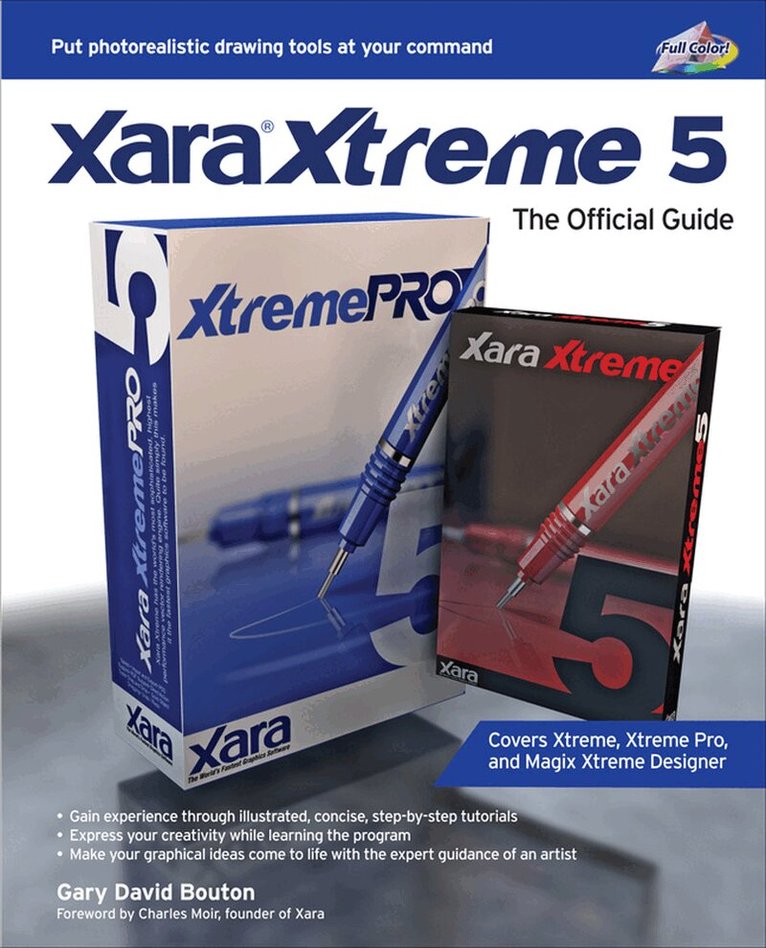
Learn the principles of vector drawing as you learn technique, composition, and other art essentials--then apply your skills to creating websites, animations, logos, photographic retouches, and more. Xara Xtreme 5: The Official Guide shows you how to customize the software, use QuickShapes, draw vector paths, use fills for photorealistic effects, and compose professional desktop publishing documents. This hands-on resource brings you from concept to completion with examples that span a range of art styles--using the vector drawing program that thinks it's a bitmap editor. With these tutorials that apply to Xara Xtreme, Xtreme Pro, and Magix Xtreme Photo & Graphic Designer, you'll:
Work with vector paths that look like paint strokesTag colors to dramatically change complex drawings in secondsBuild multi-page, graphically rich websites in a few hoursConvert bitmap web graphics to resizable vector shapesDesign artwork in minutes that looks like it took daysCreate and export original Flash animations for the web in no timeCreate 3D text and apply special effects to imported photos and vector shapesInvisibly retouch photographs with feathering, fractal fills, multi-step gradients, and transparenciesInside you'll find an inspirational Xara GrandMasters Gallery of award-winning artwork from around the world. Get started today by downloading free trial software from www.xara.com!
Download lesson files from www.mhprofessional.com/computingdownload and www.theboutons.com.
Gary David Bouton, an international award-winning illustrator, has authored 25 books on graphics software, including CorelDRAW X4: The Official Guide. He practices what he teaches: his work can be seen on Graphics.com, TalkGraphics, The CG Society, and YouTube.
173 kr
Tillfälligt slut
Take advantage of your computer's features and tools right away--the QuickSteps way. Color photos and screenshots with clear instructions make it easy to accomplish everything you want to do. Follow along and quickly learn how to navigate the Windows operating system; get online; use core programs such as Word, Excel, and Quicken; and secure your computer. Fun activities, such as genealogy, photo editing and management, social networking, and online dating are covered, plus you'll get tips for enjoying music, ebooks, and videos. Written by seniors for seniors, this practical, fast-paced guide helps you get the most out of your computer.
The unique, oblong layout of the QuickSteps series mimics your computer screen, displays graphics and explanations side by side, and lays flat so you can easily refer to the book while working on your computer.
Use these handy guideposts:
Shortcuts for accomplishing common tasksPersonal insights from other seniorsNeed-to-know facts in concise narrativeHelpful reminders or alternative ways of doing thingsBonus information related to the topic being coveredErrors and pitfalls to avoid692 kr
Skickas inom 3-6 vardagar
Publisher's Note: Products purchased from Third Party sellers are not guaranteed by the publisher for quality, authenticity, or access to any online entitlements included with the product.
The only official guide to CorelDRAW—fully updated throughout to cover all the new features of the latest release
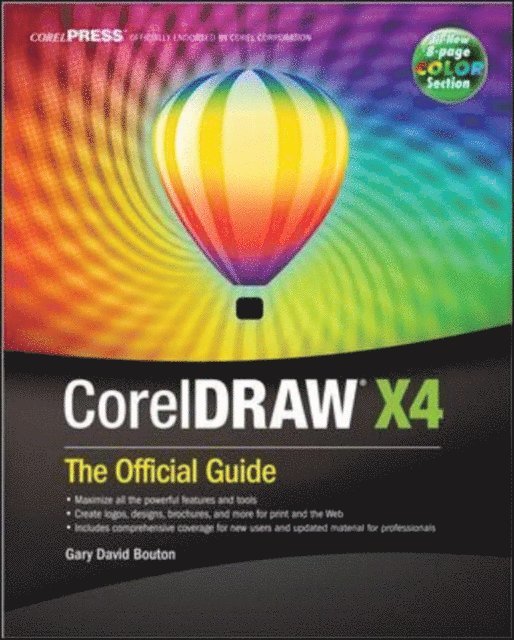
CorelDRAW X The Official Guide is the one-stop tutorial/reference for learning how to create gorgeous graphics for a variety of print and web uses. Veteran graphic designer and author Gary Bouton shows you how to use the new product features, and shows off beautiful graphics and techniques in this Corel-authorized guide. Packed with examples and techniques, this book delivers details no CorelDRAW user can afford to be without!
Ideal for beginners through experts getting started on the new release, the book explains how to install the software, use the illustration and drawing tools, work with text, apply colors, fills, and outlines, apply special effects, and work in 3D.
CorelDRAW X The Official Guide
Offers hundreds of tips, tricks, and shortcuts that show how to get the most out of product features, not just what the features doIncludes online access to 30+ video tutorials of hands-on instruction from the author, plus CorelDRAW native files, stock images for tutorials in Corel PHOTO-PAINT, custom typefaces designed by the author, and other useful starter pieces for learning CorelDRAWIncludes a full-color insert demonstrating results of various filters and effectsProvides a comprehensive CorelDRAW X reference as well as drawing tips and illustration techniquesDiscusses print and web use and potential issuesExplains how to use PHOTO-PAINT, Corel’s image-editing tool640 kr
Skickas inom 3-6 vardagar
Publisher's Note: Products purchased from Third Party sellers are not guaranteed by the publisher for quality, authenticity, or access to any online entitlements included with the product.
The Only Corel-Authorized Guide to CorelDRAW X7
CorelDRAW X7: The Official Guide shows you how to create photorealistic illustrations, lay out text and graphics, import and edit photos, add special effects to vector art and photos, and transform 2D objects into 3D artwork. You'll also get expert tips for printing work that matches what you've designed on your monitor. Step-by-step tutorials based on downloadable sample files let you learn by doing.Explore and master CorelDRAW's menus, palettes, and dockersAdd Paragraph Text, Artistic Text, and custom-shaped text to your designsExplore the new Content Exchange for access to new, exciting patterns and other fillsCreate the illusion of 3D objects with the Perspective and Extrude toolsDramatically edit objects with the Smear, Twirl, Attract, Repel, and Distortion toolsAdd elements of photorealism to your drawings with lens effects, transparency, shadows, glows, and bevelsCombine photos with vector graphics in CorelDRAW, and perform advanced editing in PHOTO-PAINT668 kr
Skickas inom 3-6 vardagar
Publisher's Note: Products purchased from Third Party sellers are not guaranteed by the publisher for quality, authenticity, or access to any online entitlements included with the product.
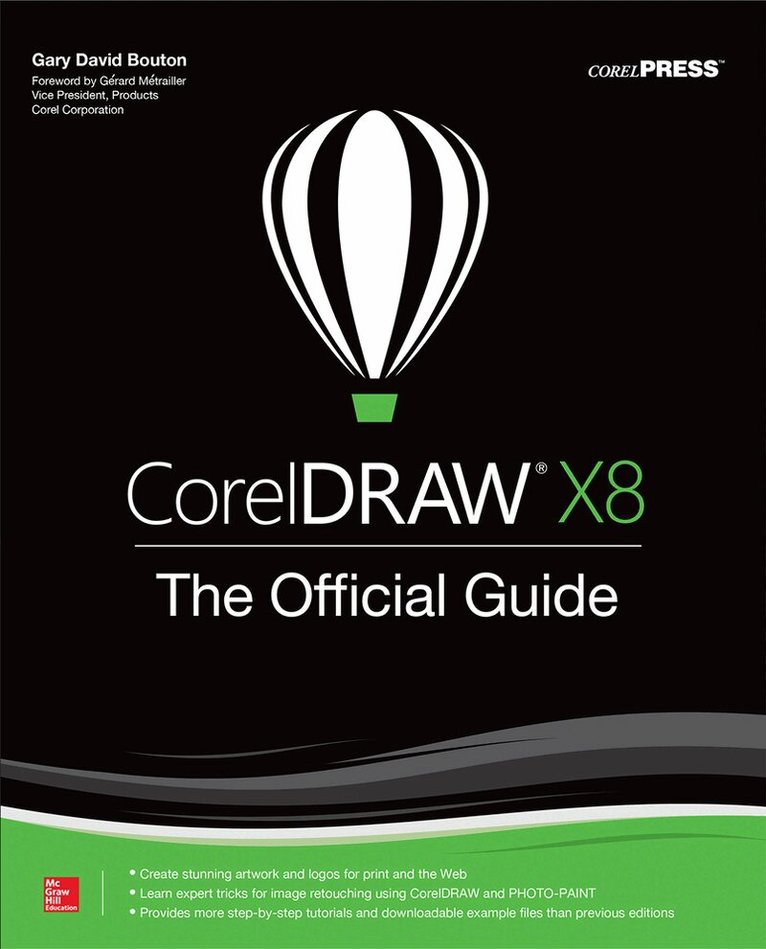
The Corel-Authorized Guide to CorelDRAW®—Updated for CorelDRAW X8
This thoroughly revised guide offers complete coverage of CorelDraw X8, including the revamped interface and brand-new features. CorelDRAW X8: The Official Guide shows anyone—from a beginner to an experienced illustrator—how to create top-drawer commercial graphics and exquisite artwork. You will learn to draw photorealistic illustrations, use shortcuts to create complex art, lay out text like a pro, add special effects, and transform 2D objects into 3D graphics. The book features tips for printing high-quality work that matches what you’ve designed on your monitor.
• Work in the customizable interface redesigned to reflect Windows® Metro style• Explore and understand the software’s menus, palettes, and dockers• Lay out brochures, flyers, and other multi-page documents• Add paragraph, artistic, and custom-shaped text to your designs• Search the Content Exchange for fonts, vector patterns, background designs, and the Get More docker• Use the Perspective, Extrude, Smear, Twirl, Attract, Repel, and Distortion tools• Incorporate lens effects, transparency, shadows, glows, and bevels• Put all the elements together in a professional, visually compelling way with layout and design tips from the author