Bobbi Sandberg – författare
230 kr
Läs direkt efter köp
Step-by-Step, Full-Color Graphics!
Start using Outlook 2010 right away--the QuickSteps way. Color screenshots and clear instructions make it easy to ramp up the latest release of Microsoft''s powerful communications application. Follow along and quickly learn how to send, receive, and manage e-mail; enter contacts; schedule appointments; track tasks; keep a journal; use notes; manage files and folders; and set up instant messaging. Get up to speed on Outlook 2010 in no time with help from this practical, fast-paced guide.
Use these handy guideposts:
Shortcuts for accomplishing common tasksNeed-to-know facts in concise narrativeHelpful reminders or alternate ways of doing thingsBonus information related to the topic being coveredErrors and pitfalls to avoid230 kr
Läs direkt efter köp
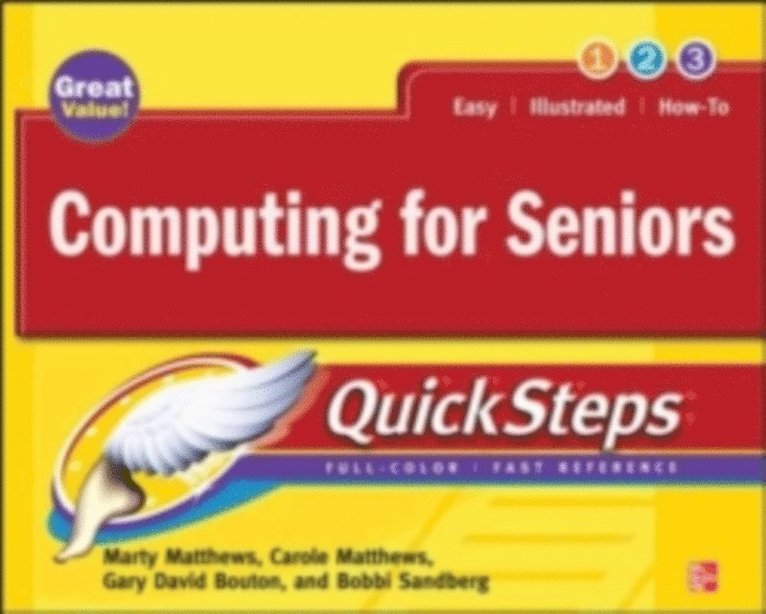
Take advantage of your computer''s features and tools right away--the QuickSteps way. Color photos and screenshots with clear instructions make it easy to accomplish everything you want to do. Follow along and quickly learn how to navigate the Windows operating system; get online; use core programs such as Word, Excel, and Quicken; and secure your computer. Fun activities, such as genealogy, photo editing and management, social networking, and online dating are covered, plus you''ll get tips for enjoying music, ebooks, and videos. Written by seniors for seniors, this practical, fast-paced guide helps you get the most out of your computer.
The unique, oblong layout of the QuickSteps series mimics your computer screen, displays graphics and explanations side by side, and lays flat so you can easily refer to the book while working on your computer.
Use these handy guideposts:
Shortcuts for accomplishing common tasksPersonal insights from other seniorsNeed-to-know facts in concise narrativeHelpful reminders or alternative ways of doing thingsBonus information related to the topic being coveredErrors and pitfalls to avoid253 kr
Läs direkt efter köp
Step-by-Step, Full-Color Graphics!
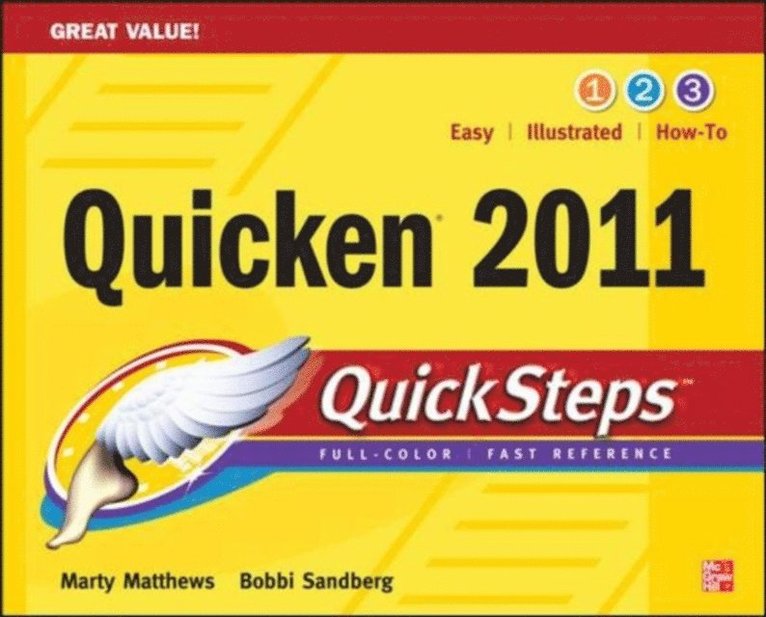
Get up and running on Quicken right away--the QuickSteps way. Full-color screenshots and simple instructions make it easy to start using the latest release of the #1 personal finance software. Follow along and learn how to balance your checkbook, pay bills, coordinate online banking, track investments, budget your money, manage your taxes, generate reports, print checks, and much more. Use Quicken 2011 to manage your personal finances with help from this practical, fast-paced guide.
The unique, oblong layout of the QuickSteps series mimics your computer screen, displays graphics and explanations side by side, and lays flat so you can easily refer to the book while working on your computer.
Use these handy guideposts:
Shortcuts for accomplishing common tasksNeed-to-know facts in concise narrativeHelpful reminders or alternate ways of doing thingsBonus information related to the topic being coveredErrors and pitfalls to avoid253 kr
Läs direkt efter köp
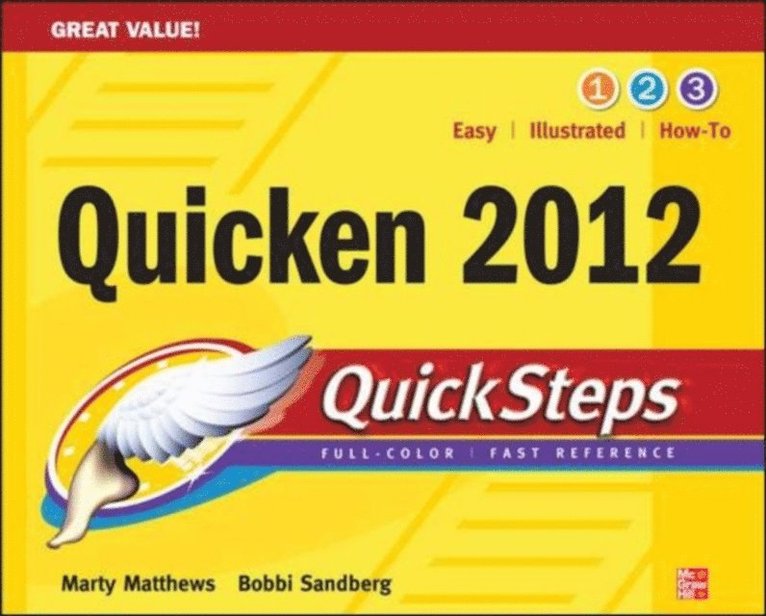
Start using Quicken 2012 right away--the QuickSteps way.
Color screenshots and clear instructions make it easy to ramp up on the latest release of the #1 personal finance software. Follow along and learn how to balance your checkbook; print checks; pay bills online; reconcile your bank, credit card, and investment accounts; track expenses; budget your money; and plan your financial future. Get up to speed on Quicken 2012 in no time with help from this practical, fast-paced guide.
Use these handy guideposts:
Shortcuts for accomplishing common tasksNeed-to-know facts in concise narrativeHelpful reminders or alternate ways of doing thingsBonus information related to the topic being coveredErrors and pitfalls to avoidMarty Matthews has more than 30 years of computing experience, is cocreator of the QuickSteps series, and the author or coauthor of more than 70 books, including the bestselling Windows 7 QuickSteps and Microsoft Office 2010 QuickSteps. He specializes in explaining complex topics to beginners.
Bobbi Sandberg is a consultant, instructor, and retired CPA who is recognized by Intuit as a Certified Professional Advisor. She teaches at community colleges and local senior centers and has been training users on Quicken since its first DOS version in the 1980s. Bobbi is the author of Quicken 2012: The Official Guide and other books.
230 kr
Läs direkt efter köp
Step-by-Step, Full-Color Graphics!
Get started researching your family tree right away—the QuickSteps way. Color screenshots and images with clear instructions show you how. Discover the fascinating story of your ancestors using a wide array of resources, including websites, private and public archives, military records, blogs, social media networks, computer programs, and more. You’ll also get advice on getting around roadblocks, collaborating with family members and fellow researchers, and organizing, personalizing, and publishing your family tree history.
Use these handy guideposts:
Shortcuts for accomplishing common tasksNeed-to-know facts in concise narrativeHelpful reminders or alternate ways of doing thingsBonus information related to the topic being coveredErrors and pitfalls to avoidScreenshots with callouts show and explain exactly what you’ll see on your computer screen while you’re doing a task
The unique, landscape-oriented layout of the QuickSteps series mimics your computer screen, displays graphics and explanations side by side, and lays flat so you can easily refer to the book while working on your computer.
288 kr
Läs direkt efter köp
The Only Official Guide to the #1 Personal Finance Software
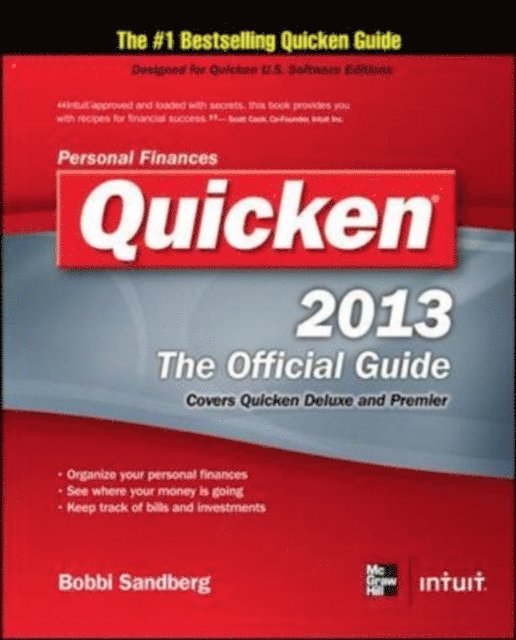
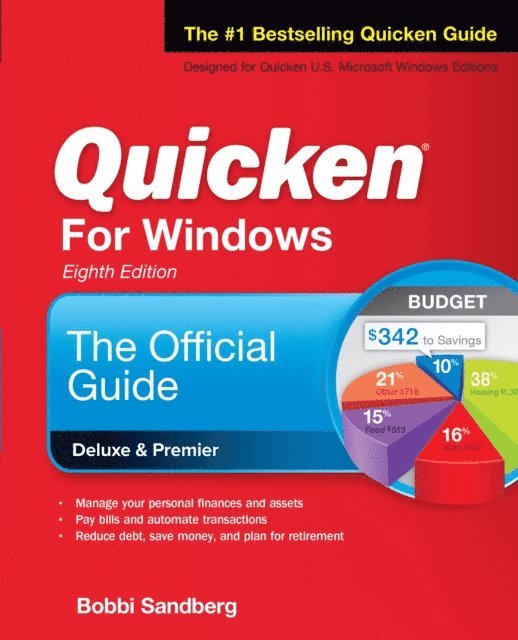
Filled with insider tips and expert techniques, Quicken 2013: The Official Guide shows you how to manage your finances and assets with confidence. Discover the most efficient and effective methods for tracking your income, expenses, savings, transactions, investments, and so much more.
Fully endorsed by Intuit, makers of Quicken, this official guide saves you time and money by revealing how to maximize all of the software''s powerful capabilities—including new features and hidden gems. You’ll get professional advice along with information about online resources to assist you in reducing debt, making sound financial decisions, and planning for a secure future.
Customize Quicken for your preferencesTrack income, expenses, and cash flowSet up Online Account ServicesAutomate transactions and tasksAnalyze banking activity with snapshots, reports, and graphsReconcile checking, savings, and credit card accountsTake advantage of the budgeting and debt reduction toolsTrack investments and optimize your portfolioMonitor assets and loansManage household recordsSave money and plan for retirementSimplify tax preparation and maximize deductions348 kr
Läs direkt efter köp
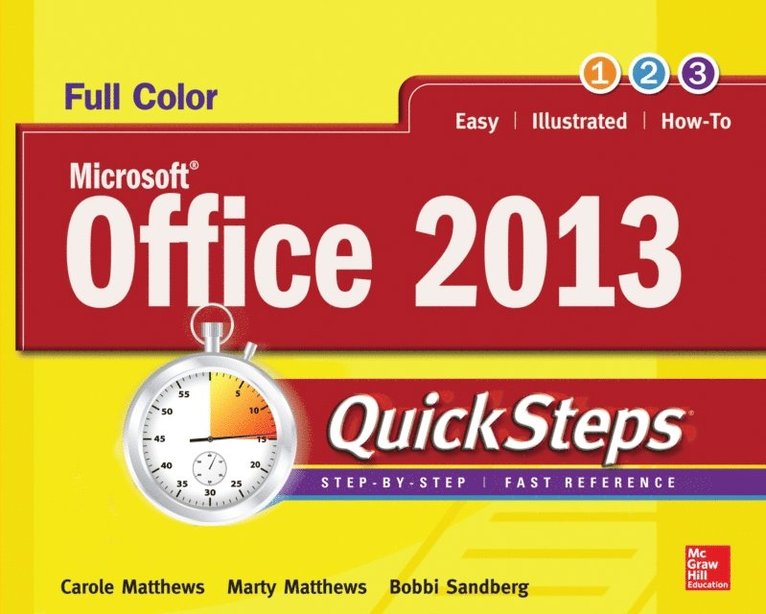
Full-color, step-by-step guide to the new release of the world’s most popular productivity suite of applications
Get up and running with Office 2013 right away--the QuickSteps way. Full-color screenshots on every page with clear instructions make it easy to use the latest release of Microsoft''s powerful productivity suite. Follow along and quickly learn how to create Word documents; build Excel spreadsheets; manage Outlook email, contacts, and schedules; design PowerPoint presentations; and much more. This practical, fast-paced guide gets you started in no time!
Use these handy guideposts:
Shortcuts for accomplishing common tasksNeed-to-know facts in concise narrativeHelpful reminders or alternate ways of doing thingsBonus information related to the topic being coveredErrors and pitfalls to avoidThe unique, landscape-oriented layout of the QuickSteps series mimics your computer screen, displays graphics and explanations side by side, and lays flat so you can easily refer to the book while working on your computer.
757 kr
Skickas inom 3-6 vardagar
Publisher's Note: Products purchased from Third Party sellers are not guaranteed by the publisher for quality, authenticity, or access to any online entitlements included with the product.
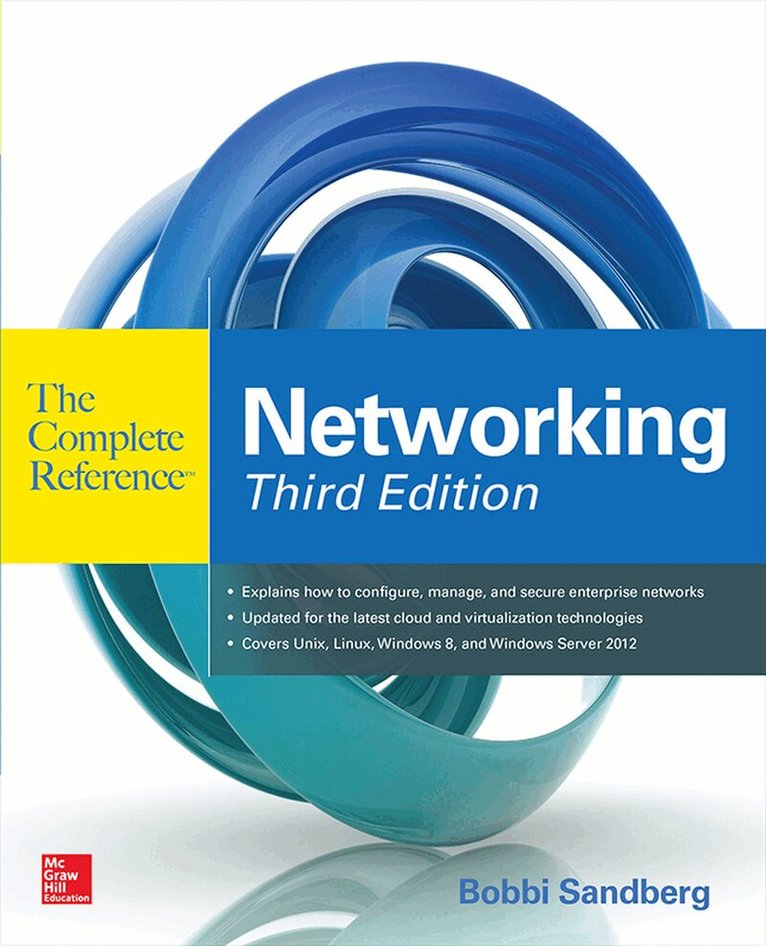
The most comprehensive, current guide to networking
Build and administer high-performance networks of all sizes—from small home systems to enterprise internet works—using the practical information in this detailed resource. Thoroughly revised to cover the latest technologies, Networking: The Complete Reference, Third Edition offers concise explanations, start-to-finish deployment plans, real-world examples, and expert tips.
Find out how to select a networking protocol, connect devices, set up wireless LANs and WANs, configure Internet servers, virtualize your network, and migrate to the cloud. Cutting-edge backup, tuning, and security techniques are fully explained. Filled with proven solutions to a wide array of networking issues, this comprehensive guide is ideal for beginners and seasoned IT professionals alike.
Design, configure, and administer wireless and wired networksWork with interface cards, hubs, routers, switches, and repeatersUnderstand Ethernet, Token Ring, TCP/IP, and IPX protocolsBuild wireless LANs using WiFi, IEEE 802.11, and Bluetooth technologyDeploy server clusters, multiprocessors, and Fibre Channel connectionsDeliver Web, FTP, e-mail, and Active Directory services Implement a cloud-based network infrastructureSet up, configure, and manage virtual networksHandle troubleshooting and network securityConnect Macintosh and Unix systems to Windows networks831 kr
Läs direkt efter köp
The most comprehensive, current guide to networking
Build and administer high-performance networks of all sizes—from small home systems to enterprise internetworks—using the practical information in this detailed resource. Thoroughly revised to cover the latest technologies, Networking: The Complete Reference, Third Edition offers concise explanations, start-to-finish deployment plans, real-world examples, and expert tips.
Find out how to select a networking protocol, connect devices, set up wireless LANs and WANs, configure Internet servers, virtualize your network, and migrate to the cloud. Cutting-edge backup, tuning, and security techniques are fully explained. Filled with proven solutions to a wide array of networking issues, this comprehensive guide is ideal for beginners and seasoned IT professionals alike.
Design, configure, and administer wireless and wired networksWork with interface cards, hubs, routers, switches, and repeatersUnderstand Ethernet, Token Ring, TCP/IP, and IPX protocolsBuild wireless LANs using WiFi, IEEE 802.11, and Bluetooth technologyDeploy server clusters, multiprocessors, and Fibre Channel connectionsDeliver Web, FTP, e-mail, and Active Directory servicesImplement a cloud-based network infrastructureSet up, configure, and manage virtual networksHandle troubleshooting and network securityConnect Macintosh and Unix systems to Windows networks345 kr
Läs direkt efter köp
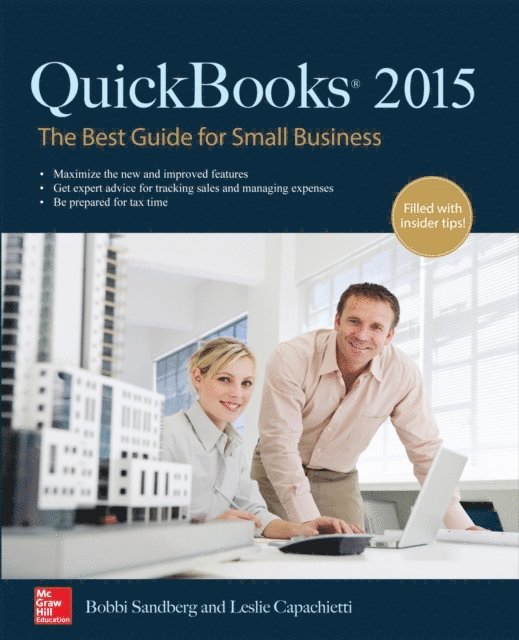
Set up QuickBooks 2015 to work the way your business does! QuickBooks ProAdvisors reveal best practices for customizing and using the #1 small business financial software
QuickBooks: The Best Guide for Small Business takes the guesswork out of setting up and running a business with QuickBooks. Our QuickBooks ProAdvisors have worked one-on-one with thousands of small business owners—and they are here to help you!
This book explains what’s new in QuickBooks 2015, how to choose the right edition, best practices from other users, and how to avoid common mistakes. Learn proven methods for managing your business finances, processing invoices, tracking inventory, monitoring sales, and administering payroll. Maximize the software’s capabilities and run your small business efficiently using the time-saving techniques packed inside this practical resource.
Helps you quickly identify which features you need to know to run your businessTopics organized logically so you can get to mission critical tasks in the order you need themEasy-to-follow examples of best practices employed by other QuickBooks usersIncludes valuable tips on accounting, inventory management, payroll, budgets, business reports, tax preparation, and more345 kr
Läs direkt efter köp
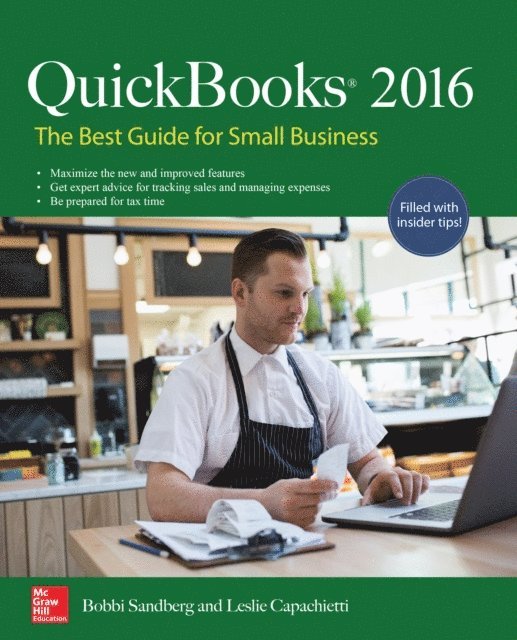
Set up a complete small business financial management system quickly and easily. Written by Certified QuickBooks ProAdvisors, QuickBooks® 2016: The Best Guide for Small Business shows you how to maximize all of the desktop software’s powerful capabilities, including the new and improved features for 2016.
From processing invoices to managing payroll, you will learn how QuickBooks Desktop versions help you control your business’s financial operations. Sprinkled throughout the book are tips for tracking inventory, monitoring sales, and much more. In addition, get recommendations for working with an accountant and organizing tax information. Run your small business efficiently and effectively using the tested techniques and valuable advice in this practical guide to QuickBooks Desktop 2016
Tailor QuickBooks Desktop to meet your company needsCustomize entries for customers and vendorsMake Items work for youControl bank and credit card accountsPay your employees and payroll taxes with easeUnderstand the built-in budget and planning toolsManage inventory for your companyProtect your dataCreate dynamic reportsBreeze through year-end and tax time288 kr
Läs direkt efter köp
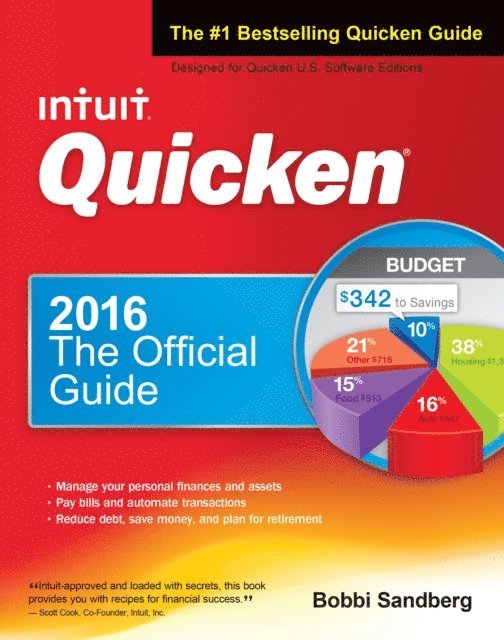
Fully authorized by Intuit, this practical volume has been revised to cover the latest release of the #1 bestselling personal finance software. You will learn how to manage finances, save money, and find current balances—even via mobile devices. The book provides professional advice that will help you reduce debt, stay on budget, save money, and plan for a secure financial future.
Quicken 2016: The Official Guide offers complete coverage of setting up and balancing personal banking and credit accounts, paying bills and viewing accounts online, and tracking and managing investments. Readers will get step-by-step instructions, examples, and illustrations. This comprehensive guide contains full details on all-new investment tools and updated loan and budgeting features.
Covers mobile use on both Apple and Android platforms, including banking, credit card, and investment sync online“In My Experience” sidebars highlight the benefits of specific featuresWritten in a no-nonsense, practical style by Intuit Certified Professional Advisor Bobbi Sandberg345 kr
Läs direkt efter köp
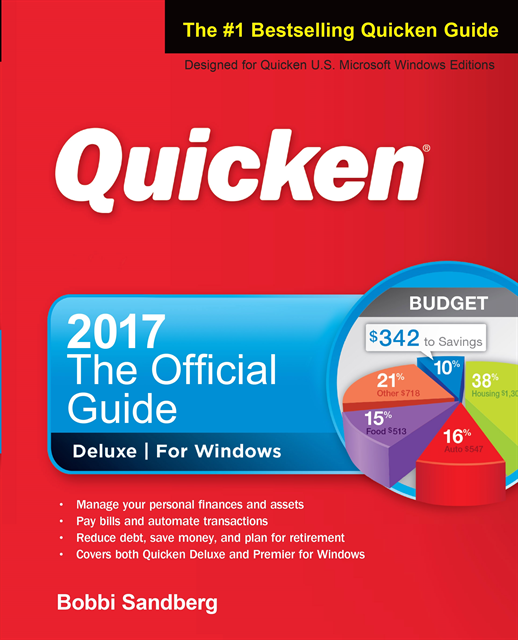
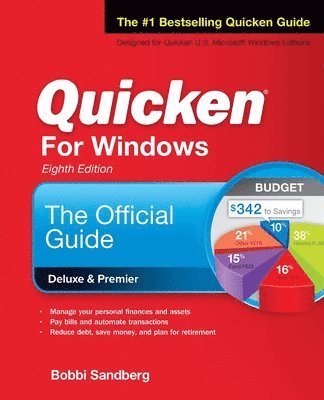
The Only Official Guide to the #1 Personal Finance Software for Windows! Covers U.S. Microsoft Windows Editions--Quicken Deluxe and Premier
Take control of your personal finances using the best practices and time-saving tips in Quicken® 2017 The Official Guide! Find out the most effective methods for tracking your income, expenses, savings, transactions, investments, and so much more.
Endorsed by the makers of Quicken, this practical resource shows you, step by step, how to take full advantage of the software’s powerful features, including the Quicken mobile app. You’ll also get professional advice to help you reduce debt, stay on budget, save money, invest wisely, and plan for a secure financial future.
• Customize Quicken for your preferences• Track income and expenses• Automate transactions and tasks• Record bank and credit card transactions• Use online banking features• Reconcile checking, savings, and credit card accounts• Track investments and optimize your portfolio• Monitor your assets, loans, and net worth• Evaluate your financial position• Reduce debt, save money, and plan for retirement• Simplify tax preparation and maximize deductions• Create Quicken reports
716 kr
Läs direkt efter köp
664 kr
Skickas inom 3-6 vardagar
171 kr
Tillfälligt slut
Take advantage of your computer's features and tools right away--the QuickSteps way. Color photos and screenshots with clear instructions make it easy to accomplish everything you want to do. Follow along and quickly learn how to navigate the Windows operating system; get online; use core programs such as Word, Excel, and Quicken; and secure your computer. Fun activities, such as genealogy, photo editing and management, social networking, and online dating are covered, plus you'll get tips for enjoying music, ebooks, and videos. Written by seniors for seniors, this practical, fast-paced guide helps you get the most out of your computer.
The unique, oblong layout of the QuickSteps series mimics your computer screen, displays graphics and explanations side by side, and lays flat so you can easily refer to the book while working on your computer.
Use these handy guideposts:
Shortcuts for accomplishing common tasksPersonal insights from other seniorsNeed-to-know facts in concise narrativeHelpful reminders or alternative ways of doing thingsBonus information related to the topic being coveredErrors and pitfalls to avoid