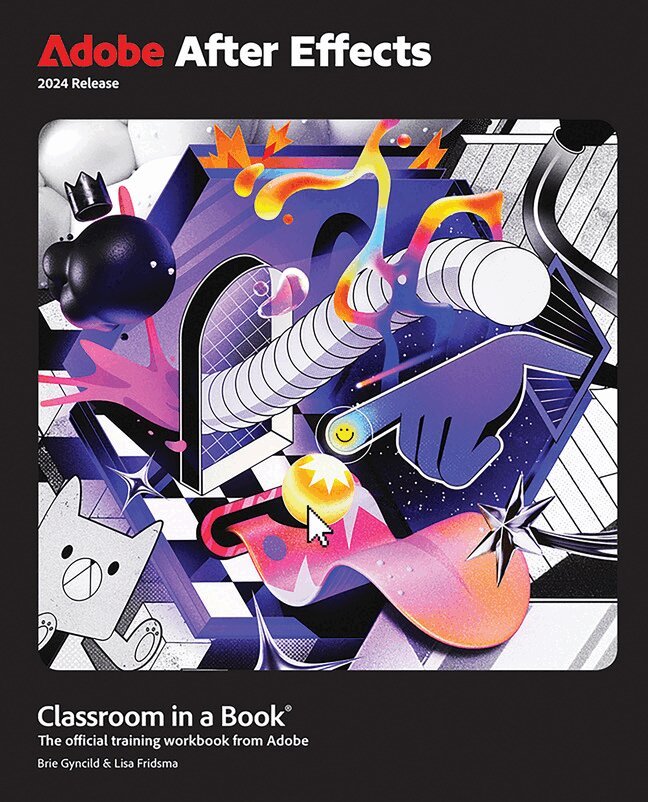
Adobe After Effects CC Classroom in a Book (2017 release)
Del i serien Classroom in a Book
399 kr
Skickas . Fri frakt över 249 kr.
Beskrivning
Produktinformation
- Utgivningsdatum:2017-01-19
- Mått:190 x 230 x 20 mm
- Vikt:789 g
- Format:Häftad
- Språk:Engelska
- Serie:Classroom in a Book
- Antal sidor:400
- Förlag:Pearson Education (US)
- ISBN:9780134665320
Utforska kategorier
Mer om författaren
Lisa Fridsma has long loved the process of teaching others to use Adobe products. She has written, edited, and designed over thirty books in the Classroom in a Book series over the last decade and a half (including books on Photoshop and After Effects), going back to her time on-staff at Adobe. She’s currently the owner of Darlington Hill Productions (Informational illustrations and publishing). Lisa lives in Bethesda, Maryland, with her family and two above-average dogs. Brie Gyncild aims to make technical information accessible to those who need it. Brie wrote The Photoshop CS5 Pocket Guide and The Photoshop Elements 8 Pocket Guide. She has also co-written The Photoshop Show Starring Russell Brown; numerous editions of the Classroom in a Book series on Photoshop, After Effects, Flash, and Acrobat; and several editions of the How to Wow series. Brie lives in Seattle with two cats and an overgrown garden.
Innehållsförteckning
- Getting Started About Classroom in a BookPrerequisitesInstalling After Effects and BridgeOptimizing performanceRestoring default preferencesOnline contentHow to use these lessonsAdditional resourcesAdobe Authorized Training Centers1 Getting to Know the Workflow About the After Effects work areaGetting startedCreating a project and importing footageCreating a composition and arranging layersAbout layersAdding effects and modifying layer propertiesAnimating the compositionAbout the Tools panelAbout timecode and durationAbout the Timeline panelPreviewing your workOptimizing performance in After EffectsRendering and exporting your compositionCustomizing workspacesControlling the brightness of the user interface Finding resources for using After EffectsReview questions and answers2 Creating a Basic Animation Using Effects and Presets Getting startedImporting footage using Adobe BridgeCreating a new compositionWorking with imported Illustrator layersApplying effects to a layerApplying and controlling effectsApplying an animation presetPreviewing the effectsAdding transparencyRendering the compositionReview questions and answers3 Animating Text Getting startedAbout text layersInstalling a font using TypekitCreating and formatting point textUsing a text animation presetAnimating with scale keyframesAnimating using parentingAbout parent and child layersAnimating imported Photoshop textAnimating type trackingAnimating text opacityUsing a text animator groupAbout text animator groupsAnimating a layer’s positionTiming layer animationsAdding motion blurReview questions and answers4 Working with Shape Layers Getting startedAdding a shape layerCreating custom shapesDuplicating shapesDuplicating and modifying a compositionPositioning layers with snappingAdding compositions to a 3D projectAdding the finishing touchesExtra credit Review questions and answers5 Animating a Multimedia Presentation Getting startedUsing Creative Cloud Libraries in After EffectsAdjusting anchor pointsParenting layersPrecomposing layers Keyframing a motion pathAnimating additional elementsApplying an effectAbout solid-color layersAnimating precomposed layersAnimating the backgroundAdding an audio trackSupported audio file formatsEditing audio files in Adobe AuditionReview questions and answers6 Animating Layers Getting startedPreparing layered Photoshop filesAbout Photoshop layer stylesSimulating lighting changesDuplicating an animation using the pick whipAbout expressionsAnimating movement in the sceneryAdjusting the layers and creating a track matteAbout track mattes and traveling mattesAnimating the shadowsAdding a lens flare effectAdding a video animationRendering the animationRetiming the compositionReview questions and answers7 Working with Masks About masksGetting startedCreating a mask with the Pen toolEditing a maskAbout mask modesCreating a Bezier mask Feathering the edges of a maskReplacing the content of the maskZooming and panning by touchAdding a reflectionCreating a vignetteUsing the Rectangle and Ellipse toolsAdjusting the timingTips for creating masksTrimming the work areaReview questions and answers8 Distorting Objects with the Puppet Tools Getting startedAbout the Puppet toolsAdding Deform pinsDefining areas of overlapStiffening an areaAnimating pin positionsSquash and stretchRecording animationAct it out with Adobe Character AnimatorReview questions and answers 9 Using the Roto Brush Tool About rotoscopingGetting startedCreating a segmentation boundaryUsing Adobe Premiere Pro with After EffectsFine-tuning the matteRefine Soft Matte and Refine Hard Matte effectsFreezing your Roto Brush tool resultsChanging the backgroundAdding animated textOutputting your projectExtra creditReview questions and answers10 Performing Color Correction Getting startedPreviewing your project on a video monitorAdjusting color balance with levelsAdjusting color balance with Color Finesse 3Replacing the backgroundColor-correcting using Auto LevelsMotion tracking the cloudsReplacing the sky in the second clipColor gradingExtra Credit Review questions and answers11 Using 3D Features Getting startedCreating 3D textUsing 3D viewsImporting a backgroundAdding 3D lightsAdding a cameraExtruding text in After EffectsWorking with Cinema 4D LiteIntegrating the C4D layer in After EffectsFinishing the projectReview questions and answers12 Working with the 3D Camera Tracker About the 3D Camera Tracker effectGetting startedRepairing rolling shutter distortionsTracking the footageCreating a ground plane, a camera, and the initial textCreating realistic shadowsAdding ambient lightCreating additional text elementsLocking a layer to a plane with a null objectAnimating the textAdjusting the camera’s depth of fieldRendering the compositionReview questions and answers13 Advanced Editing Techniques Getting startedUsing Warp Stabilizer VFXBicubic scalingWarp Stabilizer VFX settingsUsing single-point motion trackingChecking for driftMoving and resizing the track pointsUsing multipoint trackingmocha for After EffectsCreating a particle simulationUnderstanding Particle Systems II propertiesAbout high dynamic range (HDR) footageReview questions and answers 14 Rendering and Outputting Getting startedCreating templates for the Render QueueAbout compressionExporting using the Render QueuePreparing movies for mobile devicesRendering movies with Adobe Media EncoderPreparing a movie for broadcast outputReview questions and answers Appendix: General keyboard shortcuts
Du kanske också är intresserad av
- Nyhet
Hjärnans akilleshälar : hur din hjärna lurar dig, och vad du kan göra åt det
Anders Hansen
289 kr
- Signerad!
- Signerad!
- Nyhet