Classroom in a Book - Böcker
492 kr
Skickas inom 7-10 vardagar
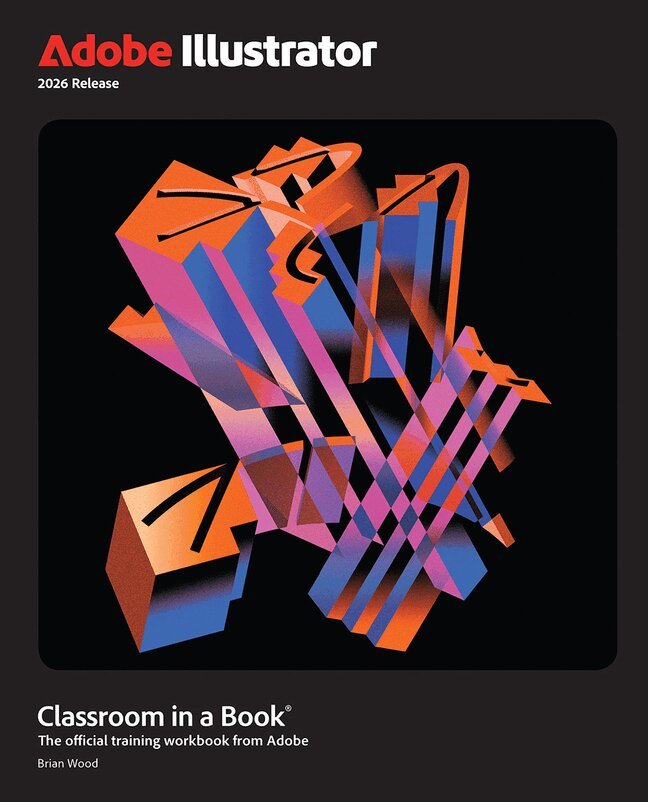
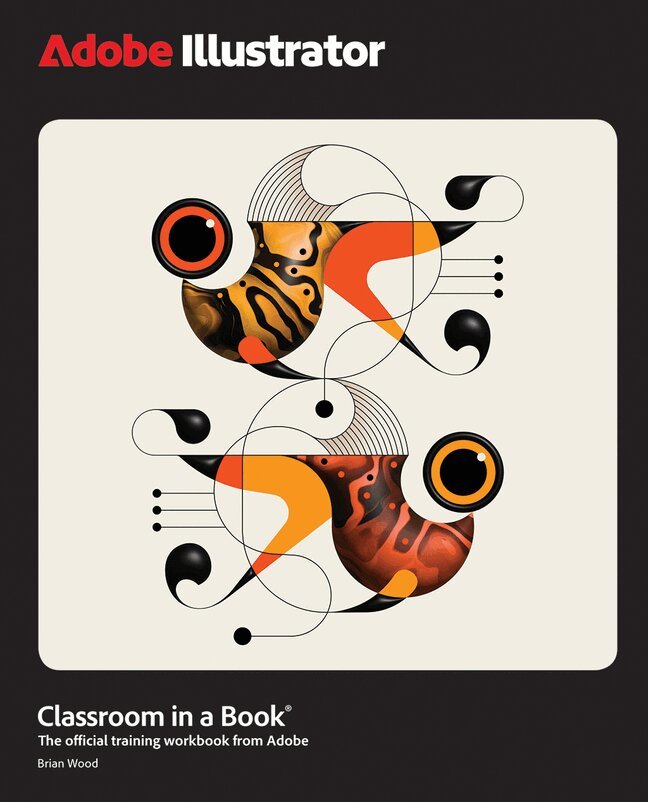
The fastest, easiest, most comprehensive way to learn Adobe Illustrator
Adobe Illustrator Classroom in a Book 2026 Release contains 17 lessons that use real-world, project-based learning to cover the basics and beyond, providing countless tips and techniques to help you become more productive with the program. For beginners and experienced users alike, you can follow the book from start to finish or choose only those lessons that interest you.
Unleash your creativity with 17 hands-on projects—from bold logos and sleek illustrations to stunning posters and expressive digital art Dive in with quick, step-by-step lessons that build real Illustrator skills fast Master selections, shapes, colors, and edits—then push your style further with Generative AI, gradients, layers, artistic brushes, effects, sharing, and much more Every project helps you create something eye-catching, original, and portfolio-readyClassroom in a Book®, the best-selling series of hands-on software training workbooks, offers what no other book or training program does – an official training series from Adobe, developed with the support of Adobe product experts.
Purchasing this book includes valuable online extras. Follow the instructions in the book’s “Getting Started” section to unlock access to:
Downloadable lesson files you need to work through the projects in the book Web Edition containing the complete text of the book, interactive quizzes, and videos that walk you through the lessons step by stepWhat you need to use this book: Adobe Illustrator 2026 Release software, for either Windows or macOS. (Software not included.)
96 kr
Skickas
399 kr
Skickas
628 kr
Skickas
111 kr
Tillfälligt slut
111 kr
Tillfälligt slut
108 kr
Tillfälligt slut
407 kr
Skickas inom 7-10 vardagar
402 kr
Skickas inom 7-10 vardagar
411 kr
Skickas inom 7-10 vardagar
489 kr
Skickas inom 7-10 vardagar
The fastest, easiest, most comprehensive way to learn Adobe Photoshop
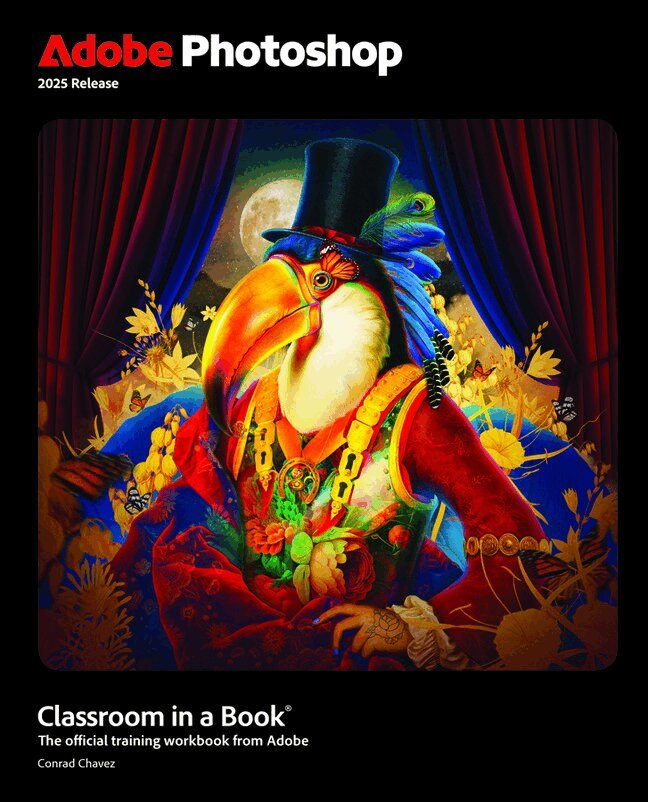
Adobe Photoshop Classroom in a Book 2025 Release contains 15 lessons that use real-world, project-based learning to cover the basics and beyond, providing countless tips and techniques to help you become more productive with the program. For beginners and experienced users alike, you can follow the book from start to finish or choose only those lessons that interest you. Learn to:
Create and improve images using the professional tools in Adobe Photoshop Seamlessly remove backgrounds, replace skies, and repair photos Select subjects with complex outlines, including hair Use Adobe Firefly generative AI to retouch challenging images or to create new images from a text prompt Composite multiple images with graphics and typography Using a timeline, animate graphics and type and combine them with video and audio Automate repetitive tasks Edit camera raw images Export your work for the web, mobile devices, video, and printClassroom in a Book®, the best-selling series of hands-on software training workbooks, offers what no other book or training program does – an official training series from Adobe, developed with the support of Adobe product experts.
Purchasing this book includes valuable online extras. Follow the instructions in the book’s “Getting Started” section to unlock access to:
Downloadable lesson files you need to work through the projects in the book Web Edition containing the complete text of the book, interactive quizzes, and videos that walk you through the lessons step by stepWhat you need to use this book: Adobe Photoshop 2025 Release software, for either Windows or macOS. (Software not included.)
480 kr
Skickas inom 7-10 vardagar
The fastest, easiest, most comprehensive way to learn Adobe Illustrator
Adobe Illustrator Classroom in a Book 2025 Release contains 17 lessons that use real-world, project-based learning to cover the basics and beyond, providing countless tips and techniques to help you become more productive with the program. For beginners and experienced users alike, you can follow the book from start to finish or choose only those lessons that interest you. Learn to:
Dive into 17 real-world projects, from precise drawings to expressive paintings, logos, illustrations, social ads, posters, and more Gain hands-on experience with a quick overview before diving into selections, shapes, color, and editing As you progress, you'll explore freeform gradients, layers, artistic brushes, creative effects, asset export, and more These step-by-step projects will help you develop essential graphic design skills at every stageClassroom in a Book®, the best-selling series of hands-on software training workbooks, offers what no other book or training program does – an official training series from Adobe, developed with the support of Adobe product experts.
Purchasing this book includes valuable online extras. Follow the instructions in the book’s “Getting Started” section to unlock access to:
Downloadable lesson files you need to work through the projects in the book Web Edition containing the complete text of the book, interactive quizzes, and videos that walk you through the lessons step by stepWhat you need to use this book: Adobe Illustrator 2025 Release software, for either Windows or macOS. (Software not included.)
480 kr
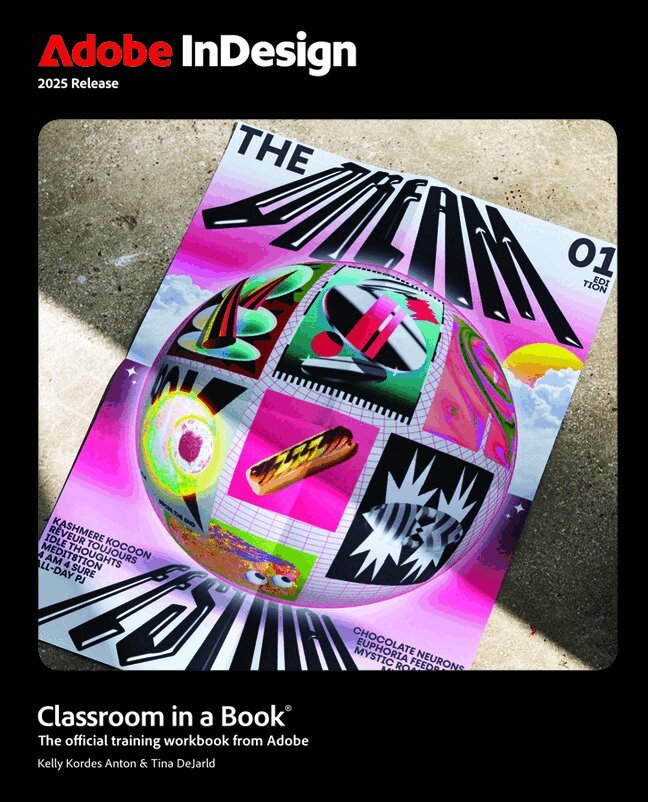
The fastest, easiest, most comprehensive way to learn Adobe InDesign
Adobe InDesign Classroom in a Book 2025 Release contains 15 lessons that use real-world, project-based learning to cover the basics and beyond, providing countless tips and techniques to help you become more productive with the program. For beginners and experienced users alike, you can follow the book from start to finish or choose only those lessons that interest you. Learn to:
Bring messages to life with expert typography tools, integration with Adobe Photoshop and Adobe Illustrator, and color, layering, and transparency effects Easily create complementary colors, format text, and find just the right image using new AI features such as Color Themes, Style Packs, and Text to Image Use InDesign and its enhanced powerful tools for exporting work for professional printing, websites, social media, ebooks, and moreClassroom in a Book®, the best-selling series of hands-on software training workbooks, offers what no other book or training program does – an official training series from Adobe, developed with the support of Adobe product experts.
Purchasing this book includes valuable online extras. Follow the instructions in the book’s “Getting Started” section to unlock access to:
Downloadable lesson files you need to work through the projects in the book Web Edition containing the complete text of the book, interactive quizzes, and videos that walk you through the lessons step by stepWhat you need to use this book: Adobe InDesign 2025 Release software, for either Windows or macOS. (Software not included.)
483 kr
Skickas inom 7-10 vardagar
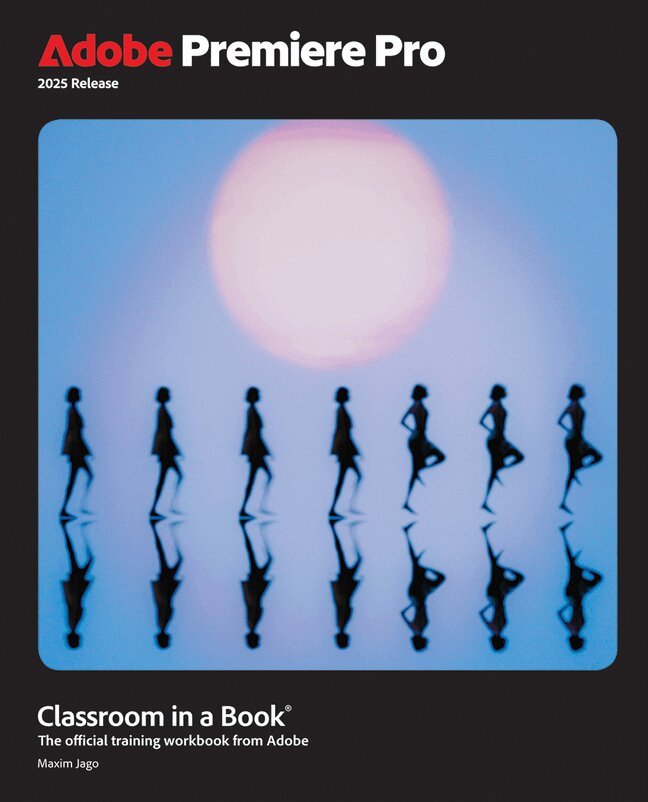
The fastest, easiest, most comprehensive way to learn Adobe Premiere Pro
Adobe Premiere Pro Classroom in a Book 2025 Release contains 17 lessons that use real-world, project-based learning to cover the basics and beyond, providing countless tips and techniques to help you become more productive with the program. You can follow the book from start to finish or choose only those lessons that interest you. Learn to:
Edit video in Adobe Premiere Pro Use automation and AI-based features to speed up the completion of professional creative projects Organize media, combine elements as a continuous sequence, edit video using text-based editing tools, add music and background audio, apply transition effects, create titles, add video and audio effects, and add filmic looks Take your projects further by sweetening and mixing sound, retiming music, compositing footage, automatically reframing visuals, adjusting color, using advanced editing techniques, managing projects, exporting, and much moreClassroom in a Book®, the best-selling series of hands-on software training workbooks, offers what no other book or training program does an official training series from Adobe, developed with the support of Adobe product experts.
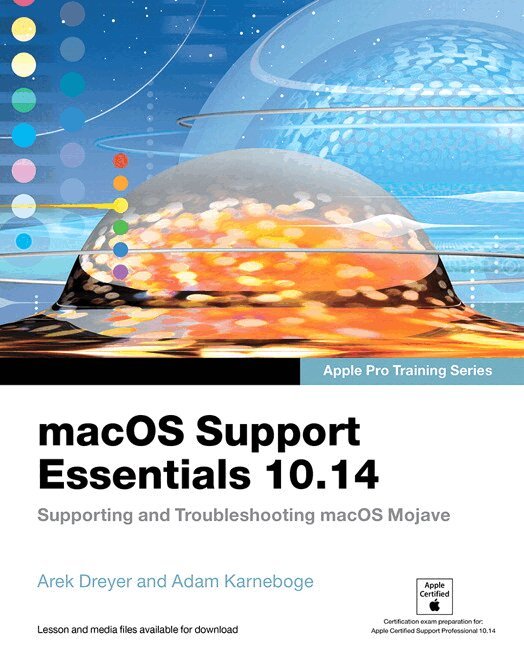
macOS Support Essentials 10.14 - Apple Pro Training Series
Supporting and Troubleshooting macOS Mojave
111 kr
Skickas
474 kr
Skickas inom 7-10 vardagar
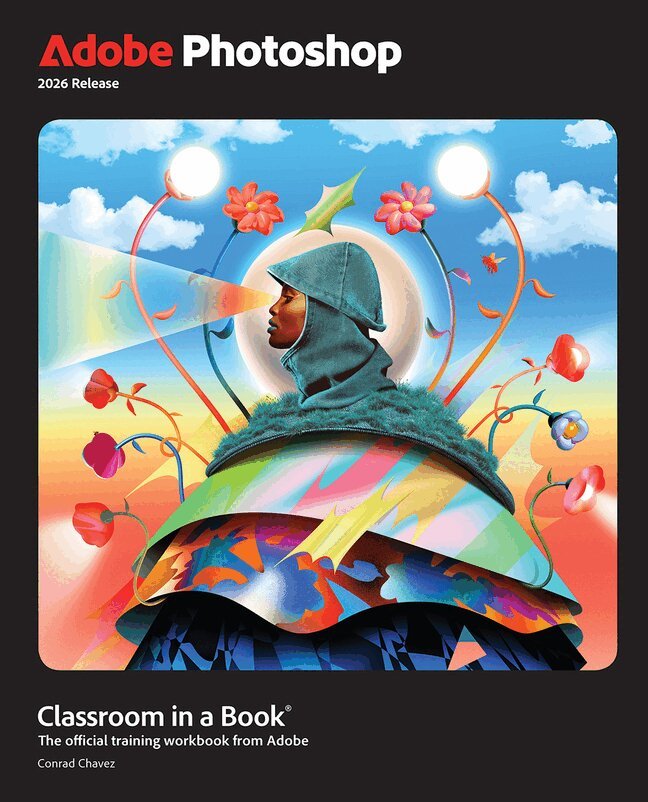
Adobe Photoshop Classroom in a Book 2026 contains 15 lessons that use real-world, project-based learning to cover the basics and beyond, providing countless tips and techniques to help you become more productive with the program. For beginners and experienced users alike, you can follow the book from start to finish or choose only those lessons that interest you. Learn to:
Create and improve images using the professional tools in Adobe Photoshop Easily correct and repair photos Seamlessly remove backgrounds and unwanted object Select subjects with complex outlines, including hair Use Adobe Firefly generative AI to retouch challenging images or to create new images Composite multiple images with graphics and typography Using a timeline, animate graphics and type and combine them with video and audio Automate repetitive tasks Edit camera raw images Export your work for the web, mobile devices, video, and printClassroom in a Book®, the best-selling series of hands-on software training workbooks, offers what no other book or training program does – an official training series from Adobe, developed with the support of Adobe product experts.
Purchasing this book includes valuable online extras. Follow the instructions in the book’s “Getting Started” section to unlock access to:
Downloadable lesson files you need to work through the projects in the book Web Edition containing the complete text of the book, interactive quizzes, and videos that walk you through the lessons step by stepWhat you need to use this book: Adobe Photoshop 2026 Release software, for either Windows or macOS. (Software not included.)
411 kr
Skickas inom 7-10 vardagar
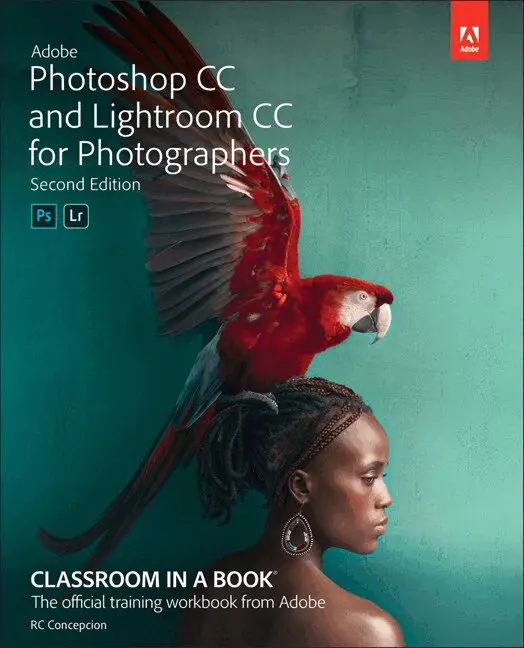
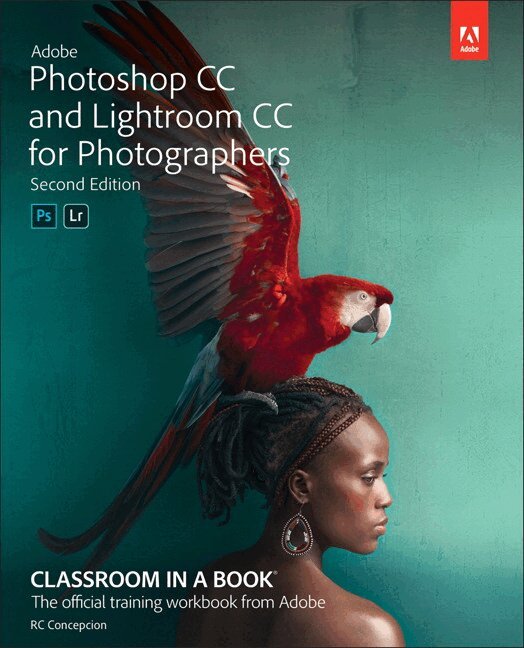
Learn Adobe Photoshop CC and Lightroom CC from the ground up, and develop your specific workflow for making great images. Start by importing and organizing your images into collections that make sense for you. Develop your pictures to make the most out of every pixel. Learn how Photoshop can take your vision further by using tools that enhance your work in Lightroom. Finally, you’ll learn how Lightroom and Photoshop work hand in hand to give you the most powerful creative tools for your digital photography.
The fastest, easiest, most comprehensive way to learn Adobe Photoshop Lightroom in conjunction with Adobe Photoshop.
Classroom in a Book, the best-selling series of hands-on software training workbooks, offers what no other book or training program does–an official training series from Adobe, developed with the support of Adobe product experts. Adobe Photoshop CC and Lightroom CC for Photographers Classroom in a Book contains 11 lessons that cover the basics and beyond, from sorting your photos and adjusting tone and color to creating an HDR panorama and turning your photo into an oil painting. You can follow the book from start to finish or choose only those lessons that interest you.
Purchasing this book includes valuable online extras. Follow the instructions in the book’s “Getting Started” section to unlock access to:
Downloadable lesson files you need to work through the projects in the book (lesson files also provided on DVD-ROM with the print edition of the book) Web Edition containing the complete text of the book, interactive quizzes, videos that walk you through the lessons step by step, and updated material covering new feature releases from AdobeWhat you need to use this book: Adobe Photoshop CC and Adobe Lightroom CC software, for either Windows or macOS. (Software not included.)
478 kr
Skickas inom 7-10 vardagar
The fastest, easiest, most comprehensive way to learn Adobe Photoshop
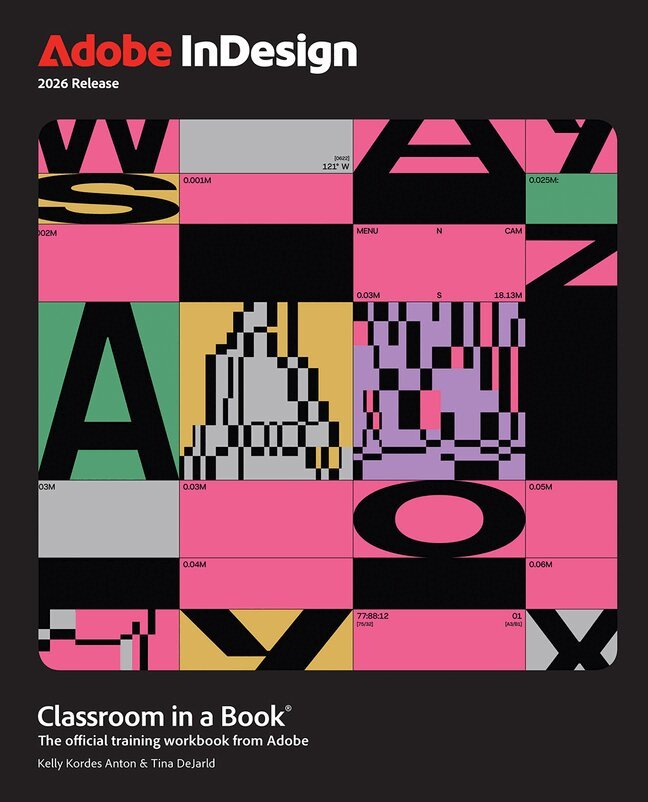
Adobe InDesign Classroom in a Book 2026 Release contains 14 lessons that use real-world, project-based learning to cover the basics and beyond, providing countless tips and techniques to help you become more productive with the program. For beginners and experienced users alike, you can follow the book from start to finish or choose only those lessons that interest you.
Learn to:
Bring messages to life with expert typography tools, seamless integration with Adobe Photoshop and Adobe Illustrator, and dynamic effects such as color blending, layering, and transparency. Boost creativity and efficiency with AI-powered and productivity tools—from Color Themes and Style Packs to Text to Image, Generative Expand, and Flex Layout. Effortlessly generate harmonious color palettes, create beautiful typography, find the perfect visuals, and adapt layouts with ease. Publish anywhere with confidence using InDesign’s robust export capabilities, optimized for professional printing, websites, social media, ebooks, and more.Classroom in a Book®, the best-selling series of hands-on software training workbooks, offers what no other book or training program does – an official training series from Adobe, developed with the support of Adobe product experts.
Purchasing this book includes valuable online extras. Follow the instructions in the book’s “Getting Started” section to unlock access to:
Downloadable lesson files you need to work through the projects in the book Web Edition containing the complete text of the book, interactive quizzes, and videos that walk you through the lessons step by stepWhat you need to use this book: Adobe InDesign 2026 Release software, for either Windows or macOS. (Software not included.)
492 kr
Kommande
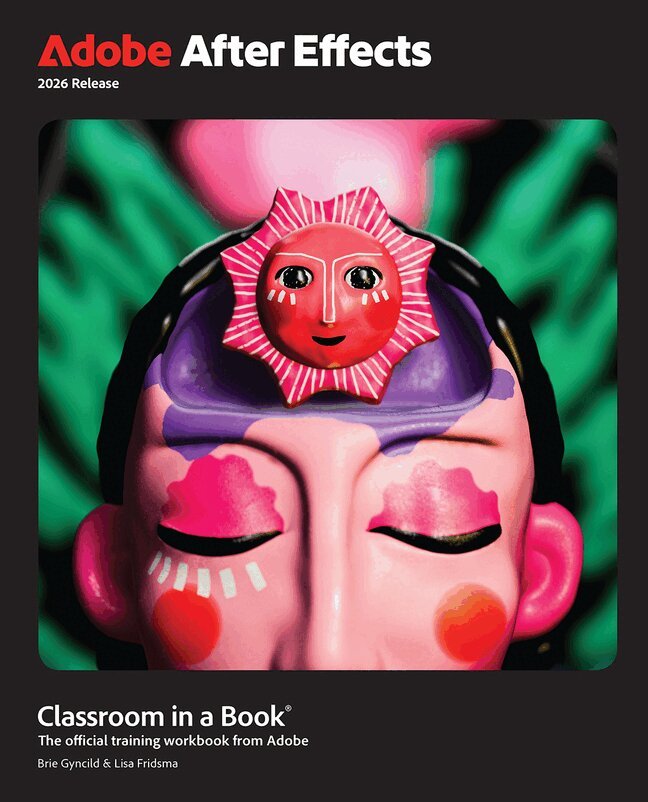
The fastest, easiest, most comprehensive way to learn Adobe After Effects
Adobe After Effects Classroom in a Book 2026 contains 15 lessons that use real-world, project-based learning to cover the basics and beyond, providing countless tips and techniques to help you become more productive with the program. For beginners and experienced users alike, you can follow the book from start to finish or choose only those lessons that interest you. Learn to:
Gain hands-on experience creating, manipulating, and optimizing motion graphics for film, video, the web, and mobile devices. Learn how to animate text and images, customize a wide range of effects, track and sync content, rotoscope, manipulate timing, correct color, and remove unwanted objects. Create a variety of 3D shapes with distinctive and adaptable materials. Customize cameras and lighting to create compelling 3D content. Design Motion Graphics templates for editing in Adobe Premiere. Deform and animate objects and video using robust Puppet tools.Classroom in a Book®, the best-selling series of hands-on software training workbooks, offers what no other book or training program does – an official training series from Adobe, developed with the support of Adobe product experts.
Purchasing this book includes valuable online extras. Follow the instructions in the book’s “Getting Started” section to unlock access to:
Downloadable lesson files you need to work through the projects in the book Web Edition containing the complete text of the book, interactive quizzes, and videos that walk you through the lessons step by stepWhat you need to use this book: Adobe After Effects 2026 Release software, for either Windows or macOS. (Software not included.)
474 kr
Kommande
635 kr
Skickas
635 kr
Skickas
Creative professionals seeking the fastest, easiest, most comprehensive way to learn Adobe InDesign choose Adobe InDesign Classroom in a Book (2020 release) from Adobe Press. The project-based step-by-step lessons show users the key techniques for working in InDesign. Designers will build a strong foundation of typographic, color, page layout, and document-construction skills that will enable them to produce a broad range of print and digital publications—from a simple postcard to an interactive Adobe PDF with form fields. The real-world tasks in this comprehensive book are presented in easy-to-follow lessons and are designed to train beginning Adobe InDesign users in the program—from fundamental features to powerful layout and output skills.
The online companion files include all the necessary assets for readers to complete the projects featured in each lesson. All buyers of the book get full access to the Web Edition: A Web-based version of the complete ebook enhanced with video and multiple-choice quizzes.
411 kr
Skickas inom 7-10 vardagar
The fastest, easiest, most comprehensive way to learn Adobe Photoshop Lightroom Classic!
Classroom in a Book®, the best-selling series of hands-on software training workbooks, offers what no other book or training program does–an official training series from Adobe, developed with the support of Adobe product experts.
Adobe Photoshop Lightroom Classic Classroom in a Book (2020 release) contains 12 lessons that cover the basics and beyond, providing countless tips and techniques to help you become more productive with the program. You can follow the book from start to finish or choose only those lessons that interest you.
Purchase of this book includes valuable online features. Follow the instructions in the book’s Getting Started section to unlock access to:
Downloadable lesson files you need to work through the projects in the book Web Edition containing the complete text of the book, interactive quizzes, and videos that walk you through the lessons step by step
375 kr
Skickas inom 7-10 vardagar
621 kr
Skickas inom 3-6 vardagar
669 kr
Skickas inom 3-6 vardagar
Create artwork from precise drawings to stylistic paintings with Adobe Illustrator. By completing a series of hands-on projects like logos, illustrations, posters, podcast covers, flyers, and more, you'll start with a quick tour of Illustrator, then explore selections, shapes, color, and editing artwork. Progressing to freeform gradients and layers, you'll build up to working with dynamic symbols, artistic brushes, creative effects, as well as exporting assets. All told, you'll create 17 engaging and unique projects, building valuable graphic art skills throughout.
The fastest, easiest, most comprehensive way to learn Adobe Illustrator
Classroom in a Book®, the best-selling series of hands-on software training workbooks, offers what no other book or training program does—an official training series from Adobe, developed with the support of Adobe product experts.
Adobe Illustrator Classroom in a Book (2022 release) contains 17 lessons that cover the basics and beyond, providing countless tips and techniques to help you become more productive with the program. You can follow the book from start to finish or choose only those lessons that interest you.
Purchasing this book includes valuable online extras. Follow the instructions in the book's "Getting Started" section to unlock access to:
Downloadable lesson files you need to work through the projects in the book Web Edition containing the complete text of the book, interactive quizzes, and videos that walk you through the lessons step by step Bonus video content showing nine essential skills not covered in the book and available only in the Web Edition, indicated by video icons in the table of contentsWhat you need to use this book: Adobe Illustrator (2022 release) software, for either Windows or macOS. (Software not included.)
Note: Classroom in a Book does not replace the documentation, support, updates, or any other benefits of being a registered owner of Adobe Illustrator software. This book covers Illustrator on desktop only. It does not address Illustrator on the iPad.
671 kr
Skickas
Build a strong foundation of typographic, page layout, and document-construction skills through the step-by-step lessons in this book. The real-world projects—ranging from a printed postcard with a QR code to an interactive Adobe PDF with form fields—are designed to guide novice Adobe InDesign users through the most fundamental features to the most powerful. Experienced InDesign users learn best practices and explore features that will rapidly become a designer's best friend, such as intelligent image placement and access to the Adobe Fonts library.
The fastest, easiest, most comprehensive way to learn Adobe InDesign
Classroom in a Book®, the best-selling series of hands-on software training workbooks, offers what no other book or training program does—an official training series from Adobe, developed with the support of Adobe product experts.
Adobe InDesign Classroom in a Book (2022 release) contains 15 lessons that cover the basics and beyond, providing countless tips and techniques to help you become more productive with the program. You can follow the book from start to finish or choose only those lessons that interest you.
Purchasing this book includes valuable online extras. Follow the instructions in the book's "Getting Started" section to unlock access to:
Downloadable lesson files you need to work through the projects in the book Web Edition containing the complete text of the book, interactive quizzes, and videos that walk you through the lessons step by stepWhat you need to use this book: Adobe InDesign (2022 release) software, for either Windows or macOS. (Software not included.)
Note: Classroom in a Book does not replace the documentation, support, updates, or any other benefits of being a registered owner of Adobe InDesign software.
691 kr
Skickas
Gain hands-on experience creating, manipulating, and optimizing motion graphics for film, video, the web, and mobile devices. Learn how to animate text and images, customize a wide range of effects, track and sync content, rotoscope, manipulate timing, correct color, and remove unwanted objects. Customize cameras and lighting to create compelling 3D content. Design Motion Graphics templates for editing in Adobe Premiere Pro. Deform and animate objects and video using robust Puppet tools.
The fastest, easiest, most comprehensive way to learn Adobe After Effects
Classroom in a Book®, the best-selling series of hands-on software training workbooks, offers what no other book or training program does—an official training series from Adobe, developed with the support of Adobe product experts.
Adobe After Effects Classroom in a Book (2022 release) contains 15 lessons that cover the basics and beyond, providing countless tips and techniques to help you become more productive with the program. You can follow the book from start to finish or choose only those lessons that interest you.
Purchasing this book includes valuable online extras. Follow the instructions in the book's "Getting Started" section to unlock access to:
Downloadable lesson files you need to work through the projects in the book Web Edition containing the complete text of the book, interactive quizzes, and videos that walk you through the lessons step by stepWhat you need to use this book: Adobe After Effects (2022 release) software, for either Windows or macOS. (Software not included.)
Note: Classroom in a Book does not replace the documentation, support, updates, or any other benefits of being a registered owner of Adobe After Effects software.
669 kr
Skickas inom 3-6 vardagar
Manage your photography workflow using Adobe Photoshop
Adobe Photoshop Lightroom Classic Classroom in a Book (2023 release) uses real-world, project-based learning to cover the basics and beyond, providing countless tips and techniques to help you become more productive with the program. For beginners and experienced users alike, you can follow the book from start to finish or choose only those lessons that interest you. Learn to:
Use proven methods to keep your photography archive organized and make hours of editing turn into minutes Leverage tools in each module to reduce the amount of time you spend working on images Take advantage of ground-breaking changes to AI-based masking to select skies, subjects, color ranges, and tones Experiment with color grading tools to pull the best out of all of the elements in your imagesCreate stylish books and print layouts, dynamic slideshows, and interactive web galleries to showcase your images Access collections and presets on your desktop, mobile device, or on the webClassroom in a Book®, the best-selling series of hands-on software training workbooks, offers what no other book or training program does—an official training series from Adobe, developed with the support of Adobe product experts.
Purchasing this book includes valuable online extras. Follow the instructions in the book's "Getting Started" section to unlock access to:
Downloadable lesson files you need to work through the projects in the book Web Edition containing the complete text of the book, interactive quizzes, and videos that walk you through the lessons step by stepWhat you need to use this book: Adobe Photoshop Lightroom Classic (2023 release) software, for either Windows or macOS. (Software not included.)
Note: Classroom in a Book does not replace the documentation, support, updates, or any other benefits of being a registered owner of Adobe Photoshop Lightroom Classic software.
447 kr
Skickas inom 7-10 vardagar
Lightroom and Photoshop are integral parts of a photographer's workflow for making great images. Start by importing and organizing your images into collections that make sense for you. Develop your pictures to make the most out of every pixel. Learn how Photoshop and Lightroom's new AI based tools can take your vision further faster. Learn the strengths of each program at each part of your workflow to help you realize your creative vision in no time at all.
The fastest, easiest, most comprehensive way to learn Adobe Photoshop Lightroom Classic in conjunction with Adobe Photoshop.
Classroom in a Book®, the best-selling series of hands-on software training workbooks, offers what no other book or training program does—an official training series from Adobe, developed with the support of Adobe product experts.
Adobe Photoshop and Lightroom Classic for Photographers Classroom in a Book contains 11 lessons that cover the basics and beyond, from sorting your photos and adjusting tone and color to leveraging AI-based masking and neural filters. You can follow the book from start to finish or choose only those lessons that interest you.
Purchasing this book includes valuable online extras. Follow the instructions in the book's "Getting Started" section to unlock access to:
Downloadable lesson files you need to work through the projects in the book Web Edition containing the complete text of the book, interactive quizzes, and videos that walk you through the lessons step by stepWhat you need to use this book: Adobe Photoshop and Adobe Lightroom Classic software, for either Windows or macOS. (Software not included.)
Note: Classroom in a Book does not replace the documentation, support, updates, or any other benefits of being a registered owner of Adobe Photoshop or Lightroom Classic software.