Lisa Fridsma - Böcker
470 kr
Skickas inom 7-10 vardagar
399 kr
Skickas
492 kr
Kommande
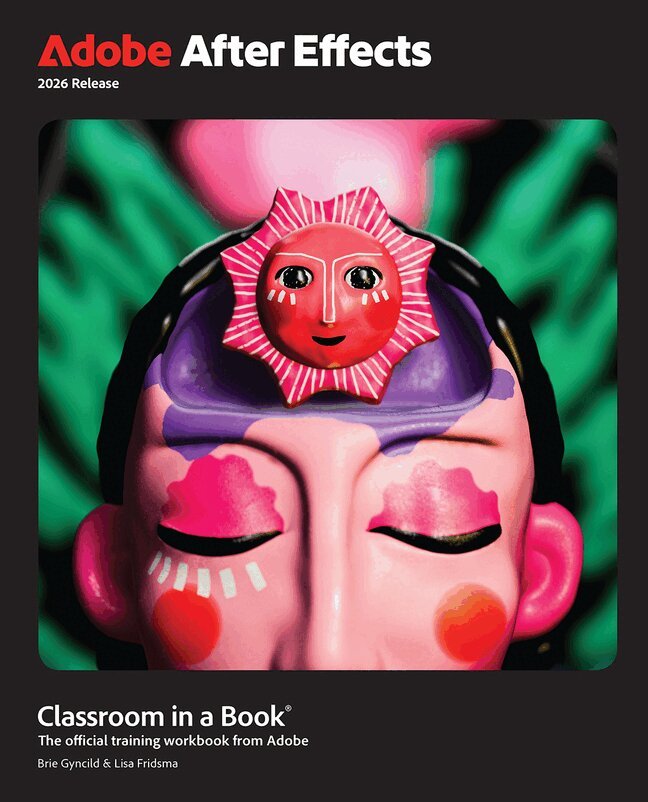
The fastest, easiest, most comprehensive way to learn Adobe After Effects
Adobe After Effects Classroom in a Book 2026 contains 15 lessons that use real-world, project-based learning to cover the basics and beyond, providing countless tips and techniques to help you become more productive with the program. For beginners and experienced users alike, you can follow the book from start to finish or choose only those lessons that interest you. Learn to:
Gain hands-on experience creating, manipulating, and optimizing motion graphics for film, video, the web, and mobile devices. Learn how to animate text and images, customize a wide range of effects, track and sync content, rotoscope, manipulate timing, correct color, and remove unwanted objects. Create a variety of 3D shapes with distinctive and adaptable materials. Customize cameras and lighting to create compelling 3D content. Design Motion Graphics templates for editing in Adobe Premiere. Deform and animate objects and video using robust Puppet tools.Classroom in a Book®, the best-selling series of hands-on software training workbooks, offers what no other book or training program does – an official training series from Adobe, developed with the support of Adobe product experts.
Purchasing this book includes valuable online extras. Follow the instructions in the book’s “Getting Started” section to unlock access to:
Downloadable lesson files you need to work through the projects in the book Web Edition containing the complete text of the book, interactive quizzes, and videos that walk you through the lessons step by stepWhat you need to use this book: Adobe After Effects 2026 Release software, for either Windows or macOS. (Software not included.)
276 kr
Skickas inom 7-10 vardagar
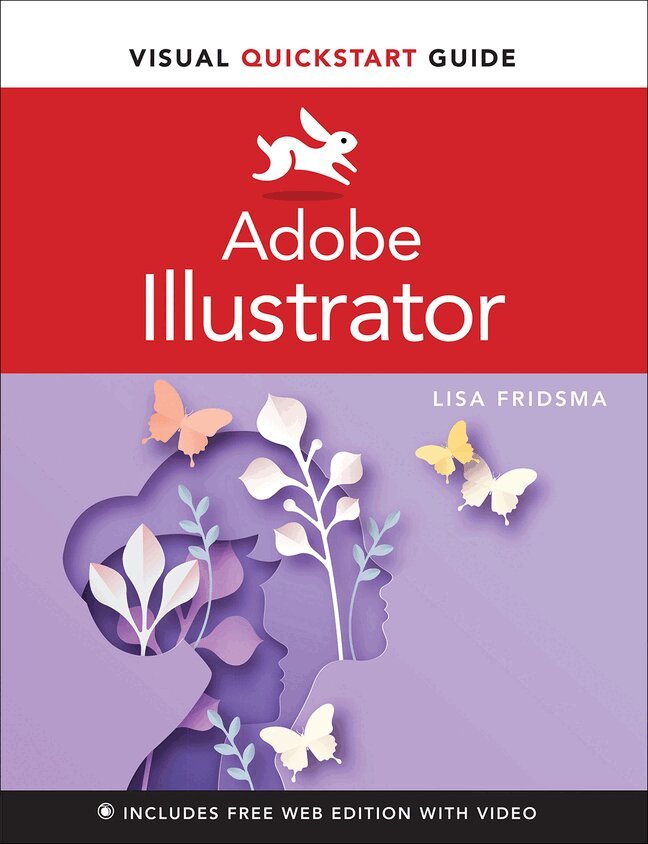
Learn Adobe Illustrator with the Visual QuickStart Guide, the quick and easy way!
Visual QuickStart Guide is an easy, visual approach to learning. Concise steps and explanations guide you through Adobe Illustrator, getting you up and running in no time. In addition, the free Web Edition of the book includes more than 40 videos, enhancing and expanding the information in the book while providing an alternative method for learning. Whether you're an experienced designer or an enthusiastic newcomer, Illustrator gives you all the tools you need to begin creating impressive vector artwork.
Learn how to navigate the application and set up your documents to start drawing quickly, using a variety of tools and features. Then you'll move on to applying appearance attributes and effects for adding visual interest to your artwork. Once your artwork is complete you'll learn how to save and export it using best practices. This book provides you with:
An easy visual approach that uses pictures to guide you through Adobe Illustrator features and shows you what to do. Concise steps and explanations that let you get up and running in no time. The best content and value around, page for page.691 kr
Skickas
Gain hands-on experience creating, manipulating, and optimizing motion graphics for film, video, the web, and mobile devices. Learn how to animate text and images, customize a wide range of effects, track and sync content, rotoscope, manipulate timing, correct color, and remove unwanted objects. Customize cameras and lighting to create compelling 3D content. Design Motion Graphics templates for editing in Adobe Premiere Pro. Deform and animate objects and video using robust Puppet tools.
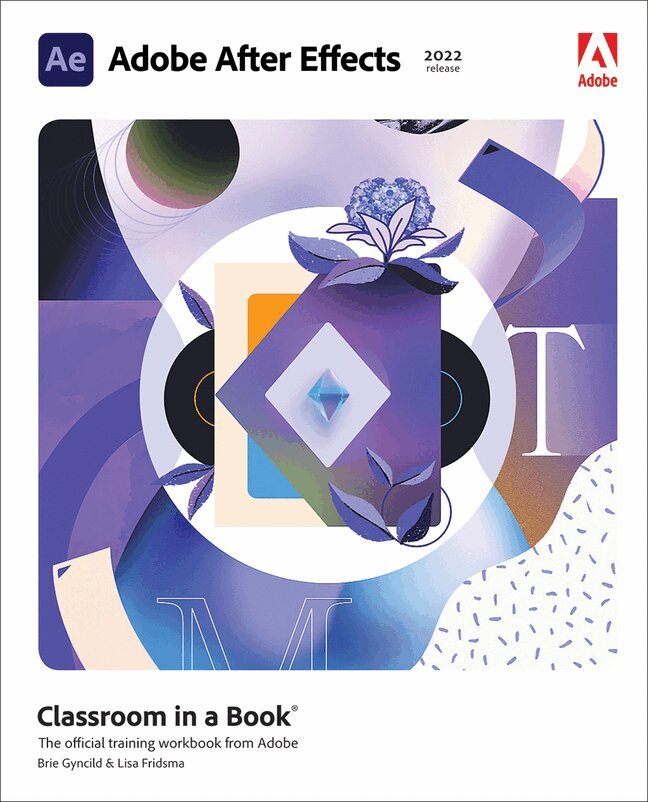
The fastest, easiest, most comprehensive way to learn Adobe After Effects
Classroom in a Book®, the best-selling series of hands-on software training workbooks, offers what no other book or training program does—an official training series from Adobe, developed with the support of Adobe product experts.
Adobe After Effects Classroom in a Book (2022 release) contains 15 lessons that cover the basics and beyond, providing countless tips and techniques to help you become more productive with the program. You can follow the book from start to finish or choose only those lessons that interest you.
Purchasing this book includes valuable online extras. Follow the instructions in the book's "Getting Started" section to unlock access to:
Downloadable lesson files you need to work through the projects in the book Web Edition containing the complete text of the book, interactive quizzes, and videos that walk you through the lessons step by stepWhat you need to use this book: Adobe After Effects (2022 release) software, for either Windows or macOS. (Software not included.)
Note: Classroom in a Book does not replace the documentation, support, updates, or any other benefits of being a registered owner of Adobe After Effects software.
447 kr
Skickas inom 7-10 vardagar
Learn video compositing, motion graphics design, and animation using Adobe After Effects
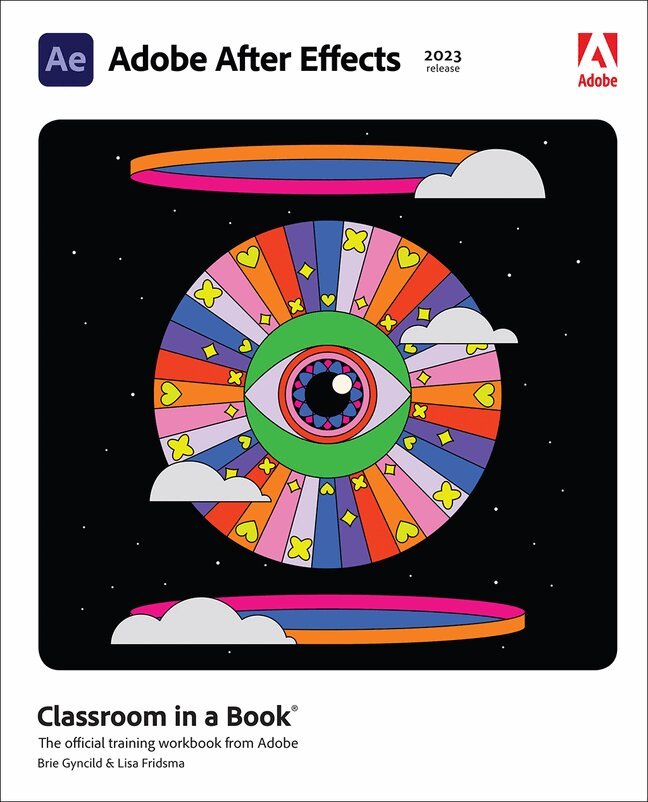
Adobe After Effects Classroom in a Book (2023 release) uses real-world, project-based learning to cover the basics and beyond, providing countless tips and techniques to help you become more productive with the program. For beginners and experienced users alike, you can follow the book from start to finish or choose only those lessons that interest you. Learn to:
Create, manipulate, and optimize motion graphics for film, video, the web, and mobile devices Animate text and images, customize a wide range of effects, track and sync content, rotoscope, manipulate timing, correct color, and remove unwanted objects Customize cameras and lighting to create compelling 3D content Design Motion Graphics templates for editing in Adobe Premiere Pro Deform and animate objects and video using robust Puppet toolsClassroom in a Book®, the best-selling series of hands-on software training workbooks, offers what no other book or training program does—an official training series from Adobe, developed with the support of Adobe product experts.
Purchasing this book includes valuable online extras. Follow the instructions in the book's "Getting Started" section to unlock access to:
Downloadable lesson files you need to work through the projects in the book Web Edition containing the complete text of the book, interactive quizzes, and videos that walk you through the lessons step by stepWhat you need to use this book: Adobe After Effects (2023 release) software, for either Windows or macOS. (Software not included.)
Note: Classroom in a Book does not replace the documentation, support, updates, or any other benefits of being a registered owner of Adobe After Effects software.
510 kr
Skickas inom 7-10 vardagar
The fastest, easiest, most comprehensive way to learn Adobe After Effects
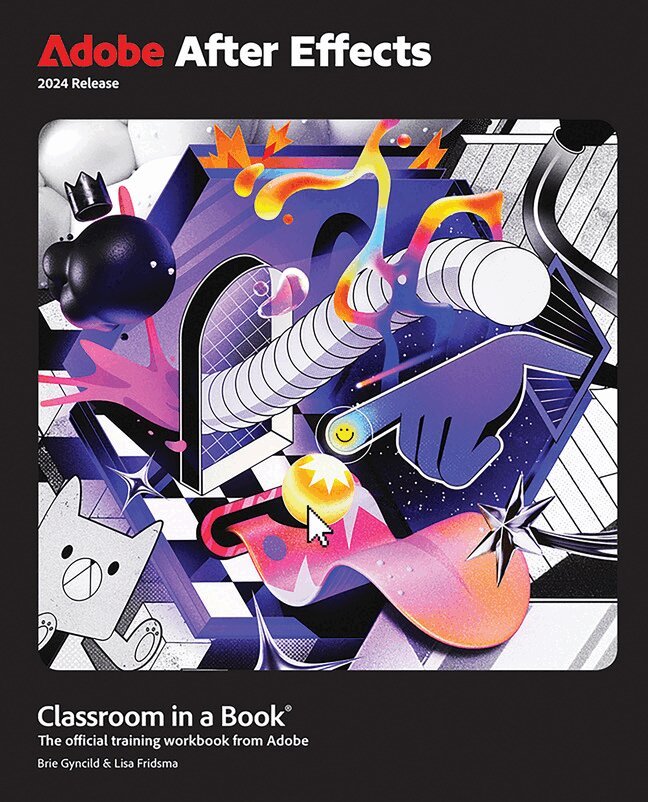
Adobe After Effects Classroom in a Book contains 15 lessons that use real-world, project-based learning to cover the basics and beyond, providing countless tips and techniques to help you become more productive with the program. For beginners and experienced users alike, you can follow the book from start to finish or choose only those lessons that interest you. Learn to:
Create, manipulate, and optimize motion graphics for film, video, the web, and mobile devices Animate text and images, customize a wide range of effects, track and sync content, rotoscope, manipulate timing, correct color, and remove unwanted objects Customize cameras, lighting, and 3D objects to create compelling 3D content Design Motion Graphics templates for editing in Adobe Premiere Pro Deform and animate objects and video using robust Puppet toolsClassroom in a Book®, the best-selling series of hands-on software training workbooks, offers what no other book or training program does—an official training series from Adobe, developed with the support of Adobe product experts.
Purchasing this book includes valuable online extras. Follow the instructions in the book's "Getting Started" section to unlock access to:
Downloadable lesson files you need to work through the projects in the book Web Edition containing the complete text of the book, interactive quizzes, and videos that walk you through the lessons step by stepWhat you need to use this book: Adobe After Effects 2024 Release software, for either Windows or macOS. (Software not included.)