• Fri frakt över 249 kr
  • •
  • Snabba leveranser
  • •
  • Billiga böcker
Kundservice

Du är på sajten för privatpersoner.

Företag, bibliotek eller offentlig verksamhet?

Du handlar på classic.bokus.com, där alla dina funktioner finns intakta.
Till classic.bokus.com
Bokus logotyp. Gå till startsidan.
  • Erbjudanden
  • Student
  • Topplistor
  • Barn & ungdom
  • Bokus Play
  • E-böcker
  • Ljudböcker
  • Pocketböcker
  • Spel och pussel

5% studentrabatt – använd koden KURSBOK27 →

Sidfot

Mina sidor

    Hjälp

    • Kundservice
    • Vanliga frågor och svar
    • Frakt och leverans
    • Retur vid ångerrätt
    • Reklamera vara
    • Betalning
    • Köpvillkor
    • Allmänna villkor
    • Information om webbplatsens tillgänglighet

    Om Bokus

    • Om oss
    • Pressrum
    • För studenter
    • För företag
    • För bibliotek och offentlig verksamhet
    • För leverantörer
    • Hållbarhet

    Populärt

    • Aktuella erbjudanden
    • Presentkort
    • Studentlitteratur
    • Nya böcker
    • Topplistor
    • Signerade böcker
    • Engelska böcker

    Inspiration

    • Boktips
    • BookTok
    • Barnbokskaraktärer
    • Populära författare
    Logotyp för Bokus
    Följ oss på Facebook (extern länk)Följ oss på Instagram (extern länk)Följ oss på YouTube (extern länk)Följ oss på TikTok (extern länk)
    bokus @ CookiesAnpassa cookiesIntegritetspolicyKöpvillkor
    Till Citymail hemsida (extern länk)Till Budbee hemsida (extern länk)Till Postnord hemsida (extern länk)Till Schenker hemsida (extern länk)Till Early Bird hemsida (extern länk)Till Walleys hemsida (extern länk)
    1. Data och IT
    2. Grafik och bildbehandling

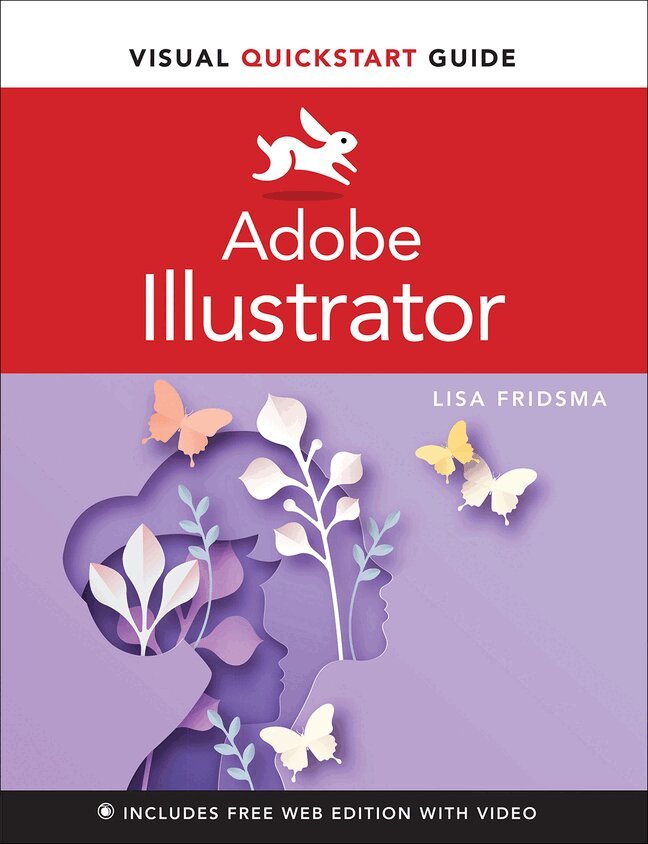
    Adobe Illustrator Visual QuickStart Guide

    AvLisa Fridsma

    Häftad, Engelska, 2022

    Del i serien Visual QuickStart Guide

    273 kr

    Beställningsvara. Skickas inom 7-10 vardagar. Fri frakt över 249 kr.

    Beskrivning

    Learn Adobe Illustrator with the Visual QuickStart Guide, the quick and easy way!

    Visual QuickStart Guide is an easy, visual approach to learning. Concise steps and explanations guide you through Adobe Illustrator, getting you up and running in no time. In addition, the free Web Edition of the book includes more than 40 videos, enhancing and expanding the information in the book while providing an alternative method for learning. Whether you're an experienced designer or an enthusiastic newcomer, Illustrator gives you all the tools you need to begin creating impressive vector artwork.

    Learn how to navigate the application and set up your documents to start drawing quickly, using a variety of tools and features. Then you'll move on to applying appearance attributes and effects for adding visual interest to your artwork. Once your artwork is complete you'll learn how to save and export it using best practices. This book provides you with:

    • An easy visual approach that uses pictures to guide you through Adobe Illustrator features and shows you what to do.
    • Concise steps and explanations that let you get up and running in no time.
    • The best content and value around, page for page.

    Produktinformation

    • Utgivningsdatum:2022-04-20
    • Mått:178 x 230 x 16 mm
    • Vikt:610 g
    • Format:Häftad
    • Språk:Engelska
    • Serie:Visual QuickStart Guide
    • Antal sidor:320
    • Upplaga:1
    • Förlag:Pearson Education
    • ISBN:9780137597741

    Utforska kategorier

    • Grafik och bildbehandling inom Data och IT

    Mer om författaren

    Lisa Fridsma has long loved the process of teaching others to use Adobe products, going back to her time on-staff at the company. She has produced and illustrated over thirty books in the Classroom in a Book series (including books for Photoshop, Acrobat, and After Effects). Lisa is the owner of Darlington Hill Productions, providing informational publishing and illustration services. She resides in northern Illinois with her two above average dogs.

    Innehållsförteckning

    • Introduction Chapter 1 The Basics Chapter 2 Customizing the Application Chapter 3 Working with Artboards Chapter 4 Working with Color Chapter 5 Navigating Documents Chapter 6 Organizing Artwork Chapter 7 Selecting Elements Chapter 8 Customizing Strokes Chapter 9 Drawing Lines, Curves, and Paths Chapter 10 Creating Shapes and Symbols Chapter 11 Adding and Customizing Text Chapter 12 Working with Brushes and Sketch Tools Chapter 13 Modifying Vector Objects and Paths Chapter 14 Transforming Objects Chapter 15 Adding Visual Effects Chapter 16 Managing Appearance Attributes Chapter 17 Importing Assets Chapter 18 Saving and Exporting Files and Assets Appendix A Illustrator Preferences Appendix B Keyboard Shortcuts