• Fri frakt över 249 kr
  • •
  • Snabba leveranser
  • •
  • Billiga böcker
Kundservice

Du är på sajten för privatpersoner.

Företag, bibliotek eller offentlig verksamhet?

Du handlar på classic.bokus.com, där alla dina funktioner finns intakta.
Till classic.bokus.com
Bokus logotyp. Gå till startsidan.
  • Erbjudanden
  • Nyheter
  • Student
  • Topplistor
  • Barn & ungdom
  • Bokus Play
  • E-böcker
  • Pocketböcker
  • Spel & pussel

10% rabatt på allt med kod NYSTART10 →

Sidfot

Mina sidor

    Hjälp

    • Kundservice
    • Vanliga frågor och svar
    • Frakt och leverans
    • Retur vid ångerrätt
    • Reklamera vara
    • Betalning
    • Köpvillkor
    • Allmänna villkor
    • Information om webbplatsens tillgänglighet

    Om Bokus

    • Om oss
    • Pressrum
    • För studenter
    • För företag
    • För bibliotek och offentlig verksamhet
    • För leverantörer
    • Hållbarhet

    Populärt

    • Aktuella erbjudanden
    • Presentkort
    • Studentlitteratur
    • Nya böcker
    • Topplistor
    • Signerade böcker
    • Engelska böcker

    Inspiration

    • Boktips
    • BookTok
    • Populära bokserier
    • Barnbokskaraktärer
    • Populära författare
    Logotyp för Bokus
    Följ oss på Facebook (extern länk)Följ oss på Instagram (extern länk)Följ oss på YouTube (extern länk)Följ oss på TikTok (extern länk)
    bokus @ CookiesAnpassa cookiesIntegritetspolicyKöpvillkor
    Till Citymail hemsida (extern länk)Till Budbee hemsida (extern länk)Till Postnord hemsida (extern länk)Till Schenker hemsida (extern länk)Till Early Bird hemsida (extern länk)Till Walleys hemsida (extern länk)
    1. Data och IT
    2. Affärsapplikationer

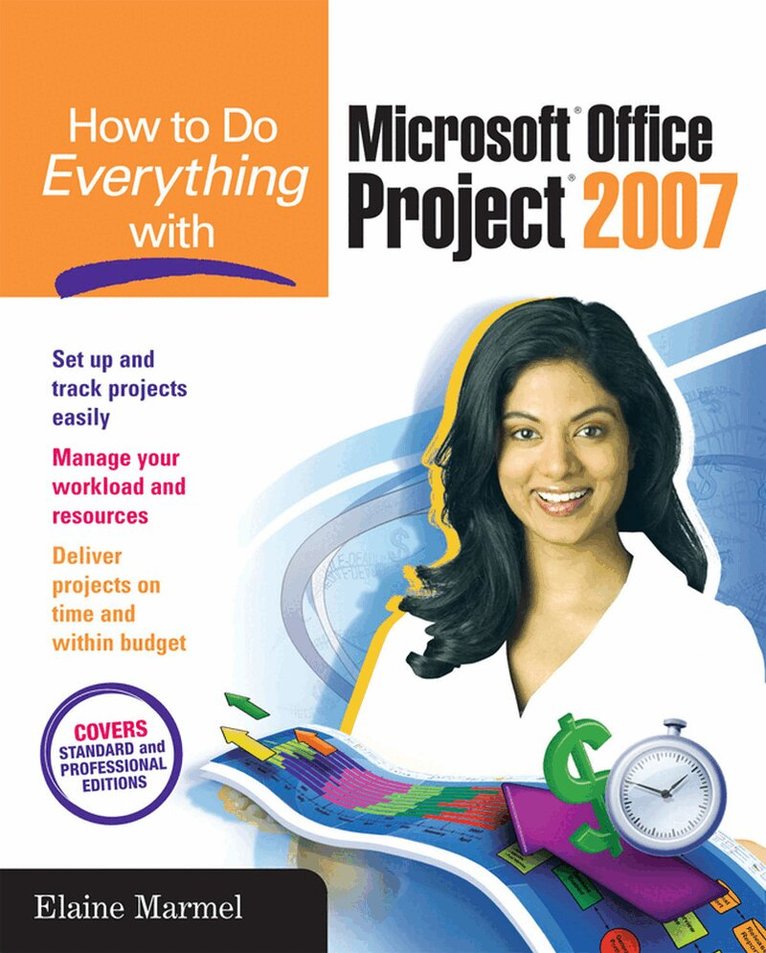
    How to Do Everything with Microsoft Office Project 2007

    AvElaine Marmel

    Häftad, Engelska, 2007

    337 kr

    Beställningsvara. Skickas inom 3-6 vardagar. Fri frakt över 249 kr.

    Beskrivning

    Publisher's Note: Products purchased from Third Party sellers are not guaranteed by the publisher for quality,  authenticity, or access to any online entitlements included with the product.

    Covering the latest version of this versatile project management tool, How to Do Everything with Microsoft Office Project 2007 helps you maximize the software to organize work and people and ensure projects are delivered on time and within budget. You will learn how to set up projects, manage tasks and resources, track status, report project information, and much more. The book covers the standard as well as the professional editions, includes details on Microsoft Office Project Server 2007.

    • Work with the project calendar
    • Create tasks and assign constraints, dependencies, and resources
    • Estimate project costs
    • Resolve scheduling problems and resource conflicts
    • Establish project baselines
    • Track schedule and cost information
    • Create and customize project reports
    • Consolidate projects and share resources
    • Create custom fields, change the interface, and use macros

    Produktinformation

    • Utgivningsdatum:2007-01-16
    • Mått:185 x 226 x 20 mm
    • Vikt:695 g
    • Format:Häftad
    • Språk:Engelska
    • Antal sidor:394
    • Förlag:McGraw-Hill Education
    • ISBN:9780072263411

    Utforska kategorier

    • Affärsapplikationer inom Data och IT

    Mer om författaren

    McGraw-Hill authors represent the leading experts in their fields and are dedicated to improving the lives, careers, and interests of readers worldwide

    Innehållsförteckning

    • PART I: GETTING STARTEDChapter 1. The Basics of Project Management Chapter 2. Taking A First Look at Project PART II: BUILDING A PROJECTChapter 3. Creating Tasks Chapter 4. Working with Constraints and Dependencies Chapter 5. Working with Resources Chapter 6. Estimating Project Costs PART III: VIEWING PROJECTSChapter 7. Working with ViewsChapter 8. Working with Tables and ViewsChapter 9. Organizing Information in a View PART IV: RESOLVING RESOURCE AND SCHEDULING CONFLICTS Chapter 10. Resolving Scheduling Problems Chapter 11. Resolving Resource Problems PART: V: TRACKINGChapter 12. Establishing Baselines Chapter 13. Tracking Schedule Information Chapter 14. Tracking Cost Information Chapter 15. Reporting in Microsoft ProjectChapter 16. Analyzing Financial Progress PART IV: MANAGING MULTIPLE PROJECTSChapter 17. Consolidating ProjectsChapter 18. Using Project Server Chapter 19. Working with Codes and Custom Fields Chapter 20. Changing the Project Interface Chapter 21. Speeding Up Work with Macros