• Fri frakt över 249 kr
  • •
  • Snabba leveranser
  • •
  • Billiga böcker
Kundservice

Du är på sajten för privatpersoner.

Företag, bibliotek eller offentlig verksamhet?

Du handlar på classic.bokus.com, där alla dina funktioner finns intakta.
Till classic.bokus.com
Bokus logotyp. Gå till startsidan.
  • Erbjudanden
  • Nyheter
  • Student
  • Topplistor
  • Barn & ungdom
  • Bokus Play
  • E-böcker
  • Pocketböcker
  • Spel & pussel

10% rabatt på allt med kod NYSTART10 →

Sidfot

Mina sidor

    Hjälp

    • Kundservice
    • Vanliga frågor och svar
    • Frakt och leverans
    • Retur vid ångerrätt
    • Reklamera vara
    • Betalning
    • Köpvillkor
    • Allmänna villkor
    • Information om webbplatsens tillgänglighet

    Om Bokus

    • Om oss
    • Pressrum
    • För studenter
    • För företag
    • För bibliotek och offentlig verksamhet
    • För leverantörer
    • Hållbarhet

    Populärt

    • Aktuella erbjudanden
    • Presentkort
    • Studentlitteratur
    • Nya böcker
    • Topplistor
    • Signerade böcker
    • Engelska böcker

    Inspiration

    • Boktips
    • BookTok
    • Populära bokserier
    • Barnbokskaraktärer
    • Populära författare
    Logotyp för Bokus
    Följ oss på Facebook (extern länk)Följ oss på Instagram (extern länk)Följ oss på YouTube (extern länk)Följ oss på TikTok (extern länk)
    bokus @ CookiesAnpassa cookiesIntegritetspolicyKöpvillkor
    Till Citymail hemsida (extern länk)Till Budbee hemsida (extern länk)Till Postnord hemsida (extern länk)Till Schenker hemsida (extern länk)Till Early Bird hemsida (extern länk)Till Walleys hemsida (extern länk)
    1. Data och IT
    2. It-certifieringar
    3. Microsoft-certifiering

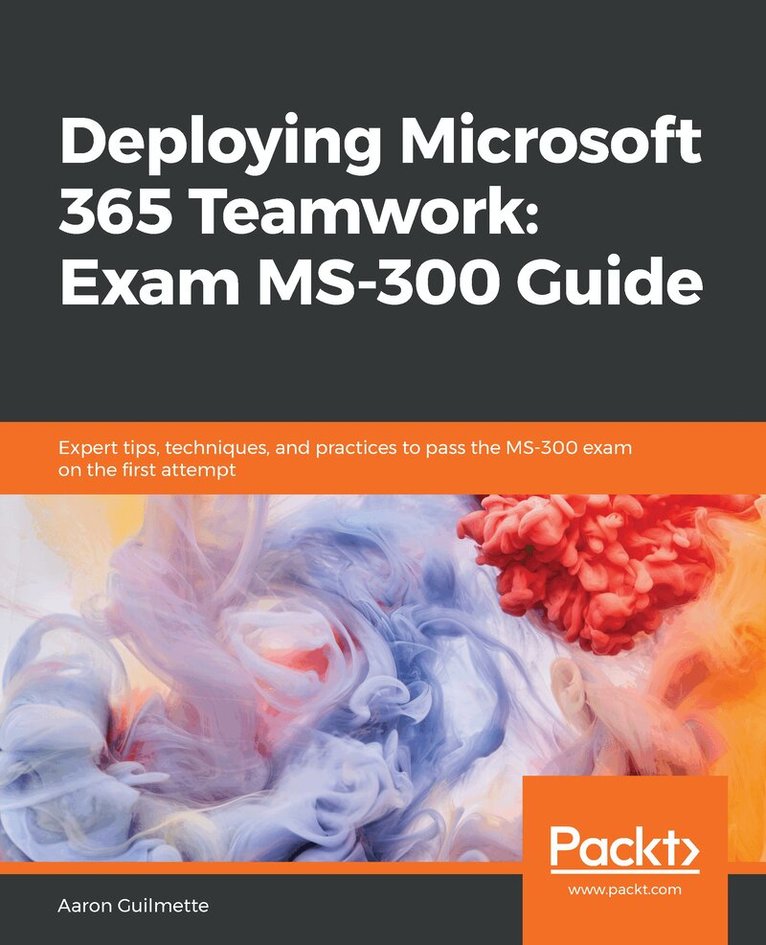
    Deploying Microsoft 365 Teamwork: Exam MS-300 Guide

    Expert tips, techniques, and practices to pass the MS-300 exam on the first attempt

    AvAaron Guilmette

    Häftad, Engelska, 2020

    584 kr

    Beställningsvara. Skickas inom 5-8 vardagar. Fri frakt över 249 kr.

    Fler format och utgåvor

    E-bok

    427 kr

    Beskrivning

    Prepare to achieve Microsoft 365 Certified Teamwork Administrator Associate certification by learning essential SharePoint Online concepts, and answering self-assessment questions to test your knowledgeKey FeaturesCover essential topics based on the MS-300 exam, and learn with the help of detailed explanationsUnderstand the collaborative features of SharePoint, both on-premises and as part of the Office 365 serviceWork through practice questions relating to business use cases for SharePoint Server and OnlineBook DescriptionThe Microsoft MS-300 exam is designed to test the knowledge and skills of administrators in deploying, configuring, and managing SharePoint Online, SharePoint Server, SharePoint Hybrid, OneDrive for Business, and Teams. This book offers up-to-date coverage of the important topics based on the MS-300 exam and features question answers and insider tips to help you prepare for certification.Written in a clear, succinct way, the book starts by helping you configure and manage SharePoint Online. You’ll then delve into OneDrive for Business, right from managing users and groups, through to monitoring sharing and security. Further chapters will guide you through working with Teams, with an emphasis on managing identity authentication, resolving issues with the service, and even observing usage patterns. Later, you’ll get up to speed with workload integrations, covering the Yammer business communications platform, before moving on to understand how to integrate Microsoft Stream with SharePoint, Teams, and Yammer. Finally, you’ll learn to develop data governance and user adoption strategies.By the end of this book, you'll be well-versed with SharePoint Online and have learned the essential techniques and concepts you need to know in order to pass the MS-300 certification exam.What you will learnDiscover the different Microsoft services and features that make up Office 365Configure cloud services for your environment and extend your infrastructure's capabilitiesUnderstand site architecture, site settings, and hub settings in SharePoint OnlineExplore business connectivity services for view and access options in SharePoint OnlineConfigure Yammer to integrate with Office 365 groups, SharePoint, and TeamsDeploy SharePoint Online, OneDrive for Business, and Microsoft Teams successfully, including bots and connectorsWho this book is forThis book is for SharePoint developers, administrators, or those who want to explore Microsoft's teamwork solution platforms and pass the certification exam to boost their career as Microsoft Teamwork Administrator Associates. Anyone who has achieved Microsoft's entry-level admin certification and wants to progress to intermediate certification will also find this book useful.

    Produktinformation

    • Utgivningsdatum:2020-01-31
    • Mått:191 x 235 x 34 mm
    • Vikt:1 162 g
    • Format:Häftad
    • Språk:Engelska
    • Antal sidor:632
    • Förlag:Packt Publishing Limited
    • ISBN:9781838987732

    Utforska kategorier

    • Microsoft-certifiering inom Data och IT

    Mer om författaren

    Aaron Guilmette is a VP of technology, guiding the defense industrial base into the 21st century using modern identity and productivity solutions. Previously, he was a Senior Program Manager for Customer Experience at Microsoft, helping customers adopt the Microsoft 365 platform. He primarily focuses on collaborative and automation technologies, including Microsoft Teams, Exchange Online, Power Automate, and Entra ID. Aaron lives in the Detroit, Michigan area with his five children. When he's not busy solving technical problems, racing his cars around the Midwest, writing, or teaching his kids the dark arts of driving in rush hour traffic, he's making tacos.

    Innehållsförteckning

    • Table of ContentsWhat is SharePoint Online?Planning and Configuring Site Collections and Hub SitesPlanning and Configuring Customizations and AppsPlanning and Configuring Managed MetadataPlanning and Configuring Guest AccessManaging SharePoint OnlineManaging SharePoint Online SearchMonitoring and Maintaining the SharePoint Online ServiceConfiguring and Managing OneDrive for BusinessManaging Users and GroupsManage Sharing and SecurityManage Sync SecurityMonitor and Maintain the OneDrive ServicePlanning and Configuring Teams SettingsPlan Identity and Authentication for TeamsManage the Teams EnvironmentMonitor and Maintain the Teams ServiceIntegrate M365 WorkloadsManaging Yammer CapabilitiesManaging Stream CapabilitiesIntegrating M365 Workloads with External DataAssessment Answers