• Fri frakt över 249 kr
  • •
  • Snabba leveranser
  • •
  • Billiga böcker
Kundservice

Du är på sajten för privatpersoner.

Företag, bibliotek eller offentlig verksamhet?

Du handlar på classic.bokus.com, där alla dina funktioner finns intakta.
Till classic.bokus.com
Bokus logotyp. Gå till startsidan.
  • Erbjudanden
  • Nyheter
  • Student
  • Topplistor
  • Barn & ungdom
  • Bokus Play
  • E-böcker
  • Pocketböcker
  • Spel & pussel

10% rabatt på allt med kod: NYSTART10 →

Sidfot

Mina sidor

    Hjälp

    • Kundservice
    • Vanliga frågor och svar
    • Frakt och leverans
    • Retur vid ångerrätt
    • Reklamera vara
    • Betalning
    • Köpvillkor
    • Allmänna villkor
    • Information om webbplatsens tillgänglighet

    Om Bokus

    • Om oss
    • Pressrum
    • För studenter
    • För företag
    • För bibliotek och offentlig verksamhet
    • För leverantörer
    • Hållbarhet

    Populärt

    • Aktuella erbjudanden
    • Presentkort
    • Studentlitteratur
    • Nya böcker
    • Topplistor
    • Signerade böcker
    • Engelska böcker

    Inspiration

    • Boktips
    • BookTok
    • Populära bokserier
    • Barnbokskaraktärer
    • Populära författare
    Logotyp för Bokus
    Följ oss på Facebook (extern länk)Följ oss på Instagram (extern länk)Följ oss på YouTube (extern länk)Följ oss på TikTok (extern länk)
    bokus @ CookiesAnpassa cookiesIntegritetspolicyKöpvillkor
    Till Citymail hemsida (extern länk)Till Budbee hemsida (extern länk)Till Postnord hemsida (extern länk)Till Schenker hemsida (extern länk)Till Early Bird hemsida (extern länk)Till Walleys hemsida (extern länk)
    1. Data och IT
    2. Operativsystem

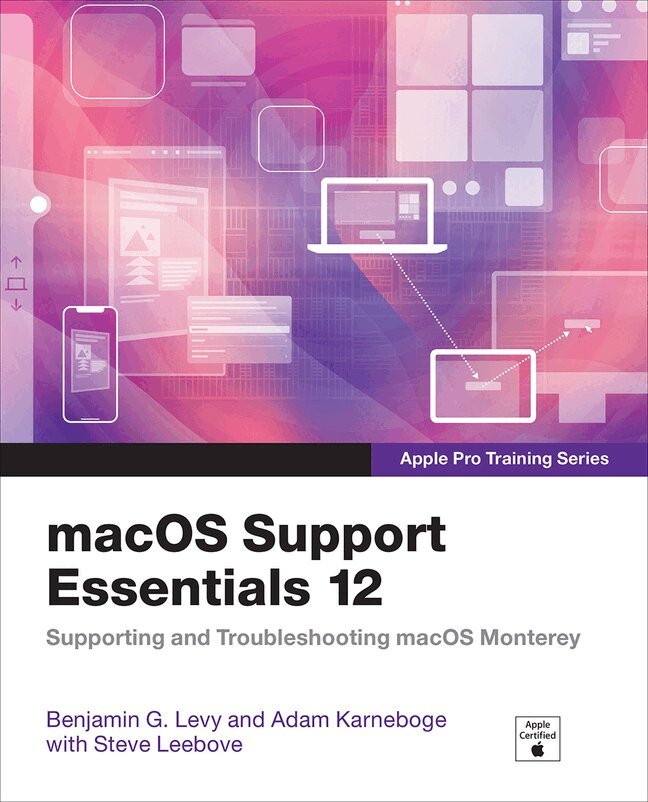
    macOS Support Essentials 12 - Apple Pro Training Series

    Supporting and Troubleshooting macOS Monterey

    AvBenjamin Levy,Adam Karneboge

    Häftad, Engelska, 2022

    Del i serien Apple Pro Training

    483 kr

    Beställningsvara. Skickas inom 7-10 vardagar. Fri frakt över 249 kr.

    Beskrivning

    macOS Support Essentials 12, the official book for macOS support, is a top-notch primer for anyone who needs to support, troubleshoot, or optimize macOS Monterey, such as IT professionals, technicians, help desk specialists, and ardent Mac users. This is the only Apple Pro Training Series book that covers Monterey. You'll find in-depth, step-by-step instructions on everything from upgrading, updating, reinstalling and configuring macOS Monterey to setting-up network services.

    This book covers updated system utilities and new features in macOS Monterey:

    • Passwords System Preference
    • Live Text
    • Voice Control
    • User privacy settings
    • Notarized apps
    • Startup Security Utility
    • And more!

    This book includes the following content:

    • Authoritative explanations of underlying technologies, troubleshooting, system administration, and much more
    • Focused lessons that take you step by step through practical, real-world tasks
    • A Web Edition that provides the full text of the book online

    The Apple Pro Training Series is Apple's official self-paced learning resource. Books in this series offer downloadable lesson files and an online version of the book. Additional information on this and other books in this series can be found at www.peachpit.com/apple. For more on certification, visit training.apple.com.

    Produktinformation

    • Utgivningsdatum:2022-03-30
    • Mått:198 x 238 x 54 mm
    • Vikt:1 820 g
    • Format:Häftad
    • Språk:Engelska
    • Serie:Apple Pro Training
    • Antal sidor:976
    • Upplaga:1
    • Förlag:Pearson Education
    • ISBN:9780137696444

    Utforska kategorier

    • Operativsystem inom Data och IT

    Innehållsförteckning

    • Installation and ConfigurationLesson 1 Introduction to macOSLesson 2 Update, Upgrade, or Reinstall macOSLesson 3 Set Up and Configure macOSLesson 4 Use the Command-Line InterfaceLesson 5 Use macOS RecoveryLesson 6 Update macOSUser AccountsLesson 7 Manage User AccountsLesson 8 Manage User Home FoldersLesson 9 Manage Security and PrivacyLesson 10 Manage Password ChangesFile SystemsLesson 11 Manage File Systems and StorageLesson 12 Manage FileVaultLesson 13 Manage Permissions and SharingLesson 14 Use Hidden Items, Shortcuts, and File ArchivesData ManagementLesson 15 Manage System ResourcesLesson 16 Use Metadata, Siri, and SpotlightLesson 17 Manage Time MachineApps and ProcessesLesson 18 Install AppsLesson 19 Manage FilesLesson 20 Manage and Troubleshoot AppsNetwork ConfigurationLesson 21 Manage Basic Network SettingsLesson 22 Manage Advanced Network SettingsLesson 23 Troubleshoot Network IssuesNetwork ServicesLesson 24 Manage Network ServicesLesson 25 Manage Host Sharing and Personal FirewallSystem ManagementLesson 26 Troubleshoot PeripheralsLesson 27 Manage Printers and ScannersLesson 28 Troubleshoot Startup and System Issues