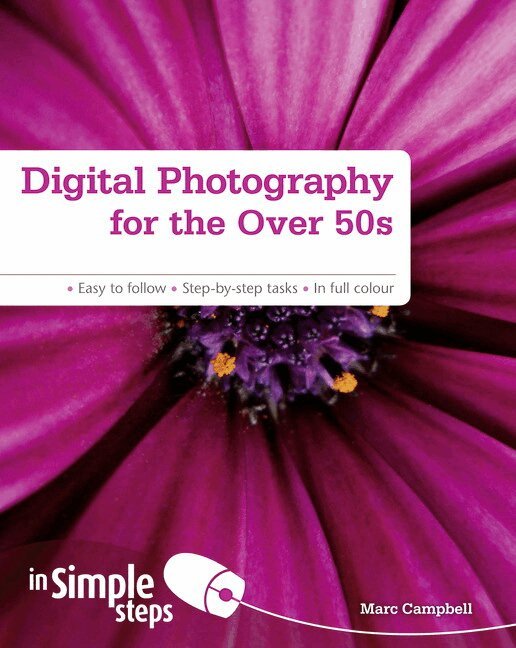
Digital Photography for the Over 50s In Simple Steps
Häftad, Engelska, 2011
105 kr
Beställningsvara. Skickas inom 7-10 vardagar. Fri frakt över 249 kr.
Beskrivning
This title helps the reader understand and practice digital photography.
Produktinformation
- Utgivningsdatum:2011-12-02
- Mått:190 x 235 x 10 mm
- Vikt:409 g
- Format:Häftad
- Språk:Engelska
- Antal sidor:200
- Upplaga:1
- Förlag:Pearson Education
- ISBN:9780273761068
Utforska kategorier
Innehållsförteckning
- Top Ten Tips1. Digital Photography Basicsa) Charge your camerab) Install your camera’s softwarec) Download and install Picasad) Insert a memory carde) Set the capture formatf) Set the picture qualityg) Set the picture sizeh) Take your first picturei) Review the pictures stored in your cameraj) Care for your camera2. Use Automatic Settingsa) Use autofocusb) Use face detectionc) Use auto flashd) Reduce red-eyee) Use auto exposuref) Use auto white balanceg) Use Scene modesh) Use the self-timeri) Take continuous shotsj) Stabilize the image3. Use Manual Settingsa) Use the zoomb) Use manual focusc) Set the shutter speedd) Set the aperture sizee) Set the ISO speedf) Set manual white balanceg) Use color modesh) Use Panorama mode4.Get the Best Shot Possiblea) Consider how to focus the shotb) Consider how to frame the shotc) Consider the quality of the lightd) Consider the direction of the lighte) Consider your point of viewf) Use the rule of thirdsg) Use dynamic symmetryh) Tell one story at a time5. Transfer Your Photosa) Create a photo folderb) Set up Picasa to work with your photo folderc) Create backup sets in Picasad) Connect your camera to your computere) Import photos into Picasaf) Make backups of your imported photosg) View your imported photosh) Archive your photos6. Organize Your Photosa) View the contents of a folder all at onceb) View the contents of a folder one photo at a timec) Change the properties of a folderd) Move a photo into a different foldere) Rename a photof) Add a caption to a photog) Tag a photoh) Use Quick Tagsi) Identify the people in your photosj) Identify the places in your photosk) Create an albuml) Search for photos7. Process the Imagea) Adjust exposure automaticallyb) Adjust exposure manuallyc) Adjust white balance automaticallyd) Adjust white balance manuallye)
Hoppa över listan


Du kanske också är intresserad av
- -30%
Del 2
Intrig i Amalfi
Anders de la Motte, Anette de la Motte
Pocket, 2026
4,4 utav 5 stjärnor. Totalt antal röster:(37)
69 kr99 kr
- 4 för 3
Brevbäraren i Lizzanello
Francesca Giannone
Pocket, 2026
4,3 utav 5 stjärnor. Totalt antal röster:(73)
99 kr