E-bok, Engelska, 2013
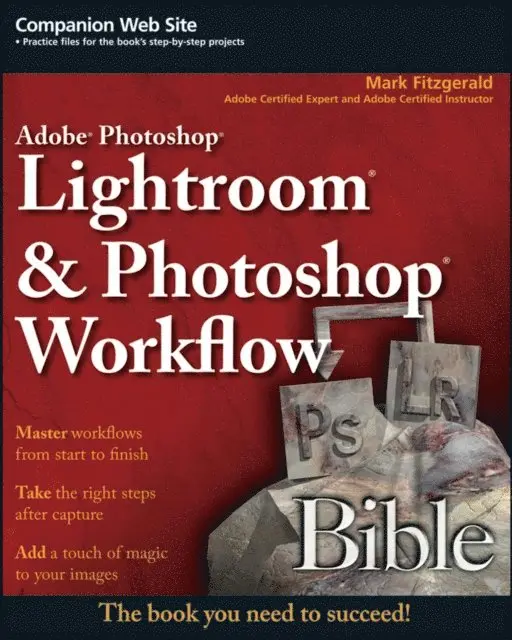
Adobe Photoshop Lightroom and Photoshop Workflow Bible
440 kr
Läs direkt i Bokus Reader – eller ladda ned till din enhet (PDF kräver ofta zoom och scroll på små skärmar).
Beskrivning
After the best images are identified, photographers move to the second part of the workflow, the Creative Workflow, to fine-tune special images using a variety of advanced digital tools so that the creative vision is realized. An overwhelming majority of digital photographers use Photoshop for this advanced editing.
Adobe Photoshop Lightroom & Photoshop Workflow Bible effectively guides digital photographers through both parts of this process. Author Mark Fitzgerald, an Adobe Certified Expert and Adobe Certified Instructor in Photoshop CS3 offers readers a clear path to using both Lightroom 2 and Photoshop CS3 to create a complete digital workflow. Fitzgerald uses tips, tricks, and step-by-step directions to demonstrate how to integrate these two powerful programs to optimize image management and create stunning images.
The first part of this book is dedicated to offering an overview of the complete workflow, clearly defining the purpose of both Photoshop and Lightroom within a photographer’s workflow and explaining the basics of image files and how to organize them.
The second part delves into using Lightroom to manage the Production Workflow. It begins with an in-depth look at the Lightroom workspace and how images are imported into it. Photographers are then guided through organizing images within Lightroom, processing photos, sharing photos with others in a variety of formats and creating files to use outside of Lightroom. Finally, the workflow is put into action by demonstrating how a wildlife photographer used Lightroom in the field while photographing migrating polar bears in the arctic.
The third part focuses on Photoshop and the Creative Workflow, starting with opening files in Photoshop as well as suggesting when and how photographers should be utilizing Bridge and Adobe Camera Raw. A review of the Photoshop workspace is followed by information on adjusting tonality and color with a wide variety of tools, and working with layers.
Part four moves into more advanced Photoshop tools and techniques, such as selections, layer masks and using Photoshop’s retouching tools. There is also a discussion on the nuances of using Photoshop and Lightroom together and how to use Photoshop actions in Lightroom.
Part five focuses on putting all of the pieces together to create the complete Creative Workflow with Photoshop. It begins with a discussion for creating strategies for success. The author then moves on to how to solve special portrait retouching problems and how to add creative finishing touches. Then Fitzgerald demonstrates the entire process with a downloadable practice file so you can follow along and practice your newly learned skills.
Produktinformation
- Utgivningsdatum: 2013-05-06
- Språk: Engelska
- Filformat: PDF
- Kopieringsskydd: LCP
- ISBN: 9780470431719
- Förlag: Wiley
Utforska kategorier
Betyg & recensioner
0 recensioner
Inga recensioner tillgängliga.