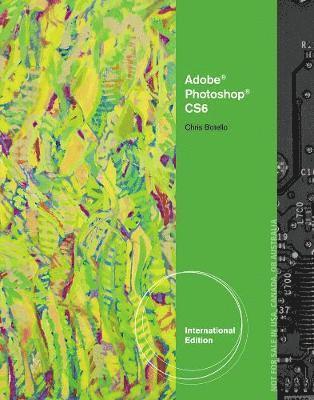
Häftad, Engelska, 2012
Adobe® Photoshop® CS6
Illustrated, International Edition
1001 kr
Beställningsvara. Skickas inom 11-20 vardagar. Fri frakt över 249 kr.
Beskrivning
Produktinformation
- Utgivningsdatum: 2012-09-18
- Mått: 213 x 10 x 274 mm
- Vikt: 660 g
- Format: Häftad
- Språk: Engelska
- Antal sidor: 232
- Förlag: Cengage Learning
- ISBN: 9781133525981
Utforska kategorier
- Inga kategorier tillgängliga.
Mer om författaren
Chris Botello began his career in New York City as the associate print production manager for Premiere magazine. He designed movie posters for Miramax Films and served as the art director for Microsoft’s launch of sidewalk.com/boston. As a professional graphic designer, Chris worked on first-run movie and television campaigns for NBC-Universal, Warner Bros. Studios, and numerous key art ad agencies in Los Angeles. He is the author of the Revealed Series books on Adobe Illustrator and Adobe InDesign, and he is the co-author of YouTube for Dummies. Since 2010, Chris has dedicated his career to teaching and working with kids. Chris lives in Los Angeles, where he teaches computer graphics at Sierra Canyon School. He uses his own books as the text for his classes.
Recensioner i media
A: Getting Started with Photoshop CS6. B: Selecting Pixels. C: Working with Layers. D: Improving Images with Adjustment Layers. E: Working with Type and Gradients. F: Working with Brushes and Color Effects. G: Creating Special Effects. H: Improving Productivity. Glossary. Index.
Betyg & recensioner
0 recensioner
Inga recensioner tillgängliga.