• Fri frakt över 249 kr
  • •
  • Snabba leveranser
  • •
  • Billiga böcker
Kundservice

Du är på sajten för privatpersoner.

Företag, bibliotek eller offentlig verksamhet?

Du handlar på classic.bokus.com, där alla dina funktioner finns intakta.
Till classic.bokus.com
Bokus logotyp. Gå till startsidan.
  • Erbjudanden
  • Nyheter
  • Student
  • Topplistor
  • Barn & ungdom
  • Bokus Play
  • E-böcker
  • Pocketböcker
  • Spel & pussel

10% rabatt på allt med kod: NYSTART10 →

Sidfot

Mina sidor

    Hjälp

    • Kundservice
    • Vanliga frågor och svar
    • Frakt och leverans
    • Retur vid ångerrätt
    • Reklamera vara
    • Betalning
    • Köpvillkor
    • Allmänna villkor
    • Information om webbplatsens tillgänglighet

    Om Bokus

    • Om oss
    • Pressrum
    • För studenter
    • För företag
    • För bibliotek och offentlig verksamhet
    • För leverantörer
    • Hållbarhet

    Populärt

    • Aktuella erbjudanden
    • Presentkort
    • Studentlitteratur
    • Nya böcker
    • Topplistor
    • Signerade böcker
    • Engelska böcker

    Inspiration

    • Boktips
    • BookTok
    • Populära bokserier
    • Barnbokskaraktärer
    • Populära författare
    Logotyp för Bokus
    Följ oss på Facebook (extern länk)Följ oss på Instagram (extern länk)Följ oss på YouTube (extern länk)Följ oss på TikTok (extern länk)
    bokus @ CookiesAnpassa cookiesIntegritetspolicyKöpvillkor
    Till Citymail hemsida (extern länk)Till Budbee hemsida (extern länk)Till Postnord hemsida (extern länk)Till Schenker hemsida (extern länk)Till Early Bird hemsida (extern länk)Till Walleys hemsida (extern länk)
    1. Data och IT
    2. Programmeringsböcker

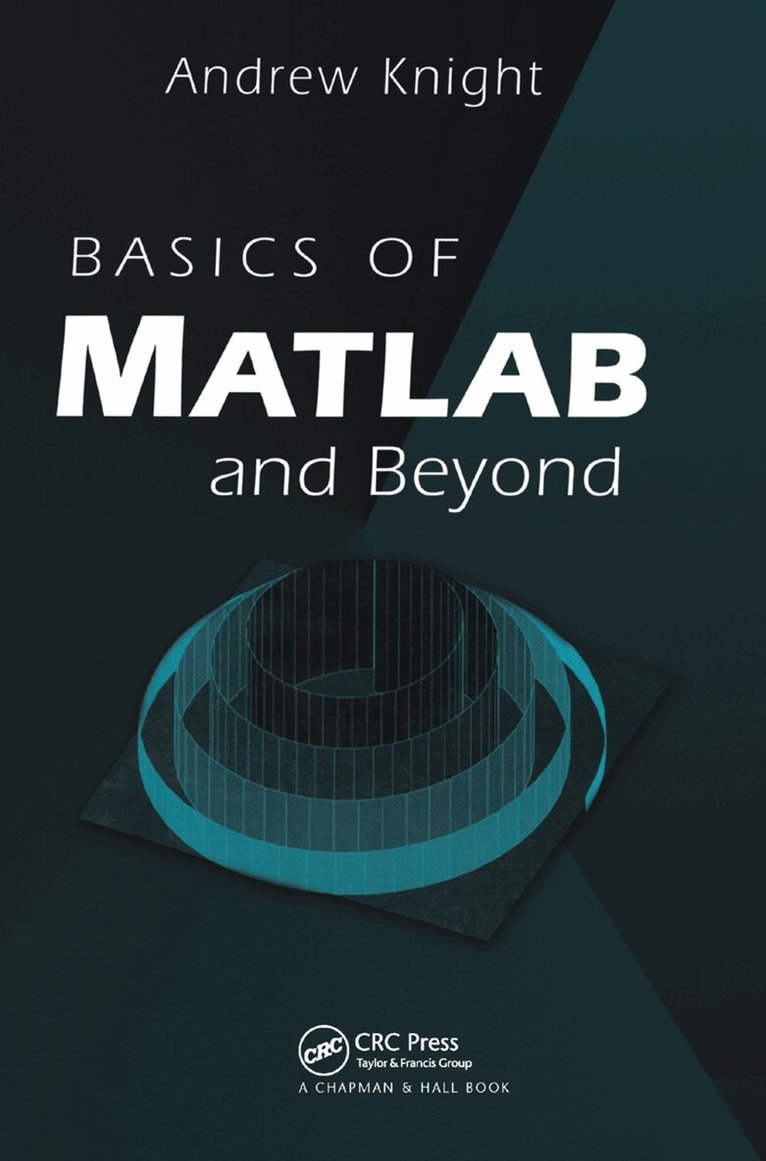
    Basics of MATLAB and Beyond

    AvAndrew Knight

    Inbunden, Engelska, 2019

    2 957 kr

    Beställningsvara. Skickas inom 10-15 vardagar. Fri frakt över 249 kr.

    Fler format och utgåvor

    E-bok

    1 660 kr

    Häftad

    1 439 kr

    E-bok

    1 664 kr

    Beskrivning

    MATLAB The tremendously popular computation, numerical analysis, signal processing, data analysis, and graphical software package-allows virtually every scientist and engineer to make better and faster progress. As MATLAB's world-wide sales approach a half-million with an estimated four million users, it becomes a near necessity that professionals and students have a level of competence in its use. Until now, however, there has been no book that quickly and effectively introduces MATLAB's capabilities to new users and assists those with more experience down the path toward increasingly sophisticated work.Basics of MATLAB and Beyond is just such a book. Its hands-on, tutorial approach gently takes new users by the hand and leads them to competence in all the fundamentals of MATLAB. Then, with equal effectiveness, it covers the advanced topics that lead to full, creative exploitation of MATLAB's awesome power. With this book, readers will:Solve more problems with MATLAB-and solve them faster Create clearer, more beautiful graphics with control over every detail Create their own MATLAB code Share their work by exporting data and graphics to other applications Develop graphical user interfacesBased on the latest 5.x release, Basics of MATLAB and Beyond supplies both novice and experienced users the tools they need to gain proficiency, increase productivity, and ultimately have more fun with MATLAB.

    Produktinformation

    • Utgivningsdatum:2019-06-07
    • Mått:156 x 234 x undefined mm
    • Vikt:560 g
    • Format:Inbunden
    • Språk:Engelska
    • Antal sidor:216
    • Förlag:Taylor & Francis Ltd
    • ISBN:9781138442450

    Utforska kategorier

    • Programmeringsböcker inom Data och IT
    • Tillämpad datateknik inom Data och IT

    Mer om författaren

    The author completed a Ph.D. in plasma physics at the Flinders University of South Australia in the days before MATLAB. Consequently, he knows how much time can be saved when you don’t have to write your own matrix inversion or polynomial evaluation routines in FORTRAN. His first exposure to MATLAB was at the Centre for Plasma Physics Research at the Swiss Federal Institute of Technology (Ecole Polytechnique Fédérale) in Lausanne, Switzerland, where he continued his research in plasma physics. On his return to Australia to take up a position with the Maritime Operations Division of the Defence Science and Technology Organisation, he was given responsibility for research in the flow noise problem of towed sonar arrays. His current research interests include sonar signal processing and information displays. He has been largely responsible for the growth in the use of MATLAB in his division, and has conducted training courses in MATLAB.

    Innehållsförteckning

    • I Basics of MATLAB, 1 First Steps in MATLAB, 1.1 Starting MATLAB, 1.2 First Steps, 1.3 Matrices, 1.4 Variables, 1.5 The Colon Operator, 1.6 Linspace, 1.7 Plotting Vectors, 2 Typing into MATLAB, 2.1 Command Line Editing, 2.2 Smart Recall, 2.3 Long Lines, 2.4 Copying and Pasting, 3 Matrices, 3.1 Typing Matrices, 3.2 Concatenating Matrices, 3.3 Useful Matrix Generators, 3.4 Subscripting, 3.5 End as a subscript, 3.6 Deleting Rows or Columns, 3.7 Matrix Arithmetic, 3.8 Transpose, 4 Basic Graphics, 4.1 Plotting Many Lines, 4.2 Adding Plots, 4.3 Plotting Matrices, 4.4 Clearing the Figure Window, 4.5 Subplots, 4.6 Three-Dimensional Plots, 4.7 Axes, 4.8 Labels, 5 More Matrix Algebra, 6 Basic Data Analysis, 7 Graphics of Functions of Two Variables, 7.1 Basic Plots, 7.2 Colour Maps, 7.3 Colour Bar, 7.4 Good and Bad Colour Maps, 7.5 Extracting Logical Domains, 7.6 Nonrectangular Surface Domains, 8 M-Files, 8.1 Scripts, 8.2 Functions, 8.3 Flow Control, 8.4 Comparing Strings, 9 Data Files, 9.1 MATLAB Format, 9.2 ASCII Format, 9.3 Other Formats, 10 Directories, 11 Startup, 12 Using MATLAB on Different Platforms, 13 Log Scales, 14 Curve Fitting—Matrix Division, 15 Missing Data, 16 Polar Plots, 17 Fourier Transform, 18 Power Spectrum, 19 Sounds in MATLAB, 20 Time-Frequency Analysis, 21 Line Animation, 22 SPTool, 23 Handle Graphics, 23.1 Custom Plotting Functions, 23.2 Set and Get, 23.3 Graphical Object Hierarchy, 24 Demos, II Beyond the Basics, 25 Sparse Arrays, 25.1 Example: Airfoil, 25.2 Example: Communication Network, 26 Text Strings, 26.1 String Matrices, 26.2 Comparing Strings, 26.3 String Manipulations, 26.4 Converting Numbers to Strings, 26.5 Using Strings as Commands, 27 Cell Arrays, 28 Structures, 28.1 Example: Meteorological Database, 28.2 Example: Capturing the List of Variables, 29 Multidimensional Arrays, 29.1 Generating Multidimensional Grids, 29.2 Operations with Multidimensional Arrays, 29.3 RGB Images, 29.4 Example: Sonar, 29.5 Multidimensional Cell Arrays, 29.6 Multidimensional Structures, 30 Saving and Loading Data, 30.1 MATLAB Format, 30.2 Other Formats, 31 Handle Graphics, 31.1 Get and Set, 31.2 Default Object Properties, 31.3 Current Objects, 32 Axes Effects, 32.1 The Axis Command, 32.2 Tick Marks and Labels, 32.3 Subplots, 32.4 Double Axes, 32.5 Axes Labels, 33 Text in Graphics, 33.1 Symbols and Greek Letters, 33.2 Symbols in Tick Labels, 33.3 Global Object Placement, 34 Graphical User Interfaces, 34.1 Callbacks, 34.2 UlControls, 34.3 Exclusive Radio Buttons, 34.4 Variables in GUIs, 34.5 The Tag Property, 34.6 UIMenus, 34.7 Fast Drawing, 34.8 Guide, 34.9 Other Aids, 35 Printing Graphics, 35.1 Print Size: Orient, 35.2 Print Size: WYSIWYG, 35.3 Including Figures in Other Applications, 36 Irregular Grids, 36.1 Interpolation over a Rectangular Grid, 36.2 Triangular Gridding, 37 Three-dimensional Modelling, 37.1 Patches, 37.2 Light Objects, 38 MATLAB Programming, 38.1 Vectorising Code, 38.2 M-File Subfunction, 38.3 Debugging, 38.4 Profiler, 39 Answers to Exercises (Part I), 40 Answers to Exercises (Part II), Index