• Fri frakt över 249 kr
  • •
  • Snabba leveranser
  • •
  • Billiga böcker
Kundservice

Du är på sajten för privatpersoner.

Företag, bibliotek eller offentlig verksamhet?

Du handlar på classic.bokus.com, där alla dina funktioner finns intakta.
Till classic.bokus.com
Bokus logotyp. Gå till startsidan.
  • Erbjudanden
  • Nyheter
  • Student
  • Topplistor
  • Barn & ungdom
  • Bokus Play
  • E-böcker
  • Pocketböcker
  • Spel & pussel

10% rabatt på allt med kod NYSTART10 →

Sidfot

Mina sidor

    Hjälp

    • Kundservice
    • Vanliga frågor och svar
    • Frakt och leverans
    • Retur vid ångerrätt
    • Reklamera vara
    • Betalning
    • Köpvillkor
    • Allmänna villkor
    • Information om webbplatsens tillgänglighet

    Om Bokus

    • Om oss
    • Pressrum
    • För studenter
    • För företag
    • För bibliotek och offentlig verksamhet
    • För leverantörer
    • Hållbarhet

    Populärt

    • Aktuella erbjudanden
    • Presentkort
    • Studentlitteratur
    • Nya böcker
    • Topplistor
    • Signerade böcker
    • Engelska böcker

    Inspiration

    • Boktips
    • BookTok
    • Populära bokserier
    • Barnbokskaraktärer
    • Populära författare
    Logotyp för Bokus
    Följ oss på Facebook (extern länk)Följ oss på Instagram (extern länk)Följ oss på YouTube (extern länk)Följ oss på TikTok (extern länk)
    bokus @ CookiesAnpassa cookiesIntegritetspolicyKöpvillkor
    Till Citymail hemsida (extern länk)Till Budbee hemsida (extern länk)Till Postnord hemsida (extern länk)Till Schenker hemsida (extern länk)Till Early Bird hemsida (extern länk)Till Walleys hemsida (extern länk)
    1. Data och IT
    2. Affärsapplikationer

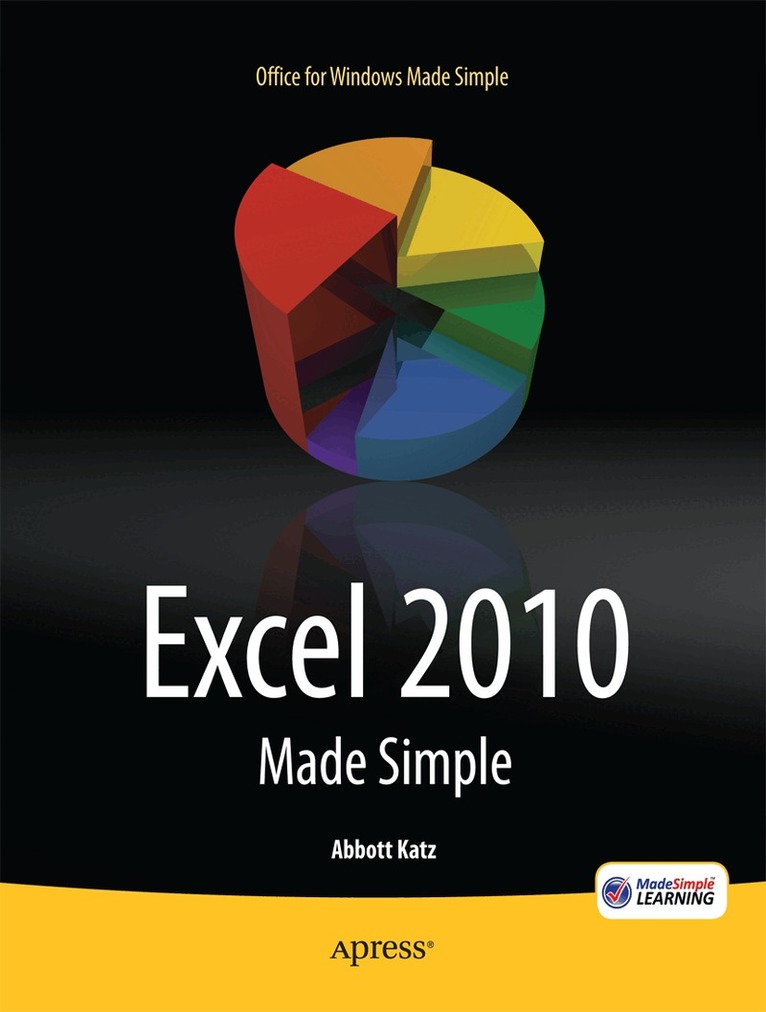
    Excel 2010 Made Simple

    AvAbbott Katz,MSL Made Simple Learning

    Häftad, Engelska, 2011

    281 kr

    Beställningsvara. Skickas inom 10-15 vardagar. Fri frakt över 249 kr.

    Beskrivning

    Get the most out of Excel 2010 with Excel 2010 Made Simple—learn the key features, understand what’s new, and utilize dozens of time-saving tips and tricks to get your job done. Over 500 screen visuals and clear-cut instructions guide you through the features of Excel 2010, from formulas and charts to navigating around a worksheet and understanding Visual Basic for Applications (VBA) and macros. Excel 2010 Made Simple takes a practical and highly effective approach to using Excel 2010, showing you the best way to complete your most common spreadsheet tasks. You'll learn how to input, format, sort, and filter your data to find out what you want to know. You'll see how to place your data in tables and named ranges for easy access, all of which will get you working efficiently and productively. Excel 2010 Made Simple also covers the new features introduced in Excel 2010. For instance, it shows you how to use Sparklines for data comparison and the Backstage view for printing and sharing your spreadsheets, so you can carry out your tasks with minimum fuss. The hands-on focus on tasks means you'll see how to actually use Excel 2010 to suit your needs.

    Produktinformation

    • Utgivningsdatum:2011-06-02
    • Mått:178 x 254 x 20 mm
    • Vikt:666 g
    • Format:Häftad
    • Språk:Engelska
    • Antal sidor:372
    • Förlag:APress
    • ISBN:9781430235453

    Utforska kategorier

    • Affärsapplikationer inom Data och IT

    Mer om författaren

    Abbott Katz, author of Beginning Microsoft Excel 2010, brings extensive Microsoft Office instructional experience to the task, having trained users of the suite s components in varied academic and corporate settings. He has a doctorate in sociology and wide-ranging writing experience as well. Abbott has composed, and continue to compose, numerous complex spreadsheets, twinning technical fluency with the imagination to realize Excel s potential in a diverse array of settings.

    Innehållsförteckning

    • * Introducing Excel 2010 * Getting Around the Worksheet and Data Entry * Editing Data * Number Crunching 101: Functions, Formulas, and Ranges * For Appearance's Sake: Formatting Your Data * Charting Your Data * Sorting and Filtering Your Data: Excel's Database Features * PivotTables: Data Aggregation Without the Aggravation * Managing Your Workbook * Printing Your Worksheets: Hard Copies Made Easy * Automating Your Work with Macros