• Fri frakt över 249 kr
  • •
  • Snabba leveranser
  • •
  • Billiga böcker
Kundservice

Du är på sajten för privatpersoner.

Företag, bibliotek eller offentlig verksamhet?

Du handlar på classic.bokus.com, där alla dina funktioner finns intakta.
Till classic.bokus.com
Bokus logotyp. Gå till startsidan.
  • Erbjudanden
  • Nyheter
  • Student
  • Topplistor
  • Barn & ungdom
  • Bokus Play
  • E-böcker
  • Pocketböcker
  • Spel & pussel

10% rabatt på allt med kod NYSTART10 →

Sidfot

Mina sidor

    Hjälp

    • Kundservice
    • Vanliga frågor och svar
    • Frakt och leverans
    • Retur vid ångerrätt
    • Reklamera vara
    • Betalning
    • Köpvillkor
    • Allmänna villkor
    • Information om webbplatsens tillgänglighet

    Om Bokus

    • Om oss
    • Pressrum
    • För studenter
    • För företag
    • För bibliotek och offentlig verksamhet
    • För leverantörer
    • Hållbarhet

    Populärt

    • Aktuella erbjudanden
    • Presentkort
    • Studentlitteratur
    • Nya böcker
    • Topplistor
    • Signerade böcker
    • Engelska böcker

    Inspiration

    • Boktips
    • BookTok
    • Populära bokserier
    • Barnbokskaraktärer
    • Populära författare
    Logotyp för Bokus
    Följ oss på Facebook (extern länk)Följ oss på Instagram (extern länk)Följ oss på YouTube (extern länk)Följ oss på TikTok (extern länk)
    bokus @ CookiesAnpassa cookiesIntegritetspolicyKöpvillkor
    Till Citymail hemsida (extern länk)Till Budbee hemsida (extern länk)Till Postnord hemsida (extern länk)Till Schenker hemsida (extern länk)Till Early Bird hemsida (extern länk)Till Walleys hemsida (extern länk)
    1. Data och IT
    2. Systemvetenskap och AI

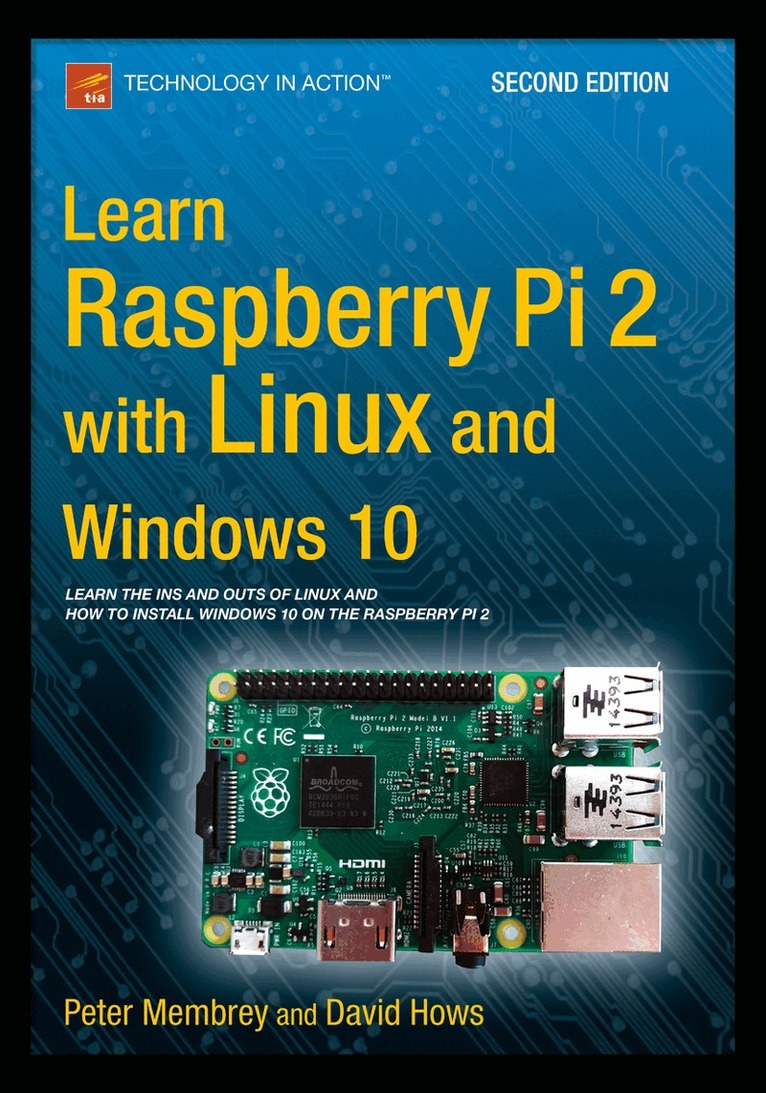
    Learn Raspberry Pi 2 with Linux and Windows 10

    AvPeter Membrey,David Hows

    Häftad, Engelska, 2015

    312 kr

    Beställningsvara. Skickas inom 10-15 vardagar. Fri frakt över 249 kr.

    Beskrivning

    Learn Raspberry Pi 2 with Linux and Windows 10 will tell you everything you need to know about working with Raspberry Pi 2 so you can get started doing amazing things. You'll learn how to set up your new Raspberry Pi 2 with a monitor, keyboard and mouse, and how to install both Linux and Windows on your new Pi 2.Linux has always been a great fit for the Pi, but it can be a steep learning curve if you've never used it before. With this book, you'll see how easy it is to install Linux and learn how to work with it, including how to become a Linux command line pro. You'll learn that what might seem unfamiliar in Linux is actually very familiar. And now that Raspberry Pi also supports Windows 10, a chapter is devoted to setting up Windows 10 for the Internet of Things on a Raspberry Pi.Finally, you'll learn how to create these Raspberry Pi projects with Linux:Making a Pi web server: run LAMP on your own networkMaking your Pi wireless: remove all the cables and retain all the functionalityMaking a Raspberry Pi-based security cam and messenger serviceMaking a Pi media center: stream videos and music from your Pi

    Produktinformation

    • Utgivningsdatum:2015-09-25
    • Mått:178 x 254 x 19 mm
    • Vikt:626 g
    • Format:Häftad
    • Språk:Engelska
    • Antal sidor:296
    • Upplaga:2
    • Förlag:Springer-Verlag Berlin and Heidelberg GmbH & Co. KG
    • ISBN:9781484211632

    Utforska kategorier

    • Systemvetenskap och AI inom Data och IT

    Mer om författaren

    Hailing from the U.K., strongPeter Membrey/strong has worked for Red Hat, holds a RHCE certification, and worked and taught at a number of educational institutions since the beginning of his career. He knows what Linux users like and need, and hopes that CentOS will get the kudos it deserves. He lives in Hong Kong and is teaching and consulting on all matters to do with Linux Enterprise networking, while studying for his master's degree.

    Innehållsförteckning

    • 1: Your First Bite of Raspberry Pi 2: Surveying the Landscape 3: Getting Comfortable 4: The File-Paths to Success 5: Essential Commands 6: Editing Files on the Command Line 7: Managing Your Pi 8: A LAMP of Your Own 9: WiPi: Wireless Computing 10: The Raspberry sPi 11: Pi Media Center 12. Installing Windows 10! 13. TOR Appendix. Doing It by Hand - Writing an SD Card Image