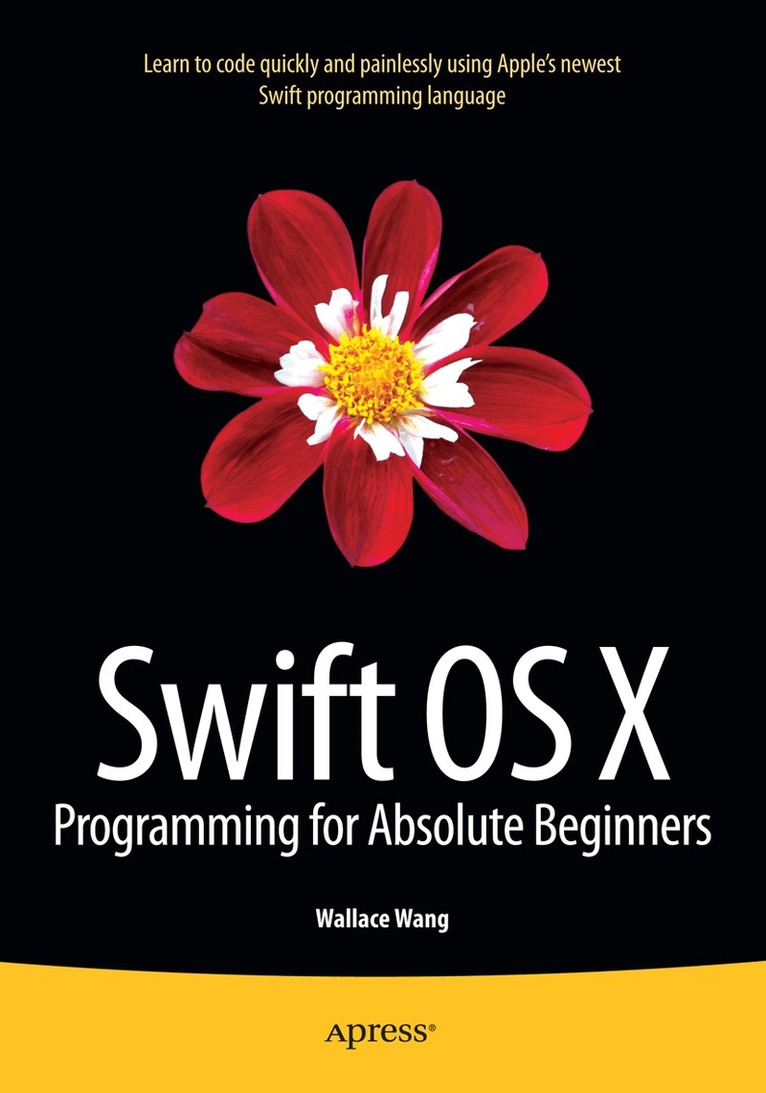
Häftad, Engelska, 2015
Swift OS X Programming for Absolute Beginners
Av Wallace Wang
624 kr
Beställningsvara. Skickas inom 10-15 vardagar. Fri frakt över 249 kr.
Beskrivning
Swift OS X Programming for Absolute Beginners is your step-by-step guide to learning how to code using Swift, Apple's hottest new programming language. This book will not only teach complete programming novices how to write OS X programs, but it can also help experienced programmers moving to the Macintosh for the first time. You will learn to understand the principles of programming, how to use Swift and Xcode, and how to combine your knowledge into writing OS X programs.If you've always wanted to learn coding but felt stymied by the limitation of simplistic programming languages or intimidated by professional but complicated programming languages, then you'll want to learn Swift. Swift is your gateway to both Macintosh and iOS app development while being powerful and easy to learn at the same time, and Swift OS X Programming for Absolute Beginners is the perfect place to start - add it to your library today.
Produktinformation
- Utgivningsdatum: 2015-05-08
- Mått: 178 x 254 x 35 mm
- Vikt: 1 048 g
- Format: Häftad
- Språk: Engelska
- Antal sidor: 544
- Förlag: Springer-Verlag Berlin and Heidelberg GmbH & Co. KG
- ISBN: 9781484212349
Utforska kategorier
Betyg & recensioner
0 recensioner
Inga recensioner tillgängliga.