• Fri frakt över 249 kr
  • •
  • Snabba leveranser
  • •
  • Billiga böcker
Kundservice

Du är på sajten för privatpersoner.

Företag, bibliotek eller offentlig verksamhet?

Du handlar på classic.bokus.com, där alla dina funktioner finns intakta.
Till classic.bokus.com
Bokus logotyp. Gå till startsidan.
  • Erbjudanden
  • Student
  • Topplistor
  • Barn & ungdom
  • Bokus Play
  • E-böcker
  • Ljudböcker
  • Pocketböcker
  • Spel och pussel

Pocketfynda! Hundratals böcker för 49 kr/st →

Sidfot

Mina sidor

    Hjälp

    • Kundservice
    • Vanliga frågor och svar
    • Frakt och leverans
    • Retur vid ångerrätt
    • Reklamera vara
    • Betalning
    • Köpvillkor
    • Allmänna villkor
    • Information om webbplatsens tillgänglighet

    Om Bokus

    • Om oss
    • Pressrum
    • För studenter
    • För företag
    • För bibliotek och offentlig verksamhet
    • För leverantörer
    • Hållbarhet

    Populärt

    • Aktuella erbjudanden
    • Presentkort
    • Studentlitteratur
    • Nya böcker
    • Topplistor
    • Signerade böcker
    • Engelska böcker

    Inspiration

    • Boktips
    • BookTok
    • Barnbokskaraktärer
    • Populära författare
    Logotyp för Bokus
    Följ oss på Facebook (extern länk)Följ oss på Instagram (extern länk)Följ oss på YouTube (extern länk)Följ oss på TikTok (extern länk)
    bokus @ CookiesAnpassa cookiesIntegritetspolicyKöpvillkor
    Till Citymail hemsida (extern länk)Till Budbee hemsida (extern länk)Till Postnord hemsida (extern länk)Till Schenker hemsida (extern länk)Till Early Bird hemsida (extern länk)Till Walleys hemsida (extern länk)
    1. Data och IT
    2. Digital livsstil och datorspel

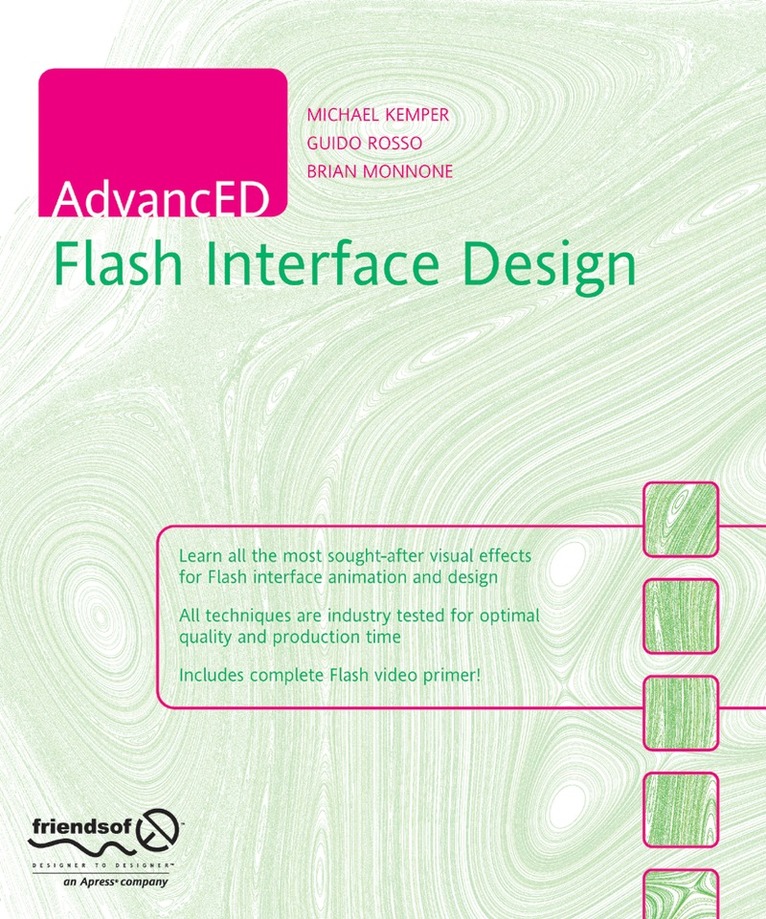
    AdvancED Flash Interface Design

    AvGuido Rosso,Brian Monnone

    Häftad, Engelska, 2006

    462 kr

    Beställningsvara. Skickas inom 10-15 vardagar. Fri frakt över 249 kr.

    Beskrivning

    As a competent Flash designer, you're probably comfortable with all of the basics that Flash has to offer. However, you've probably looked at some of the amazing Flash sites on the web and thought, "How'd they do that?" Well, you'll find out in this book.Flash allows users to create some amazing interactive interfaces to interact with rich Internet applications, e-learning systems, and simple web sites. In this book, two of the most talented Flash designers in the world will show you how to use them effectively to create breathtaking visuals for your Flash web sites. You'll also learn how to take advantage of Flash's powerful built-in vector-based drawing tools.The authors discuss general background theory, such as site planning, color theory, and information architecture. They reveal techniques using gradients, layers, lighting and shadowing, 3D objects, animation, and photo editing. Techniques are illustrated and the book concludes with a discussion of usability and final tweaks. There is also a tutorial on testing your work, and exporting and finally publishing it.

    Produktinformation

    • Utgivningsdatum:2006-05-09
    • Mått:191 x 235 x 24 mm
    • Vikt:802 g
    • Format:Häftad
    • Språk:Engelska
    • Antal sidor:360
    • Upplaga:6001
    • Förlag:APress
    • ISBN:9781590595558

    Utforska kategorier

    • Digital livsstil och datorspel inom Data och IT

    Mer om författaren

    A computer enthusiast his whole life, Guido Rosso started designing professionally at the height of the dot-com boom. Surviving the crash unscathed, he and his twin brother, Luigi, opened RealitySlip Srl (www.realityslip.com), a design and development company based in Rome. They have since broadened their portfolio to include award-winning web design, application development, and video game projects for companies around the world. Guido's work has been featured in PC Gamer, American Design Awards, The Favourite Website Awards, and numerous other publications, and awarded finalist for Macromedia MAX.

    Innehållsförteckning

    • Flash Overview.- Creating Usable and Innovative Experiences.- Interface Designers’ Guide to Color.- Planning Your Interface Design.- Vector Drawing and Effects in Flash and Illustrator.- Understanding the Timeline and Layers.- Working with 3D Vectors.- Using Video in Flash.- Photoshop Techniques.- Moving from Photoshop to Flash and Effective PNGs.- Creating Animated Effects.- Flash Textures.- Photo Editing in Photoshop and Flash.- Finishing Off Your Site.