Patrice-Anne Rutledge – författare
87 kr
Skickas
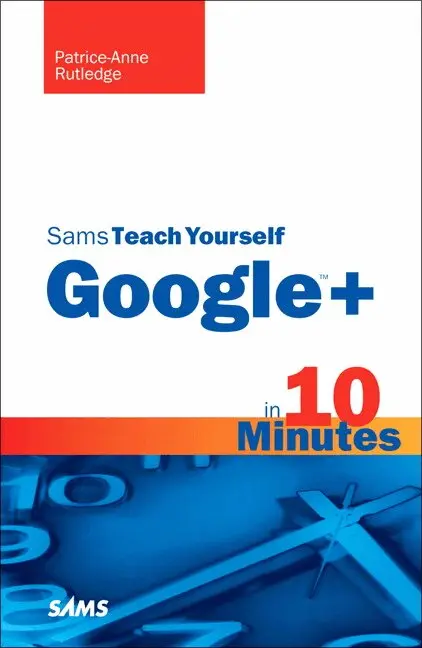
Sams Teach Yourself Google™+ in 10 Minutes gives you straightforward, practical answers when you need fast results. Work through its 10-minute lessons to jumpstart your Google+ experience...and then use today’s hottest social network to connect with everyone and everything you care about!
Tips point out shortcuts and solutions.
Cautions help you avoid common pitfalls.
Notes provide additional information.
Plain English definitions explain new terms.
10 minutes is all you need to learn how to...
Create a great Google+ profile Take control of your privacy on Google+ Use Circles to share exactly what you want, with only the people you want to see it Manage conversations with Google+ Stream Upload your photos to share with friends and family Hold group video chats for free on Google+ Hangouts Take your social network wherever you go with Google+ Mobile Play games on Google+: from Angry Birds to Sudoku and beyond Quickly access the best Google+ features with the Google+ bar Have more fun and get more productive with Google+ add-ons and extensions
138 kr
Skickas
Learn how to:
Use Google Apps to reduce technology expenses and grow your business Choose the best Google Apps version for your needs Quickly activate and customize your account Give your users customized email that uses your domain, not gmail.com Connect Gmail to your smartphone so your email and schedule always go with you Create, format, edit, print, and collaborate on documents with Docs Track and analyze your data with Sheets Create presentations with Slides and present anywhere via the Internet Cut travel costs: run video meetings online with Google Hangouts Improve project collaboration with a shared Sites workspace Efficiently manage and share your schedule with Calendar Store and share your files for secure anytime/anywhere access Sync your files between your PC or Mac and Google Drive in the cloud Use Vault to archive content and activity for compliance or other legal reasonsStep-by-step instructions with callouts to new Google Apps screenshots that show you exactly what to do.
Help when you run into Google Apps problemsor limitations.
Tips and Notes to help you get the most from Google Apps.
37 kr
Skickas
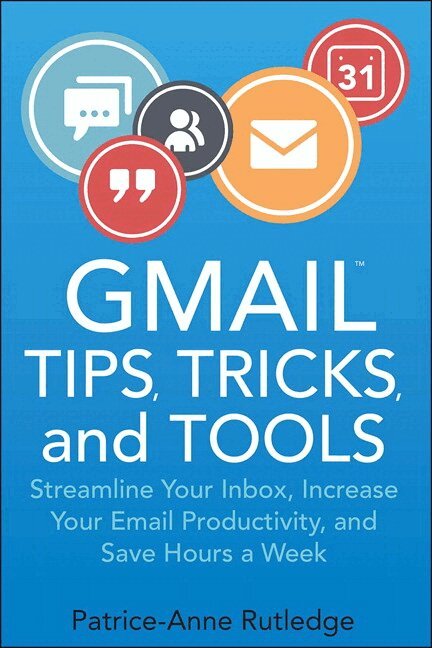
Supercharge Gmail to streamline your inbox, increase your email productivity, and save hours a week!
Managing daily email is a time-wasting distraction for many, but in today's connected world it's a business necessity. Gmail Tips, Tricks, and Tools shows you how to take control of your inbox with a simple, four-step process for resolving email overwhelm, designed specifically for Gmail users. This fully illustrated, easy-to-read guide first teaches you to become a Gmail power user and then introduces you to a variety of third-party tools that extend the power of Gmail even further.
After a quick refresher on Gmail basics, Gmail Tips, Tricks, and Tools shows you how to
--Master time-savings techniques for managing email and increasing email productivity
--Organize your Gmail inbox with stars, labels, and filters
--Activate Gmail Labs features, including canned responses, multiple inboxes, quick links, and smart labels
--Maximize the productivity potential of the Inbox by Gmail app with reminders, bundles, snoozing, pinning, and sweeping
--Extend the power of Gmail with third-party tools such as IFTTT and Zapier for email automation, Batched Inbox for batching email arrival, and FollowUpThen for powerful, customizable email reminders
--Discover Gmail browser extensions, such as Sidekick by HubSpot for scheduling and tracking messages, FullContact for analyzing your contacts, ActiveInbox for sophisticated task management, and Gmelius for boosting productivity and enhancing privacy
171 kr
Skickas inom 7-10 vardagar