• Fri frakt över 249 kr
  • •
  • Snabba leveranser
  • •
  • Billiga böcker
Kundservice

Du är på sajten för privatpersoner.

Företag, bibliotek eller offentlig verksamhet?

Du handlar på classic.bokus.com, där alla dina funktioner finns intakta.
Till classic.bokus.com
Bokus logotyp. Gå till startsidan.
  • Erbjudanden
  • Nyheter
  • Student
  • Topplistor
  • Barn & ungdom
  • Bokus Play
  • E-böcker
  • Pocketböcker
  • Spel & pussel

10% rabatt på allt med kod: NYSTART10 →

Sidfot

Mina sidor

    Hjälp

    • Kundservice
    • Vanliga frågor och svar
    • Frakt och leverans
    • Retur vid ångerrätt
    • Reklamera vara
    • Betalning
    • Köpvillkor
    • Allmänna villkor
    • Information om webbplatsens tillgänglighet

    Om Bokus

    • Om oss
    • Pressrum
    • För studenter
    • För företag
    • För bibliotek och offentlig verksamhet
    • För leverantörer
    • Hållbarhet

    Populärt

    • Aktuella erbjudanden
    • Presentkort
    • Studentlitteratur
    • Nya böcker
    • Topplistor
    • Signerade böcker
    • Engelska böcker

    Inspiration

    • Boktips
    • BookTok
    • Populära bokserier
    • Barnbokskaraktärer
    • Populära författare
    Logotyp för Bokus
    Följ oss på Facebook (extern länk)Följ oss på Instagram (extern länk)Följ oss på YouTube (extern länk)Följ oss på TikTok (extern länk)
    bokus @ CookiesAnpassa cookiesIntegritetspolicyKöpvillkor
    Till Citymail hemsida (extern länk)Till Budbee hemsida (extern länk)Till Postnord hemsida (extern länk)Till Schenker hemsida (extern länk)Till Early Bird hemsida (extern länk)Till Walleys hemsida (extern länk)
    1. Data och IT
    2. Nätverk och kommunikation

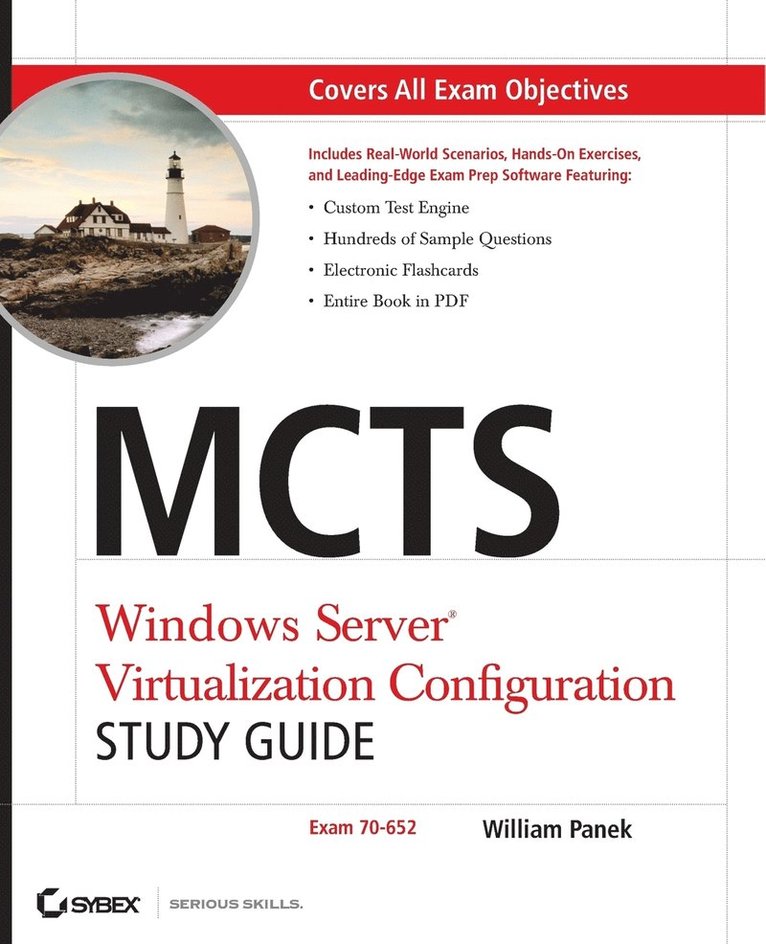
    MCTS Windows Server Virtualization Configuration Study Guide

    Exam 70-652

    AvWilliam Panek

    John Wiley & Sons Inc

    2009

    517 kr

    Beställningsvara. Skickas inom 5-8 vardagar. Fri frakt över 249 kr.

    Beskrivning

    The MCTS is Windows Server Virtualization Configuring exam, and is Microsoft’s newest addition to their exam repertoire and tests candidates’ ability to use Hyper-V and server virtualization as part of their network infrastructure solution. The exam targets IT professionals who are looking to enhance their skills and distinguish themselves from the rest of the pack. This guide reviews the tasks that are mandatory for candidates to know: installing Hyper-V, configuring and optimizing Hyper-V, deploying virtual machines, and managing and monitoring virtual machines. The CD-ROM contains coverage of the exam objectives, real-world scenarios, hands-on exercises, and challenging review questions. Note: CD-ROM/DVD and other supplementary materials are not included as part of eBook file.For Instructors: Teaching supplements are available for this title.

    Produktinformation

    • Märke:John Wiley & Sons Inc
    • Utgivningsdatum:2009-05-29
    • Höjd:188 x 236 x 26 mm
    • Vikt:644 g
    • Språk:Engelska
    • Antal sidor:432
    • Förlag:John Wiley & Sons Inc
    • EAN:9780470449301

    Utforska kategorier

    • Nätverk och kommunikation inom Data och IT
    • Microsoft-certifiering inom Data och IT

    Mer om författaren

    William Panek, MCTS, MCITP, MCT, CCNA, CHFI, is founder of Stellacon Corporation, a Microsoft Certified Gold Partner and a Certified Learning Solutions Provider and leading training provider on the East Coast. Prior to founding Stellacon, William was an instructor for The Training Associates, instructing at such schools as Boston University, Clark University, and New Horizons, among others. He is the author of MCTS: Windows Server 2008 Active Directory Configuration Study Guide and MCTS: Windows Server 2008 Network Infrastructure Configuration Study Guide, both by Sybex.

    Innehållsförteckning

    • Introduction xxi Assessment Exam xxxiiiChapter 1 Hyper-V Overview 1Introducing Hyper-V 2Hyper-V Benefits 3Hyper-V Features 4Microsoft Networking Models 5Windows Peer-to-Peer Network 5Windows Server 2008 Active Directory Network 7Microsoft Networking Terms and Roles 9Understanding Windows Server 2008 11New Features of Windows Server 2008 11Requirements for Windows Server 2008 Installation 15Activating and Installing Windows Server 2008 16Summary 21Exam Essentials 21Review Questions 23Answers to Review Questions 27Chapter 2 Installing Hyper-V 29Evaluating Your Network 30Microsoft Assessment and Planning Tool 31Installing Hyper-V 41Hyper-V Hardware Requirements 42Installing Hyper-V on a Windows Server 2008 Full Installation 43Installing Hyper-V on a Windows Server 2008 Server Core 49Hyper-V with Virtual Machine Manager 56Summary 57Exam Essentials 58Review Questions 59Answers to Review Questions 64Chapter 3 Configuring Hyper-V 67Understanding the Configuration Tools and Techniques 68Understanding Virtual Hard Disks 69Using Pass-Through Disk Access 72Configuring Virtual Machine Snapshots 73Configuring Hyper-V Server Settings 76Using Authorization Manager 82Introducing System Center Virtual Machine Manager 89Configuring Virtual Networking 98Configuring Remote Administration 102Summary 105Exam Essentials 106Review Questions 108Answers to Review Questions 113Chapter 4 Creating Virtual Machines 115Creating Virtual Disks 116Creating Virtual Machines 123System Preparation (Sysprep) Tool 129Windows Deployment Service (WDS) 132Configuring the System Center Virtual MachineManager (SCVMM) 2008 136Summary 151Exam Essentials 152Review Questions 153Answers to Review Questions 158Chapter 5 Migrating and Converting Virtual Machines 161Using Physical-to-Virtual (P2V) Conversion 162P2V Conversions Using SCVMM 163Using Virtual-to-Virtual (V2V) Conversion 171Converting Virtual Machines from Virtual Server and Virtual PC 177Understanding Integration Services 178Understanding Virtual PC 187Migrating Microsoft Virtual Server 190Microsoft Assessment and Planning Toolkit 193Summary 194Exam Essentials 194Review Questions 196Answers to Review Questions 201Chapter 6 Managing Virtual Machines 203Managing Virtual Machine Settings 204Configuring Virtual Machines with SCVMM 205Configuring Virtual Machine Properties 207Configuring Hyper-V Host Properties 220HyperCall Adapter 227Managing Templates, Profiles, and the Image Library 227Creating and Managing Templates 228Creating Image Libraries 231Summary 237Exam Essentials 238Review Questions 239Answers to Review Questions 244Chapter 7 Configuring Hyper-V for High Availability 247Configuring Hyper-V to Be Highly Available 248Understanding RAID 250Disk Storage Types 251Understanding the Disk Management MMC 253Configuring Failover Clustering 260Failover Cluster Management 261Configuring Quorums 269Understanding Quick Migration 273Summary 276Exam Essentials 277Review Questions 278Answers to Review Questions 283Chapter 8 Backing Up and Restoring VMs 285Monitoring and Optimizing Virtual Machines 286Reliability and Performance Monitor 286Understanding Backups and Recoverability 296Configuring Backup Types 297Using Windows Server 2008 Backup 301Understanding the Data Protection Manager 312Summary 318Exam Essentials 319Review Questions 320Answers to Review Questions 325Appendix A Extra Labs and Exam Questions 327Setting Up a Virtual Network 328Extra Review Questions 354Answers to Extra Review Questions 357Appendix B About the Companion CD 359What You’ll Find on the CD 360Sybex Test Engine 360PDF of Glossary of Terms 360Adobe Reader 360Electronic Flashcards 361System Requirements 361Using the CD 361Troubleshooting 361Customer Care 362Glossary 363Index 369