• Fri frakt över 249 kr
  • •
  • Snabba leveranser
  • •
  • Billiga böcker
Kundservice

Du är på sajten för privatpersoner.

Företag, bibliotek eller offentlig verksamhet?

Du handlar på classic.bokus.com, där alla dina funktioner finns intakta.
Till classic.bokus.com
Bokus logotyp. Gå till startsidan.
  • Erbjudanden
  • Nyheter
  • Student
  • Topplistor
  • Barn & ungdom
  • Bokus Play
  • E-böcker
  • Pocketböcker
  • Spel & pussel

10% rabatt på allt med kod NYSTART10 →

Sidfot

Mina sidor

    Hjälp

    • Kundservice
    • Vanliga frågor och svar
    • Frakt och leverans
    • Retur vid ångerrätt
    • Reklamera vara
    • Betalning
    • Köpvillkor
    • Allmänna villkor
    • Information om webbplatsens tillgänglighet

    Om Bokus

    • Om oss
    • Pressrum
    • För studenter
    • För företag
    • För bibliotek och offentlig verksamhet
    • För leverantörer
    • Hållbarhet

    Populärt

    • Aktuella erbjudanden
    • Presentkort
    • Studentlitteratur
    • Nya böcker
    • Topplistor
    • Signerade böcker
    • Engelska böcker

    Inspiration

    • Boktips
    • BookTok
    • Populära bokserier
    • Barnbokskaraktärer
    • Populära författare
    Logotyp för Bokus
    Följ oss på Facebook (extern länk)Följ oss på Instagram (extern länk)Följ oss på YouTube (extern länk)Följ oss på TikTok (extern länk)
    bokus @ CookiesAnpassa cookiesIntegritetspolicyKöpvillkor
    Till Citymail hemsida (extern länk)Till Budbee hemsida (extern länk)Till Postnord hemsida (extern länk)Till Schenker hemsida (extern länk)Till Early Bird hemsida (extern länk)Till Walleys hemsida (extern länk)
    1. Data och IT
    2. Affärsapplikationer

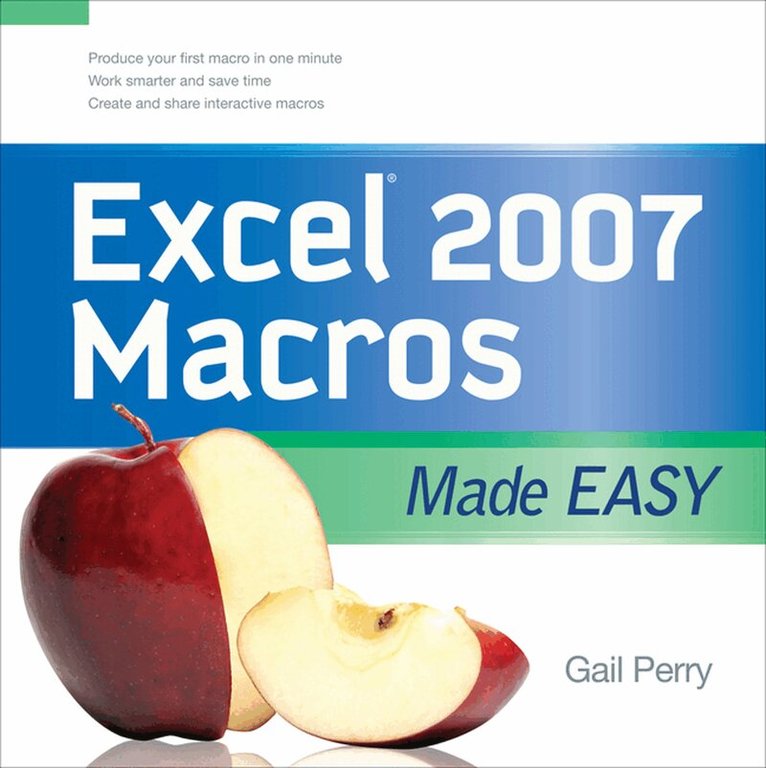
    EXCEL 2007 MACROS MADE EASY

    AvGail Perry

    Häftad, Engelska, 2008

    458 kr

    Beställningsvara. Skickas inom 3-6 vardagar. Fri frakt över 249 kr.

    Fler format och utgåvor

    E-bok

    463 kr

    Beskrivning

    Publisher's Note: Products purchased from Third Party sellers are not guaranteed by the publisher for quality,  authenticity, or access to any online entitlements included with the product.


    Get beyond the basics with Excel 2007 macros

    Now you can take your Excel skills to the next level with help from this hands-on guide. Excel 2007 Macros Made Easy shows you how to create, run, and revise macros to simplify repetitive tasks and store the instructions for complicated ones. You'll learn to use Visual Basic for Applications (VBA), add macros to the Excel toolbar, and share your macros with other users. Discover how easy it is to develop custom macros, save time, and boost productivity.

    • Record and edit macros
    • Create and debug macros in VBA
    • Save macros to the Personal Macro Workbook or other workbooks
    • Create VBA subroutines and functions
    • Develop interactive macros
    • Format cells using macros
    • Create variables and arrays
    • Apply logic to macros with If/Then/Else routines
    • Use loops to process data
    • Add controls to your worksheets


    Produktinformation

    • Utgivningsdatum:2008-12-16
    • Mått:200 x 200 x 10 mm
    • Vikt:440 g
    • Format:Häftad
    • Språk:Engelska
    • Antal sidor:208
    • Förlag:McGraw-Hill Education
    • ISBN:9780071599580

    Utforska kategorier

    • Affärsapplikationer inom Data och IT

    Mer om författaren

    Gail Perry (Indianapolis, IN) is a CPA, author and software trainer from Indianapolis, IN. She has been editing the TurboTax product documentation for Intuit for the past several years. In addition, she's written several books on Excel, including Excel Answers 2000! for Osborne.

    Innehållsförteckning

    • IntroductionChapter 1. Recording MacrosChapter 2. Editing MacrosChapter 3. Creating Macros in Visual BasicChapter 4. Storing MacrosChapter 5. Understanding Macro CommandsChapter 6. Using Visual Basic Subroutines and Creating FunctionsChapter 7. Creating Interactive MacrosChapter 8. Using Macros to Format CellsChapter 9. Using Variables in MacrosChapter 10. Creating If/Then/Else RoutinesChapter 11. Exploring LoopsChapter 12. Adding Controls to Your WorksheetsIndex