• Fri frakt över 249 kr
  • •
  • Snabba leveranser
  • •
  • Billiga böcker
Kundservice

Du är på sajten för privatpersoner.

Företag, bibliotek eller offentlig verksamhet?

Du handlar på classic.bokus.com, där alla dina funktioner finns intakta.
Till classic.bokus.com
Bokus logotyp. Gå till startsidan.
  • Erbjudanden
  • Student
  • Topplistor
  • Barn & ungdom
  • Bokus Play
  • E-böcker
  • Ljudböcker
  • Pocketböcker
  • Spel och pussel

Pocketfynda! Hundratals böcker för 49 kr/st →

Sidfot

Mina sidor

    Hjälp

    • Kundservice
    • Vanliga frågor och svar
    • Frakt och leverans
    • Retur vid ångerrätt
    • Reklamera vara
    • Betalning
    • Köpvillkor
    • Allmänna villkor
    • Information om webbplatsens tillgänglighet

    Om Bokus

    • Om oss
    • Pressrum
    • För studenter
    • För företag
    • För bibliotek och offentlig verksamhet
    • För leverantörer
    • Hållbarhet

    Populärt

    • Aktuella erbjudanden
    • Presentkort
    • Studentlitteratur
    • Nya böcker
    • Topplistor
    • Signerade böcker
    • Engelska böcker

    Inspiration

    • Boktips
    • BookTok
    • Barnbokskaraktärer
    • Populära författare
    Logotyp för Bokus
    Följ oss på Facebook (extern länk)Följ oss på Instagram (extern länk)Följ oss på YouTube (extern länk)Följ oss på TikTok (extern länk)
    bokus @ CookiesAnpassa cookiesIntegritetspolicyKöpvillkor
    Till Citymail hemsida (extern länk)Till Budbee hemsida (extern länk)Till Postnord hemsida (extern länk)Till Schenker hemsida (extern länk)Till Early Bird hemsida (extern länk)Till Walleys hemsida (extern länk)
    1. Data och IT
    2. Grafik och bildbehandling

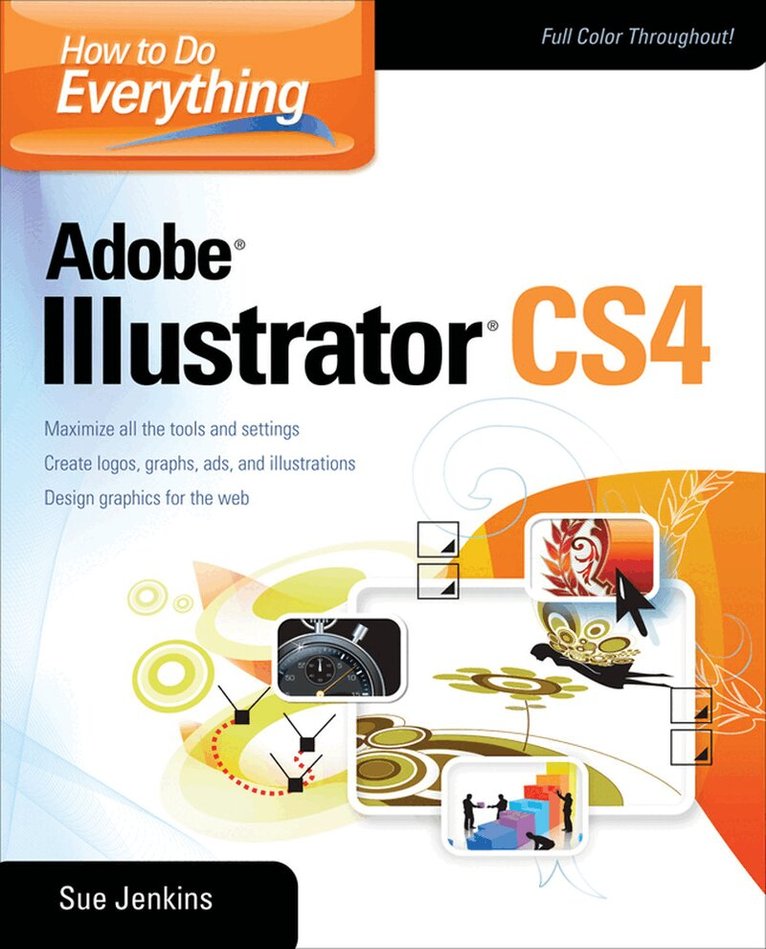
    How to Do Everything Adobe Illustrator

    AvSue Jenkins

    Häftad, Engelska, 2009

    587 kr

    Beställningsvara. Skickas inom 3-6 vardagar. Fri frakt över 249 kr.

    Fler format och utgåvor

    E-bok

    621 kr

    Beskrivning

    Publisher's Note: Products purchased from Third Party sellers are not guaranteed by the publisher for quality, authenticity, or access to any online entitlements included with the product.


    Master Adobe Illustrator CS4

    Filled with full-color examples, this hands-on guide explains how to use the latest release of the premier vector graphics program. How to Do Everything: Adobe Illustrator CS4 takes you step-by-step through the process of creating a wide variety of illustrations, and demonstrates expert techniques, shortcuts, and solutions. A gallery profiling professional illustrators and their work highlights real-world examples. With this book, you'll learn how to use all the program's tools and settings to draw just about anything you can imagine!

    • Use the drawing, painting, selection, and arrangement tools
    • Add vibrancy to your illustrations using colors, swatches, and Adobe Kuler
    • Work with layers, format text, and create custom graphs
    • Create patterns, gradients, and blends
    • Apply vector and raster special effects
    • Use Live Paint, Live Trace, the Appearance panel, and the Graphic Styles panel
    • Create logos, page layouts, book jackets, ads, and web graphics
    • Print high-quality work
    • Integrate Illustrator artwork into Adobe Flash to create motion graphics
    • And much more

    Produktinformation

    • Utgivningsdatum:2009-05-16
    • Mått:188 x 231 x 14 mm
    • Vikt:635 g
    • Format:Häftad
    • Språk:Engelska
    • Antal sidor:336
    • Förlag:McGraw-Hill Education
    • ISBN:9780071603102

    Utforska kategorier

    • Grafik och bildbehandling inom Data och IT

    Mer om författaren

    Sue Jenkins is an illustrator, web and graphic designer, photographer, teacher, writer, and the owner and creative director of Luckychair (www.luckychair.com), a full service design studio. She is an Adobe Certified Expert, an Adobe Certified Instructor, the instructor in three Adobe software training DVDs, and the author of several web design books.

    Innehållsförteckning

    • Part I: Illustrator BasicsChapter 1. Workspace OrientationChapter 2. Creating DocumentsChapter 3. Drawing and Editing Lines and ShapesChapter 4. Making SelectionsChapter 5. Pencil, Eraser, Paintbrush, and Blob BrushChapter 6. Mastering the Pen ToolChapter 7. Arrangement, Alignment, and the Pathfinder PanelChapter 8. Working with LayersPart II: The Basics and BeyondChapter 9. Colors, Swatches, and Adobe KulerChapter 10. Working with TypeChapter 11. Transformation and Reshaping ToolsChapter 12. Making Patterns and GradientsChapter 13. Symbols, 3D Mapping, and Flash IntegrationChapter 14. Graph ToolsPart III: Special Tools and TechniquesChapter 15. Creating BlendsChapter 16. Clipping Masks and Compound PathsChapter 17. Transparency and Blending ModesChapter 18. Special Effects and Third-Party Plug-InsChapter 19. Custom Graphic Styles and the Appearance PanelChapter 20. Live Paint and Live TracePart IV: Real WorldChapter 21. Print and Design: Editorial, Branding, Textiles, CraftsChapter 22. Taking Illustrations to the WebChapter 23. Painting Your WorkAppendix: Real World IllustrationsIndex

    Betyg & recensioner

    3/5