• Fri frakt över 249 kr
  • •
  • Snabba leveranser
  • •
  • Billiga böcker
Kundservice

Du är på sajten för privatpersoner.

Företag, bibliotek eller offentlig verksamhet?

Du handlar på classic.bokus.com, där alla dina funktioner finns intakta.
Till classic.bokus.com
Bokus logotyp. Gå till startsidan.
  • Erbjudanden
  • Nyheter
  • Student
  • Topplistor
  • Barn & ungdom
  • Bokus Play
  • E-böcker
  • Pocketböcker
  • Spel & pussel

10% rabatt på allt med kod NYSTART10 →

Sidfot

Mina sidor

    Hjälp

    • Kundservice
    • Vanliga frågor och svar
    • Frakt och leverans
    • Retur vid ångerrätt
    • Reklamera vara
    • Betalning
    • Köpvillkor
    • Allmänna villkor
    • Information om webbplatsens tillgänglighet

    Om Bokus

    • Om oss
    • Pressrum
    • För studenter
    • För företag
    • För bibliotek och offentlig verksamhet
    • För leverantörer
    • Hållbarhet

    Populärt

    • Aktuella erbjudanden
    • Presentkort
    • Studentlitteratur
    • Nya böcker
    • Topplistor
    • Signerade böcker
    • Engelska böcker

    Inspiration

    • Boktips
    • BookTok
    • Populära bokserier
    • Barnbokskaraktärer
    • Populära författare
    Logotyp för Bokus
    Följ oss på Facebook (extern länk)Följ oss på Instagram (extern länk)Följ oss på YouTube (extern länk)Följ oss på TikTok (extern länk)
    bokus @ CookiesAnpassa cookiesIntegritetspolicyKöpvillkor
    Till Citymail hemsida (extern länk)Till Budbee hemsida (extern länk)Till Postnord hemsida (extern länk)Till Schenker hemsida (extern länk)Till Early Bird hemsida (extern länk)Till Walleys hemsida (extern länk)
    1. Data och IT
    2. It-certifieringar
    3. Microsoft-certifiering

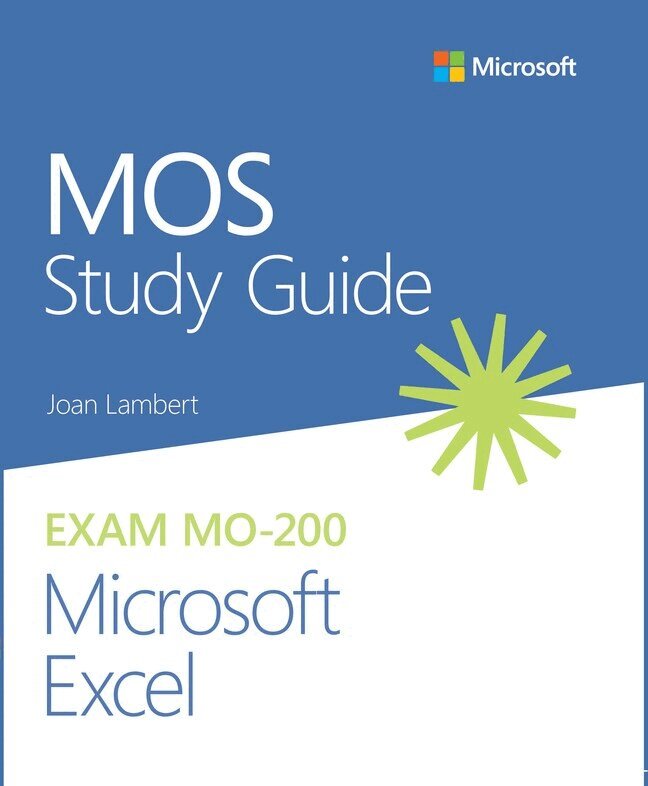
    MOS Study Guide for Microsoft Excel Exam MO-200

    AvJoan Lambert

    Häftad, Engelska, 2020

    Del i serien MOS Study Guide

    175 kr

    Beställningsvara. Skickas inom 7-10 vardagar. Fri frakt över 249 kr.

    Beskrivning

    Advance your everyday proficiency with Excel!

    And earn the credential that proves it!


    Demonstrate your expertise with Microsoft Excel! Designed to help you practice and prepare for Microsoft Office Specialist: Excel Associate (Excel and Excel 2019) certification, this official Study Guide delivers:

    • In-depth preparation for each MOS objective
    • Detailed procedures to help build the skills measured by the exam
    • Hands-on tasks to practice what you’ve learned
    • Ready-made practice files

    Sharpen the skills measured by these objectives:

    • Manage Worksheets and Workbooks
    • Manage Data Cells and Ranges
    • Manage Tables and Table Data
    • Perform Operations by Using Formulas and Functions
    • Manage Charts

    About MOS


    A Microsoft Office Specialist (MOS) certification validates your proficiency with Microsoft Office programs, demonstrating that you can meet globally recognized performance standards. Hands-on experience with the technology is required to successfully pass Microsoft Certification exams. 

    Produktinformation

    • Utgivningsdatum:2020-07-07
    • Mått:185 x 229 x 8 mm
    • Vikt:320 g
    • Format:Häftad
    • Språk:Engelska
    • Serie:MOS Study Guide
    • Antal sidor:192
    • Upplaga:1
    • Förlag:Pearson Education
    • ISBN:9780136627159

    Utforska kategorier

    • Microsoft-certifiering inom Data och IT
    • Affärsapplikationer inom Data och IT

    Mer om författaren

    Joan Lambert has worked closely with Microsoft technologies since 1986, and in the training and certification industry since 1997, guiding the translation of technical information and requirements into useful, relevant, and measurable resources for people who are seeking certification of their computer skills or who simply want to get things done efficiently. Joan is the author or coauthor of more than four dozen books about Windows and Office (for Windows, Mac, and iPad), six generations of Microsoft Office Specialist certification study guides, video-based training courses for SharePoint and OneNote, QuickStudy guides for Windows 10 and Office 2016, and GO! series books for Outlook. Joan is a Microsoft Certified Professional, Microsoft Office Specialist Master (for all versions of Office since Office 2003), Microsoft Certified Technology Specialist (for Windows and Windows Server), Microsoft Certified Technology Associate (for Windows), Microsoft Dynamics Specialist, and Microsoft Certified Trainer. She is also certified in Adobe InDesign and Intuit QuickBooks. A native of the Pacific Northwest and enthusiastic world traveler, Joan is now blissfully based in America’s Finest City with her simply divine daughter Trinity, Thai host daughter Thopad, and their faithful canine, feline, and aquatic companions.

    Innehållsförteckning

    • 1 Manage worksheets and workbooks Objective 1.1: Import data into workbooks Objective 1.2: Navigate within workbooks Objective 1.3: Format worksheets and workbooks Objective 1.4: Customize options and views Objective 1.5: Configure content for collaboration 2 Manage data cells and ranges Objective 2.1: Manipulate data in worksheets Objective 2.2: Format cells and ranges Objective 2.3: Define and reference named ranges Objective 2.4: Summarize data visually 3 Manage tables and table data Objective 3.1: Create and format tables Objective 3.2: Modify tables Objective 3.3: Filter and sort table data 4 Perform operations by using formulas and functions Objective 4.1: Insert references in formulas Objective 4.2: Calculate and transform data by using functions Objective 4.3: Format and modify text by using functions 5 Manage charts Objective 5.1: Create charts Objective 5.2: Modify charts Objective 5.3: Format charts