E-bok, Engelska, 2006
Windows Media Center Wizardry
87 kr
Läs direkt i Bokus Reader – eller ladda ned till din enhet (PDF kräver ofta zoom och scroll på små skärmar).
Beskrivning
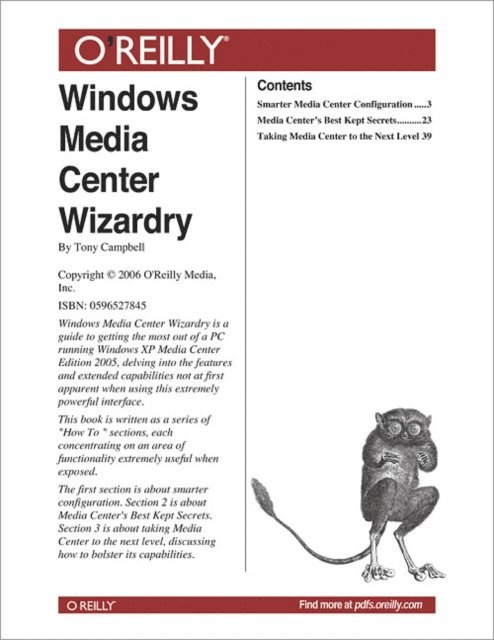
This short cut is a series of "How To " sections, each concentrating on an area of functionality little exploited by typical users, although extremely useful when exposed.
Section 1 Smarter Media Center Configuration
There are smart ways, and not so smart ways, to configure a PC running Windows XP Media Center Edition 2005. Smart configuration means understanding which hardware components best integrate together and how those components should be set up to best deliver their unique set of services. All in all, smarter configuration facilitates a better Media Center experience for everyone.
Section 2 Media Center''s Best Kept Secrets
Once the Media Center has been set up and is integrated into the required environment, the next thing a user needs to understand is where the real power of MCE lies. At first glance it''s not at all apparent. This section delves into the depths of using and really leveraging the essence of MCE.
Section 3 Taking Media Center to the Next Level
There are, as with most software solutions, things that MCE doesn''t do that well (or at all). However, as is the case with all Microsoft platforms, MCE comes with its own API and is highly extensible. Many software developers have augmented the Media Center feature set with new and exciting enhancements that bolster its capabilities. This section details the author''s preferences on essential additions to a MCE implementation including information on Xbox, PSP, and the iPod.
Produktinformation
- Utgivningsdatum: 2006-07-28
- Språk: Engelska
- Filformat: PDF
- Kopieringsskydd: LCP
- ISBN: 9780596527846
- Förlag: O'Reilly Media
Utforska kategorier
Betyg & recensioner
0 recensioner
Inga recensioner tillgängliga.