E-bok, Engelska, 2015
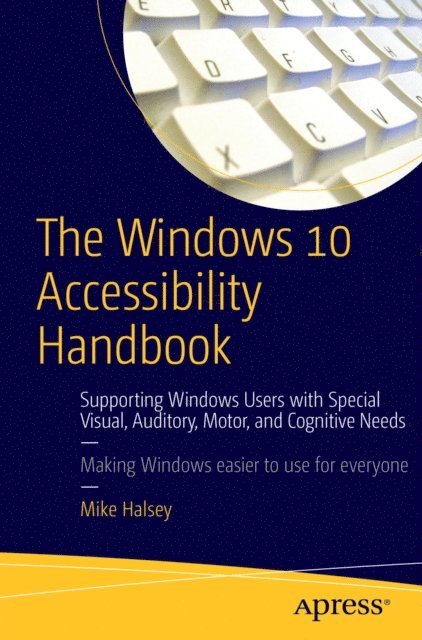
Windows 10 Accessibility Handbook
Av Mike Halsey
252 kr
Läs direkt i Bokus Reader – eller ladda ned till din enhet (PDF kräver ofta zoom och scroll på små skärmar).
Beskrivning
Learn everything you need to know about making Windows 10 easier to use, see, hear, touch, or read, whether you are using it yourself, setting it up for another person, teaching others about ease of use at work or in the home, or working with a variety of people with specific needs in the community.
What You''ll Learn:
- Manage accessibility in the Settings app, and make use of the Ease of Access Center
- Make your keyboard and mouse easier to use
- Make text and windows easier to read
- Use text or visual alternatives for sounds
- Use the narrator, and control it using touch and with the keyboard
- Use Cortana as a smart PC assistant
- Make use of Windows 10 shortcut keys, and touch and trackpad gestures
- Use and train the handwriting recognition feature
- Dictate or navigate using speech recognition
Who This Book Is For:<
The audience for this book includes (but is not limited to) Windows users with special visual, auditory, motor, and cognitive needs, at home and in the workplace. It provides guidance for IT and management professionals who work with such users, as well as the community and statutory groups, organizations, colleges, universities, and government agencies that support them. It is also a guide for friends and family supporting elderly or disabled Windows users in the home, and for anyone else looking for advice on how to make their PC simpler, easier, more productive, and ultimately more enjoyable to use.
Produktinformation
- Utgivningsdatum: 2015-12-30
- Språk: Engelska
- Filformat: PDF
- Kopieringsskydd: LCP
- ISBN: 9781484217337
- Förlag: Apress
Utforska kategorier
Betyg & recensioner
0 recensioner
Inga recensioner tillgängliga.