• Fri frakt över 249 kr
  • •
  • Snabba leveranser
  • •
  • Billiga böcker
Kundservice

Du är på sajten för privatpersoner.

Företag, bibliotek eller offentlig verksamhet?

Du handlar på classic.bokus.com, där alla dina funktioner finns intakta.
Till classic.bokus.com
Bokus logotyp. Gå till startsidan.
  • Erbjudanden
  • Student
  • Topplistor
  • Barn & ungdom
  • Bokus Play
  • E-böcker
  • Ljudböcker
  • Pocketböcker
  • Spel & pussel

Upp till 25% på utvalda nyheter →

Sidfot

Mina sidor

    Hjälp

    • Kundservice
    • Vanliga frågor och svar
    • Frakt och leverans
    • Retur vid ångerrätt
    • Reklamera vara
    • Betalning
    • Köpvillkor
    • Allmänna villkor
    • Information om webbplatsens tillgänglighet

    Om Bokus

    • Om oss
    • Pressrum
    • För studenter
    • För företag
    • För bibliotek och offentlig verksamhet
    • För leverantörer
    • Hållbarhet

    Populärt

    • Aktuella erbjudanden
    • Presentkort
    • Studentlitteratur
    • Nya böcker
    • Topplistor
    • Signerade böcker
    • Engelska böcker

    Inspiration

    • Boktips
    • BookTok
    • Populära bokserier
    • Barnbokskaraktärer
    • Populära författare
    Logotyp för Bokus
    Följ oss på Facebook (extern länk)Följ oss på Instagram (extern länk)Följ oss på YouTube (extern länk)Följ oss på TikTok (extern länk)
    bokus @ CookiesAnpassa cookiesIntegritetspolicyKöpvillkor
    Till Citymail hemsida (extern länk)Till Budbee hemsida (extern länk)Till Postnord hemsida (extern länk)Till Schenker hemsida (extern länk)Till Early Bird hemsida (extern länk)Till Walleys hemsida (extern länk)
    1. Data och IT
    2. Affärsapplikationer

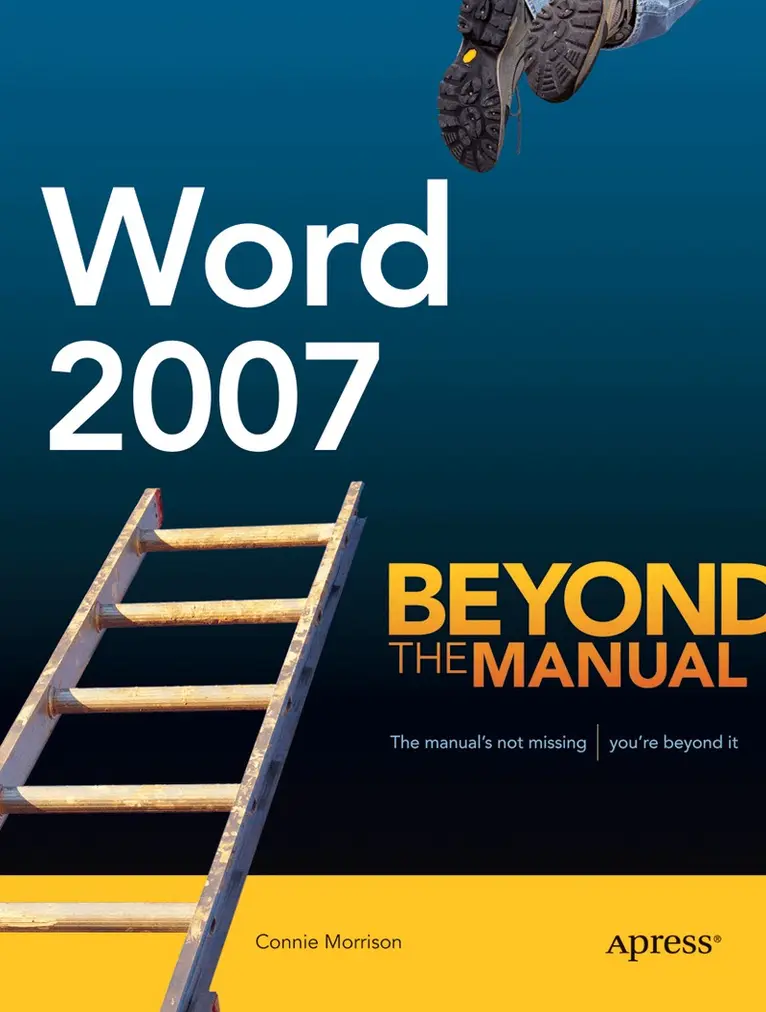
    Word 2007

    Beyond the Manual

    AvConnie Morrison

    Häftad, Engelska, 2007

    313 kr

    Beställningsvara. Skickas inom 10-15 vardagar. Fri frakt över 249 kr.

    Fler format och utgåvor

    E-bok

    439 kr

    Beskrivning

    If youre familiar with Word, but not Word 2007, this is the book for you. Word 2007: Beyond the Manual focuses on features of Word 2007 as well as older features that were once less accessible than they are now. This book also makes a point to include examples of practical applications for all the new features.Written by Connie Morrison, a university instructor of Microsoft applications, this book will help you grow into a confident Word 2007 user. The book assumes familiarity with Word 2003 or earlier versions, so you can work effectively with the material here. Overall, this book cuts to the chase by skipping over basic or obvious features to get you up and running with Word 2007 in the shortest possible time.

    Produktinformation

    • Utgivningsdatum:2007-03-09
    • Mått:178 x 235 x 22 mm
    • Vikt:621 g
    • Format:Häftad
    • Språk:Engelska
    • Antal sidor:300
    • Förlag:APress
    • ISBN:9781590597996

    Utforska kategorier

    • Affärsapplikationer inom Data och IT

    Mer om författaren

    Connie Morrison has more than 30 years of diversified experience in educational publishing, training, marketing, and education for elementary, secondary, and postsecondary levels of instruction. She is a published author for numerous middle school, secondary, and postsecondary textbooks for Microsoft Office applications. Connie is also a professional speaker and trainer nationwide. She is frequently a guest lecturer at universities for graduate credit courses.

    Recensioner i media

    From the reviews: "Anyone upgrading from Microsoft Office Word XP/2003 to Word 2007 should read this book. ... It provided clear, concise instructions on the multiple changes between Word XP/2003 and Word 2007. ... If you're a competent Word user planning to upgrade to Word 2007, this is an excellent reference that provides a lot of valuable information without burying readers in tons of trivia." (Michael Moorman, ACM Computing Reviews, Vol. 49 (5), May, 2008)

    Innehållsförteckning

    • Word 2007 Overview.- Getting Started with the New User Interface.- Viewing Documents.- Formatting and Editing.- Creating Documents More Efficiently.- Designing Page Layouts.- Using Reference Features.- Creating Envelopes, Labels, and Merge Documents.- Working with Others.- Creating and Using Macros.- Using Templates, Form Controls, and XML.- Publishing documents.