• Fri frakt över 249 kr
  • •
  • Snabba leveranser
  • •
  • Billiga böcker
Kundservice

Du är på sajten för privatpersoner.

Företag, bibliotek eller offentlig verksamhet?

Du handlar på classic.bokus.com, där alla dina funktioner finns intakta.
Till classic.bokus.com
Bokus logotyp. Gå till startsidan.
  • Erbjudanden
  • Nyheter
  • Student
  • Topplistor
  • Barn & ungdom
  • Bokus Play
  • E-böcker
  • Pocketböcker
  • Spel & pussel

10% rabatt på allt med kod: NYSTART10 →

Sidfot

Mina sidor

    Hjälp

    • Kundservice
    • Vanliga frågor och svar
    • Frakt och leverans
    • Retur vid ångerrätt
    • Reklamera vara
    • Betalning
    • Köpvillkor
    • Allmänna villkor
    • Information om webbplatsens tillgänglighet

    Om Bokus

    • Om oss
    • Pressrum
    • För studenter
    • För företag
    • För bibliotek och offentlig verksamhet
    • För leverantörer
    • Hållbarhet

    Populärt

    • Aktuella erbjudanden
    • Presentkort
    • Studentlitteratur
    • Nya böcker
    • Topplistor
    • Signerade böcker
    • Engelska böcker

    Inspiration

    • Boktips
    • BookTok
    • Populära bokserier
    • Barnbokskaraktärer
    • Populära författare
    Logotyp för Bokus
    Följ oss på Facebook (extern länk)Följ oss på Instagram (extern länk)Följ oss på YouTube (extern länk)Följ oss på TikTok (extern länk)
    bokus @ CookiesAnpassa cookiesIntegritetspolicyKöpvillkor
    Till Citymail hemsida (extern länk)Till Budbee hemsida (extern länk)Till Postnord hemsida (extern länk)Till Schenker hemsida (extern länk)Till Early Bird hemsida (extern länk)Till Walleys hemsida (extern länk)
    1. Samhälle och politik
    2. Samhälle och kultur
    3. Kultur och medier
    4. Referensverk och tvärvetenskap

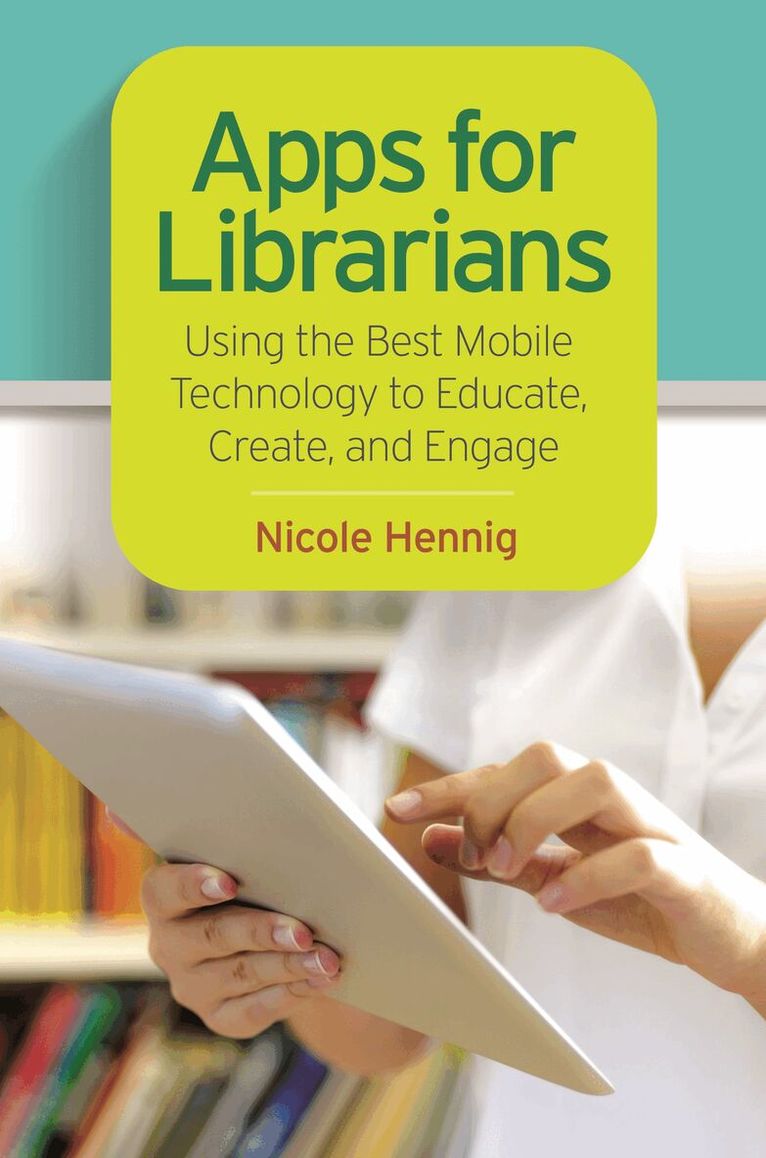
    Apps for Librarians

    Using the Best Mobile Technology to Educate, Create, and Engage

    AvNicole Hennig

    Häftad, Engelska, 2014

    540 kr

    Beställningsvara. Skickas inom 10-15 vardagar. Fri frakt över 249 kr.

    Fler format och utgåvor

    E-bok

    587 kr

    E-bok

    580 kr

    Beskrivning

    How can your library—and your patrons—benefit from mobile apps? This guidebook offers a solid foundation in "app-literacy," supplying librarians with the knowledge to review and recommend apps, offer workshops, and become the app expert for their communities.Smartphones and other mobile devices that support downloadable applications—universally referred to as "apps"—can be used to foster productivity, conduct research, or read and study. Additionally, savvy librarians can better serve their communities by gaining expertise in mobile technologies and being qualified to make app recommendations to patrons. This book introduces you to the apps that can help you save time and increase your own productivity as well as serve as a curator and reviewer of apps and resident expert to benefit your patrons.Apps for Librarians: Using the Best Mobile Technology to Educate, Create, and Engage will save you from wading through and learning about the millions of apps available today and direct you to the very best apps in areas important to education, the workplace, and professional development. Organized by function—reading, writing, reference, multi-media, and productivity—apps are profiled with the following information: title, developer, price, platforms, general description, examples of use, and key features that make it worthwhile for learning and creative work.

    Produktinformation

    • Utgivningsdatum:2014-09-24
    • Mått:156 x 235 x 12 mm
    • Vikt:369 g
    • Format:Häftad
    • Språk:Engelska
    • Antal sidor:216
    • Förlag:Bloomsbury Publishing Plc
    • ISBN:9781610695305

    Utforska kategorier

    • Referensverk och tvärvetenskap inom Samhälle och politik

    Mer om författaren

    Nicole Hennig is an independent user experience professional who helps librarians and educators effectively use mobile technologies.

    Recensioner i media

    A reference shelf treasure, Hennig's highly adaptable work suits the needs of school and public libraries, home schoolers, and college and university education departments.

    Innehållsförteckning

    • ContentsIntroductionChapter 1: Mobile Is Here To StayStatistics on Mobile App UseNatural User InterfacesMobile Devices Are Enabling Better Learning ExperiencesMobile Apps Are Improving Life for Those with Special NeedsThe Digital DivideNew Roles for Libraries and LibrariansChapter 2: Apps for ReadingReading eBooksDownloading and Reading Free eBooksReading Library eBooksAccess to Braille and Talking Books for the BlindReading and Annotating DocumentsSaving Web Pages for Reading OfflineReading News via RSSReading News with Smart RecommendationsReading MagazinesReading Magazines and NewspapersFinding Book ReviewsSharing Your ReadingInteractive Multitouch Book AppsChapter 3: Apps for ProductivityManaging Files in the CloudManaging Passwords SecurelyCreating To-Do ListsManaging CalendarsAccessing Your Desktop RemotelyPrinting Wirelessly from iOS DevicesAccessories: Keyboards, Stands, StylusesChapter 4: Apps for Research and ReferenceDictionaryWikipedia ClientPrivate Search EngineSpecialized Search EngineUnit ConversionsMappingMapping in 3DLanguage DictionariesLanguage LearningNews PublicationsMovie ListingsMovie Ratings and MetadataSpecialized ReferenceApp ReviewsSubscription DatabasesChapter 5: Apps for Taking Notes and WritingTaking and Organizing NotesHandwriting and DrawingVoice and Lecture RecordingSpeech RecognitionScanningEditing Microsoft Office DocumentsDesigning Posters, Newsletters, Reports, and MoreManaging Citations and BibliographiesMind MappingMore Apps for Taking Notes and WritingChapter 6: Apps for MultimediaViewing and Studying ArtVirtual Museum VisitsDrawingCreating ArtCreating Comic BooksMaking Photo CollagesSpecialized Camera ToolEditing PhotosIdentifying MusicListening to Radio Stations WorldwideListening to Streaming MusicCreating and Composing MusicCreating Beautiful, Musical SoundsPlaying Virtual InstrumentsPlaying Music with OthersWatching VideosStreaming Videos from Your Computer to Your Mobile DeviceListening to Educational LecturesListening to Audio and Video PodcastsEditing MoviesChapter 7: Apps for Social MediaTwitter and Other Social Media UpdatesScheduling Your Social Media UpdatesManaging Facebook Pages on the GoEditing Your BlogSharing Photos with FiltersSharing and Organizing Your PhotosChapter 8: Apps for CommunicationAudio and Video Calls over the InternetOne-on-One or Group Video ChatsInstant MessagingFree Cross-Platform Text MessagingChapter 9: Apps for Content Creation and CurationCreating PresentationsPresenting PowerPoint SlidesCreating Simple, Beautiful PresentationsCreating Interactive Books Very EasilyCreating Interactive Books for Apple's iBookstoreScreencasting and Interactive WhiteboardCreating Designs for 3D PrintingCurating Web ContentWirelessly Show the Display of iOS Devices on a Large ScreenMirror Your iOS Devices on Your Mac or Windows PCChapter 10: Apps for Showcasing Special CollectionsShowcasing Special CollectionsViewing Rare ManuscriptsPhoto Exhibit with Walking TourShowcasing ExhibitsChapter 11: Apps for Beyond the Library CatalogBarcode ScanningKiosksMobile Library CatalogAugmented RealityLocation-Based Check-InsCrowdfundingChapter 12: Apps for Professional DevelopmentResume CreationCreating Your Personal Social Site and Making Connections with ColleaguesSearching for JobsJob Searching and NetworkingConferencesScanning and Saving Business CardsAttending WebinarsChapter 13: Element of App-LiteracyApple's iOS Human Interface GuidelinesMobile Device CapabilitiesJailbreaking: What Librarians Should KnowApple's Accessibility Features for Mobile DevicesReviewing Apps: A ChecklistChapter 14: Further ResourcesIdeas for Using Mobile Apps in Your LibraryHow to Keep UpBooksBlogs and WebsitesArticlesGlossaryIndex of Apps