Cheryl R. Shrock – författare
Visar alla böcker från författaren Cheryl R. Shrock. Handla med fri frakt och snabb leverans.
10 produkter
10 produkter
772 kr
Tillfälligt slut
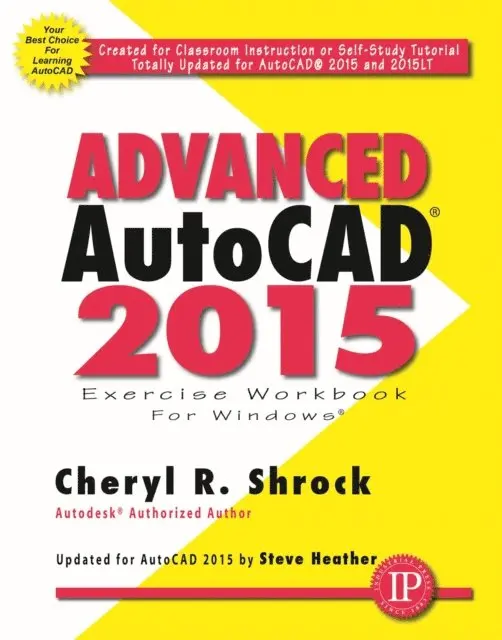
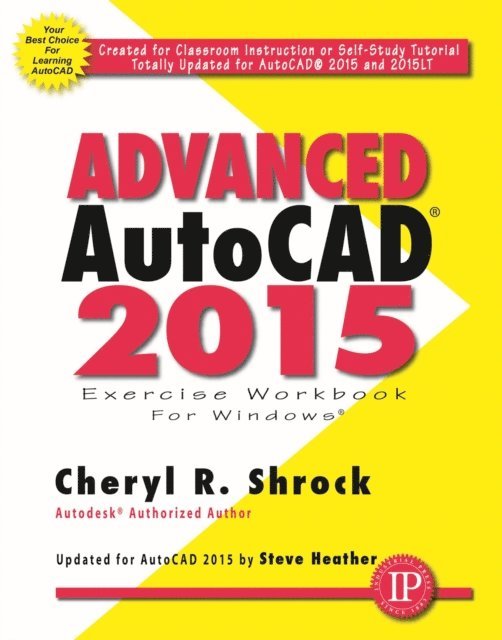
This is the right book for users if they liked the author's ""Beginning AutoCAD"" workbook, or they're looking for a clear, no nonsense, easy-to-follow text, or they want to learn more about AutoCAD such as Xref, Attributes, and 3D solids. Totally updated for AutoCAD 2013 and 2013 LT, it includes Enhanced 3D Operations, Create Details, and Projected and Section Views from 3D Models. All exercises print easily on a standard 8-1/2"" X 11"" printer. It is for use with the PC version of AutoCAD 2013 only. It shows users step-by-step HOW TO: Customize your workspace: create new Ribbon tabs and panels, customize the Quick Access Toolbar, customize the Status Bar; create master setup drawings for decimals or architecture; create Isometric drawings and dimensions; insert just about anything using the Design Center; easily understand Blocks, Dynamic Blocks and Attributes; use the time-saving External Reference commands; learn the basics for 3-dimensional drawing; work with the powerful Table maker; and create Parametric objects using Geometric and Dimensional constraints.
628 kr
Skickas inom 3-6 vardagar
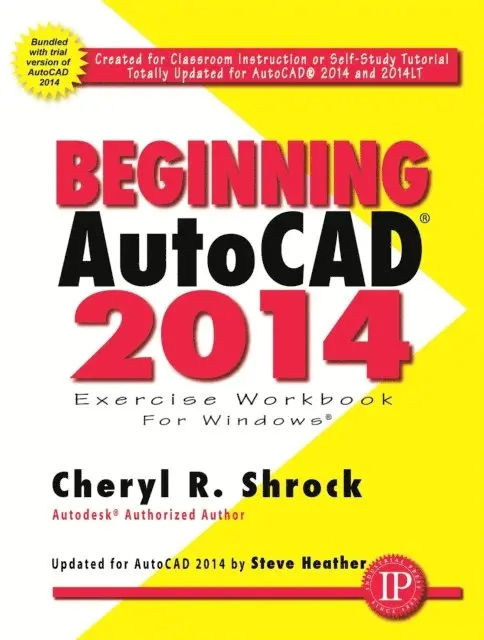
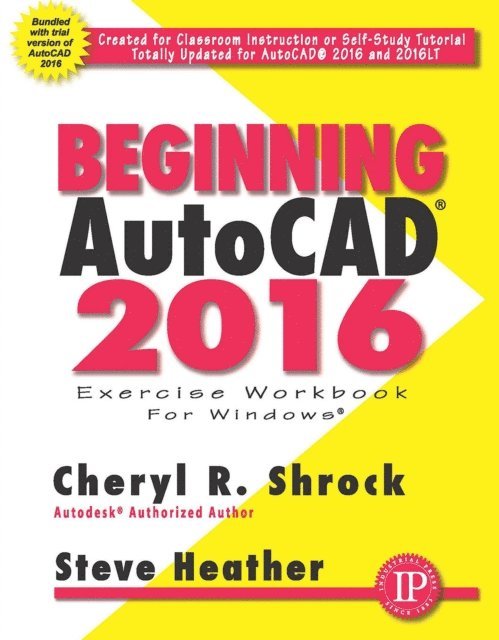
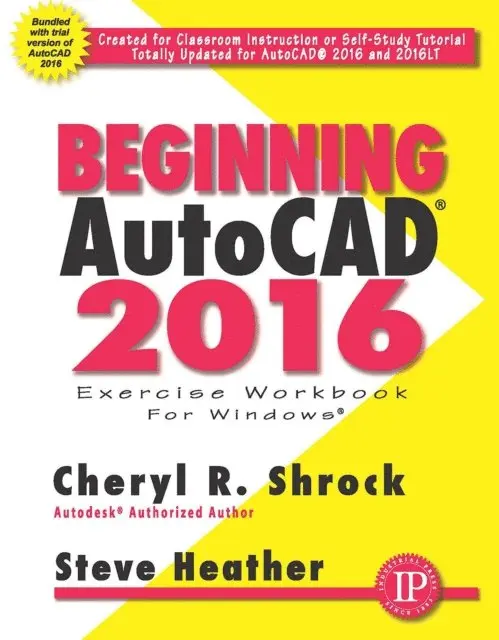
This is the right book for users if they're new to AutoCAD or want to brush up on the basics, they're looking for a clear, no nonsense, easy-to-follow text, or they want to learn AutoCAD quickly and easily. All exercises print easily on a standard 8-1/2 "" X 11"" printer. It is suitable for use with the PC version of AutoCAD 2014 only. Features: totally updated for AutoCAD 2014 and 2014 LT; AutoCAD 2014 30-Day Trial Version included on the enclosed DVD; ideal for classroom instruction or as a self-study tutorial; provides only what the user needs without all of the jargon; includes 30 lessons with step by step instructions followed by exercises designed for practicing the commands learned within the lesson; each lesson starts very simple and progresses to more complex; the approach taken is to familiarize users with the drawing commands first, and then teach users to create their own setup drawings; and, each lesson is explained clearly and in a non-intimidating manner.
893 kr
Skickas inom 5-8 vardagar
The world-renowned workbook that has been teaching AutoCAD users for more than two decades is more engaging and relevant than ever. For those new to the world of AutoCAD, as well as those honing long-time skills, there is simply no better resource on the market than the Beginning AutoCAD 2019 Exercise Workbook. Industry-expert authors and Professors Cheryl Strock and Steve Heather introduce two novel features in AutoCAD 2019, including Drawing Compare and Shared Views, both of which facilitate a greater capacity for colleagues and clients to share and comment upon changes and additions to drawings in real-time. All of the game-changing features of AutoCAD 2018 are highlighted throughout this new Edition, most significantly the inclusion of both METRIC and INCH measurements side-by-side on all exercises as well as the phenomenal feature of SHX font importation during document upload, allowing for fully editable text on PDF documents. ALL NEW CAD TIPS WOVEN THROUGHOUT/FOR FURTHER ENGAGEMENT! For the first time, this top-selling Workbook will include a dynamic, new feature called CAD Tips which will be interspersed throughout the lessons to further engage readers as well as provide value-added insider information from a long-time expert in the field. NEW AND IMPROVED FEATURES: - All exercises will now include metric equivalents alongside the original imperial measurements. - Drawing Compare and Shared Views, making working with clients and 3rd parties infinitely easier. - New CAD Tips scattered throughout the book, providing shortcuts and suggestions from our expert author. - Additional new features being released by AutoCAD to beta testers.
703 kr
Skickas inom 3-6 vardagar
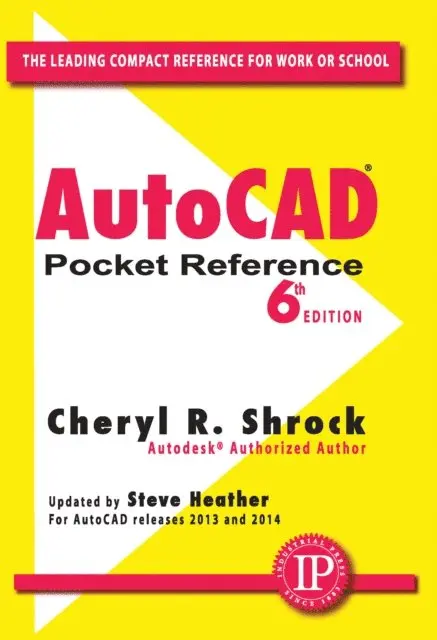
Everyone needs a refresher sometimes. The 8th edition of the AutoCAD Pocket Reference provides easy access to everyday information needed by AutoCAD users, including concepts, how-to, and fundamental commands. The pictures, explanations, and index are unparalleled by other references, as are the price and size. This 8th edition has been improved with the inclusion of both inch and metric measurements throughout to appeal to a more global audience. And now, with the inclusion of special CAD-tips throughout, this is the perfect cheat sheet reference, written by two of the foremost AutoCAD expert teachers. ALL NEW CAD TIPS WOVEN THROUGHOUT FOR VISUAL ENGAGEMENT! For the first time, this time-saving resource includes CAD Tips throughout the book to further engage readers and provide valuable insider information from a longtime expert in the field. NEW AND IMPROVED FEATURES: All exercises will now include metric equivalents alongside the original imperial measurements.Drawing Compare and Shared Views making working with clients and 3rd parties infinitely easier. New CAD Tips scattered throughout the book, providing shortcuts and suggestions from our expert author. Additional new features being released by AutoCAD to beta testers.
902 kr
Skickas inom 3-6 vardagar
910 kr
Skickas inom 5-8 vardagar
This best-selling Exercise Workbook is the perfect resource for learning and honing essential AutoCAD skills, whether you are a complete beginner, seeking to improve your 2D drawing skills, or simply interested in learning about the very latest updates. AutoCAD experts Shrock and Heather share their knowledge of the best use of this versatile program with students and instructors, including plenty of inside tips and numerous exercises to help users get comfortable and see real progress. Readers can download the provided templates used for drawings in the book from Industrial Press’s print or eBook website product pages.The new AutoCAD 2023 software builds on the features of the previous releases. Design changes include a reinvented icon on the main menus and revisions of the Model and Layout Tabs. A new button in the Count Palette, facilitating creation of a table tallying the elements in your drawing file, along with changes to the Recent Documents List and Floating File Tabs, make it easier than ever to keep track of multiple drawing files. New and/or Improved Features in Beginning AutoCAD 2023:Options Dialog Box — If you make changes in any of the Options dialog box Tabs and attempt to close the dialog box before selecting the Apply and OK buttons, a warning message dialog box will appear. (Included in the Introduction)Recent Documents List — You can now remove a file from the Recent Documents List in the Application Menu, making this handy list more applicable to your current AutoCAD projects. (Included in Lesson 1)Floating File Tabs — Thanks to continued improvements to the Floating File Tabs, you can Pin a Floating File Tab so that it remains on top of any other open or overlapping drawing file windows. (Included in Lesson 2)
816 kr
Skickas inom 5-8 vardagar
986 kr
Skickas inom 3-6 vardagar
1 012 kr
Skickas inom 3-6 vardagar
956 kr
Kommande