E. A. Vander Veer – författare
267 kr
Skickas inom 5-8 vardagar
260 kr
Läs direkt efter köp
Like every other application in Microsoft Office suite, PowerPoint is loaded with features. So many, in fact, that even veterans don''t know where to find them all. Microsoft solved this problem in PowerPoint 2007 by redesigning the user interface with a tabbed toolbar that makes features easy to locate and use. PowerPoint 2007 also boasts improved graphics, additional templates, the ability to save custom layouts, and improved collaboration through SharePoint. One thing Microsoft hasn''t improved is its poor documentation. To learn the ins and outs of all the features in PowerPoint 2007, Microsoft merely offers online help. If you''re familiar with previous versions of the program, you may be lost the first time you fire up the new PowerPoint; or you would be if it weren''t for PowerPoint 2007: The Missing Manual.
This book, written specifically for this version of the software, not only offers the basics of how to create, save, set up, run, and print a basic bullets-and-background slideshow, but takes you into the world of multimedia, animation, and interactivity. You''ll learn how to add pictures, sound, video, animated effects, and controls (buttons and links) to their slides, along with ways to pull text, spreadsheets, and animations created in other programs. You can also create your own reusable design templates and learn to automate repetitive tasks with macros. Learn how to take advantage of advanced functions (such as adding custom background images) that existed in previous PowerPoint versions, but were so cleverly hidden that few people ever found them.
332 kr
Läs direkt efter köp
Quickly learn the most useful features of Microsoft Office 2007 with our easy to read four-in-one guide. This fast-paced book gives you the basics of Word, Excel, PowerPoint and Access so you can start using the new versions of these major Office applications right away.Unlike every previous version, Office 2007 offers a completely redesigned user interface for each program. Microsoft has replaced the familiar menus with a new tabbed toolbar (or "ribbon"), and added other features such as "live preview" that lets you see exactly what each option will look like in the document before you choose it. This is good news for longtime users who never knew about some amazing Office features because they were hidden among cluttered and outdated menus.Adapting to the new format is going to be a shock -- especially if you''re a longtime user. That''s where Office 2007: The Missing Manual comes in. Rather than present a lot of arcane detail, this quick & friendly primer teaches you how to work with the most-used Office features, with four separate sections covering the four programs. The book offers a walkthrough of Microsoft''s redesigned Office user interface before taking you through the basics of creating text documents, spreadsheets, presentations, and databases with:
Clear explanationsStep-by-step instructionsLots of illustrationsPlenty of friendly adviceIt''s a great way to master all 4 programs without having to stock up on a shelf-load of different books. This book has everything you need to get you up to speed fast. Office 2007: The Missing Manual is truly the book that should have been in the box.170 kr
Läs direkt efter köp
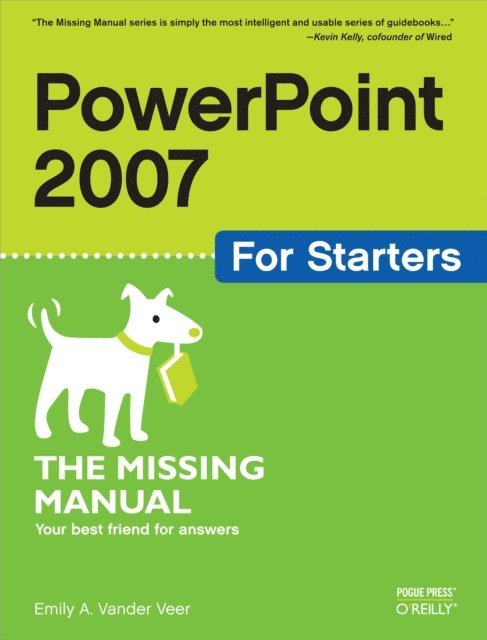
Fast-paced and easy to read, this new book teaches you the basics of PowerPoint 2007 so you can start using the program right away. This concise guide shows readers how to work with PowerPoint''s most useful features and its completely redesigned interface. With clear explanations, step-by-step instructions, lots of illustrations, and plenty of timesaving advice, PowerPoint 2007 for Starters: The Missing Manual will quickly teach you to:
Create, save, set up, run, and print a basic bullets-and-background slideshowLearn how to add pictures, sound, video, animated effects, and controls (buttons and links) to your slidesDiscover how to incorporate text, spreadsheets, and animations created in other programsThe new PowerPoint is radically different from previous versions. Over the past decade, PowerPoint has grown in complexity, but its once-simple toolbar has been packed with so many features that not even the pros could find them all. For PowerPoint 2007, Microsoft redesigned the user interface completely, adding a tabbed toolbar that makes every feature easy to locate.Unfortunately, Microsoft''s documentation is as scant as ever, so even if you find the features you need, you still may not know what to do with them. But with this book, you can breeze through the new user interface and its timesaving features in no time. PowerPoint 2007 for Starters: The Missing Manual is the perfect primer for anyone who needs to create effective presentations.
306 kr
Läs direkt efter köp
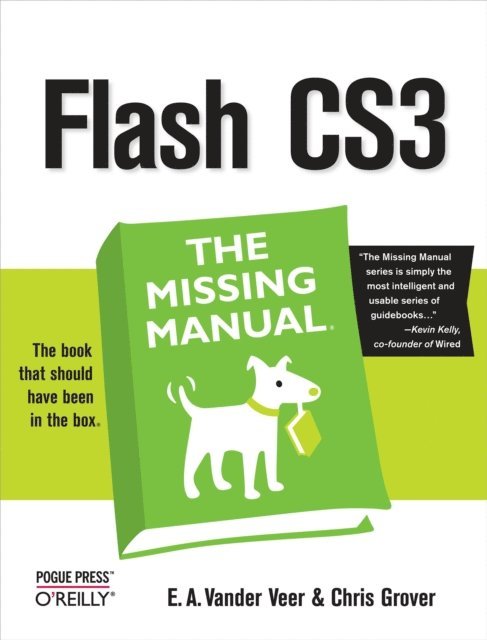
Flash CS3 is the premier tool for creating web animations and interactive web sites, can be intimidating to learn. This entertaining reference tutorial provides a reader-friendly animation primer and a guided tour of all the program''s tools and capabilities. Beginners will learn to use the software in no time, and experienced users will quickly take their skills to the next level. The book gives Flash users of all levels hands-on instructions to help them master:
Special effectsMorphingAdding audio and video Introducing interactivity And much moreWith Flash CS3: The Missing Manual you''ll be able to turn an idea into a Flash animation, tutorial, or movie. This book will help you create online tutorials, training materials and full-blown presentations. It also teaches design principles throughout and helps you avoid elements that can distract or annoy an audience.This is the first new release of Flash since Adobe bought Macromedia, which means that it''s the first version that will integrate easily with other Adobe products. It''s a whole new ballgame when it comes to Flash, and Flash CS3: The Missing Manual offers you complete and objective coverage. It''s the perfect companion to this powerful software.295 kr
Läs direkt efter köp
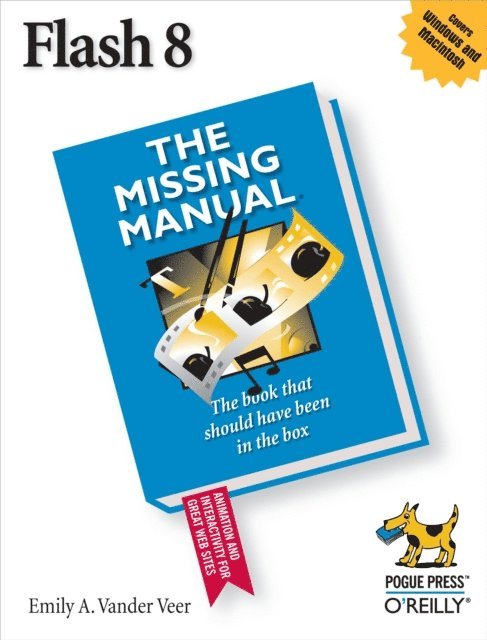
Macromedia''s Flash 8 is the world''s premier program for adding animation to websites. And with the latest version, this popular program becomes more versatile, letting beginning webmasters and expert developers alike create sophisticated web content. But Flash isn''t intuitive. And it doesn''t come with a manual. Whether you want to learn the basics or unleash the program''s true power, Flash 8: The Missing Manual is the ideal instructor.
This hands-on guide to today''s hottest web design tool is aimed at nondevelopers, and it teaches you how to translate your ideas into great web content.
It begins with a solid primer on animation, which helps you get comfortable with the Flash interface. Once you have these basics under your belt, Flash 8: The Missing Manual moves on to advanced animations, including adding special effects and audio, video, and interactivity to your presentations. When you''re really feeling steady, the book shows how to use a dollop of ActionScript to customize your content. It then teaches you how to publish your Flash creations for web surfers everywhere to enjoy. Along the way, the book shows you good design principles and helps you avoid elements that can distract or annoy an audience.
Author Emily Vander Veer has more than a dozen books to her credit, including titles on web design and scripting--most written for non-technical readers. Her background makes her the perfect author for a straightforward book on a complex subject. She takes Flash 8: The Missing Manual from the basics to the advanced, yet avoids a hasty jump into tough topics that can leave readers confused.
Not only will Flash 8: The Missing Manual help you turn a concept into unique, dynamic content, but it will continue to serve as a reference as you develop your website.
230 kr
Skickas inom 5-8 vardagar
295 kr
Läs direkt efter köp
Quickly learn the most useful features of Microsoft Office 2007 with our easy to read four-in-one guide. This fast-paced book gives you the basics of Word, Excel, PowerPoint and Access so you can start using the new versions of these major Office applications right away.Unlike every previous version, Office 2007 offers a completely redesigned user interface for each program. Microsoft has replaced the familiar menus with a new tabbed toolbar (or "ribbon"), and added other features such as "live preview" that lets you see exactly what each option will look like in the document before you choose it. This is good news for longtime users who never knew about some amazing Office features because they were hidden among cluttered and outdated menus.Adapting to the new format is going to be a shock -- especially if you''re a longtime user. That''s where Office 2007: The Missing Manual comes in. Rather than present a lot of arcane detail, this quick & friendly primer teaches you how to work with the most-used Office features, with four separate sections covering the four programs. The book offers a walkthrough of Microsoft''s redesigned Office user interface before taking you through the basics of creating text documents, spreadsheets, presentations, and databases with:
Clear explanationsStep-by-step instructionsLots of illustrationsPlenty of friendly adviceIt''s a great way to master all 4 programs without having to stock up on a shelf-load of different books. This book has everything you need to get you up to speed fast. Office 2007: The Missing Manual is truly the book that should have been in the box.273 kr
Läs direkt efter köp
Macromedia''s Flash 8 is the world''s premier program for adding animation to websites. And with the latest version, this popular program becomes more versatile, letting beginning webmasters and expert developers alike create sophisticated web content. But Flash isn''t intuitive. And it doesn''t come with a manual. Whether you want to learn the basics or unleash the program''s true power, Flash 8: The Missing Manual is the ideal instructor.
This hands-on guide to today''s hottest web design tool is aimed at nondevelopers, and it teaches you how to translate your ideas into great web content.
It begins with a solid primer on animation, which helps you get comfortable with the Flash interface. Once you have these basics under your belt, Flash 8: The Missing Manual moves on to advanced animations, including adding special effects and audio, video, and interactivity to your presentations. When you''re really feeling steady, the book shows how to use a dollop of ActionScript to customize your content. It then teaches you how to publish your Flash creations for web surfers everywhere to enjoy. Along the way, the book shows you good design principles and helps you avoid elements that can distract or annoy an audience.
Author Emily Vander Veer has more than a dozen books to her credit, including titles on web design and scripting--most written for non-technical readers. Her background makes her the perfect author for a straightforward book on a complex subject. She takes Flash 8: The Missing Manual from the basics to the advanced, yet avoids a hasty jump into tough topics that can leave readers confused.
Not only will Flash 8: The Missing Manual help you turn a concept into unique, dynamic content, but it will continue to serve as a reference as you develop your website.
155 kr
Läs direkt efter köp
Fast-paced and easy to read, this new book teaches you the basics of PowerPoint 2007 so you can start using the program right away. This concise guide shows readers how to work with PowerPoint''s most useful features and its completely redesigned interface. With clear explanations, step-by-step instructions, lots of illustrations, and plenty of timesaving advice, PowerPoint 2007 for Starters: The Missing Manual will quickly teach you to:
Create, save, set up, run, and print a basic bullets-and-background slideshowLearn how to add pictures, sound, video, animated effects, and controls (buttons and links) to your slidesDiscover how to incorporate text, spreadsheets, and animations created in other programsThe new PowerPoint is radically different from previous versions. Over the past decade, PowerPoint has grown in complexity, but its once-simple toolbar has been packed with so many features that not even the pros could find them all. For PowerPoint 2007, Microsoft redesigned the user interface completely, adding a tabbed toolbar that makes every feature easy to locate.Unfortunately, Microsoft''s documentation is as scant as ever, so even if you find the features you need, you still may not know what to do with them. But with this book, you can breeze through the new user interface and its timesaving features in no time. PowerPoint 2007 for Starters: The Missing Manual is the perfect primer for anyone who needs to create effective presentations.
283 kr
Läs direkt efter köp
Flash CS3 is the premier tool for creating web animations and interactive web sites, can be intimidating to learn. This entertaining reference tutorial provides a reader-friendly animation primer and a guided tour of all the program''s tools and capabilities. Beginners will learn to use the software in no time, and experienced users will quickly take their skills to the next level. The book gives Flash users of all levels hands-on instructions to help them master:
Special effectsMorphingAdding audio and video Introducing interactivity And much moreWith Flash CS3: The Missing Manual you''ll be able to turn an idea into a Flash animation, tutorial, or movie. This book will help you create online tutorials, training materials and full-blown presentations. It also teaches design principles throughout and helps you avoid elements that can distract or annoy an audience.This is the first new release of Flash since Adobe bought Macromedia, which means that it''s the first version that will integrate easily with other Adobe products. It''s a whole new ballgame when it comes to Flash, and Flash CS3: The Missing Manual offers you complete and objective coverage. It''s the perfect companion to this powerful software.53 kr
Läs direkt efter köp
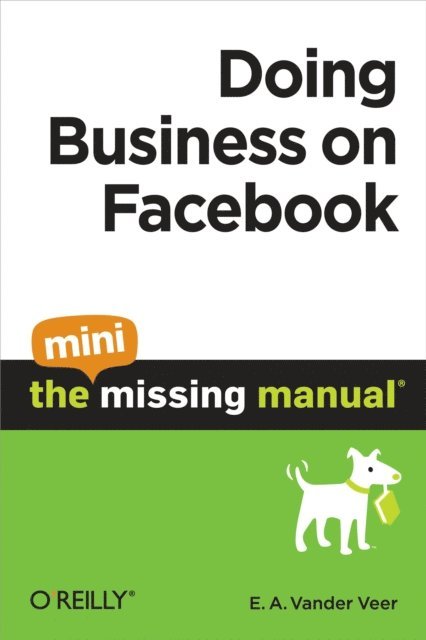
Facebook isn''t just for college kids anymore. Thousands of companies use the site for everything from project collaboration and advertising to filling--and finding--jobs. This Mini Missing Manual is aimed at professionals who want to use Facebook to help them in the work world. Whether you''re looking for a gig or want to boost your company''s sales, you''ll find useful tips you can apply today.
55 kr
Läs direkt efter köp
Facebook isn''t just for college kids anymore. Thousands of companies use the site for everything from project collaboration and advertising to filling--and finding--jobs. This Mini Missing Manual is aimed at professionals who want to use Facebook to help them in the work world. Whether you''re looking for a gig or want to boost your company''s sales, you''ll find useful tips you can apply today.
280 kr
Läs direkt efter köp
Like every other application in Microsoft Office suite, PowerPoint is loaded with features. So many, in fact, that even veterans don''t know where to find them all. Microsoft solved this problem in PowerPoint 2007 by redesigning the user interface with a tabbed toolbar that makes features easy to locate and use. PowerPoint 2007 also boasts improved graphics, additional templates, the ability to save custom layouts, and improved collaboration through SharePoint. One thing Microsoft hasn''t improved is its poor documentation. To learn the ins and outs of all the features in PowerPoint 2007, Microsoft merely offers online help. If you''re familiar with previous versions of the program, you may be lost the first time you fire up the new PowerPoint; or you would be if it weren''t for PowerPoint 2007: The Missing Manual.
This book, written specifically for this version of the software, not only offers the basics of how to create, save, set up, run, and print a basic bullets-and-background slideshow, but takes you into the world of multimedia, animation, and interactivity. You''ll learn how to add pictures, sound, video, animated effects, and controls (buttons and links) to their slides, along with ways to pull text, spreadsheets, and animations created in other programs. You can also create your own reusable design templates and learn to automate repetitive tasks with macros. Learn how to take advantage of advanced functions (such as adding custom background images) that existed in previous PowerPoint versions, but were so cleverly hidden that few people ever found them.