Elizabeth Belasco – författare
Visar alla böcker från författaren Elizabeth Belasco. Handla med fri frakt och snabb leverans.
3 produkter
3 produkter
E-bok
PDF, Engelska, 2019100 kr
Läs direkt efter köp
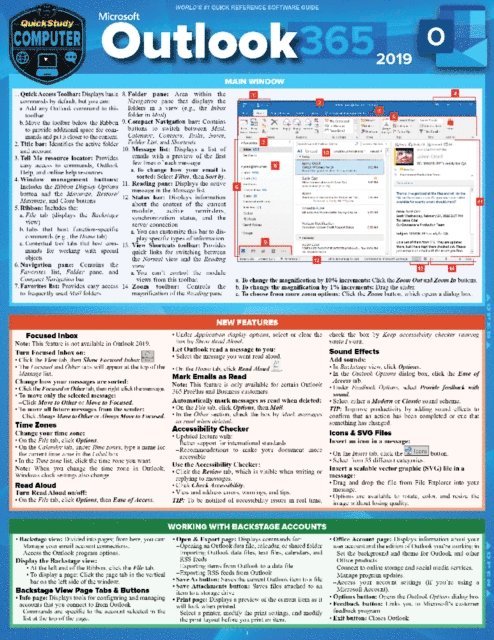
Quick and easy answers to the essentials of Outlook, handy enough to keep you working without Internet searches or long videos. Joan Lambert is an accomplished author and Senior Content Specialist creating courseware and training products that include the Microsoft Office suite. Also a LinkedIn Learning video author (formerly Lynda.com) and a Microsoft author, the ability to choose what is covered in this reference comes from a vast experience of training material creation. This expertise is streamlined through clear and succinct answers provided to help accomplish tasks. Also includes labeled screen grabs and icons in a color-coded design. Durable and portable, this digital guide can be stored and accessed quickly so you can find what you need fast. Corporations ranging from Ford Motor Company to the FBI have purchased QuickStudy software guides for their employee’s workspace to improve productivity and reduce support calls. Digital guide includes: Main Window New Features About Outlook 365 Working Backstage with Accounts Connecting Outlook to an Email Account Troubleshooting Email Connections While Traveling Working with Multiple Email Accounts Sending Email Messages Personalizing Email Messages Collecting Information through Email Emailing Office Files Emptying the Trash Automatically Replying to & Processing Messages Creating Contact Records Displaying Contact Images Editing Business Cards Accessing Organizational Contact Information Personalizing Outlook Getting Help
E-bok
PDF, Engelska, 2019100 kr
Läs direkt efter köp
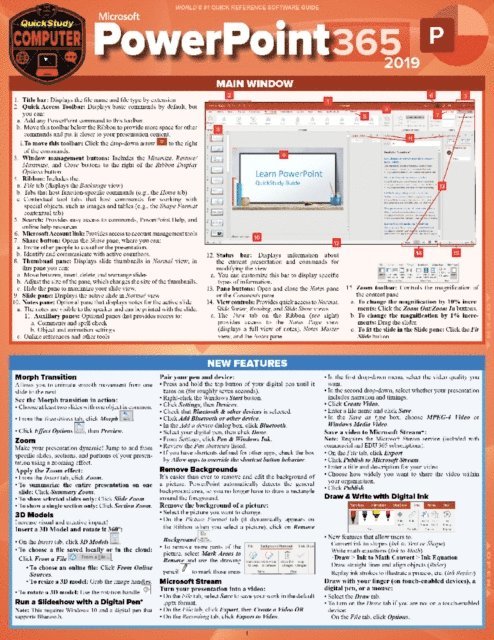
Quick and easy answers to the essentials of PowerPoint, handy enough to keep you working without Internet searches or long videos. Joan Lambert is an accomplished author and Senior Content Specialist creating courseware and training products that include the Microsoft Office suite. Also a LinkedIn Learning video author (formerly Lynda.com) and a Microsoft author, the ability to choose what is covered in this reference comes from a vast experience of training material creation. This expertise is streamlined through clear and succinct answers provided to help accomplish tasks. Also includes labeled screen grabs and icons in a color-coded design. Durable and portable, this digital guide can be stored and accessed quickly so you can find what you need fast. Corporations ranging from Ford Motor Company to the FBI have purchased QuickStudy software guides for their employee’s workspace to improve productivity and reduce support calls. Digital guide includes: Main Window New Features Working Backstage with Presentations Giving Commands Creating a Presentation Setting the Slide Size Creating Slides Formatting Slide Backgrounds Adding & Formatting Text Adding Images, Shapes & Media Creating SmartArt Graphics Visualizing Data on Slides Managing Slides Storing Presentations in the Cloud Personalizing PowerPoint Getting Help
E-bok
PDF, Engelska, 2019100 kr
Läs direkt efter köp
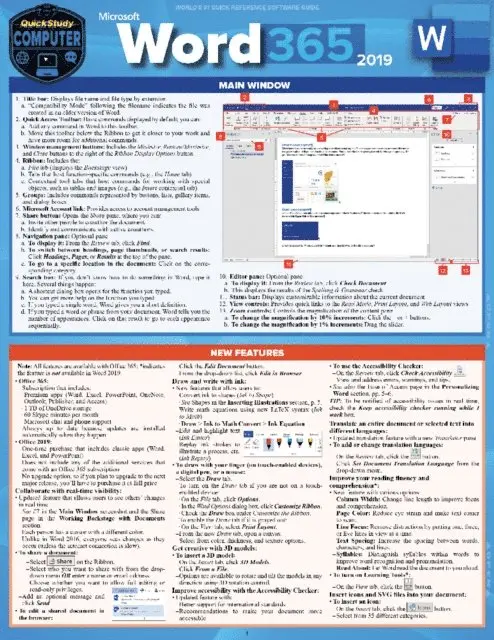
Quick and easy answers to the essentials of Word, handy enough to keep you working without Internet searches or long videos. Joan Lambert is an accomplished author and Senior Content Specialist creating courseware and training products that include the Microsoft Office suite. Also a LinkedIn Learning video author (formerly Lynda.com) and a Microsoft author, the ability to choose what is covered in this reference comes from a vast experience of training material creation. This expertise is streamlined through clear and succinct answers provided to help accomplish tasks. Also includes labeled screen grabs and icons in a color-coded design. Durable and portable, this digital guide can be stored and accessed quickly so you can find what you need fast. Corporations ranging from Ford Motor Company to the FBI have purchased QuickStudy software guides for their employee’s workspace to improve productivity and reduce support calls. Digital guide includes: Main Window New Features Working Backstage with Documents Giving Commands Creating Documents Navigating in Documents Storing Documents in the Cloud Text Formatting Paragraph Formatting Working with Tables Inserting Illustrations Personalizing Word Editing Content Reviewing Documents Getting Help