J.D. Biersdorfer – författare
58 kr
Läs direkt efter köp
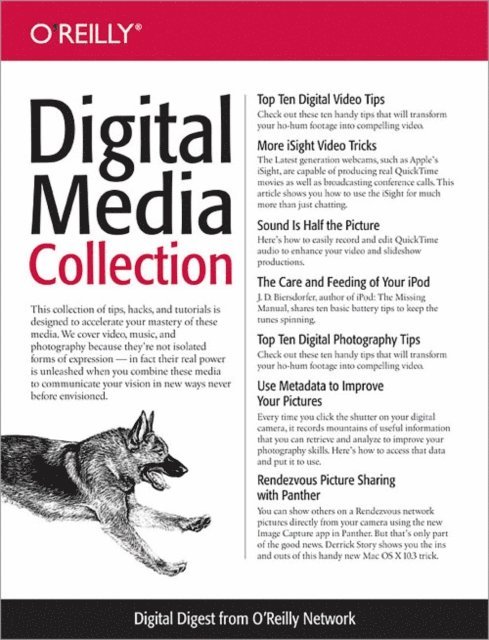
The Digital Media universe is filled with music, video, and still imagery. And to begin your exploration, you just need to learn a few basic techniques. This collection of tips, hacks, and tutorials is designed to accelerate your mastery of these media. We cover video, music, and photography because they''re not isolated forms of expression--in fact their real power is unleashed when you combine these media to communicate your vision in new ways never before envisioned.Even if you consider yourself a newbie right now, you''re only steps away from discovering something new that will send you to a new level of creativity. Try the techniques outlined in this collection. They will spur other ideas. And if you''re already experienced with these media, we hope you''ll discover some new tricks to enhance your projects. And above all, experiment. Digital media lends itself to trial and error, often resulting in greater achievements than dreamed possible with traditional technologies.The first two articles focus on digital video. The Top Ten Tips piece will help you improve the footage you capture with your DV camcorder, and the iSight article shows you how to use a webcam for movie making instead of an expensive camcorder.The middle articles explore audio. Sound quality is just as important as the visuals, sometimes more. In "Sound is Half the Picture," you''ll learn how to capture quality voiceovers to improve your productions. And if you''re lucky enough to own an iPod for listening to digital music, our "Care and Feeding of Your iPod" piece will help extend both your listening pleasure and the life of your investment.The last three articles focus on digital photography. Once again we start with a Top Ten Tips piece that will instantly improve your pictures. Then we explore the world of metadata, which is a distinct advantage that digital photography has compared to traditional picture taking. You can go back and analyze the information that your camera recorded along side your pictures to help you better understand what went wrong...or right.The final photography piece shows you how you can share your pictures directly from a digital camera with others on a local computer network. That''s right, they can open their web browser and see the images residing on your camera. If they wish, they can view an enlargement or even download the shots. To make this even more interesting, remote users can fire the camera to capture additional pictures-- all from a remote computer using Rendezvous technology.So start with the area that interests you the most: music, video, or pictures. But read the other areas too, because proficiency in all three will enable you to choose the right expression for the job, and ultimately produce the best content possible.
214 kr
Läs direkt efter köp
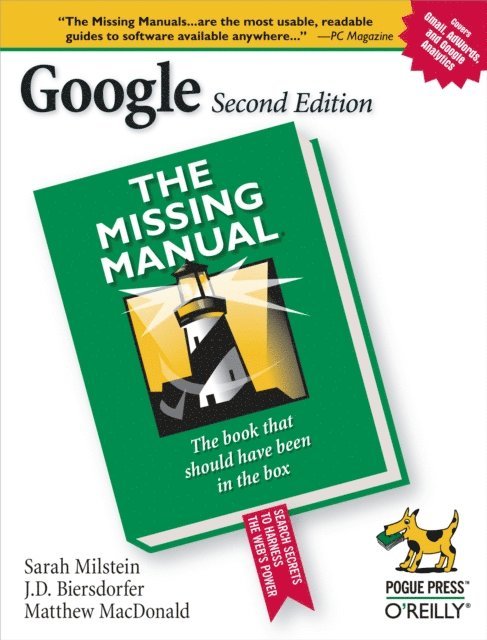
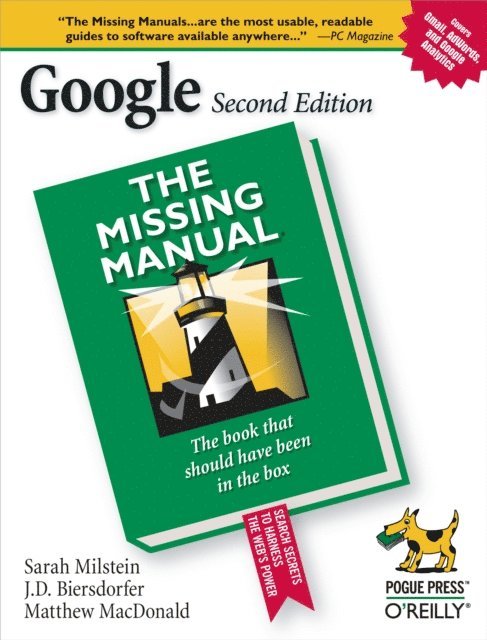
Google.com is one of the most popular sites on the Internet and is used around the world by millions of people every day. Sure, you know how to "Google it" when you''re searching for something--anything!--on the Web. It''s plenty fast and easy to use. But did you know how much more you could achieve with the world''s best search engine by clicking beyond the "Google Search" button?
While you can interface with Google in 97 languages and glean results in 35, you can''t find any kind of instruction manual from Google. Lucky for you, our fully updated and greatly expanded second edition to the bestselling Google: The Missing Manual covers everything you could possibly want to know about Google, including the newest and coolest--and often most underused (what is Froogle, anyway?)--features. There''s even a full chapter devoted to Gmail, Google''s free email service that includes a whopping 2.5 GB of space).
This wise and witty guide delivers the complete scoop on Google, from how it works to how you can search far more effectively and efficiently (no more scrolling through 168 pages of seemingly irrelevant results); take best advantage of Google''s lesser-known features, such as Google Print, Google Desktop, and Google Suggest; get your website listed on Google; track your visitors with Google Analytics; make money with AdWords and AdSense; and much more.
Whether you''re new to Google or already a many-times-a-day user, you''re sure to find tutorials, tips, tricks, and tools that take you well beyond simple search to Google gurudom.
236 kr
Läs direkt efter köp
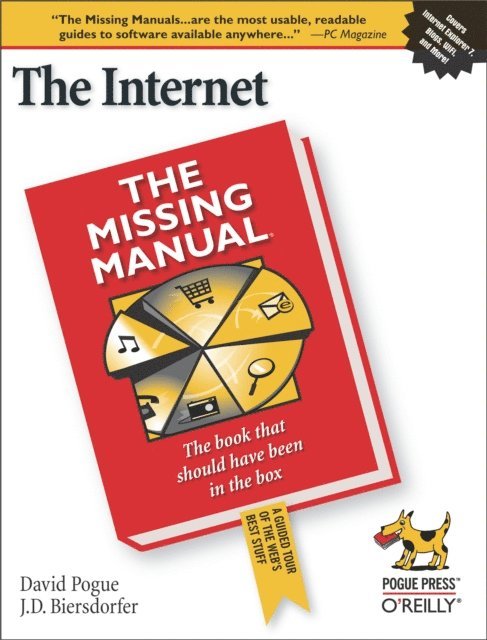
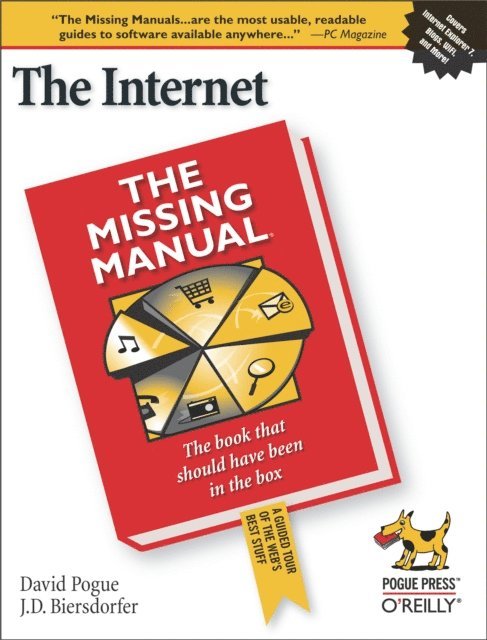
The Internet is almost synonymous with change--that''s one of its charms, and one of its headaches. You may think you know the Internet, but are you really up to speed on internet telephones, movie and TV downloading, blogging, gaming, online banking, dating, and photosharing?
This utterly current book covers:
Getting Online. Readers will have all the information they need to decide what kind of broadband connection works best for them, which browser they should use, and what kind of spyware-fighting and virus-and spam-protection measures they need to protect themselves.Finding Information. Google may be the leading search site, but it''s certainly not the only game in town. This book introduces a diverse and useful collection of sites that help uncover everything from health care information, to shopping, travel and finance, to dependable reviews and ratings.Movies, music, and photos. The Web''s teeming with entertainment--and not just the sort of postage-stamp sized videos that only a geek could love. Learn where to download movies, watch TV online, listen to music, play games, and post and share photos with friends.Keeping in touch. Email''s only the beginning. This book introduces readers to the many tools that make the modern Internet such a great way to stay connected. From Web-based discussion groups to instant messaging programs, and from blogs and podcasts to Internet-based phone calls, this book will help you join the conversation.Ideal for anyone just venturing into cyberspace, this book is also perfect for more experienced users who could use an update to today''s most exciting internet applications.
295 kr
Läs direkt efter köp
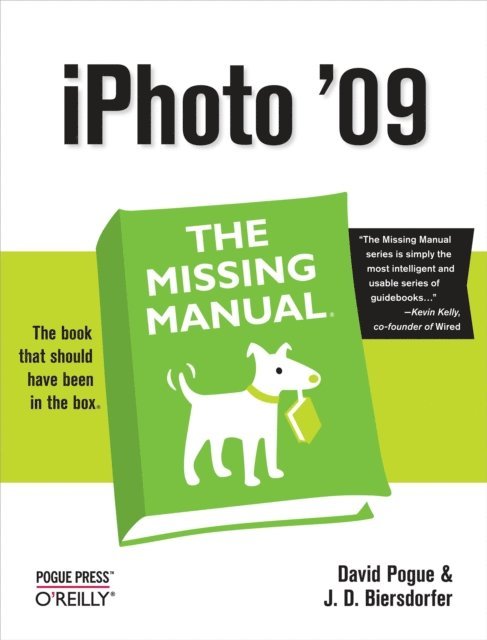
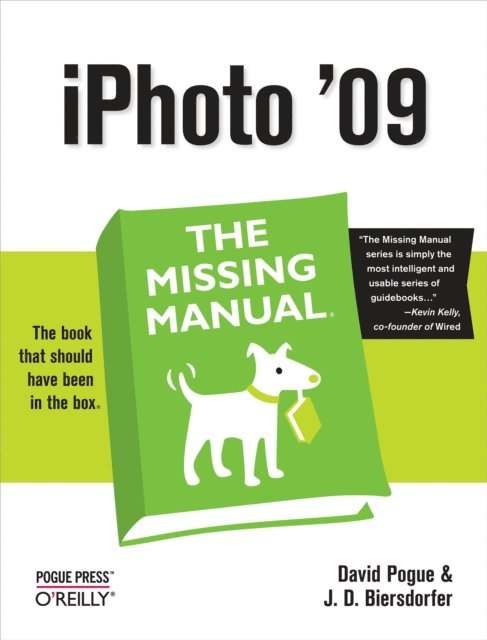
With iPhoto ''09, Apple''s popular photo organizer and editing program is better than ever. Unfortunately, intuitive as it may be, iPhoto still has the power to confuse anyone who uses it. That''s why more people rely on our Missing Manual than any other iPhoto resource. Author and New York Times tech columnist David Pogue provides clear and objective guidance on every iPhoto feature, including new tools such as face recognition, place recognition based on GPS data, themed slideshows, online sharing, enhanced editing, and travel maps. You''ll find step-by-step instructions, along with many undocumented tips and tricks. With iPhoto ''09: The Missing Manual, you will:
Get a course in picture-taking and digital cameras -- how to buy and use a digital camera, how to compose brilliant photos in various situationsImport, organize, and file your photos -- and learn how to search and edit themCreate slideshows, photo books, calendars, and greeting cards, and either make or order printsShare photos on websites or by email, and turn photos into screensavers or desktop picturesLearn to manage your Photo Libraries, use plug-ins, and get photos to and from camera phonesThere''s much more in this comprehensive guide. Discover today why iPhoto ''09: The Missing Manual is the top-selling iPhoto book.
199 kr
Läs direkt efter köp
The Internet is almost synonymous with change--that''s one of its charms, and one of its headaches. You may think you know the Internet, but are you really up to speed on internet telephones, movie and TV downloading, blogging, gaming, online banking, dating, and photosharing?
This utterly current book covers:
Getting Online. Readers will have all the information they need to decide what kind of broadband connection works best for them, which browser they should use, and what kind of spyware-fighting and virus-and spam-protection measures they need to protect themselves.Finding Information. Google may be the leading search site, but it''s certainly not the only game in town. This book introduces a diverse and useful collection of sites that help uncover everything from health care information, to shopping, travel and finance, to dependable reviews and ratings.Movies, music, and photos. The Web''s teeming with entertainment--and not just the sort of postage-stamp sized videos that only a geek could love. Learn where to download movies, watch TV online, listen to music, play games, and post and share photos with friends.Keeping in touch. Email''s only the beginning. This book introduces readers to the many tools that make the modern Internet such a great way to stay connected. From Web-based discussion groups to instant messaging programs, and from blogs and podcasts to Internet-based phone calls, this book will help you join the conversation.Ideal for anyone just venturing into cyberspace, this book is also perfect for more experienced users who could use an update to today''s most exciting internet applications.
332 kr
Läs direkt efter köp
With iPhoto ''09, Apple''s popular photo organizer and editing program is better than ever. Unfortunately, intuitive as it may be, iPhoto still has the power to confuse anyone who uses it. That''s why more people rely on our Missing Manual than any other iPhoto resource. Author and New York Times tech columnist David Pogue provides clear and objective guidance on every iPhoto feature, including new tools such as face recognition, place recognition based on GPS data, themed slideshows, online sharing, enhanced editing, and travel maps. You''ll find step-by-step instructions, along with many undocumented tips and tricks. With iPhoto ''09: The Missing Manual, you will:
Get a course in picture-taking and digital cameras -- how to buy and use a digital camera, how to compose brilliant photos in various situationsImport, organize, and file your photos -- and learn how to search and edit themCreate slideshows, photo books, calendars, and greeting cards, and either make or order printsShare photos on websites or by email, and turn photos into screensavers or desktop picturesLearn to manage your Photo Libraries, use plug-ins, and get photos to and from camera phonesThere''s much more in this comprehensive guide. Discover today why iPhoto ''09: The Missing Manual is the top-selling iPhoto book.
236 kr
Läs direkt efter köp
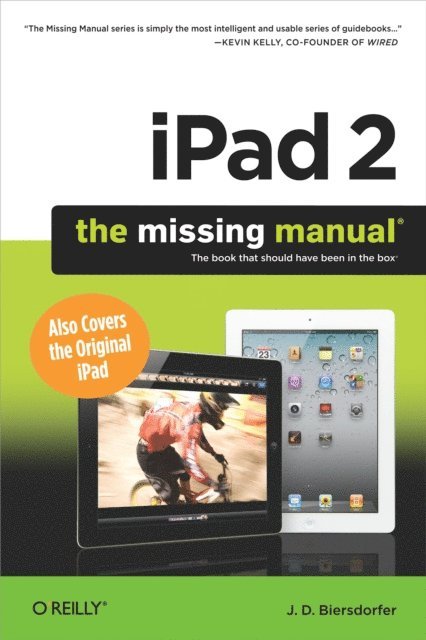
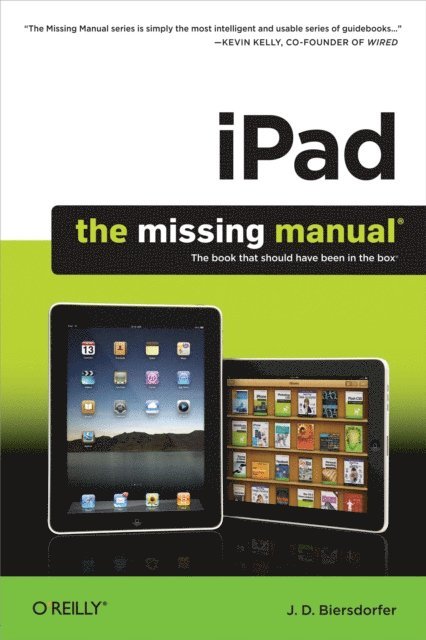
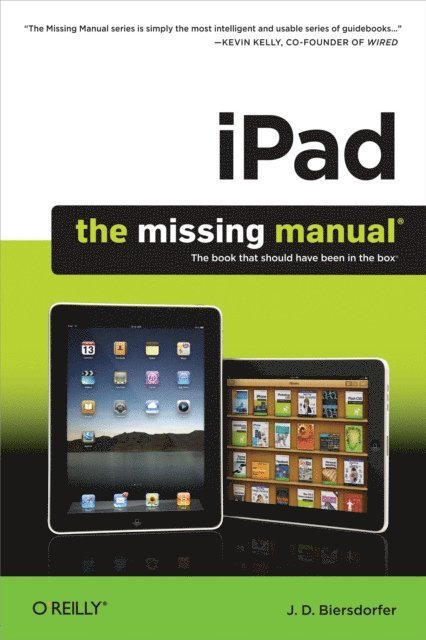
The iPad is an amazing media device, once you really know how to use it. In this entertaining book, New York Times tech columnist and iPad expert Jude Biersdorfer shows you how to get the most out of this sleek tablet to surf the Web, send and receive email, watch movies and TV shows, read eBooks, listen to music, play games, and even do a little iWork. It''s the book that should have been in the box.
The important stuff you need to know
Learn undocumented tips and tricks. Get the lowdown on cool iPad secretsBuild and play your media library. Fill up your iPad with music, movies, TV shows, eBooks, photos, music videos, audiobooks, and podcastsGet online. Connect through Wi-Fi and Wi-Fi+3G—on both GSM and CDMA networksDiscover state-of-the-art e-reading. Buy and read books and magazines in full colorConsolidate your email accounts. Read email from your personal and work accountsShop iTunes and the App Store. Navigate Apple''s media emporiums, and learn how to get free music, video, books, and apps180 kr
Skickas inom 5-8 vardagar
185 kr
Läs direkt efter köp
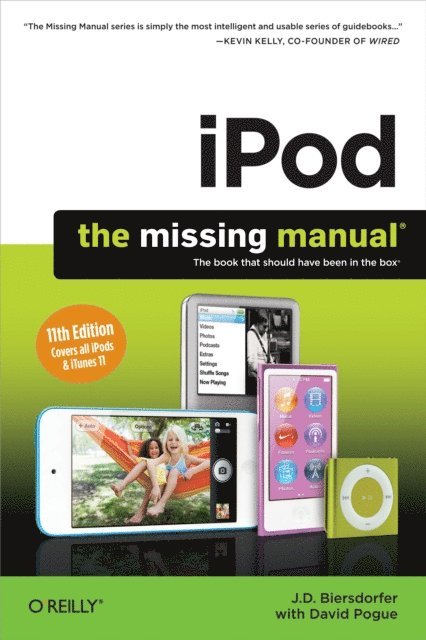
Apple’s iPods continue to set the bar for media players, with bold new features like the Touch’s supersized screen and Siri voice control. But iPods still lack a guide to all their features. That’s where this full-color book comes in. It shows you how to play music, movies, and slideshows; shoot photos and videos; and navigate Apple''s redesigned iTunes media-management program.
The important stuff you need to know:
Fill it up. Load your iPod with music, photos, movies, TV shows, games, ebooks, and podcasts.Manage your stuff. Download media and apps from the iTunes and App Stores, then organize your collection.Tackle the Touch. Send email and instant messages, make FaceTime calls, and shoot photos and HD video with the Touch''s 5-megapixel camera.Go wireless. Use the Touch’s new iOS 6 software to sync content wirelessly.Relish the Nano. Enjoy video and photos on the Nano’s new big screen, and chart your workouts with the Nike+ pedometer.Master the Shuffle and Classic. Get mucho music on the little Shuffle, and use the Classic’s giant hard drive to tote around your audio and video collections.Pump it up. Blast iPod tunes through your home and car stereo.199 kr
Läs direkt efter köp
Apple’s iPods continue to set the bar for media players, with bold new features like the Touch’s supersized screen and Siri voice control. But iPods still lack a guide to all their features. That’s where this full-color book comes in. It shows you how to play music, movies, and slideshows; shoot photos and videos; and navigate Apple''s redesigned iTunes media-management program.
The important stuff you need to know:
Fill it up. Load your iPod with music, photos, movies, TV shows, games, ebooks, and podcasts.Manage your stuff. Download media and apps from the iTunes and App Stores, then organize your collection.Tackle the Touch. Send email and instant messages, make FaceTime calls, and shoot photos and HD video with the Touch''s 5-megapixel camera.Go wireless. Use the Touch’s new iOS 6 software to sync content wirelessly.Relish the Nano. Enjoy video and photos on the Nano’s new big screen, and chart your workouts with the Nike+ pedometer.Master the Shuffle and Classic. Get mucho music on the little Shuffle, and use the Classic’s giant hard drive to tote around your audio and video collections.Pump it up. Blast iPod tunes through your home and car stereo.236 kr
Läs direkt efter köp
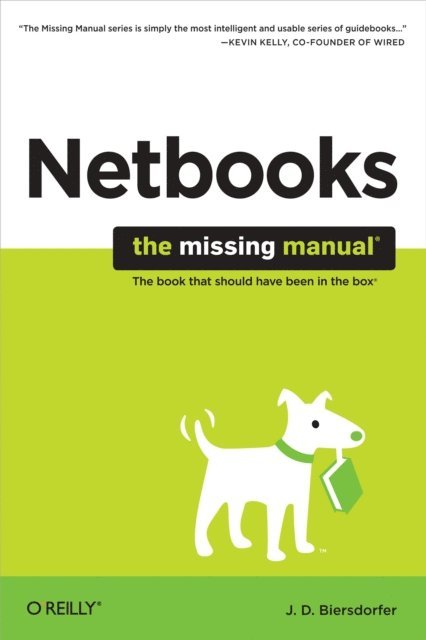
Netbooks are the hot new thing in PCs -- small, inexpensive laptops designed for web browsing, email, and working with web-based programs. But chances are you don''t know how to choose a netbook, let alone use one. Not to worry: with this Missing Manual, you''ll learn which netbook is right for you and how to set it up and use it for everything from spreadsheets for work to hobbies like gaming and photo sharing.Netbooks: The Missing Manual provides easy-to-follow instructions and lots of advice to help you:
Learn the basics for using a Windows- or Linux-based netbookConnect speakers, printers, keyboards, external hard drives, and other hardwareGet online using a wireless network, a public network, broadband cards, or dial-upWrite email, browse the Web, transfer bookmarks, and add tools to your web browserUse business tools like Google Docs and Office for NetbooksCollaborate with others online via instant messagingEdit and share photos, play games, listen to music, and watch TV and movies onlineYou''ll also learn about web-based backup and storage, staying secure online -- especially when using wireless networks -- and tips for troubleshooting. Netbooks point to the future of computing, and Netbooks: The Missing Manual will show you how to get there.
53 kr
Läs direkt efter köp
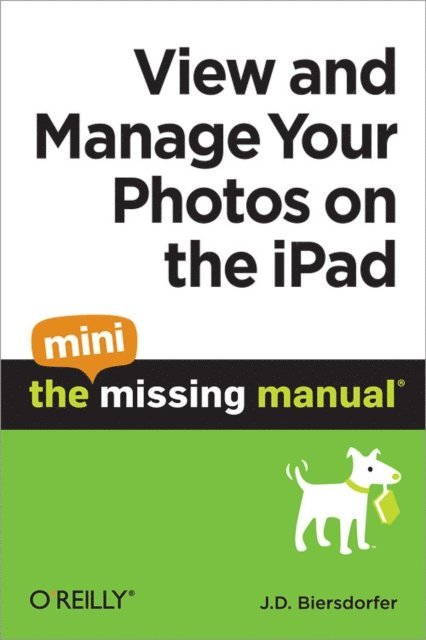
One of the iPad''s big pluses is its beautiful, high-resolution display. That makes it a perfect way to stroll down memory lane-from the comfort of your armchair. View and Manage Your Photos on the iPad: The Mini Missing Manual shows you how to import, organize, and enjoy your photos using clear, jargon-free explanations and step-by-step instructions.You''ll learn to create slideshows complete with your own soundtrack and transitions, connect your tablet to a big-screen TV so you can gather the family around, turn your slab into a digital picture frame (a great idea when you recharge your ''Pad), use a treasured photo as your wallpaper, and share your images with friends by attaching one--or many-pics to a message.You''ll also learn how to import your images into the iPad using iTunes'' easy syncing feature, how to pull pictures off of email messages and into your tablet''s photo album, and how to import pictures directly from your camera.In short, this Mini Missing Manual tells you everything you need to know to view and manage your photos on your iPad.
53 kr
Läs direkt efter köp
One of the iPad''s big pluses is its beautiful, high-resolution display. That makes it a perfect way to stroll down memory lane-from the comfort of your armchair. View and Manage Your Photos on the iPad: The Mini Missing Manual shows you how to import, organize, and enjoy your photos using clear, jargon-free explanations and step-by-step instructions.You''ll learn to create slideshows complete with your own soundtrack and transitions, connect your tablet to a big-screen TV so you can gather the family around, turn your slab into a digital picture frame (a great idea when you recharge your ''Pad), use a treasured photo as your wallpaper, and share your images with friends by attaching one--or many-pics to a message.You''ll also learn how to import your images into the iPad using iTunes'' easy syncing feature, how to pull pictures off of email messages and into your tablet''s photo album, and how to import pictures directly from your camera.In short, this Mini Missing Manual tells you everything you need to know to view and manage your photos on your iPad.
214 kr
Läs direkt efter köp
Netbooks are the hot new thing in PCs -- small, inexpensive laptops designed for web browsing, email, and working with web-based programs. But chances are you don''t know how to choose a netbook, let alone use one. Not to worry: with this Missing Manual, you''ll learn which netbook is right for you and how to set it up and use it for everything from spreadsheets for work to hobbies like gaming and photo sharing.Netbooks: The Missing Manual provides easy-to-follow instructions and lots of advice to help you:
Learn the basics for using a Windows- or Linux-based netbookConnect speakers, printers, keyboards, external hard drives, and other hardwareGet online using a wireless network, a public network, broadband cards, or dial-upWrite email, browse the Web, transfer bookmarks, and add tools to your web browserUse business tools like Google Docs and Office for NetbooksCollaborate with others online via instant messagingEdit and share photos, play games, listen to music, and watch TV and movies onlineYou''ll also learn about web-based backup and storage, staying secure online -- especially when using wireless networks -- and tips for troubleshooting. Netbooks point to the future of computing, and Netbooks: The Missing Manual will show you how to get there.
236 kr
Läs direkt efter köp
The iPad 2 is faster, lighter, and more versatile than its predecessor, but there''s still no printed guide to using its amazing features. That’s where this full-color Missing Manual comes in. Learn how to stream HD video, make video calls, manage your email, surf the Web, listen to music, play games, and maybe even do a little iWork. This is the book that should have been in the box.
Build your media library. Fill your iPad with music, movies, TV shows, eBooks, photos, and more.Share with others. Stream music, HD movies, TV shows, and more, to and from your iPad.Create your own media. Use the iPad’s new Photo Booth, iMovie, and GarageBand apps to express yourself.Get online. Connect through WiFi or Wi-Fi+3G, and surf with the iPad’s faster browser.Place video calls. See who’s talking with the iPad’s FaceTime app and its two cameras.Consolidate your email. Read and send messages from any of your accounts.Learn undocumented tips and tricks. Get the lowdown on cool iPad secrets and workarounds.214 kr
Läs direkt efter köp
The iPad 2 is faster, lighter, and more versatile than its predecessor, but there''s still no printed guide to using its amazing features. That’s where this full-color Missing Manual comes in. Learn how to stream HD video, make video calls, manage your email, surf the Web, listen to music, play games, and maybe even do a little iWork. This is the book that should have been in the box.
Build your media library. Fill your iPad with music, movies, TV shows, eBooks, photos, and more.Share with others. Stream music, HD movies, TV shows, and more, to and from your iPad.Create your own media. Use the iPad’s new Photo Booth, iMovie, and GarageBand apps to express yourself.Get online. Connect through WiFi or Wi-Fi+3G, and surf with the iPad’s faster browser.Place video calls. See who’s talking with the iPad’s FaceTime app and its two cameras.Consolidate your email. Read and send messages from any of your accounts.Learn undocumented tips and tricks. Get the lowdown on cool iPad secrets and workarounds.52 kr
Läs direkt efter köp
This Mini Missing Manual takes you down the virtual rows of Apple''s iBookstore, to help you find, buy, and download books and subscribe to magazine and newspapers on your iPad. You''ll learn now to navigate your books and periodicals and sync them back to iTunes to swap them on and off your iPad to free up storage space.In addition, you''ll find out where to get free books in the iBookstore, and where you can shop for iPad-compatible books, both free and for-pay, outside of Apple''s domain.Finally, you''ll learn the fine art of eBook navigation, including how to change a book''s font and font size, add bookmarks, highlight special passages, dynamically look up words in the dictionary, andsearch through your iBooks.This Mini Missing Manual is excerpted from the book iPad: The Missing Manual.
52 kr
Läs direkt efter köp
This Mini Missing Manual takes you down the virtual rows of Apple''s iBookstore, to help you find, buy, and download books and subscribe to magazine and newspapers on your iPad. You''ll learn now to navigate your books and periodicals and sync them back to iTunes to swap them on and off your iPad to free up storage space.In addition, you''ll find out where to get free books in the iBookstore, and where you can shop for iPad-compatible books, both free and for-pay, outside of Apple''s domain.Finally, you''ll learn the fine art of eBook navigation, including how to change a book''s font and font size, add bookmarks, highlight special passages, dynamically look up words in the dictionary, andsearch through your iBooks.This Mini Missing Manual is excerpted from the book iPad: The Missing Manual.
151 kr
Läs direkt efter köp
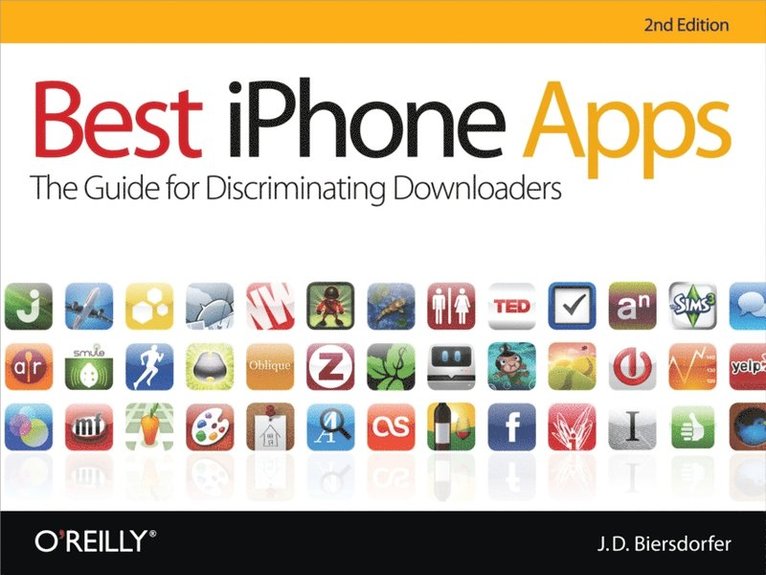
With over 250,000 apps to choose from in Apple''s App Store, you can make your iPhone or iPod Touch do just about anything you can imagine -- and almost certainly a few things you would never think of. While it''s not hard to find apps, it is frustratingly difficult to find the the best ones.
That''s where this new edition of Best iPhone Apps comes in. New York Times technology columnist J.D. Biersdorfer has stress-tested hundreds of the App Store''s mini-programs and hand-picked more than 200 standouts to help you get work done, play games, stay connected with friends, explore a new city, get in shape, and more.
With your device, you can use your time more efficiently with genius productivity apps, or fritter it away with deliriously fun games. Play the part of a local with brilliant travel apps, or stick close to home with apps for errands, movie times, and events. Get yourself in shape with fitness programs, or take a break and find the best restaurants in town. No matter how you want to use your iPhone or iPod Touch, Best iPhone Apps helps you unlock your glossy gadget''s potential.
Discover great apps to help you:
Get work doneConnect with friendsPlay gamesJuggle documentsExplore what’s nearbyGet in shapeTravel the worldFind new musicDine outManage your money...and much more!165 kr
Läs direkt efter köp
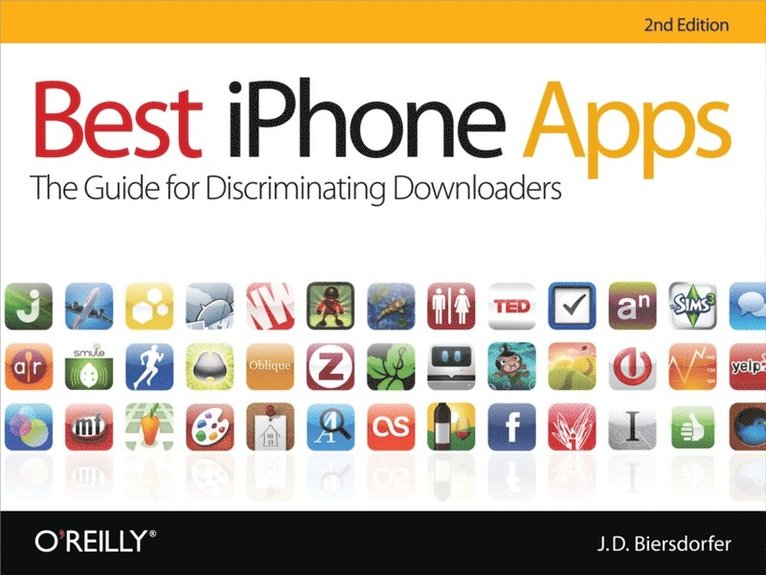
With over 250,000 apps to choose from in Apple''s App Store, you can make your iPhone or iPod Touch do just about anything you can imagine -- and almost certainly a few things you would never think of. While it''s not hard to find apps, it is frustratingly difficult to find the the best ones.
That''s where this new edition of Best iPhone Apps comes in. New York Times technology columnist J.D. Biersdorfer has stress-tested hundreds of the App Store''s mini-programs and hand-picked more than 200 standouts to help you get work done, play games, stay connected with friends, explore a new city, get in shape, and more.
With your device, you can use your time more efficiently with genius productivity apps, or fritter it away with deliriously fun games. Play the part of a local with brilliant travel apps, or stick close to home with apps for errands, movie times, and events. Get yourself in shape with fitness programs, or take a break and find the best restaurants in town. No matter how you want to use your iPhone or iPod Touch, Best iPhone Apps helps you unlock your glossy gadget''s potential.
Discover great apps to help you:
Get work doneConnect with friendsPlay gamesJuggle documentsExplore what’s nearbyGet in shapeTravel the worldFind new musicDine outManage your money...and much more!192 kr
Läs direkt efter köp
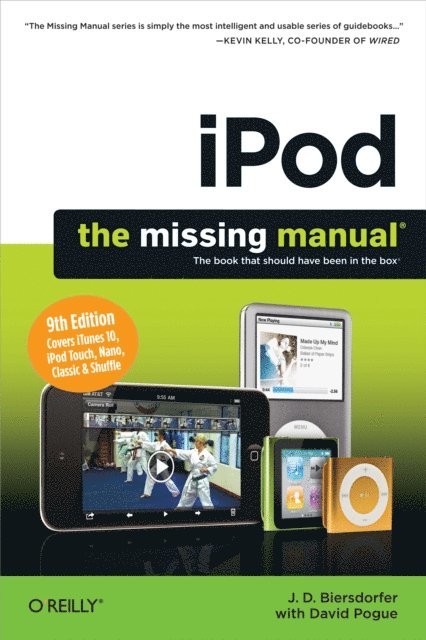
Apple''s iPod still has the world hooked on portable music, pictures, videos, movies, and more, but one thing it doesn''t have is a manual that helps you can get the most out this amazing device. That''s where this book comes in. Get the complete scoop on the latest line of iPods and the latest version of iTunes with the guide that outshines them all -- iPod: The Missing Manual.
The 9th edition is as useful, satisfying, and reliable as its subject. Teeming with high-quality color graphics, each page helps you accomplish a specific task -- everything from managing your media and installing and browsing iTunes to keeping calendars and contacts. Whether you have a brand-new iPod or an old favorite, this book provides crystal-clear explanations and expert guidance on all of the things you can do:
Fill ''er up. Load your Nano, Touch, Classic, or Shuffle with music, movies, and photos, and learn how to play it all back.Tour the Touch. Surf the Web, use web-based email, collect iPhone apps, play games, and more.Share music and movies. Copy music between computers with Home Sharing, beam playlists around the house, and whisk your Nano''s videos to YouTube.iTunes, tuned up. Pick-and-choose which music, movies, and photos to sync; create instant playlists with Genius Mix; and auto-rename "Untitled" tracks.iPod power. Create Genius playlists on your iPod, shoot movies on your Nano, use the Nano''s FM radio and pedometer, and add voice memos to your Touch.Shop the iTunes Store. Find what you''re looking for in a snap, whether it''s music, movies, apps, lyrics, or liner notes.236 kr
Läs direkt efter köp
Google.com is one of the most popular sites on the Internet and is used around the world by millions of people every day. Sure, you know how to "Google it" when you''re searching for something--anything!--on the Web. It''s plenty fast and easy to use. But did you know how much more you could achieve with the world''s best search engine by clicking beyond the "Google Search" button?
While you can interface with Google in 97 languages and glean results in 35, you can''t find any kind of instruction manual from Google. Lucky for you, our fully updated and greatly expanded second edition to the bestselling Google: The Missing Manual covers everything you could possibly want to know about Google, including the newest and coolest--and often most underused (what is Froogle, anyway?)--features. There''s even a full chapter devoted to Gmail, Google''s free email service that includes a whopping 2.5 GB of space).
This wise and witty guide delivers the complete scoop on Google, from how it works to how you can search far more effectively and efficiently (no more scrolling through 168 pages of seemingly irrelevant results); take best advantage of Google''s lesser-known features, such as Google Print, Google Desktop, and Google Suggest; get your website listed on Google; track your visitors with Google Analytics; make money with AdWords and AdSense; and much more.
Whether you''re new to Google or already a many-times-a-day user, you''re sure to find tutorials, tips, tricks, and tools that take you well beyond simple search to Google gurudom.