Jeffery Hicks – författare
365 kr
Skickas inom 7-10 vardagar
"Not only for MacOS and Linux users, but also a great resource for Windows PS users." - Bruce Bergman
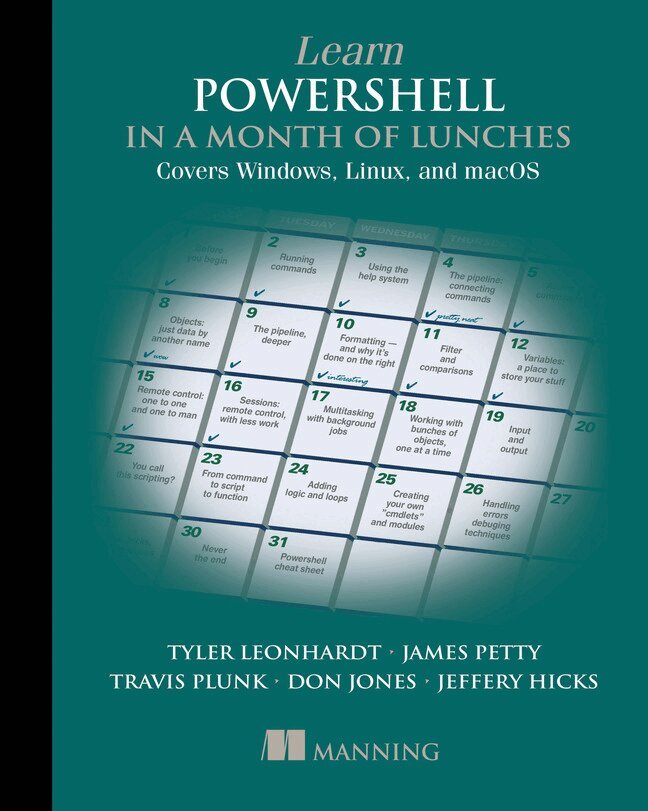
Learn PowerShell in a Month of Lunches: Covers Windows, Linux, and macOS is a task-focused tutorial for administering Linux and macOS systems using Microsoft PowerShell. Adapted by PowerShell team members Travis Plunk and Tyler Leonhardt from the bestselling Learn Windows PowerShell in a Month of Lunches by community legends Don Jones and Jeffrey Hicks, it features Linux-based examples covering core language features and admin tasks. Designed for busy IT professionals, this innovative guide will take you from the basics to PowerShell proficiency through 25 tutorials you can do in your lunch break.
about the technologyThe PowerShell scripting language and administrative shell was initially created for Windows, providing a high-quality command-line interface and awesome automation features. As part of Microsoft's ongoing strategy to support non-Windows platforms with its Azure cloud service and .NET Core framework, PowerShell now runs on Linux and macOS. Like Bash, PowerShell can execute and script nearly any aspect of Linux, so you can easily manage repetitive daily tasks, servers, Cloud resources, Continuous Integration pipelines, and more. Because PowerShell is a full-featured programming language, however, it provides capability well beyond traditional shell scripting languages, such as the ability to treat OS components as objects.
about the bookLearn PowerShell in a Month of Lunches: Covers Windows, Linux, and macOS is a user-friendly tutorial to managing Linux and macOS systems with PowerShell. It's based on the bestselling Learn Windows PowerShell in a Month of Lunches, which has introduced PowerShell to nearly 100,000 readers. You'll learn how PowerShell shapes up to Bash or Python scripting as you write and run simple scripts that automate boring daily tasks. As you progress through the book, you'll use PowerShell to write Continuous Integration Pipelines and manage cloud-based servers. Just set aside one hour a day for a month, and you'll be automating tasks faster than you ever thought possible!
what's inside- Why you should use PowerShell on Linux and macOS- Background jobs and automation techniques- Simple scripting to automate repetitive daily tasks- Common syntax and commands cheat sheet- Each lesson takes you an hour or less
about the readerFor IT professionals comfortable administering Windows or Linux. No previous experience with PowerShell or Bash required.
about the authorTravis Plunk has been a Software Engineer on various PowerShell teams since 2013, and at Microsoft since 1999. He was involved in open sourcing PowerShell and has worked on the project full time since shortly after the project was announced.
James Petty is a Microsoft MVP, and the CEO and Executive Director for the DevOps Collective and PowerShell.org.
Tyler Leonhardt has been a Software Engineer on the PowerShell team since 2017, and at Microsoft since 2016. He is a core maintainer of the PowerShell extension for Visual Studio Code.
Learn Windows PowerShell in a Month of Lunches was written by PowerShell community legends Don Jones and Jeffrey Hicks, who have years of experience as successful PowerShell trainers.
441 kr
Läs direkt efter köp
PART 1 POWERSHELL ADMINISTRATION
Diagnosing and troubleshooting PowerShell remotingCIM sessions 22Collecting and analyzing performance counter dataTCP port communications with PowerShellManaging systems through a keyholeUsing PowerShell to audit user logon eventsManaging and administering a certification authoritydatabase with PowerShellUsing PowerShell to reduce Active Directory token bloatPART 2 POWERSHELL SCRIPTING
The 10 PowerShell scripting commandmentsAvoiding the pipelineA template for handling and reporting errorsTips and tricks for creating complex or advancedHTML reports with PowerShellUsing and "abusing" dynamic parametersPowerShell type formattingScalable scripting for large data sets: pipelineand database techniquesBuilding your own WMI-based cmdletsTurning command-line tools into PowerShell toolsPART 3 POWERSHELL FOR DEVELOPERS
Using Source Control Software with PowerShellInline .NET codePowerShell and XML: better togetherAdding automatic remoting to advanced functionsand cmdletsTaming software builds (and other complicated processes)with psakePART 4 POWERSHELL PLATFORMS
PowerShell and the SQL Server providerCreating flexible subscriptions in SSRSInventory database table statistics using PowerShellSQL Server Management ObjectsWSUS and PowerShellProvisioning IIS web servers and sites with PowerShellActive Directory Group Management application520 kr
Läs direkt efter köp
PART 1 POWERSHELL FUNDAMENTALS
IntroductionPowerShell hostsUsing the PowerShell help systemThe basics of PowerShell syntaxWorking with PSSnapins and modulesOperatorsWorking with objectsThe PowerShell pipelineFormattingPART 2 POWERSHELL MANAGEMENT
PowerShell RemotingBackground jobs and schedulingWorking with credentialsRegular expressionsWorking with HTML and XML dataPSDrives and PSProvidersVariables, arrays, hash tables, and script blocksPowerShell securityAdvanced PowerShell syntaxPART 3 POWERSHELL SCRIPTING AND AUTOMATION
PowerShell''s scripting languageBasic scripts and functionsCreating objects for outputScopePowerShell workflowsAdvanced syntax for scripts and functionsScript modules and manifest modulesCustom formatting viewsCustom type extensionsData language and internationalizationWriting helpError handling techniquesDebugging tools and techniquesFunctions that work like cmdletsTips and tricks for creating reportsPART 4 ADVANCED POWERSHELL
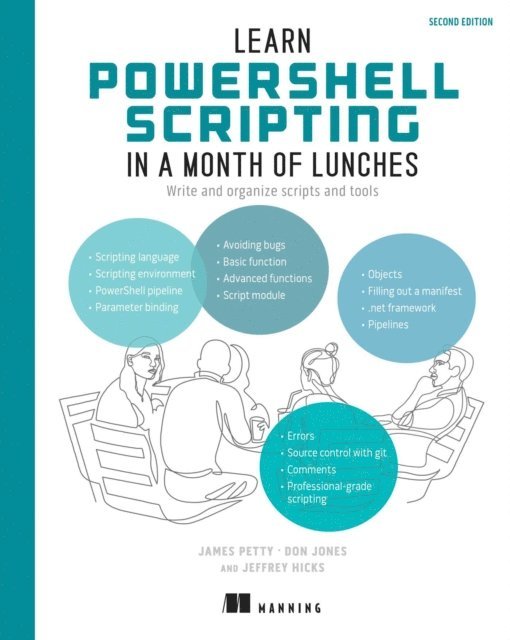
Working with the Component Object Model (COM) Working with .NET Framework objectsAccessing databasesProxy functionsBuilding a GUIWMI and CIMWorking with the webDesired State ConfigurationLearn PowerShell Scripting in a Month of Lunches, Second Edition
Write and organize scripts and tools
467 kr
Läs direkt efter köp