Lydia Cline - Böcker
422 kr
Skickas inom 3-6 vardagar
Publisher's Note: Products purchased from Third Party sellers are not guaranteed by the publisher for quality, authenticity, or access to any online entitlements included with the product.
Master the art of 3D printing with step-by-step tutorials and DIY projects
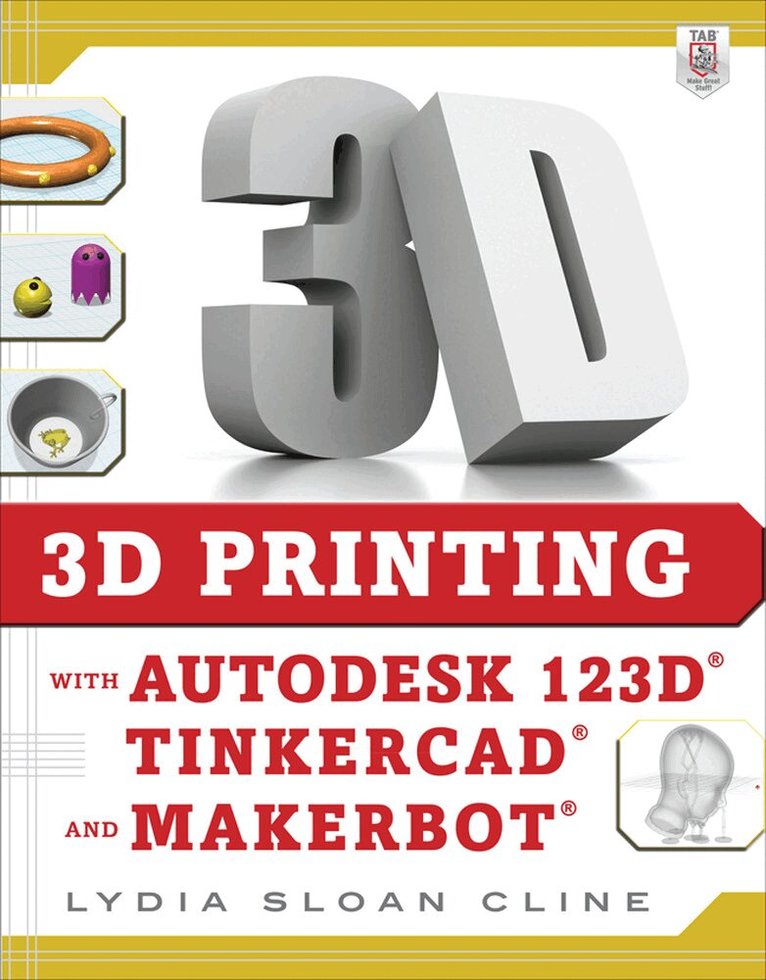
Are you ready to join the new industrial revolution? 3D Printing with Autodesk 123D, Tinkercad, and MakerBot reveals how to turn your ideas into physical products that you can use or sell! You'll learn how tooperate powerful, free software from Autodesk and bring your creations to life with the MakerBot--a leading consumer printer--or an online service bureau.
Practical examples take you through the Design, Catch, Meshmixer, Tinkercad, Make, and CNC Utility apps, and the MakerBot Desktop. Fun projects, easy-to-follow instructions, and clear screenshots progress from installing the software to printing the design. Videos and digital files accompany this hands-on guide.
Make your own creations with Design and TinkercadDownload editable, premade contentGenerate construction documents with the LayOut featureCreate and edit a reality capture model with CatchEdit and mash up .stl files with MeshmixerNavigate the MakerBot DesktopPrint the model on your own machine or with a service bureau422 kr
Skickas inom 3-6 vardagar
Publisher's Note: Products purchased from Third Party sellers are not guaranteed by the publisher for quality, authenticity, or access to any online entitlements included with the product.
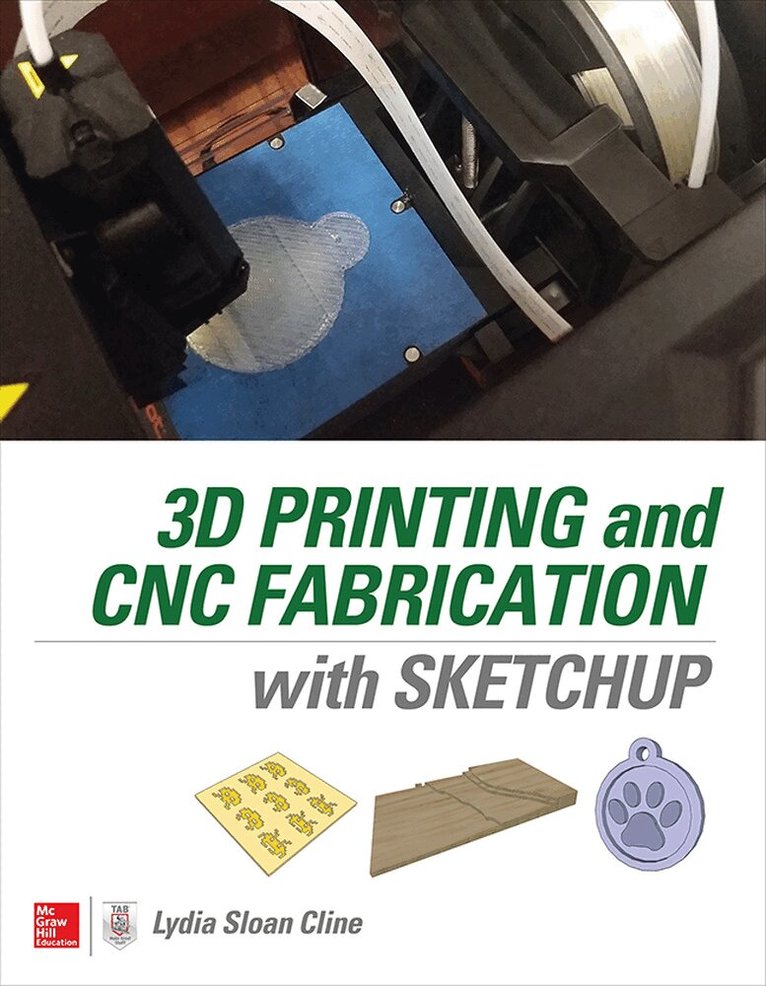
Model and print your own 3D creations using SketchUp!
Get up and running fast in the consumer design and fabrication world using the hands-on information in this guide. 3D Printing and CNC Fabrication with SketchUp features step-by-step tutorials of fun and easy DIY projects. Learn how to create your own 3D models, edit downloaded models, make them printable, and bring them to physical life either on your own printer or through an online service bureau. Download and install SketchUp on your Mac or PCNavigate the interface and SketchUp’s native design tools Download design and analysis tools from the Extension Warehouse.Edit models downloaded from the 3D Warehouse and Thingiverse. Import and export STL files.Analyze your projects for 3D printability. Set up, use, and maintain a home 3D printerWork with AutoCAD, 123D Make, 123D Meshmixer, and Vetric Cut2DGenerate files for CNC cutters373 kr
Skickas inom 3-6 vardagar
Publisher's Note: Products purchased from Third Party sellers are not guaranteed by the publisher for quality, authenticity, or access to any online entitlements included with the product.
Learn To Model and Print 3D Designs―No Experience Required!
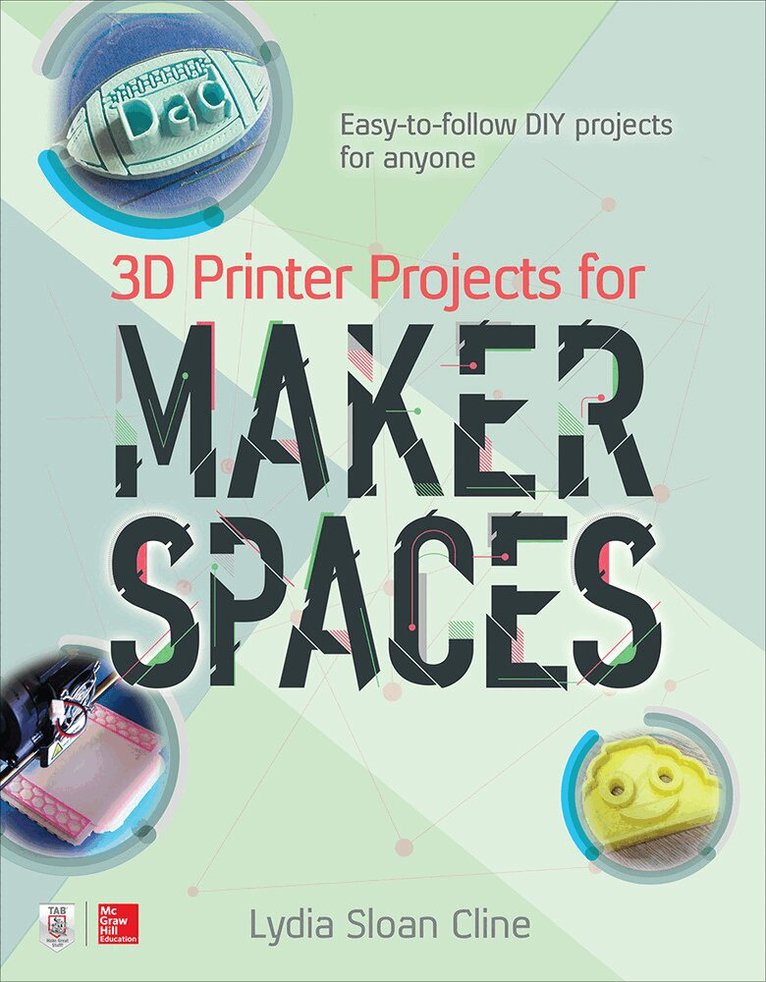
This easy-to-follow guide features twenty 3D printing projects for makers of all skill levels to enjoy. Written in a tutorial, step-by-step manner, 3D Printer Projects for Makerspaces shows how to use Fusion 360, SketchUp, Meshmixer, Remake, and Inkscape to create fun and useful things. Scanning, slicers, silicone molds, settings, and build plate orientation are also covered, as well as post-processing methods that will make your prints really pop!
Inside, you’ll learn to model, analyze and print a:
• Phone case• Coin bank• Art stencil• Cookie cutter• Cookie dunker• Personalized key fob• Lens cap holder• Lithophane night light• Pencil cup with applied sketch• Business card with QR code• Bronze pendant • Soap mold• Hanging lamp shade• Scanned Buddha charm• And more!