Mark Justice Hinton – författare
179 kr
Skickas inom 5-8 vardagar
213 kr
Läs direkt efter köp
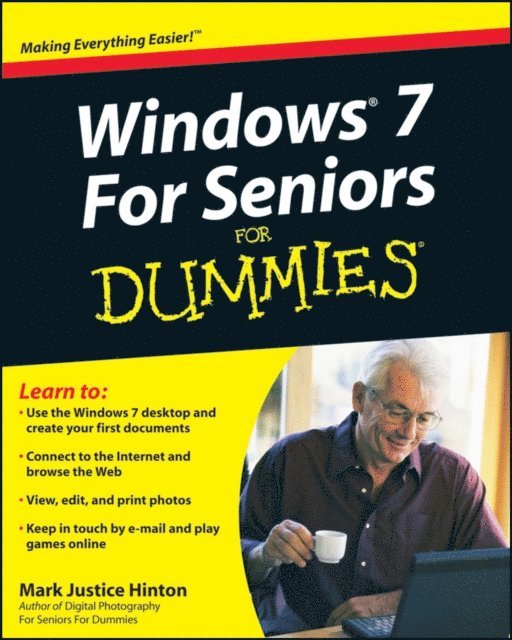
Many seniors use a home computer to stay connected to family and friends. This fun and friendly guide shows how to use Windows 7, the most popular operating system pre-loaded onto personal computers and laptops, to write e-mails, connect with family via Windows Live Messenger, download pictures with Photo Gallery, and listen to music using Windows Media Player.
Windows 7 For Seniors For Dummies uses a large font for the text that makes the book easier to read and it features magnified screen shots to help make the subject matter less intimidating. For Dummies author Mark Justice Hinton walks you through the basics of Windows 7, shows you how to customize the desktop so that it accommodates your needs, and explains how to use the webcam and instant messenger to keep in contact with family and friends. Plus, you''ll get critical insight for protecting your personal information.
Shows seniors how to stay connected to family and friends using the features of Windows 7 Explains how to use the Internet, send and receive e-mail, upload and download photos, view video, listen to music, play games, use webcam and instant messenger, and more Discusses the important topic of keeping data and personal information safe and secure Uses a larger font for text and includes more than 150 enlarged screen shotsFor seniors interested in getting started using the exciting features of Windows 7, Windows 7 For Seniors For Dummies is the ideal beginner guide!
213 kr
Läs direkt efter köp
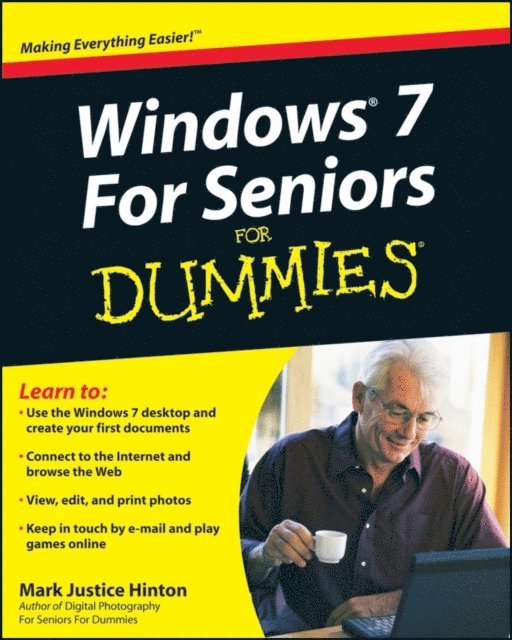
Many seniors use a home computer to stay connected to family and friends. This fun and friendly guide shows how to use Windows 7, the most popular operating system pre-loaded onto personal computers and laptops, to write e-mails, connect with family via Windows Live Messenger, download pictures with Photo Gallery, and listen to music using Windows Media Player.
Windows 7 For Seniors For Dummies uses a large font for the text that makes the book easier to read and it features magnified screen shots to help make the subject matter less intimidating. For Dummies author Mark Justice Hinton walks you through the basics of Windows 7, shows you how to customize the desktop so that it accommodates your needs, and explains how to use the webcam and instant messenger to keep in contact with family and friends. Plus, you''ll get critical insight for protecting your personal information.
Shows seniors how to stay connected to family and friends using the features of Windows 7 Explains how to use the Internet, send and receive e-mail, upload and download photos, view video, listen to music, play games, use webcam and instant messenger, and more Discusses the important topic of keeping data and personal information safe and secure Uses a larger font for text and includes more than 150 enlarged screen shotsFor seniors interested in getting started using the exciting features of Windows 7, Windows 7 For Seniors For Dummies is the ideal beginner guide!
48 kr
Läs direkt efter köp
48 kr
Läs direkt efter köp
213 kr
Läs direkt efter köp
Seniors, here''s what you need to get up and running on Windows 8.1
Microsoft, now a little older and wiser, is back with Windows 8.1, the revamped version that brings fresh changes and welcome improvements to the Windows 8 operating system. And now you savvy seniors can get the very most out of this easier-to-use Windows 8.1 with our friendly new guide. Using large print that makes the book easier to read plus magnified screen shots to help make Windows less intimidating, this book walks you through common tasks and show you how to get things done in fine style.
Helps you get to know Windows 8.1, including the basics of PC hardware, the return of the Start screen, the desktop interface, Windows 8.1 applications, customizing, and more Explores how you can best use the Web, including directions on connecting to the Internet, using the e-mail app, connecting with social networks, and messaging Puts the fun in the fundamentals of how to find and install new apps, work with digital photos, and play music and videos Offers practical steps on troubleshooting and maintenance, connecting other devices, storing and organizing files, and backing up your computer Uses straightforward explanations, minimal chit-chat, and easy-to-read large print - perfect for seniorsWork faster and smarter – and enjoy yourself, too – with Windows 8.1 and Windows 8.1 For Seniors For Dummies.
215 kr
Läs direkt efter köp
Seniors, here''s what you need to get up and running on Windows 8.1
Microsoft, now a little older and wiser, is back with Windows 8.1, the revamped version that brings fresh changes and welcome improvements to the Windows 8 operating system. And now you savvy seniors can get the very most out of this easier-to-use Windows 8.1 with our friendly new guide. Using large print that makes the book easier to read plus magnified screen shots to help make Windows less intimidating, this book walks you through common tasks and show you how to get things done in fine style.
Helps you get to know Windows 8.1, including the basics of PC hardware, the return of the Start screen, the desktop interface, Windows 8.1 applications, customizing, and more Explores how you can best use the Web, including directions on connecting to the Internet, using the e-mail app, connecting with social networks, and messaging Puts the fun in the fundamentals of how to find and install new apps, work with digital photos, and play music and videos Offers practical steps on troubleshooting and maintenance, connecting other devices, storing and organizing files, and backing up your computer Uses straightforward explanations, minimal chit-chat, and easy-to-read large print - perfect for seniorsWork faster and smarter – and enjoy yourself, too – with Windows 8.1 and Windows 8.1 For Seniors For Dummies.