Mark L. Chambers – författare
231 kr
Skickas inom 5-8 vardagar
251 kr
Skickas inom 5-8 vardagar
245 kr
Läs direkt efter köp
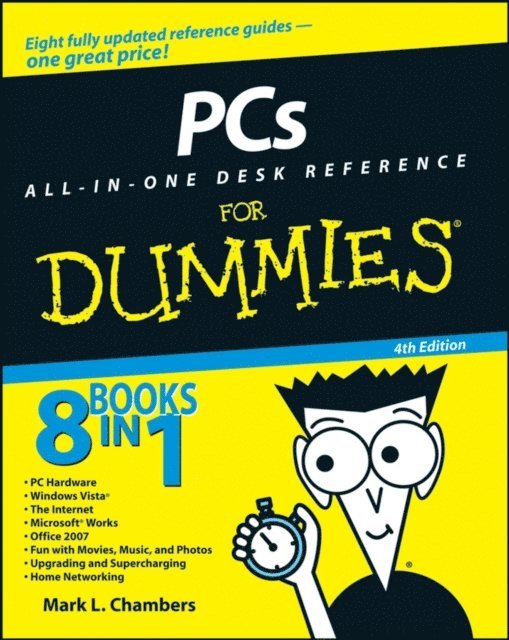
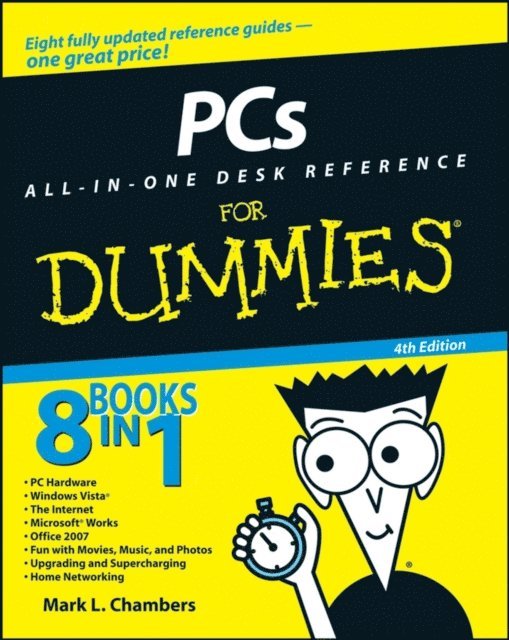
This handy guide is made up of eight convenient minibooks, so you can find what you need in a hurry. And in case you think you’ve seen it before, this fourth edition is fully updated for all the newest, coolest stuff. Want a guided tour of the Vista operating system and how it differs from XP? Check out minibook #2. Have you heard about Microsoft Works but aren’t sure what it’s about? Find out in Book #4. Planning to network all the computers in your home? Minibook #8 is just what you need. The entire repertoire includes
PC Hardware Windows Vista The Internet Microsoft Works Office 2007 Fun With Movies, Music, and Photos Upgrading and Supercharging Home NetworkingFor all the things you probably do with your PC — browsing the Internet, e-mail, word processing, presentations, spreadsheets, organizing and sharing digital photos and video, downloading music — you’ll find you can get right to the point and discover what you want to know, quickly and easily. You’ll want to keep PCs All-In-One Desk Reference for Dummies, 4th Edition handy, say on your desk, maybe?
257 kr
Läs direkt efter köp
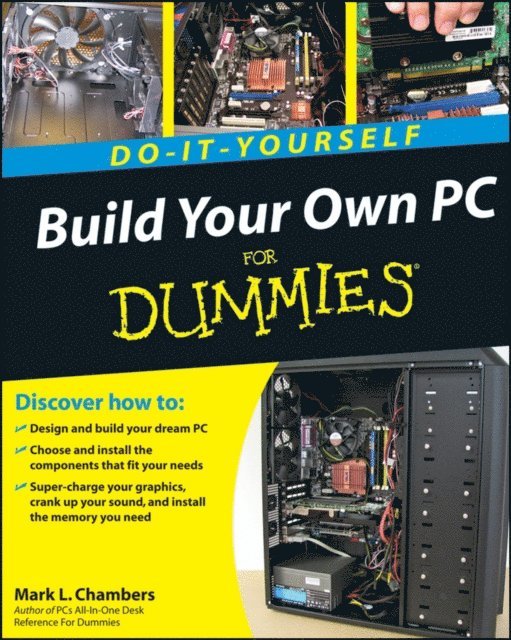
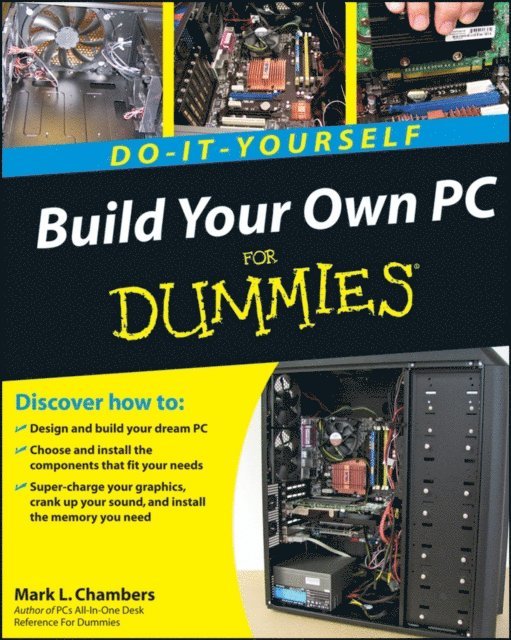
Not only is building your own PC a really rewarding project, it can also save you a nice chunk of cash. This step-by-step guide helps you decide what you need, teaches you what all those computer terms mean, and tells you exactly how to put the pieces together. It shows you:
What tools you need (not as many as you might think!) All about operating systems How to install CD and DVD drives The scoop on sound and video, and how to put a sound system together from start to finish How to connect a monitor and install a modem All about setting up and configuring the hard drive Secrets for securing your system, and moreIncluded is a bonus DVD showing you how to install the motherboard, CPU, RAM, ports, hard drive, video and sound cards, a DVD drive, and more. With Build Your Own PC Do-It-Yourself For Dummies, you can have the computer you want plus the satisfaction of doing it yourself!
Note: CD-ROM/DVD and other supplementary materials are not included as part of eBook file.
257 kr
Läs direkt efter köp
Not only is building your own PC a really rewarding project, it can also save you a nice chunk of cash. This step-by-step guide helps you decide what you need, teaches you what all those computer terms mean, and tells you exactly how to put the pieces together. It shows you:
What tools you need (not as many as you might think!) All about operating systems How to install CD and DVD drives The scoop on sound and video, and how to put a sound system together from start to finish How to connect a monitor and install a modem All about setting up and configuring the hard drive Secrets for securing your system, and moreIncluded is a bonus DVD showing you how to install the motherboard, CPU, RAM, ports, hard drive, video and sound cards, a DVD drive, and more. With Build Your Own PC Do-It-Yourself For Dummies, you can have the computer you want plus the satisfaction of doing it yourself!
Note: CD-ROM/DVD and other supplementary materials are not included as part of eBook file.
233 kr
Läs direkt efter köp
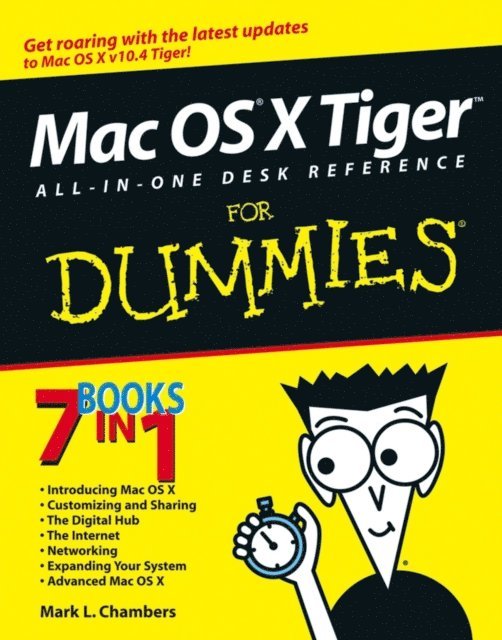
If you’re venturing into the Mac world for the first time, you’ve chosen a great time to make the move. And if you’re switching to Tiger from an earlier Mac OS, you’ll be eager to get going as quickly as possible. Either way, you’ll love the convenience of Mac OS X Tiger All-In-One Desk Reference For Dummies. You’ll find sections devoted to
Basic Mac OS X Customizing and sharing your Mac Mac’s digital hub—iTunes, iMovie, iPhoto, iDVD, QuickTime, and GarageBand The Internet (AppleMail, iChat AV, iDisk, and more) Networking, including Bluetooth, AppleTalk, and Airport Extreme Expanding your system with cool hardware and software Some advanced stuff, like hosting a Web site and building custom applicationsEach self-contained chapter discusses a specific feature, application, connection, or cool thing about Mac OS X. You can start at the beginning, or dive right into the things you most want to explore. For example, you can
Discover how to find anything, anywhere on your system, with Spotlight Set up a wireless network Use iDisk to back up your important files Edit or create your own DVDs, CDs, and movies Keep in touch with others through the cool iChat AV application Get step-by-step instructions that make using OS X Tiger as much fun—and as productive—as it’s meant to beBecause everything’s handy and neatly organized, you’ll find Mac OS X Tiger All-In-One Desk Reference For Dummies is the reference book you’ll want to keep right next to your Mac. You’ll refer to it many times over, and be glad you did!
202 kr
Läs direkt efter köp
261 kr
Läs direkt efter köp
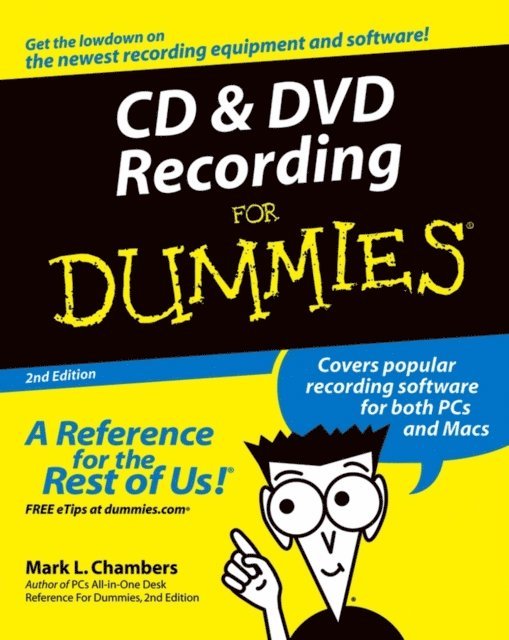
CD and DVD Recording For Dummies®, Second Edition, takes the frustration out of choosing and using these cool recording systems. This easy-to-follow guide will help you find what you need and use it efficiently, and it covers all the newest equipment. You’ll discover how to
Choose and install a CD or DVD recorder Pick the best software for your needs Store large data files safely on CD Use EasyCD and DVD Creator and Toast Record mixed media disks Create electronic photo albums, baby books, genealogies, and moreOnce upon a time, videotape, vinyl record albums, and floppy disks were state of the art for preserving movies, music, and data. The superior durability and capacity of CDs and DVDs have made these tools as obsolete as the washboard, but never fear. CD and DVD Recording For Dummies®, Second Edition, makes it easy to
Transfer your favorite VHS movies to DVD Preserve those classic LPs on CD Archive records and data files, and safely store treasured family photos Ask the right questions when shopping for CD or DVD recording hardware and software Record original material, copy and erase rewriteable disks, and make backups of important data Add menus to your disks, label them, and care for them properly Record a bootable CD-ROMToday’s CD and DVD recorders can produce everything from superb sound quality to original movies you can play on your DVD player. CD and DVD Recording For Dummies® will get your recording career going in a jiffy.
306 kr
Läs direkt efter köp
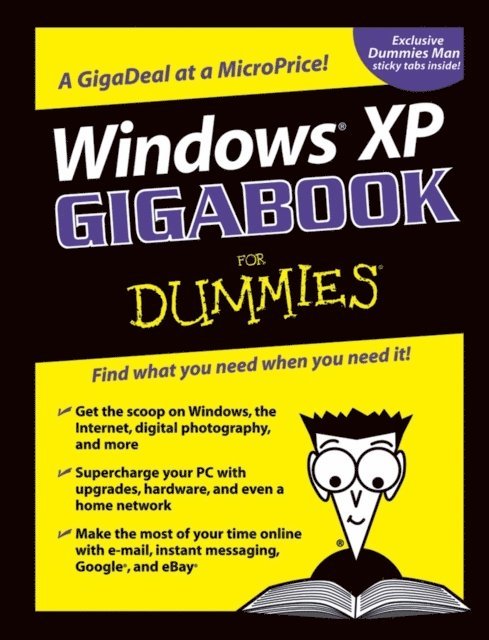
Want to know how to set up, navigate, use, and maintain Windows XP? It’s all in Book I. Book II covers the care and feeding of PCs in general and takes you on a complete tour of peripherals—those add-ons that make computing cool. Want to explore the world via the World Wide Web? Check Book III. And if you finally have to do some work, check into Book IV, where you’ll get the complete story on Office 2003 and Money 2004. You’ll discover how to:
Customize Windows XP, set up user accounts, and share files Work with digital photos, Windows Media Player, and Windows Movie Maker Choose a printer, scanner, game hardware, and additional storage Set up a wireless home network Get online safely, protect your kids, create your own Web pages, and cruise for bargains on eBay Use Word, Outlook, Excel, and PowerPoint Manage your finances with Microsoft MoneyWindows XP Gigabook For Dummies is packed with information that’s easy to find and even easier to understand. Keep it handy for reference—you’ll be gigapleased with how useful it is!
306 kr
Läs direkt efter köp
Edited by Peter Weverka, author of many For Dummies books, The Internet Gigabook For Dummies includes information culled from eight For Dummies books. It’s like a greatest-hits collection! Even experienced surfers will discover some new tricks such as how to:
Use Yahoo! Finance to get stock quotes, do financial research, and create an online portfolio Use Instant Messaging with AOL, MSN Messenger, or Yahoo! Messenger Shop Google Catalogs or use Froogle for online comparison shopping Use advanced techniques and bidding strategies to help you win in eBay auctions Use Yahoo! People Search to find old friends. search Yahoo! Personals to find true romance (or someone semi-compatible). place your own personal ad, and more Use Google News to scan the headlines, search for specific topics, follow related links to go in-depth, or track a story over timeWhether you’re new to the Internet and want to learn how to set up your e-mail or have a great e-tail idea and want to set up an online business, this Gigabook, complete with an in-depth index, helps you get GigaValue from your online experience.
245 kr
Läs direkt efter köp
This handy guide is made up of eight convenient minibooks, so you can find what you need in a hurry. And in case you think you’ve seen it before, this fourth edition is fully updated for all the newest, coolest stuff. Want a guided tour of the Vista operating system and how it differs from XP? Check out minibook #2. Have you heard about Microsoft Works but aren’t sure what it’s about? Find out in Book #4. Planning to network all the computers in your home? Minibook #8 is just what you need. The entire repertoire includes
PC Hardware Windows Vista The Internet Microsoft Works Office 2007 Fun With Movies, Music, and Photos Upgrading and Supercharging Home NetworkingFor all the things you probably do with your PC — browsing the Internet, e-mail, word processing, presentations, spreadsheets, organizing and sharing digital photos and video, downloading music — you’ll find you can get right to the point and discover what you want to know, quickly and easily. You’ll want to keep PCs All-In-One Desk Reference for Dummies, 4th Edition handy, say on your desk, maybe?
202 kr
Läs direkt efter köp
306 kr
Läs direkt efter köp
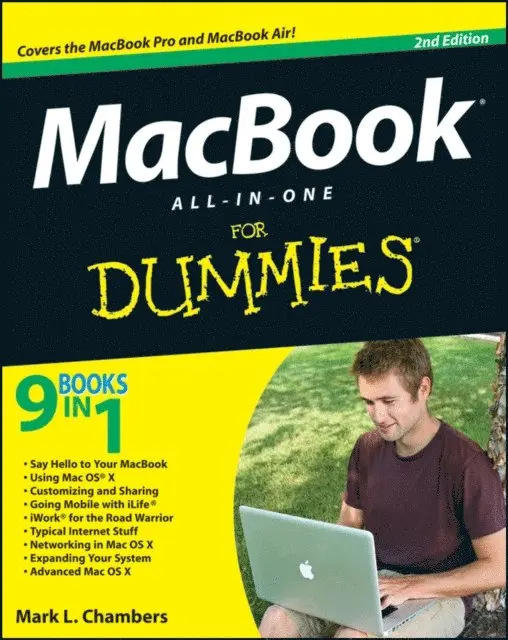
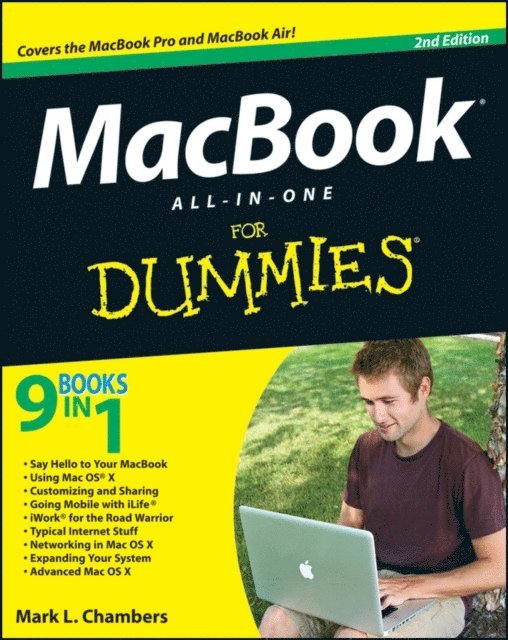
Combining the fun-but-straightforward content of nine minibooks, this new edition of MacBook All-in-One For Dummies delivers helpful coverage of the rich features and essential tools you need to know to use the MacBook to its fullest potential. You''ll learn an array of MacBook basics while veteran author Mark Chambers walks you through setting up your MacBook, running programs, finding files with Finder, searching with Spotlight, keeping track with Address Book, enjoying music with iTunes, creating cool multimedia projects with iLife, and more.
This exciting new edition dives right in to help you create a web site with iWeb, get on the Internet, use Apple Mail, stay in touch with iChat, and find your way around the latest Mac OS X. And if you must do some work, do it the Mac way with the iWork productivity applications and this helpful guide.
Serves as an up-to-date introduction to the basics of MacBook models, including working with the new OS, OS X Lion Shows you how to upgrade, maintain, and troubleshoot your system Features nine minibooks: Say Hello to Your MacBook, Using Mac OS X, Customizing and Sharing, Going Mobile with iLife, iWork for the Road Warrior, Typical Internet Stuff, Networking in Mac OS X, Expanding Your System, and Advanced Mac OS X Offers a straightforward-but-fun approach to getting familiar with this innovative laptopMacBook All-in-One For Dummies, 2nd Edition will get you Mac-savvy in no time!
306 kr
Läs direkt efter köp
Combining the fun-but-straightforward content of nine minibooks, this new edition of MacBook All-in-One For Dummies delivers helpful coverage of the rich features and essential tools you need to know to use the MacBook to its fullest potential. You''ll learn an array of MacBook basics while veteran author Mark Chambers walks you through setting up your MacBook, running programs, finding files with Finder, searching with Spotlight, keeping track with Address Book, enjoying music with iTunes, creating cool multimedia projects with iLife, and more.
This exciting new edition dives right in to help you create a web site with iWeb, get on the Internet, use Apple Mail, stay in touch with iChat, and find your way around the latest Mac OS X. And if you must do some work, do it the Mac way with the iWork productivity applications and this helpful guide.
Serves as an up-to-date introduction to the basics of MacBook models, including working with the new OS, OS X Lion Shows you how to upgrade, maintain, and troubleshoot your system Features nine minibooks: Say Hello to Your MacBook, Using Mac OS X, Customizing and Sharing, Going Mobile with iLife, iWork for the Road Warrior, Typical Internet Stuff, Networking in Mac OS X, Expanding Your System, and Advanced Mac OS X Offers a straightforward-but-fun approach to getting familiar with this innovative laptopMacBook All-in-One For Dummies, 2nd Edition will get you Mac-savvy in no time!
306 kr
Läs direkt efter köp
Whether you use your PC for work or play, there''s a lot to learn and a lot of territory to discover, so take along a good guide. Serving up nine meaty minibooks, this All-in-One guide covers essential PC topics from soup through nuts, including the latest on PC hardware, Windows 8, the Internet, all the tools in Office 2013, digital media, troubleshooting and maintenance, upgrading your PC, home networking, and PC gaming. You''ll get to know your PC inside and out and find yourself turning to this terrific resource again and again.
This new edition features expanded coverage of home networking and desktop gaming, cool hardware for hardcore gamers, exciting new Windows 8 features, and much more.
Nine minibooks provide a comprehensive PC overview and include PC Hardware; Windows 8; The Internet; Troubleshooting and Maintenance; Office 2013; Music, Movies, and Photos; Upgrading and Supercharging; Home Networking; and Gaming Explores step-by-step procedures for using the new Windows 8 operating system Delves into the techy nitty-gritty on things like processor speeds, hard drive capacities, and upgrading Reviews ways to protect your PC from viruses, offers troubleshooting tips, and discusses how to supercharge your PC''s performancePCs All-in-One For Dummies, 6th Edition covers everything you need to know to get the most out of your PC.
306 kr
Läs direkt efter köp
Whether you use your PC for work or play, there''s a lot to learn and a lot of territory to discover, so take along a good guide. Serving up nine meaty minibooks, this All-in-One guide covers essential PC topics from soup through nuts, including the latest on PC hardware, Windows 8, the Internet, all the tools in Office 2013, digital media, troubleshooting and maintenance, upgrading your PC, home networking, and PC gaming. You''ll get to know your PC inside and out and find yourself turning to this terrific resource again and again.
This new edition features expanded coverage of home networking and desktop gaming, cool hardware for hardcore gamers, exciting new Windows 8 features, and much more.
Nine minibooks provide a comprehensive PC overview and include PC Hardware; Windows 8; The Internet; Troubleshooting and Maintenance; Office 2013; Music, Movies, and Photos; Upgrading and Supercharging; Home Networking; and Gaming Explores step-by-step procedures for using the new Windows 8 operating system Delves into the techy nitty-gritty on things like processor speeds, hard drive capacities, and upgrading Reviews ways to protect your PC from viruses, offers troubleshooting tips, and discusses how to supercharge your PC''s performancePCs All-in-One For Dummies, 6th Edition covers everything you need to know to get the most out of your PC.
49 kr
Läs direkt efter köp
The first e-book you should download onto your new iPhone
Just bought a new iPhone and need to know where to get started? iPhone 5 First Steps For Dummies gives you the essential step-by-step instructions you need to get up to speed fast and learn how to use the most essential features right out of the box. Focusing on the top tasks required to get started, this handy little e-book begins with a quick tour of your iPhone, then guides you through navigating the touch screen, getting comfortable with the keyboard, making a phone call, sending a text message, making video calls with FaceTime, getting acquainted with Siri your voice-activated virtual assistant, playing videos and music, downloading apps from the App Store, taking photos and video, configuring and using iCloud, and more.
Offers users of the latest tech gadgets a focused list of the top tasks they need to start using their device right out of the gate Content is presented in a step-by-step format with accompanying screen shots and product images Helps you get familiar with iOS and the touchscreen, surf the web, send and receive e-mail, navigate with Maps, get organized with Reminders and Notification Center, download apps, buy music, and sync your data to iCloudWritten by iPhone and Mac expert Mark L. Chambers, iPhone 5 First Steps For Dummies will be one of the handiest e-books every iPhone owner should have to get started using your device - and fast!
306 kr
Läs direkt efter köp
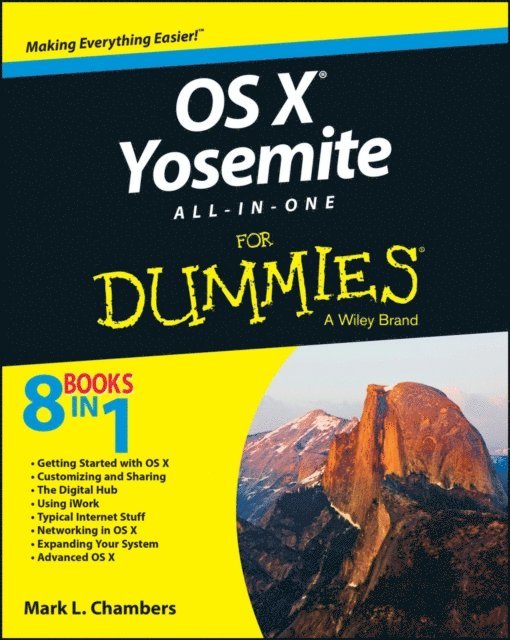
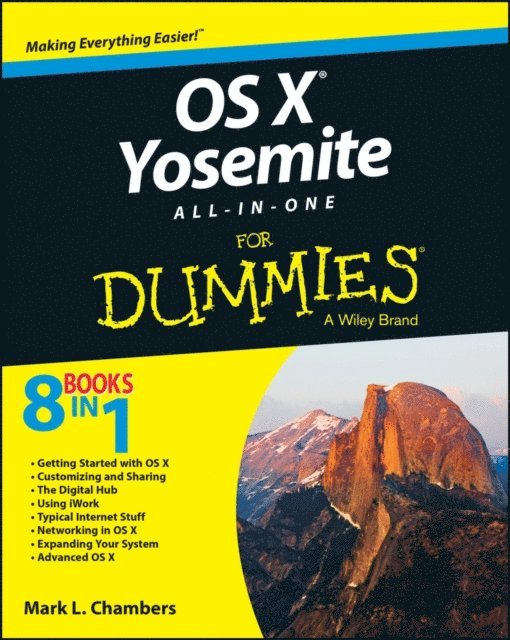
This reference combines eight content-rich minibooks in one complete package to give you all-access, easy-to-understand coverage of the key features and tools needed to get the most out of the latest OS X release from Apple. In OS X Yosemite All-in-One For Dummies, you''ll learn the ins and outs of OS X basics, navigating and running programs, searching with Spotlight, having fun with Photo Booth, keeping in touch with Contacts, using Reminders, writing in Notes, setting up the Notification Center, customizing the OS X desktop, jamming with iTunes, organizing and tweaking photos with iPhoto, making movie magic with iMovie, turning your Mac into a DVD theater, publishing documents with Pages, chatting with Messages and FaceTime, letting your imagination run wild with iBooks, expanding your horizons with iCloud, and so much more.
Combining the power and stability of UNIX with Apple''s legendary elegance and style, OS X is the default operating system installed on every desktop and laptop computer sold by Apple. In OS X Yosemite All-in-One For Dummies, you''ll get the best-of-the-best content from indispensable For Dummies books: Introducing OS X; Customizing and Sharing; The Digital hub; Using iWork; The Typical Internet Stuff; Networking in OS X; Expanding Your System; and Advanced OS X.
Goes well beyond the basics of how to use OS X Covers the key features and tools essential for all users of OS X Shows you how to use OS X to make your work and personal life more organized and funIf you''re a first-time Apple consumer just switching over from a PC, or a beginner-to-intermediate Mac user upgrading to the newest version of OS X, this comprehensive and all-encompassing guide will have you whizzing around OS X like a pro in no time.
306 kr
Läs direkt efter köp
This reference combines eight content-rich minibooks in one complete package to give you all-access, easy-to-understand coverage of the key features and tools needed to get the most out of the latest OS X release from Apple. In OS X Yosemite All-in-One For Dummies, you''ll learn the ins and outs of OS X basics, navigating and running programs, searching with Spotlight, having fun with Photo Booth, keeping in touch with Contacts, using Reminders, writing in Notes, setting up the Notification Center, customizing the OS X desktop, jamming with iTunes, organizing and tweaking photos with iPhoto, making movie magic with iMovie, turning your Mac into a DVD theater, publishing documents with Pages, chatting with Messages and FaceTime, letting your imagination run wild with iBooks, expanding your horizons with iCloud, and so much more.
Combining the power and stability of UNIX with Apple''s legendary elegance and style, OS X is the default operating system installed on every desktop and laptop computer sold by Apple. In OS X Yosemite All-in-One For Dummies, you''ll get the best-of-the-best content from indispensable For Dummies books: Introducing OS X; Customizing and Sharing; The Digital hub; Using iWork; The Typical Internet Stuff; Networking in OS X; Expanding Your System; and Advanced OS X.
Goes well beyond the basics of how to use OS X Covers the key features and tools essential for all users of OS X Shows you how to use OS X to make your work and personal life more organized and funIf you''re a first-time Apple consumer just switching over from a PC, or a beginner-to-intermediate Mac user upgrading to the newest version of OS X, this comprehensive and all-encompassing guide will have you whizzing around OS X like a pro in no time.
220 kr
Läs direkt efter köp
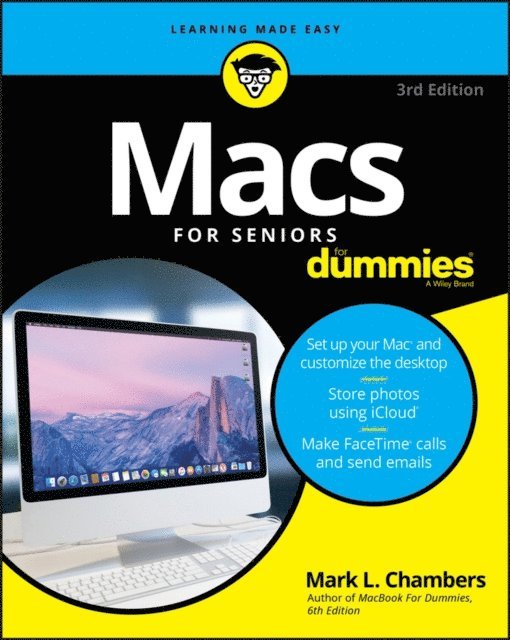
If you''ve always thought computers were too complicated and intimidating, you''re in for a pleasant surprise! Written and designed with your unique needs in mind, Macs For Seniors For Dummies makes it faster and easier than ever to experience all your Apple computer has to offer. In no time, you''ll find out how to stay connected with family and friends, explore the Internet, create and print documents, watch your favorite movies, get apps from the App Store, and so much more.
From advice on which Mac you should buy to getting started with set up and configurations, this hands-on, accessible guide covers everything needed to help you make the most of your new computer. You''ll learn how to customize OS X El Capitan, work with files and folders, connect to a printer, use Safari to browse the web, and keep in touch through social media—and that''s just the tip of the iceberg.
Set up your Mac and move around the desktop Make FaceTime calls and send emails Store photos and files using iCloud Play videos, music, and gamesWith the help of Macs For Seniors For Dummies, you''ll soon discover that you don''t have to be a millennial to make a Mac your minion!
220 kr
Läs direkt efter köp
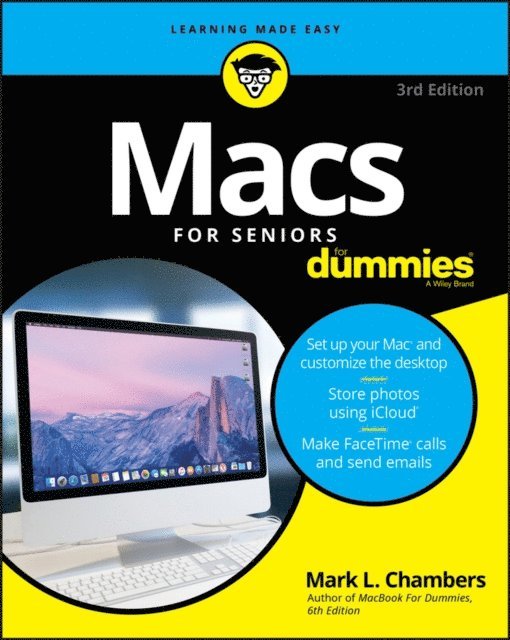
If you''ve always thought computers were too complicated and intimidating, you''re in for a pleasant surprise! Written and designed with your unique needs in mind, Macs For Seniors For Dummies makes it faster and easier than ever to experience all your Apple computer has to offer. In no time, you''ll find out how to stay connected with family and friends, explore the Internet, create and print documents, watch your favorite movies, get apps from the App Store, and so much more.
From advice on which Mac you should buy to getting started with set up and configurations, this hands-on, accessible guide covers everything needed to help you make the most of your new computer. You''ll learn how to customize OS X El Capitan, work with files and folders, connect to a printer, use Safari to browse the web, and keep in touch through social media—and that''s just the tip of the iceberg.
Set up your Mac and move around the desktop Make FaceTime calls and send emails Store photos and files using iCloud Play videos, music, and gamesWith the help of Macs For Seniors For Dummies, you''ll soon discover that you don''t have to be a millennial to make a Mac your minion!
233 kr
Läs direkt efter köp
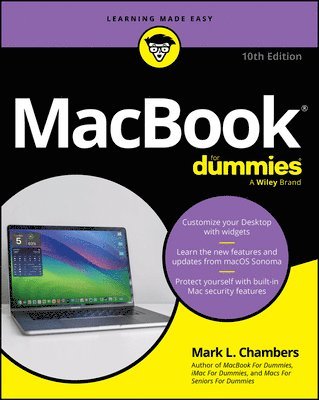
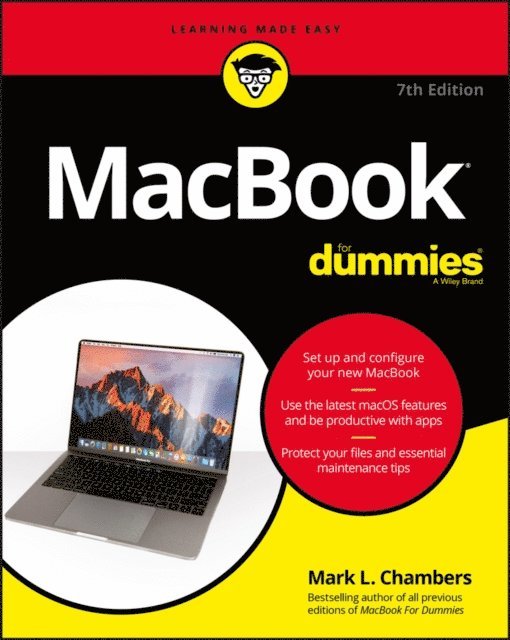
Your new MacBook is sleek and powerful, and this down-to-earth guide makes it easier than ever to navigate, personalize, and maximize what it can help you accomplish. From taking it out of the box and turning it on for the first time to file storage and security, to downloading apps and working with iCloud, MacBook For Dummies helps you discover—all in one place—everything your laptop can do.
Ultra-light, ultra-fast, and ultra-powerful, the MacBook is the coolest laptop around, and longtime Mac guru Mark L. Chambers is just the guy you want showing you the ropes. Inside, he shows you how to navigate the Mac desktop, customize your settings, surf the web and set up email, hook into a network, transfer your important documents from another PC or Mac, and troubleshoot with ease. You''ll also get the inside scoop on the fun stuff like FaceTime video calling, Messages, Reminders, photos, videos, music, the Mac App Store, and more.
Explore the new OS X Be productive with Keynote and Pages Get creative with Photos and iMovie Find tips for maintenance and securityWhether you''re a PC convert or a seasoned Apple enthusiast, this book helps you get the most of your magnificent MacBook!
233 kr
Läs direkt efter köp
Your new MacBook is sleek and powerful, and this down-to-earth guide makes it easier than ever to navigate, personalize, and maximize what it can help you accomplish. From taking it out of the box and turning it on for the first time to file storage and security, to downloading apps and working with iCloud, MacBook For Dummies helps you discover—all in one place—everything your laptop can do.
Ultra-light, ultra-fast, and ultra-powerful, the MacBook is the coolest laptop around, and longtime Mac guru Mark L. Chambers is just the guy you want showing you the ropes. Inside, he shows you how to navigate the Mac desktop, customize your settings, surf the web and set up email, hook into a network, transfer your important documents from another PC or Mac, and troubleshoot with ease. You''ll also get the inside scoop on the fun stuff like FaceTime video calling, Messages, Reminders, photos, videos, music, the Mac App Store, and more.
Explore the new OS X Be productive with Keynote and Pages Get creative with Photos and iMovie Find tips for maintenance and securityWhether you''re a PC convert or a seasoned Apple enthusiast, this book helps you get the most of your magnificent MacBook!
269 kr
Läs direkt efter köp
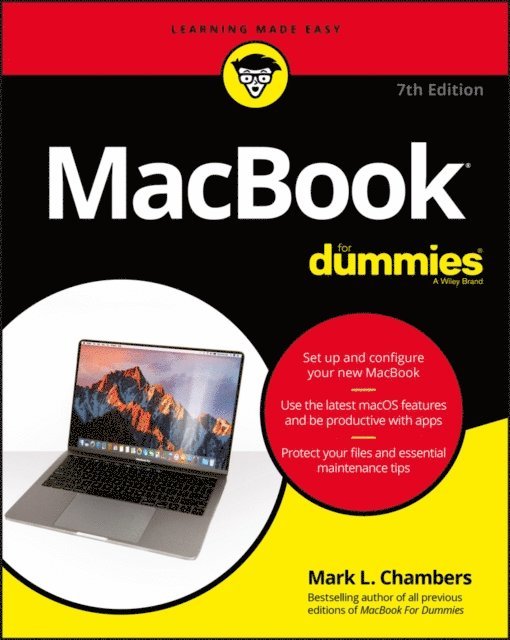
Get to know and love your MacBook better than ever!
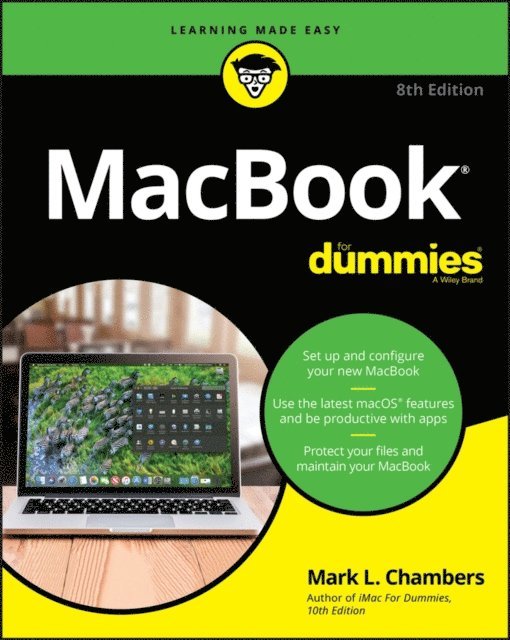
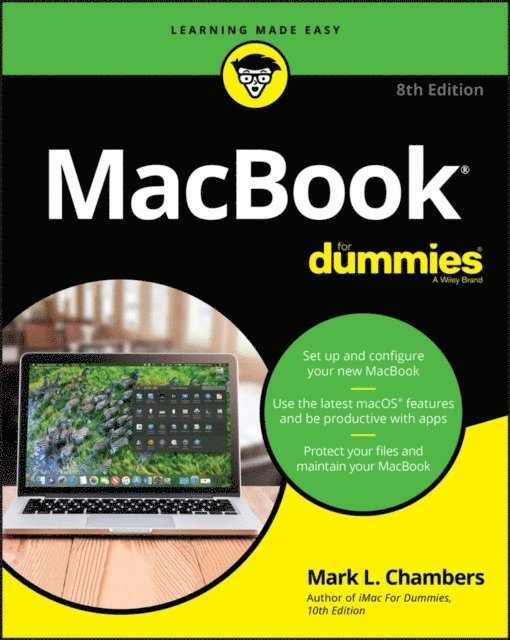
So sleek, so cool. From the moment you slid it from the box, you wanted to learn as much as you possibly could about your new device. Whether you’re a newbie or a Mac veteran, you’ll find all you need right here—from initial set-up and customization to working with iCloud and the latest macOS features and apps—making it easy for you to accomplish everything you want with your MacBook.
Mac guru Mark L. Chambers is your friendly expert guide, walking you through the all the basics, including desktop navigation, file storage and security, and general maintenance, before showing you the more creative stuff like music and iMovie, as well as how to troubleshoot with ease. In this revised edition, he’s also included extensive updates on the latest generation of MacBooks, letting you know what’s changed and how you can use the most recent apps for enhancing your professional and creative output.
Explore the latest macOS Increase your productivity and creativity with the newest apps Be an artist with Photos and iMovie Easily use your MacBook on the go, from work, to school, to client sitesWhatever cool thing you want to do with your MacBook, this book makes it easy to make it even cooler—so get started today!
269 kr
Läs direkt efter köp
Get to know and love your MacBook better than ever!
So sleek, so cool. From the moment you slid it from the box, you wanted to learn as much as you possibly could about your new device. Whether you’re a newbie or a Mac veteran, you’ll find all you need right here—from initial set-up and customization to working with iCloud and the latest macOS features and apps—making it easy for you to accomplish everything you want with your MacBook.
Mac guru Mark L. Chambers is your friendly expert guide, walking you through the all the basics, including desktop navigation, file storage and security, and general maintenance, before showing you the more creative stuff like music and iMovie, as well as how to troubleshoot with ease. In this revised edition, he’s also included extensive updates on the latest generation of MacBooks, letting you know what’s changed and how you can use the most recent apps for enhancing your professional and creative output.
Explore the latest macOS Increase your productivity and creativity with the newest apps Be an artist with Photos and iMovie Easily use your MacBook on the go, from work, to school, to client sitesWhatever cool thing you want to do with your MacBook, this book makes it easy to make it even cooler—so get started today!
272 kr
Läs direkt efter köp
Learn how to drive the coolest laptop on the planet
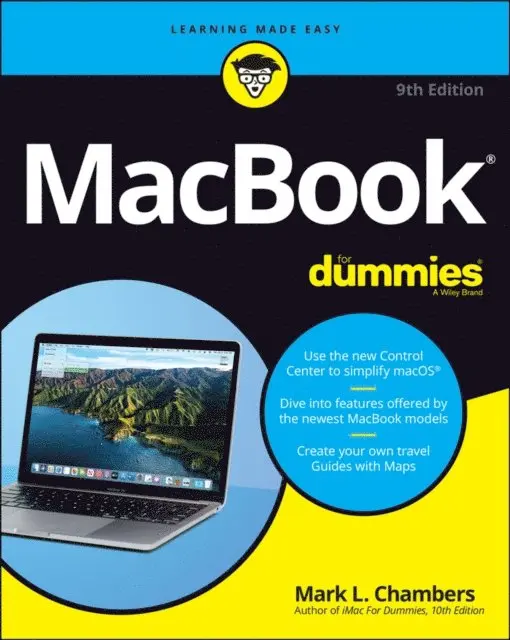
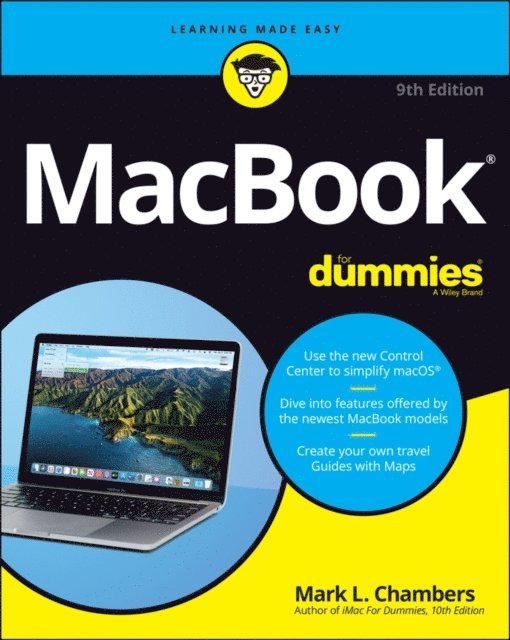
You took the plunge, paid extra, and—even though it looks and feels like perfection—have that fleeting doubt: is my MacBook really worth the investment? You''ll be pleased to know that the answer is totally yes, and MacBook For Dummies is the ultimate way to learn the thousand and one reasons why the MacBook Pro or Air you now own is a modern masterpiece—as well as the ten thousand and one (and counting) things you can do with it. With its super-smooth performance, top-shelf LED screen, rugged reliability, and powerful, trouble-free operating system, you''re going to have a lot of fun.
Keeping jargon to a minimum, Mark L. Chambers—prolific tech author and all-round Mac whiz—gives you a friendly, step-by-step welcome to everything MacBook, from reviewing the hardware and powering up for the first time to getting familiar with files, security settings, launching apps, and entering the digital netherworld of iCloud. Then, with the basics reassuringly in place, you can begin your journey to power-user mastery in whatever areas of MacBook-ing you''re most interested in, from doing the accounts in Numbers to perfecting that soon-to-be-released cinematic classic (with original score) using iMovie and GarageBand.
Get familiar with the latest macOS, Big Sur Communicate with Messages and FaceTime Stream music, movies, and TV shows Manage and edit photos and video clipsWhether you''re a PC convert, Mac veteran, or completely new to the astonishing potential of the MacBook world, you''ll find everything you need to get the most out of the technical marvel that''s now at your command.
281 kr
Läs direkt efter köp
Learn how to drive the coolest laptop on the planet
You took the plunge, paid extra, and—even though it looks and feels like perfection—have that fleeting doubt: is my MacBook really worth the investment? You''ll be pleased to know that the answer is totally yes, and MacBook For Dummies is the ultimate way to learn the thousand and one reasons why the MacBook Pro or Air you now own is a modern masterpiece—as well as the ten thousand and one (and counting) things you can do with it. With its super-smooth performance, top-shelf LED screen, rugged reliability, and powerful, trouble-free operating system, you''re going to have a lot of fun.
Keeping jargon to a minimum, Mark L. Chambers—prolific tech author and all-round Mac whiz—gives you a friendly, step-by-step welcome to everything MacBook, from reviewing the hardware and powering up for the first time to getting familiar with files, security settings, launching apps, and entering the digital netherworld of iCloud. Then, with the basics reassuringly in place, you can begin your journey to power-user mastery in whatever areas of MacBook-ing you''re most interested in, from doing the accounts in Numbers to perfecting that soon-to-be-released cinematic classic (with original score) using iMovie and GarageBand.
Get familiar with the latest macOS, Big Sur Communicate with Messages and FaceTime Stream music, movies, and TV shows Manage and edit photos and video clipsWhether you''re a PC convert, Mac veteran, or completely new to the astonishing potential of the MacBook world, you''ll find everything you need to get the most out of the technical marvel that''s now at your command.
233 kr
Skickas inom 5-8 vardagar
375 kr
Läs direkt efter köp
Say hello to your iMac with this bestselling guide
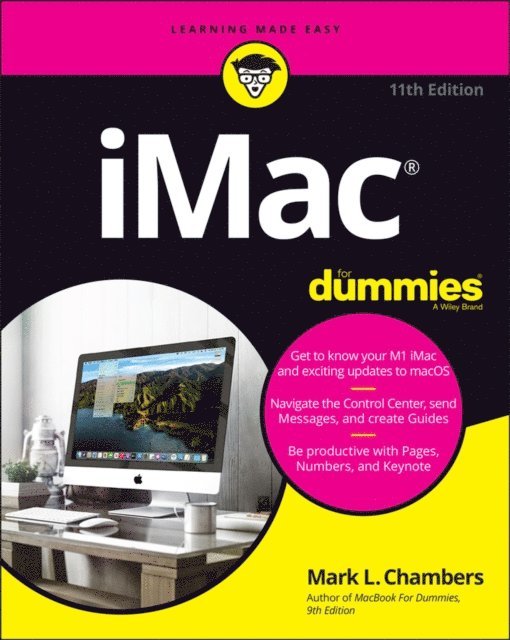
Excited to put your cool iMac through its paces? Go ahead! Say “Hey Siri” to look up information, use the large monitor to play a game or watch a movie, share documents with your iPhone or iPad, or video chat with friends or family. With its optimized system speed, your iMac can keep up with anything you want to do. How cool is that?
Your iMac comes stuffed with features, and iMac For Dummies is your tour guide to explore all of them! This updated handbook has you covered, no matter if you need to work or want to play. You can:
Scroll, tap, and swipe your way through the Mac operating system Set up Bluetooth, Wi-Fi, and other settings in Control Center Say “Hey Siri” to have the Apple assistant search for information or launch apps Play video games, music, movies, or TV Stay in touch with people through Messages and Facetime Use productivity apps, including Numbers, Pages, and Keynote Sync to iCloud and across all your Apple devicesThe all-in-one design of the iMac with its monitor, processor, graphics card, and internal drive makes it ideal for work and entertainment. Pick up your copy of this comprehensive guide to the iMac, filled with screenshots and how-to steps, and ensure you use your iMac to its full potential.
375 kr
Läs direkt efter köp
Say hello to your iMac with this bestselling guide
Excited to put your cool iMac through its paces? Go ahead! Say “Hey Siri” to look up information, use the large monitor to play a game or watch a movie, share documents with your iPhone or iPad, or video chat with friends or family. With its optimized system speed, your iMac can keep up with anything you want to do. How cool is that?
Your iMac comes stuffed with features, and iMac For Dummies is your tour guide to explore all of them! This updated handbook has you covered, no matter if you need to work or want to play. You can:
Scroll, tap, and swipe your way through the Mac operating system Set up Bluetooth, Wi-Fi, and other settings in Control Center Say “Hey Siri” to have the Apple assistant search for information or launch apps Play video games, music, movies, or TV Stay in touch with people through Messages and Facetime Use productivity apps, including Numbers, Pages, and Keynote Sync to iCloud and across all your Apple devicesThe all-in-one design of the iMac with its monitor, processor, graphics card, and internal drive makes it ideal for work and entertainment. Pick up your copy of this comprehensive guide to the iMac, filled with screenshots and how-to steps, and ensure you use your iMac to its full potential.