Michael Schmalz – författare
305 kr
Skickas inom 5-8 vardagar
352 kr
Läs direkt efter köp
In a corporate setting, the Microsoft Office Suite is an invaluable set of applications. One of Offices'' biggest advantages is that its applications can work together to share information, produce reports, and so on. The problem is, there isn''t much documentation on their cross-usage. Until now.
Introducing Integrating Excel and Access, the unique reference that shows you how to combine the strengths of Microsoft Excel with those of Microsoft Access. In particular, the book explains how the powerful analysis tools of Excel can work in concert with the structured storage and more powerful querying of Access. The results that these two applications can produce together are virtually impossible to achieve with one program separately.
But the book isn''t just limited to Excel and Access. There''s also a chapter on SQL Server, as well as one dedicated to integrating with other Microsoft Office applications. In no time, you''ll discover how to:
Utilize the built in features of Access and Excel to access dataUse VBA within Access or Excel to access dataBuild connection strings using ADO and DAOAutomate Excel reports including formatting, functions, and page setupWrite complex functions and queries with VBAWrite simple and advanced queries with the Access GUIProduce pivot tables and charts with your dataWith Integrating Excel and Access, you can crunch and visualize data like never before. It''s the ideal guide for anyone who uses Microsoft Office to handle data.
329 kr
Läs direkt efter köp
In a corporate setting, the Microsoft Office Suite is an invaluable set of applications. One of Offices'' biggest advantages is that its applications can work together to share information, produce reports, and so on. The problem is, there isn''t much documentation on their cross-usage. Until now.
Introducing Integrating Excel and Access, the unique reference that shows you how to combine the strengths of Microsoft Excel with those of Microsoft Access. In particular, the book explains how the powerful analysis tools of Excel can work in concert with the structured storage and more powerful querying of Access. The results that these two applications can produce together are virtually impossible to achieve with one program separately.
But the book isn''t just limited to Excel and Access. There''s also a chapter on SQL Server, as well as one dedicated to integrating with other Microsoft Office applications. In no time, you''ll discover how to:
Utilize the built in features of Access and Excel to access dataUse VBA within Access or Excel to access dataBuild connection strings using ADO and DAOAutomate Excel reports including formatting, functions, and page setupWrite complex functions and queries with VBAWrite simple and advanced queries with the Access GUIProduce pivot tables and charts with your dataWith Integrating Excel and Access, you can crunch and visualize data like never before. It''s the ideal guide for anyone who uses Microsoft Office to handle data.
156 kr
Skickas inom 5-8 vardagar
207 kr
Läs direkt efter köp
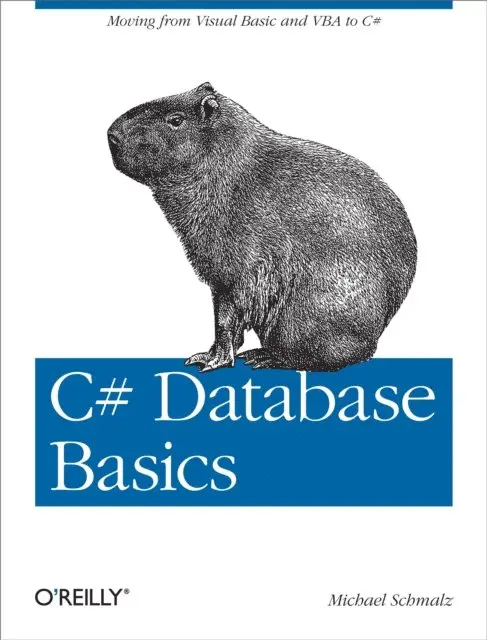
Working with data and databases in C# certainly can be daunting if you’re coming from VB6, VBA, or Access. With this hands-on guide, you’ll shorten the learning curve considerably as you master accessing, adding, updating, and deleting data with C#—basic skills you need if you intend to program with this language.
No previous knowledge of C# is necessary. By following the examples in this book, you’ll learn how to tackle several database tasks in C#, such as working with SQL Server, building data entry forms, and using data in a web service. The book’s code samples will help you get started on your own projects.
Create a Windows Forms application with a datagridConnect to multiple data sources, including Access and SQL ServerAdd, edit, and update data in a database you choose and designEnable users to choose their data source at runtimeLearn the roles of DataTable, DataView, BindingSource, Filters, and other objectsUnderstand where variables are declared and how they impact the codeBuild a simple web service that connects to a database184 kr
Läs direkt efter köp
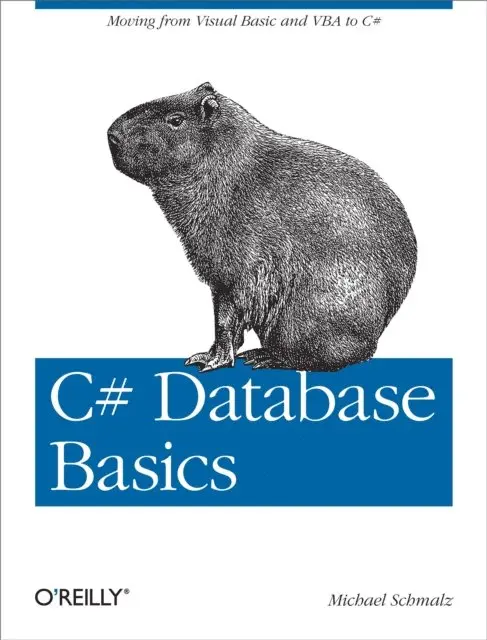
Working with data and databases in C# certainly can be daunting if you’re coming from VB6, VBA, or Access. With this hands-on guide, you’ll shorten the learning curve considerably as you master accessing, adding, updating, and deleting data with C#—basic skills you need if you intend to program with this language.
No previous knowledge of C# is necessary. By following the examples in this book, you’ll learn how to tackle several database tasks in C#, such as working with SQL Server, building data entry forms, and using data in a web service. The book’s code samples will help you get started on your own projects.
Create a Windows Forms application with a datagridConnect to multiple data sources, including Access and SQL ServerAdd, edit, and update data in a database you choose and designEnable users to choose their data source at runtimeLearn the roles of DataTable, DataView, BindingSource, Filters, and other objectsUnderstand where variables are declared and how they impact the codeBuild a simple web service that connects to a database