Preston Gralla – författare
165 kr
Skickas
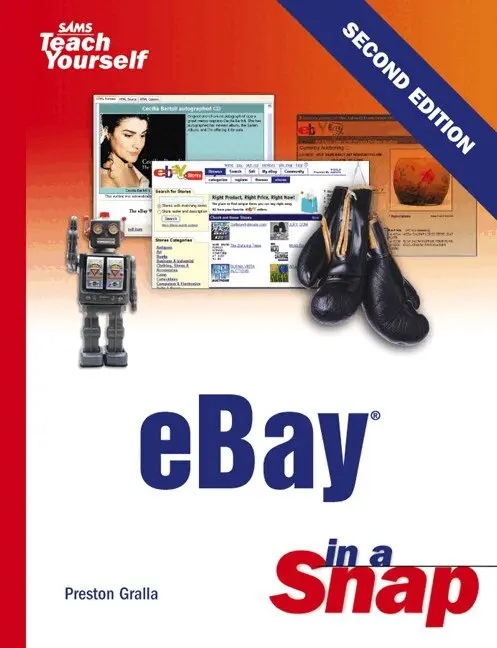
In the past few years, eBay has become a household name. Even if you've never traded on eBay yourself, chances are you know someone who has. Now is your turn to get in on the action! eBay In a Snap, Second Edition is a hands-on, task-based guide that will let you zero right in on the thing you most want to know about eBay, and then quickly apply it to your own trade. Easy-to-follow, step-by-step directions will show you how to:
Power search for the best items Win auctions with power bidding Sell your items Start an eBay business Use PayPal to send or receive money Participate in special eBay auctions Written by a well-known expert on Internet shopping, bargain-hunting, and auctions, eBay In a Snap reveals the best tips, tricks, and techniques for everything eBay, from enhancing a listing with HTML and multimedia, to buying and selling a car.186 kr
Skickas inom 5-8 vardagar
192 kr
Skickas inom 5-8 vardagar
341 kr
Skickas inom 5-8 vardagar
230 kr
Skickas inom 5-8 vardagar
260 kr
Läs direkt efter köp
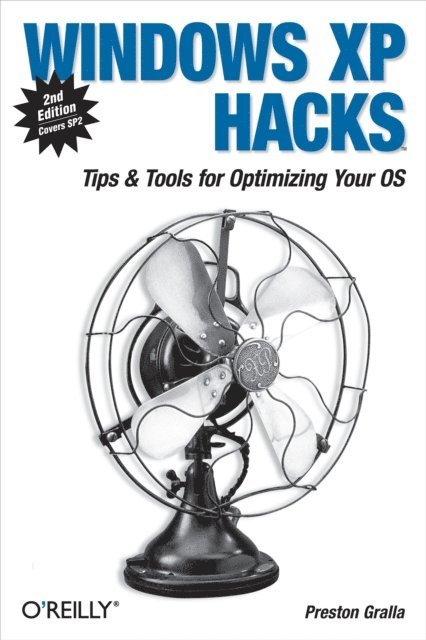
A smart collection of insider tips and tricks, Windows XP Hacks, Second Edition covers the XP operating system from start to finish. Among the multitude of topics addressed, this must-have resource includes extensive coverage of hot-button issues such as:
securityweb browsingcontrolling the control panelremoving uninstallable XP componentspop-up adsYou''ll also find timesaving hacks for file distribution; digital media, such as iTunes; and high-visibility web software, services, and exploits that have emerged since the book''s last edition. Each hack in the book can be read easily in just a few minutes, saving countless hours of searching for the right answer.Now completely revised and updated to cover Service Pack 2 (SP2), the second edition of this bestseller carefully breaks down the new features that come with SP2, including IE pop-up blocker, Windows Firewall, and the new wireless client.Written by Preston Gralla, the compact and affordable Windows XP Hacks, Second Edition provides direct, hands-on solutions that can be applied to the challenges facing XP beginners, as well as the more experienced power user. Each year, Windows XP is pre-installed on 90 million PCs worldwide, making it the world''s most popular operating system.428 kr
Läs direkt efter köp
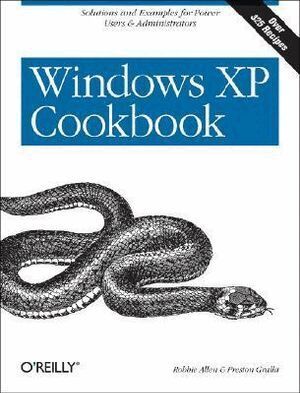
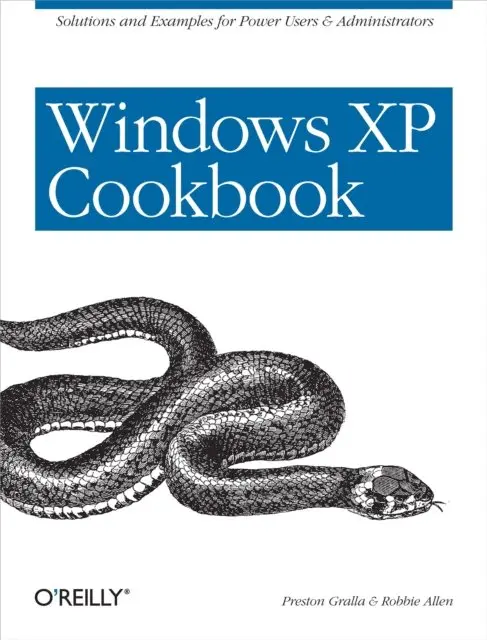
Each year, Windows XP is pre-installed on 30 million PCs sold in the U.S.--and 90 million worldwide--making it the world''s most popular operating system, and proving to frustrated users everywhere that preponderance does not equate to ease of use. There are literally thousands of programs, tools, commands, screens, scripts, buttons, tabs, applets, menus, and settings contained within Windows XP. And it has only been in the last couple of years that Microsoft''s documentation has actually been more of a help than a hindrance. But it still isn''t enough.
Windows XP users and administrators need a quick and easy way to find answers. Plenty of books go into detail about the theory behind a particular technology or application, but few go straight to the essentials for getting the job done. Windows XP Cookbook does just that, tackling the most common tasks needed to install, manage, and support Windows XP.
Featuring a new twist to O''Reilly''s proven Cookbook formula, this problem-solving guide offers multiple solutions for each of its 300-plus recipes. Solve dilemmas with the graphical user interface, the command line, through the Registry, or by using scripts. Each step-by-step recipe includes a discussion that explains how and why it works. The book is also among the first to cover Microsoft''s XP Service Pack 2. With these practical, on-the-job solutions, Windows XP Cookbook will save you hours of time searching for answers.
Windows XP Cookbook will be useful to anyone that has to use, deploy, administer, or automate Windows XP. But this isn''t a typical end-user book; it covers the spectrum of topics involved with running Windows XP in both small and large environments. As a result, IT professionals and system administrators will find it a great day-to-day reference. And power users will find Windows XP Cookbook a great source for information on tweaking XP and getting the most out of their systems. The bottom line is that Windows XP Cookbook will make just about anyone who uses XP more productive.
123 kr
Läs direkt efter köp
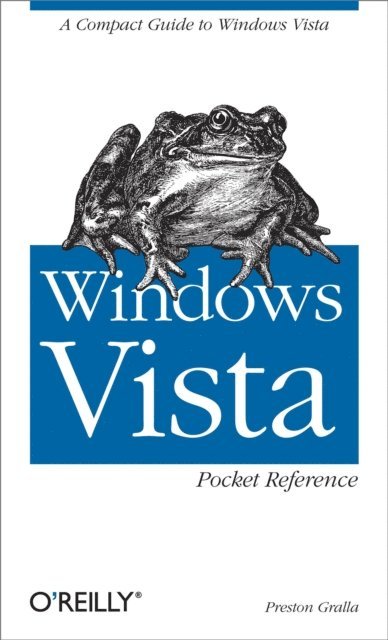
Windows Vista Pocket Reference is the ideal guide to setting up and navigating the basics of this new operating system, from the new user interface to networking, multimedia, security, and mobility. This pocket reference offers four sections that will familiarize readers with Vista quickly:
Getting Started gives a crash course in using Windows Vista, including the user interface, handling files, folders, drives and search, and working with hardware.Networking, the Internet and Wireless offers a tour of Internet Explorer 7, a wireless networking guide, and how to set up and maintain home networks.Multimedia shows how to use the Media Center, Windows Media Player, and how to handle graphics and photos, podcasts and MP3 players.Security, Mobility, and Troubleshooting visits the security features, shows how to tune up Vista, troubleshoot problems, and use Vista with mobile devices.362 kr
Läs direkt efter köp
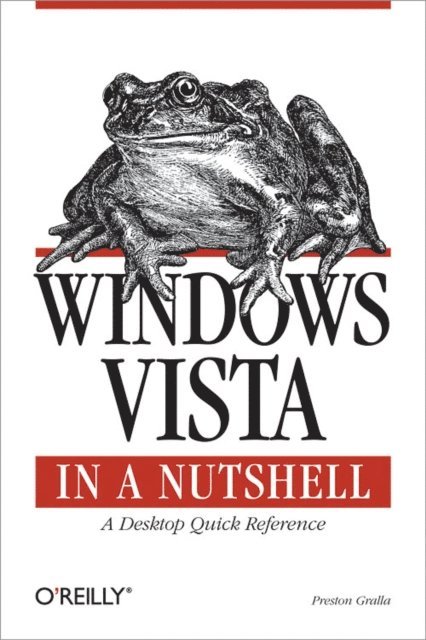
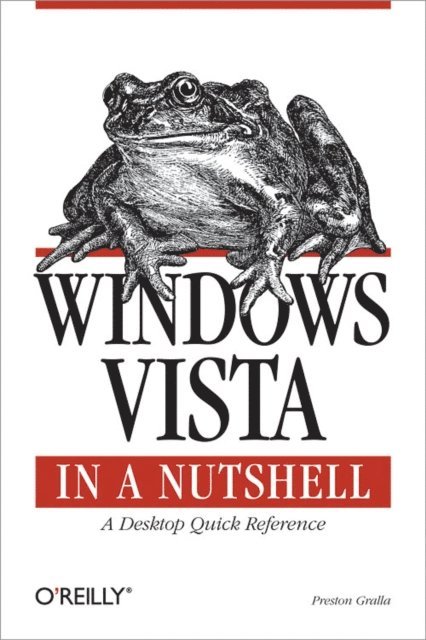
This unique reference thoroughly documents every important setting and feature in Microsoft''s new operating system, with alphabetical listings for hundreds of commands, windows, menus, listboxes, buttons, scrollbars and other elements of Windows Vista. With this book''s simple organization, you''ll easily find any setting, tool, or feature for the task you want to accomplish.
Along with a system overview that highlights major changes, and a tour of the basics such as manipulating files and getting around the interface, Windows Vista in a Nutshell offers alphabetized references for these topics:
The User Interface: Covers the Sidebar, Aero Glass, the new Control Panel layout, and applets, as well as how to customize animated windows, the desktop, Start menu, pop-up windows on the Taskbar, and more.The File System, Drives, Data, and Search: Discusses working with the new Windows Explorer, Virtual Folders, searches, indexing, saved searches, metadata, and sharing.The Internet and Networking: Examines TCP/IP, RSS, tabbed browsing, and anti-phishing features of Internet Explorer, plus cookie handling, parental control features, and more.Networking and Wireless: Offers an illustrated, step-by-step guide to setting up a home network; covers the Network Center, Sync Center, Hot Spot access, wireless management, collaboration, and sharing.Working with Hardware: Describes how to set up, maintain, and troubleshoot hardware--including keyboards, mice, monitors, USB devices, scanners, cameras, and sound devices--and how to add, install, and troubleshoot drivers.Security: Includes the Security Center, Windows Defender, User Account Protection, System Protection, Network Access Protection, WiFi encryption, Windows Firewall, file encryption, and more.Mobility: Explains Mobility Center settings, plugging a secondary monitor into your computer, and the new "network projection" feature for making presentations. Multimedia: Covers Windows Photo Gallery, Media Player, Media Center, podcasting features, connecting to and synching with MP3 players, recording TV and videos, making videos with Windows Movie Maker, and burning CDs and DVDs.The Command Prompt: Provides commands for working with files, utilities for troubleshooting the network, and instructions on how to create your own batch files.Appendixes include information on installation, keyboard shortcuts, common filename extensions, and more. Windows Vista in a Nutshell is your one-stop source for everything you need from Microsoft''s latest operating system.
222 kr
Läs direkt efter köp
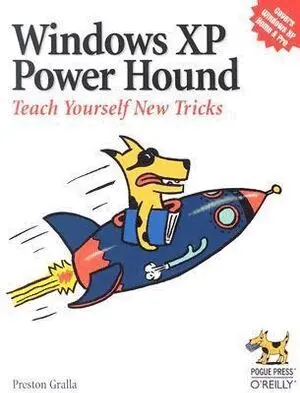
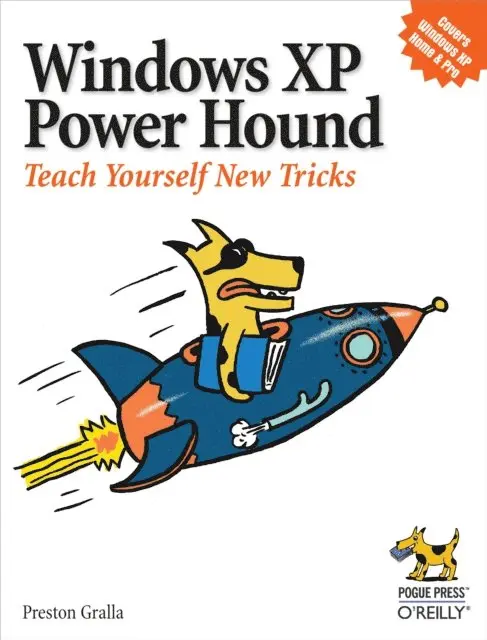
Windows XP can be a great tool, but it is all too easy to trip over Windows XP''s annoying traits more often than you leverage its productivity. Windows XP power-users troll online resources, documentation, and the expertise (or lucky finds) of friends for valuable tips and tricks--a keyboard shortcut here, an undocumented double-click there--to eliminate annoyances, save time, and take control of their Windows XP. But what if there was an easier way?This new book presents literally hundreds of problems and solutions, amazing power tips, cool tricks, and clever workarounds in one clearly organized, easy to use, and portable resource. Truly insightful and amusing, Windows XP Power Hound gives Windows XP users practical hints for everything from the desktop to Office programs to the registry, and includes documented (but little-known) tips as well as previously undocumented tricks. Windows XP Power Hound moves far beyond mere productivity and explores what''s possible with Windows XP--including cool things you probably never thought of doing.An understanding of Windows XP basics will get the job done. But discovering the most useful I didn''t know that! tips and shortcuts will make using Windows XP a far richer and less frustrating experience. The practical, concise format of Windows XP Power Hound makes it easy to dip into for a quick tip from time to time; the warm, jargon-free tone makes it easy to read cover to cover.Anyone who wants to smooth out Windows XP''s speed bumps and get some serious speed to accelerate through the bottlenecks will find that even a handful of these useful, to-the-point tips will make Windows XP Power Hound worth its weight in chocolate.
295 kr
Läs direkt efter köp
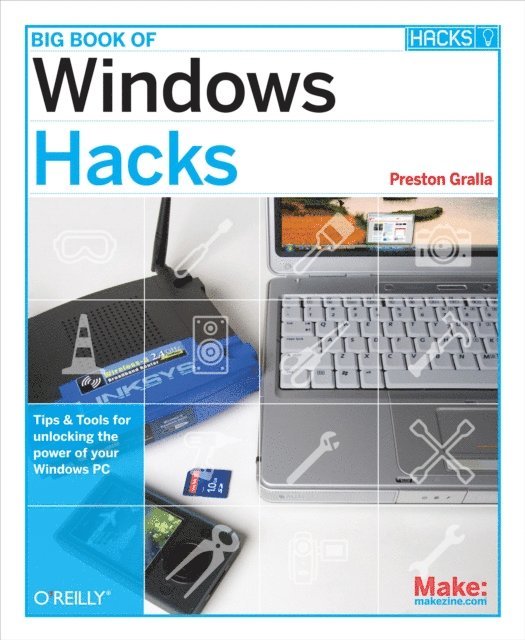
Bigger, better, and broader in scope, the Big Book of Windows Hacks gives you everything you need to get the most out of your Windows Vista or XP system, including its related applications and the hardware it runs on or connects to. Whether you want to tweak Vista''s Aero interface, build customized sidebar gadgets and run them from a USB key, or hack the "unhackable" screensavers, you''ll find quick and ingenious ways to bend these recalcitrant operating systems to your will.The Big Book of Windows Hacks focuses on Vista, the new bad boy on Microsoft''s block, with hacks and workarounds that also work for Windows XP. You can read each hack in just a few minutes, saving countless hours of searching for the right answer. The step-by-step instructions let you apply the solutions in no time. This book takes you beyond the operating system with hacks for applications like Internet Explorer 7 and Office 2007, and hardware such as the Zune, your wireless router, and the PC itself.The Big Book of Windows Hacks includes:
Expanded tutorials, new background material, a series of "quick hacks", and informative sidebarsSecurity hacks, including protection at wireless hotspots, hacking Vista file permissions and user account protection, and moreEfficiency hacks, such as tweaking your PC hardware, troubleshooting hardware problems, and speeding up system performanceFun hacks, like building a custom Media Center PC or turning a PC into a digital video recorder"Beyond Windows" hacks for running Linux inside Vista, dual-booting Linux/Windows or XP/Vista, or emulate classic video games on your PCIn all, this remarkable book contains more than 100 hacks so that the power user in you never again needs to be at the mercy of systems and hardware run by Microsoft''s omnipotent Vista and XP operating systems.304 kr
Skickas inom 5-8 vardagar
207 kr
Läs direkt efter köp
Windows XP can be a great tool, but it is all too easy to trip over Windows XP''s annoying traits more often than you leverage its productivity. Windows XP power-users troll online resources, documentation, and the expertise (or lucky finds) of friends for valuable tips and tricks--a keyboard shortcut here, an undocumented double-click there--to eliminate annoyances, save time, and take control of their Windows XP. But what if there was an easier way?This new book presents literally hundreds of problems and solutions, amazing power tips, cool tricks, and clever workarounds in one clearly organized, easy to use, and portable resource. Truly insightful and amusing, Windows XP Power Hound gives Windows XP users practical hints for everything from the desktop to Office programs to the registry, and includes documented (but little-known) tips as well as previously undocumented tricks. Windows XP Power Hound moves far beyond mere productivity and explores what''s possible with Windows XP--including cool things you probably never thought of doing.An understanding of Windows XP basics will get the job done. But discovering the most useful I didn''t know that! tips and shortcuts will make using Windows XP a far richer and less frustrating experience. The practical, concise format of Windows XP Power Hound makes it easy to dip into for a quick tip from time to time; the warm, jargon-free tone makes it easy to read cover to cover.Anyone who wants to smooth out Windows XP''s speed bumps and get some serious speed to accelerate through the bottlenecks will find that even a handful of these useful, to-the-point tips will make Windows XP Power Hound worth its weight in chocolate.
236 kr
Läs direkt efter köp
A smart collection of insider tips and tricks, Windows XP Hacks, Second Edition covers the XP operating system from start to finish. Among the multitude of topics addressed, this must-have resource includes extensive coverage of hot-button issues such as:
securityweb browsingcontrolling the control panelremoving uninstallable XP componentspop-up adsYou''ll also find timesaving hacks for file distribution; digital media, such as iTunes; and high-visibility web software, services, and exploits that have emerged since the book''s last edition. Each hack in the book can be read easily in just a few minutes, saving countless hours of searching for the right answer.Now completely revised and updated to cover Service Pack 2 (SP2), the second edition of this bestseller carefully breaks down the new features that come with SP2, including IE pop-up blocker, Windows Firewall, and the new wireless client.Written by Preston Gralla, the compact and affordable Windows XP Hacks, Second Edition provides direct, hands-on solutions that can be applied to the challenges facing XP beginners, as well as the more experienced power user. Each year, Windows XP is pre-installed on 90 million PCs worldwide, making it the world''s most popular operating system.375 kr
Läs direkt efter köp
This unique reference thoroughly documents every important setting and feature in Microsoft''s new operating system, with alphabetical listings for hundreds of commands, windows, menus, listboxes, buttons, scrollbars and other elements of Windows Vista. With this book''s simple organization, you''ll easily find any setting, tool, or feature for the task you want to accomplish.
Along with a system overview that highlights major changes, and a tour of the basics such as manipulating files and getting around the interface, Windows Vista in a Nutshell offers alphabetized references for these topics:
The User Interface: Covers the Sidebar, Aero Glass, the new Control Panel layout, and applets, as well as how to customize animated windows, the desktop, Start menu, pop-up windows on the Taskbar, and more.The File System, Drives, Data, and Search: Discusses working with the new Windows Explorer, Virtual Folders, searches, indexing, saved searches, metadata, and sharing.The Internet and Networking: Examines TCP/IP, RSS, tabbed browsing, and anti-phishing features of Internet Explorer, plus cookie handling, parental control features, and more.Networking and Wireless: Offers an illustrated, step-by-step guide to setting up a home network; covers the Network Center, Sync Center, Hot Spot access, wireless management, collaboration, and sharing.Working with Hardware: Describes how to set up, maintain, and troubleshoot hardware--including keyboards, mice, monitors, USB devices, scanners, cameras, and sound devices--and how to add, install, and troubleshoot drivers.Security: Includes the Security Center, Windows Defender, User Account Protection, System Protection, Network Access Protection, WiFi encryption, Windows Firewall, file encryption, and more.Mobility: Explains Mobility Center settings, plugging a secondary monitor into your computer, and the new "network projection" feature for making presentations. Multimedia: Covers Windows Photo Gallery, Media Player, Media Center, podcasting features, connecting to and synching with MP3 players, recording TV and videos, making videos with Windows Movie Maker, and burning CDs and DVDs.The Command Prompt: Provides commands for working with files, utilities for troubleshooting the network, and instructions on how to create your own batch files.Appendixes include information on installation, keyboard shortcuts, common filename extensions, and more. Windows Vista in a Nutshell is your one-stop source for everything you need from Microsoft''s latest operating system.
156 kr
Skickas inom 5-8 vardagar
156 kr
Skickas inom 5-8 vardagar
155 kr
Läs direkt efter köp
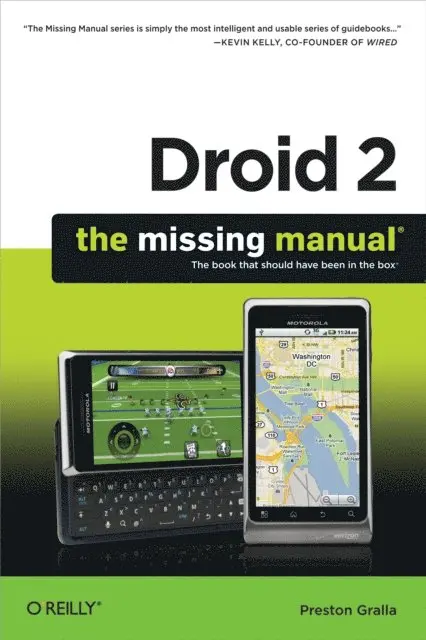
Ready to unleash the Droid 2? This entertaining guide helps you take full command of Motorola’s sleek new device to get online, shop, find locations, keep in touch, and much more. Every page is packed with useful information you can put to work right away, from setup to troubleshooting, with lots of valuable tips and tricks along the way.
Get organized. Sync your contacts, calendar, and email with your Google Calendar and Outlook accounts.Go online. Make your phone a portable hotspot or a modem to get your laptop online.Be productive. Use Google docs to create and edit documents, spreadsheets, and presentations.Play music. Purchase music from Amazon and sync your Droid 2 with Windows Media Player.Capture photos and video. Edit your photos and share everything you shoot—instantly.151 kr
Läs direkt efter köp
Get the most from your Droid X right away with this entertaining Missing Manual. Veteran tech author Preston Gralla offers a guided tour of every feature, with lots of expert tips and tricks along the way. You''ll learn how to use calling and texting features, take and share photos, enjoy streaming music and video, and much more.
Packed with full-color illustrations, this engaging book covers everything from getting started to advanced features and troubleshooting. Unleash the power of Motorola''s hot new device with Droid X: The Missing Manual.
Get organized. Import your contacts and sync with Google Calendar and Microsoft Exchange.Go online. Get your phone to act as a portable hotspot or as a modem to get your laptop online.Play music. Purchase music from Amazon and sync your Droid X with Windows Media Player and iTunes.Shoot photos and video. Edit and share your photos, and use them as desktop or icon images. Record video and share it with your friends.Connect to Google Maps. Use geotagging and get turn-by-turn directions.176 kr
Läs direkt efter köp
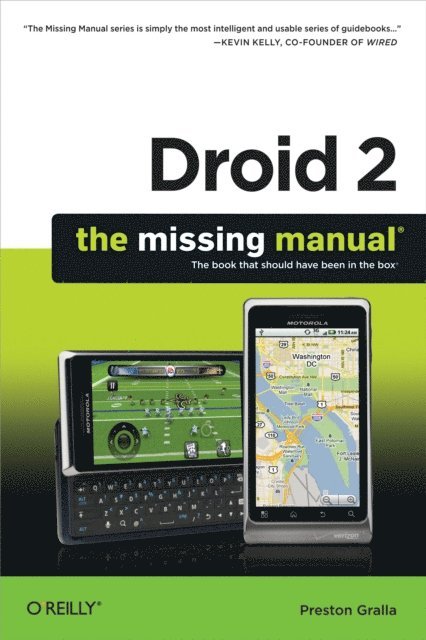
Ready to unleash the Droid 2? This entertaining guide helps you take full command of Motorola’s sleek new device to get online, shop, find locations, keep in touch, and much more. Every page is packed with useful information you can put to work right away, from setup to troubleshooting, with lots of valuable tips and tricks along the way.
Get organized. Sync your contacts, calendar, and email with your Google Calendar and Outlook accounts.Go online. Make your phone a portable hotspot or a modem to get your laptop online.Be productive. Use Google docs to create and edit documents, spreadsheets, and presentations.Play music. Purchase music from Amazon and sync your Droid 2 with Windows Media Player.Capture photos and video. Edit your photos and share everything you shoot—instantly.171 kr
Läs direkt efter köp
Get the most from your Droid X right away with this entertaining Missing Manual. Veteran tech author Preston Gralla offers a guided tour of every feature, with lots of expert tips and tricks along the way. You''ll learn how to use calling and texting features, take and share photos, enjoy streaming music and video, and much more.
Packed with full-color illustrations, this engaging book covers everything from getting started to advanced features and troubleshooting. Unleash the power of Motorola''s hot new device with Droid X: The Missing Manual.
Get organized. Import your contacts and sync with Google Calendar and Microsoft Exchange.Go online. Get your phone to act as a portable hotspot or as a modem to get your laptop online.Play music. Purchase music from Amazon and sync your Droid X with Windows Media Player and iTunes.Shoot photos and video. Edit and share your photos, and use them as desktop or icon images. Record video and share it with your friends.Connect to Google Maps. Use geotagging and get turn-by-turn directions.199 kr
Läs direkt efter köp
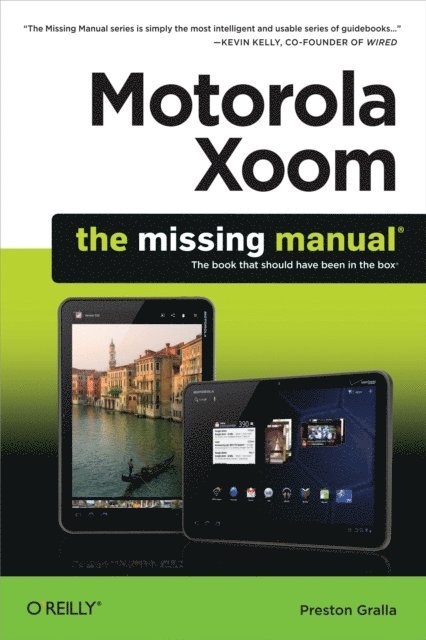
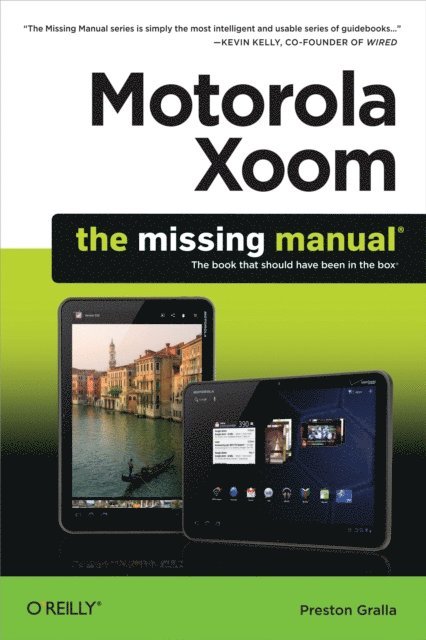
Motorola Xoom is the first tablet to rival the iPad, and no wonder with all of the great features packed into this device. But learning how to use everything can be tricky—and Xoom doesn''t come with a printed guide. That''s where this Missing Manual comes in. Gadget expert Preston Gralla helps you master your Xoom with step-by-step instructions and clear explanations. As with all Missing Manuals, this book offers refreshing, jargon-free prose and informative illustrations.
Use your Xoom as an e-book reader, music player, camcorder, and phoneKeep in touch with email, video and text chat, and social networking appsGet the hottest Android apps and games on the marketDo some work with Google Docs, Microsoft Office, or by connecting to a corporate networkTackle power-user tricks, such as barcode scanning, voice commands, and creating a Wi-Fi hotspotSync your Xoom with a PC or a Mac170 kr
Läs direkt efter köp
Motorola Xoom is the first tablet to rival the iPad, and no wonder with all of the great features packed into this device. But learning how to use everything can be tricky—and Xoom doesn''t come with a printed guide. That''s where this Missing Manual comes in. Gadget expert Preston Gralla helps you master your Xoom with step-by-step instructions and clear explanations. As with all Missing Manuals, this book offers refreshing, jargon-free prose and informative illustrations.
Use your Xoom as an e-book reader, music player, camcorder, and phoneKeep in touch with email, video and text chat, and social networking appsGet the hottest Android apps and games on the marketDo some work with Google Docs, Microsoft Office, or by connecting to a corporate networkTackle power-user tricks, such as barcode scanning, voice commands, and creating a Wi-Fi hotspotSync your Xoom with a PC or a Mac156 kr
Skickas inom 5-8 vardagar
192 kr
Läs direkt efter köp
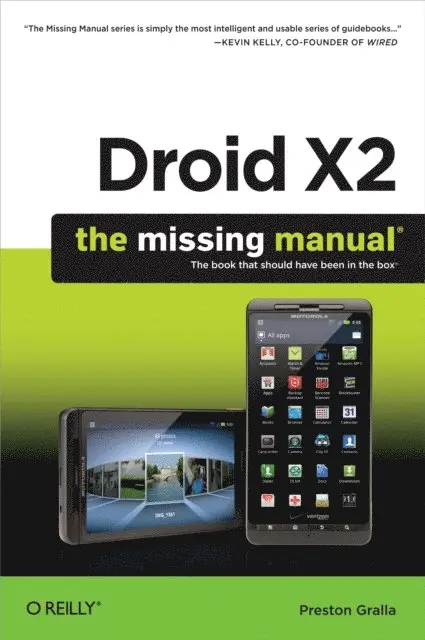
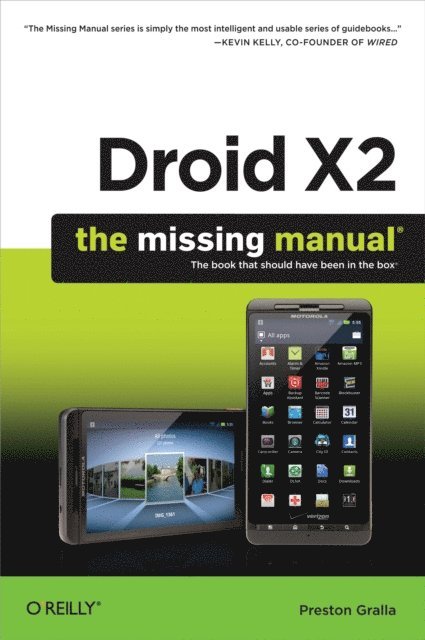
Droid X2 has more power and better graphics than its predecessor, but it still doesn’t offer a printed guide to its amazing features. This Missing Manual helps you dig deep into everything Droid X2 can do. Learn how to shop, keep in touch, play with photos, listen to music, and even do some work. Unleash the power of this popular device with expert advice.
The important stuff you need to know:
Get organized. Sync Droid X2 with Google Calendar, Exchange, and Outlook.Go online. Navigate the Web, use email, and tap into Facebook and Twitter.Listen to tunes. Play and manage music using Droid X2’s Music app and Google’s Music Cloud Player.Shoot photos and video. View and edit photos, slideshows, and video in the Gallery.Connect to Google Maps. Use geotagging and get turn-by-turn directions.Stay productive. Create, edit, and store documents with Google Docs and Microsoft Office.161 kr
Läs direkt efter köp
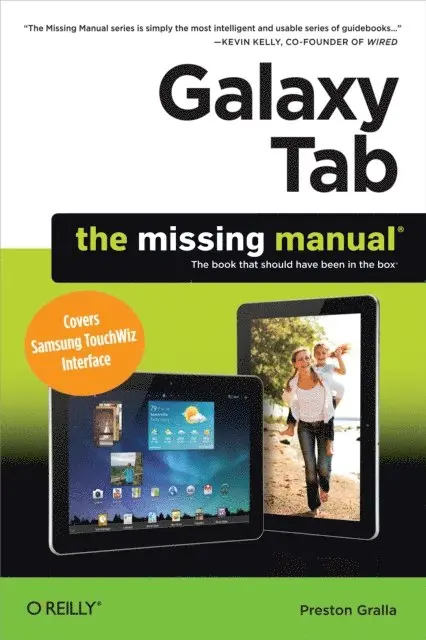
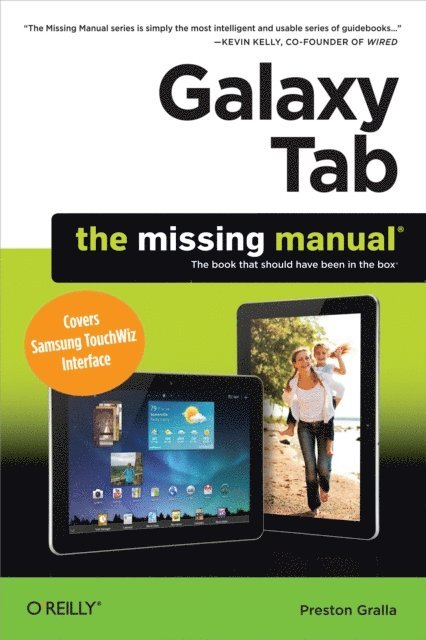
Galaxy Tab lets you work, play, read, and connect on the go, but mastering its TouchWiz interface and finding the best apps can be tricky—unless you have this Missing Manual. Gadget whiz Preston Gralla provides crystal-clear explanations and step-by-step instructions to get you up to speed quickly, whether you have the 3G/4G or Wi-Fi version of this amazing device.
The important stuff you need to know:
Design your experience. Add interactive widgets and mini-apps to your screen with TouchWiz.Satisfy your appetite. Download thousands of games and apps from the Android Market.Keep in touch. Chat, videochat, check email, and browse the Web.Find your way. View maps, use the GPS, and navigate turn-by-turn.Manage your media. Shoot and view photos and videos; organize and play your music.Stay informed. Read books, newspapers, and magazines.Be productive. Use Google Docs to store and share documents.176 kr
Läs direkt efter köp
Droid X2 has more power and better graphics than its predecessor, but it still doesn’t offer a printed guide to its amazing features. This Missing Manual helps you dig deep into everything Droid X2 can do. Learn how to shop, keep in touch, play with photos, listen to music, and even do some work. Unleash the power of this popular device with expert advice.
The important stuff you need to know:
Get organized. Sync Droid X2 with Google Calendar, Exchange, and Outlook.Go online. Navigate the Web, use email, and tap into Facebook and Twitter.Listen to tunes. Play and manage music using Droid X2’s Music app and Google’s Music Cloud Player.Shoot photos and video. View and edit photos, slideshows, and video in the Gallery.Connect to Google Maps. Use geotagging and get turn-by-turn directions.Stay productive. Create, edit, and store documents with Google Docs and Microsoft Office.170 kr
Läs direkt efter köp
Galaxy Tab lets you work, play, read, and connect on the go, but mastering its TouchWiz interface and finding the best apps can be tricky—unless you have this Missing Manual. Gadget whiz Preston Gralla provides crystal-clear explanations and step-by-step instructions to get you up to speed quickly, whether you have the 3G/4G or Wi-Fi version of this amazing device.
The important stuff you need to know:
Design your experience. Add interactive widgets and mini-apps to your screen with TouchWiz.Satisfy your appetite. Download thousands of games and apps from the Android Market.Keep in touch. Chat, videochat, check email, and browse the Web.Find your way. View maps, use the GPS, and navigate turn-by-turn.Manage your media. Shoot and view photos and videos; organize and play your music.Stay informed. Read books, newspapers, and magazines.Be productive. Use Google Docs to store and share documents.161 kr
Läs direkt efter köp
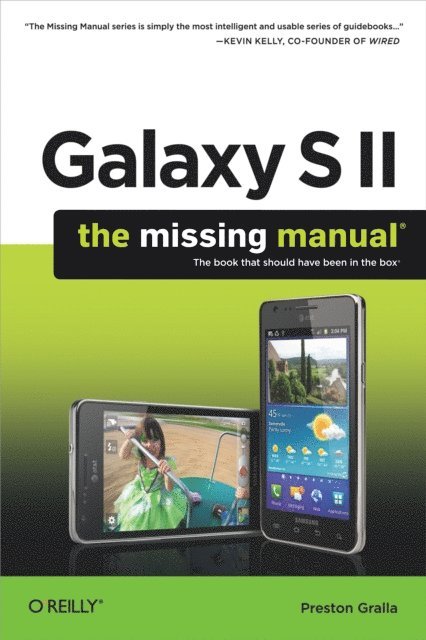
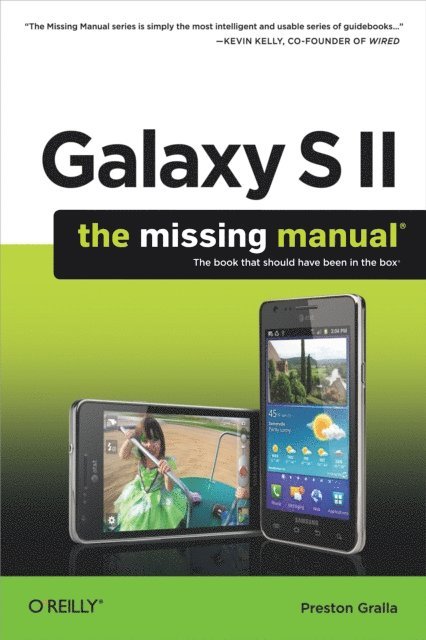
Unlock the potential of Samsung''s Galaxy S II with this jargon-free guide from technology guru Preston Gralla. You’ll quickly learn how to shoot high-res photos and HD video, keep your schedule, stay in touch, and enjoy your favorite media. Every page is packed with illustrations and valuable advice to help you get the most from the smartest phone in town. (Note: This book does not cover the Galaxy S3, Galaxy S4, and later models.)
The important stuff you need to know:
Get dialed in. Learn your way around the Galaxy S II’s calling and texting features.Go online. Browse the Web, manage email, and download apps with Galaxy S II’s 3G/4G network (or create your own hotspot).Master your media. Shoot and share pictures and video, organize and play your music library—and send it wirelessly to your TV or stereo.Be entertained now. Start watching movies and TV shows while they’re still loading.Explore the world. Get news and weather, find a location, and navigate by GPS.Check your schedule. Use the convenient calendar app, and sync it with your Google and Outlook calendars.Preston Gralla is the author of more than 40 books, including Missing Manuals on Droid X2, Xoom, and Galaxy Tab. He’s the editor of WindowsDevCenter.com and OnDotNet, and a contributing editor to Computerworld.
170 kr
Läs direkt efter köp
Unlock the potential of Samsung''s Galaxy S II with this jargon-free guide from technology guru Preston Gralla. You’ll quickly learn how to shoot high-res photos and HD video, keep your schedule, stay in touch, and enjoy your favorite media. Every page is packed with illustrations and valuable advice to help you get the most from the smartest phone in town. (Note: This book does not cover the Galaxy S3, Galaxy S4, and later models.)
The important stuff you need to know:
Get dialed in. Learn your way around the Galaxy S II’s calling and texting features.Go online. Browse the Web, manage email, and download apps with Galaxy S II’s 3G/4G network (or create your own hotspot).Master your media. Shoot and share pictures and video, organize and play your music library—and send it wirelessly to your TV or stereo.Be entertained now. Start watching movies and TV shows while they’re still loading.Explore the world. Get news and weather, find a location, and navigate by GPS.Check your schedule. Use the convenient calendar app, and sync it with your Google and Outlook calendars.Preston Gralla is the author of more than 40 books, including Missing Manuals on Droid X2, Xoom, and Galaxy Tab. He’s the editor of WindowsDevCenter.com and OnDotNet, and a contributing editor to Computerworld.