Richard Petersen – författare
508 kr
Skickas inom 5-8 vardagar
528 kr
Skickas inom 5-8 vardagar
622 kr
Skickas inom 3-6 vardagar
Publisher's Note: Products purchased from Third Party sellers are not guaranteed by the publisher for quality, authenticity, or access to any online entitlements included with the product.
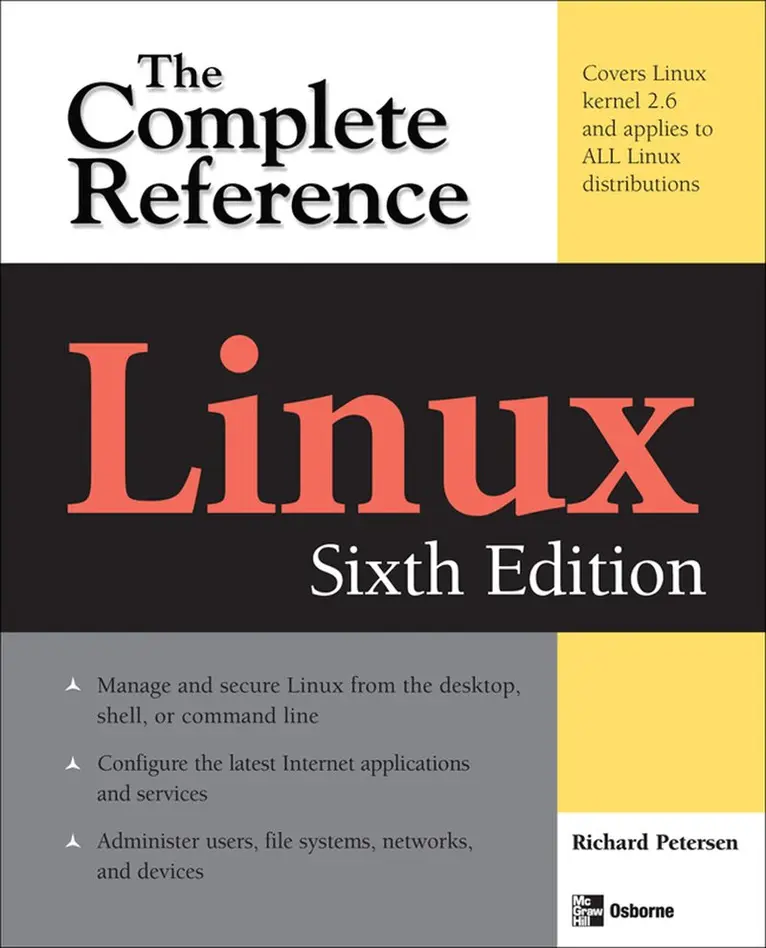
Your one-stop guide to Linux--fully revised and expanded
Get in-depth coverage of all Linux features, tools, and utilities from this thoroughly updated and comprehensive resource, designed for all Linux distributions. Written by Linux expert Richard Petersen, this book explains how to get up-and-running on Linux, use the desktops and shells, manage applications, deploy servers, implement security measures, and handle system and network administration tasks.
With full coverage of the latest platform, Linux: The Complete Reference, Sixth Edition includes details on the very different and popular Debian (Ubuntu) and Red Hat/Fedora software installation and service management tools used by most distributions. This is a must-have guide for all Linux users.
Install, configure, and administer any Linux distributionWork with files and folders from the BASH, TCSH, and Z shellsUse the GNOME and KDE desktops, X Windows, and display managersSet up office, database, Internet, and multimedia applicationsSecure data using SELinux, netfilter, SSH, and KerberosEncrypt network transmissions with GPG, LUKS, and IPsec Deploy FTP, Web, mail, proxy, print, news, and database serversAdminister system resources using HAL, udev, and virtualization (KVM and Xen)Configure and maintain IPv6, DHCPv6, NIS, networking, and remote accessAccess remote files and devices using NFSv4, GFS, PVFS, NIS, and SAMBA715 kr
Läs direkt efter köp
The Definitive Linux Resource--Fully Updated and Expanded
Get full details on the powerful features of Red Hat Enterprise Linux and Fedora 7 from this fully revised, one-stop guide. Linux expert Richard Petersen covers all the bases, from configuring your desktop, customizing your system, and accessing software repositories to handling files and directories, managing devices and servers, and sharing system resources.
Inside, you''ll get in-depth coverage of Fedora 7''s device and network autoconfiguration, IPv6 and .NET support, SE Linux, software repository installs, custom distribution spins, and system administration tools. You''ll learn how to deploy sound security measures, configure automatic device detection, set up logical volumes for file management, and create your own Fedora distribution using your favorite software.
Install, use, secure, and manage Red Hat Enterprise Linux and the new Fedora 7 Configure services using Fedora administration tools for network access, software updates, and file management (LVM and GFS2)Manage users, services, file systems, hotplug devices, and printersDeploy powerful desktop, office, database, graphics, multimedia, e-mail, Web, and FTP applicationsOptimize security with IPsec, SE Linux, Kerberos, and NetfilterMaintain FTP, Web, mail, DNS, proxy, print, news, and database serversAdminister system resources using GRUB, Yum, HAL, MONO, and udevSelect, download, and install a Fedora distribution spinAuto-configure IPv6, DHCPv6, and DHCP networksAccess remote files and printers with NFS, GFS2, and SAMBA887 kr
Läs direkt efter köp
Your one-stop guide to Linux--fully revised and expanded
Get in-depth coverage of all Linux features, tools, and utilities from this thoroughly updated and comprehensive resource, designed for all Linux distributions. Written by Linux expert Richard Petersen, this book explains how to get up-and-running on Linux, use the desktops and shells, manage applications, deploy servers, implement security measures, and handle system and network administration tasks.
With full coverage of the latest platform, Linux: The Complete Reference, Sixth Edition includes details on the very different and popular Debian (Ubuntu) and Red Hat/Fedora software installation and service management tools used by most distributions. This is a must-have guide for all Linux users.
Install, configure, and administer any Linux distributionWork with files and folders from the BASH, TCSH, and Z shellsUse the GNOME and KDE desktops, X Windows, and display managersSet up office, database, Internet, and multimedia applicationsSecure data using SELinux, netfilter, SSH, and KerberosEncrypt network transmissions with GPG, LUKS, and IPsec Deploy FTP, Web, mail, proxy, print, news, and database serversAdminister system resources using HAL, udev, and virtualization (KVM and Xen)Configure and maintain IPv6, DHCPv6, NIS, networking, and remote accessAccess remote files and devices using NFSv4, GFS, PVFS, NIS, and SAMBA822 kr
Skickas inom 3-6 vardagar
Publisher's Note: Products purchased from Third Party sellers are not guaranteed by the publisher for quality, authenticity, or access to any online entitlements included with the product.
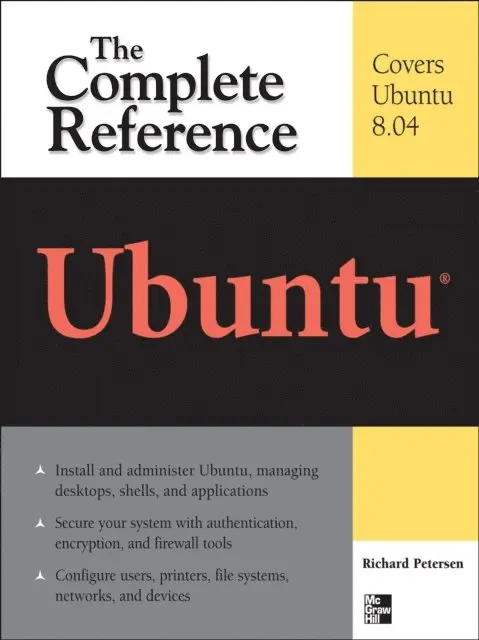
The Definitive Guide to Ubuntu--Covers Ubuntu 8.04 LTS
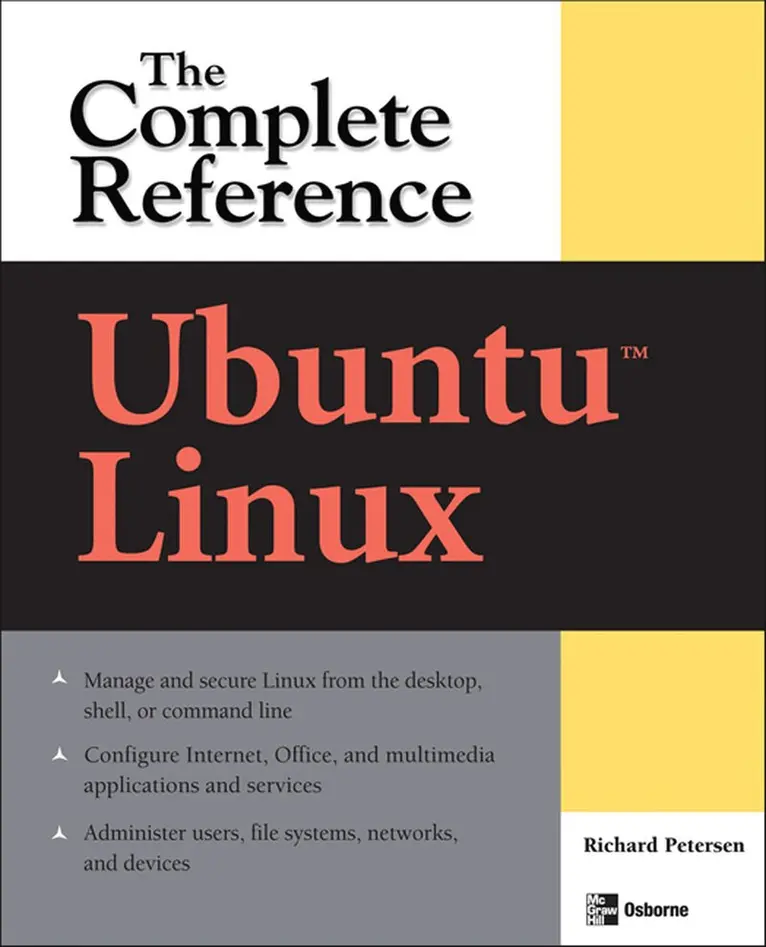
Maximize the powerful features of Ubuntu with expert guidance, tips, and techniques from bestselling Linux author Richard Petersen. Packed with clear explanations and detailed examples, this comprehensive volume shows you how to get off the ground with Ubuntu, set up hardware and Internet connections, and use the latest system and network administration utilities.
Ubuntu: The Complete Reference covers the desktops, shells, and administration tools for users, printers, services, and networks. Get full details on the latest Ubuntu-compatible office, mail, Web, and multimedia software, along with remote access (Vinagre), virtualization (KVM and Xen) and service managment (Upstart).You'll also learn how to interoperate with Windows networks and deploy reliable security using PolicyKit, Seahorse, AppArmor, SELinux, netfilter, and the Secure Shell.
Install Ubuntu using Live CDs, the Install DVD, or Wubi Windows virtual diskConfigure printers, devices, and network connectionsAccess Linux using GNOME, KDE, KDE4, and XFce desktopsManage software with Synaptic Package Manager and APTWork with the BASH shell command, configuration, and file management capabilitiesUse office, Web (Firefox 3), mail, and multimedia applications (PulseAudio)Manage file systems including RAID and LVMSecure Ubuntu using PolicyKit authentication, Seahorse encryption, SSH and Kerberos security, AppArmor access controls, and Firestarter and UFW firewallsUse SAMBA and NFS to share network resources901 kr
Läs direkt efter köp
The Definitive Guide to Ubuntu--Covers Ubuntu 8.04 LTS
Maximize the powerful features of Ubuntu with expert guidance, tips, and techniques from bestselling Linux author Richard Petersen. Packed with clear explanations and detailed examples, this comprehensive volume shows you how to get off the ground with Ubuntu, set up hardware and Internet connections, and use the latest system and network administration utilities.
Ubuntu: The Complete Reference covers the desktops, shells, and administration tools for users, printers, services, and networks. Get full details on the latest Ubuntu-compatible office, mail, Web, and multimedia software, along with remote access (Vinagre), virtualization (KVM and Xen) and service managment (Upstart).You''ll also learn how to interoperate with Windows networks and deploy reliable security using PolicyKit, Seahorse, AppArmor, SELinux, netfilter, and the Secure Shell.
Install Ubuntu using Live CDs, the Install DVD, or Wubi Windows virtual diskConfigure printers, devices, and network connectionsAccess Linux using GNOME, KDE, KDE4, and XFce desktopsManage software with Synaptic Package Manager and APTWork with the BASH shell command, configuration, and file management capabilitiesUse office, Web (Firefox 3), mail, and multimedia applications (PulseAudio)Manage file systems including RAID and LVMSecure Ubuntu using PolicyKit authentication, Seahorse encryption, SSH and Kerberos security, AppArmor access controls, and Firestarter and UFW firewallsUse SAMBA and NFS to share network resources285 kr
Skickas inom 5-8 vardagar
444 kr
Skickas inom 5-8 vardagar
315 kr
Skickas inom 5-8 vardagar
397 kr
Skickas inom 5-8 vardagar
242 kr
Skickas inom 5-8 vardagar
397 kr
Skickas inom 5-8 vardagar
250 kr
Skickas inom 5-8 vardagar
412 kr
Skickas inom 5-8 vardagar
280 kr
Skickas inom 5-8 vardagar
272 kr
Skickas inom 5-8 vardagar
339 kr
Skickas inom 10-15 vardagar
362 kr
Läs direkt efter köp
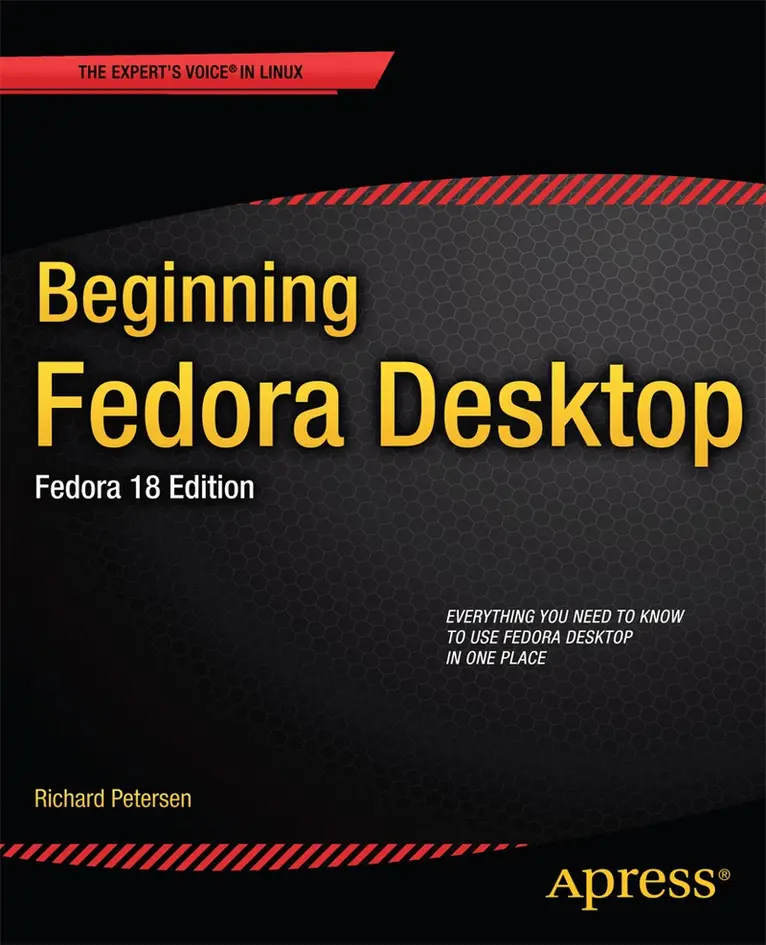
You''ll discover how to install Fedora 18 Desktop on any hardware, learn which applications perform which functions, how to manage software updates, tips and tricks for the GNOME 3 and KDE desktops, useful shell commands, and both the Fedora administration and network tools.
Get the most out of Fedora 18 Desktop -- including free Office suites, editors, e-book readers, music and video applications and codecs, email clients, Web and FTP browsers, microblogging and IM applications -- with a copy of Beginning Fedora Desktop: Fedora 18 Edition at your side.
786 kr
Läs direkt efter köp
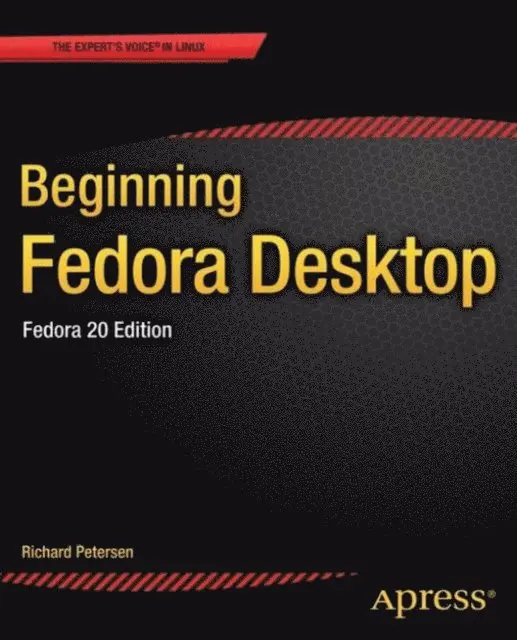
Beginning Fedora Desktop: Fedora 20 Edition is a complete guide to using the Fedora 20 Desktop Linux release as your daily driver for multimedia, productivity, social networking, the GNOME 3 desktop, administrative tasks, and more. Author and Linux expert Richard Petersen delves into the operating system as a whole and offers you a complete treatment of Fedora 20 Desktop configuration and use.
You''ll discover how to install and update the Fedora 20 Desktop, learn which applications perform which functions, how to manage software, use of the GNOME 3 and KDE desktop configuration tools, useful shell commands, and both the Fedora administration and network tools.
Get the most out of Fedora 20 Desktop -- including free Office suites, editors, e-book readers, music and video applications and codecs, email clients, Web browsers, FTP and BitTorrent clients, microblogging and IM applications -- with a copy of Beginning Fedora Desktop: Fedora 20 Edition at your side.
566 kr
Skickas inom 10-15 vardagar
815 kr
Läs direkt efter köp
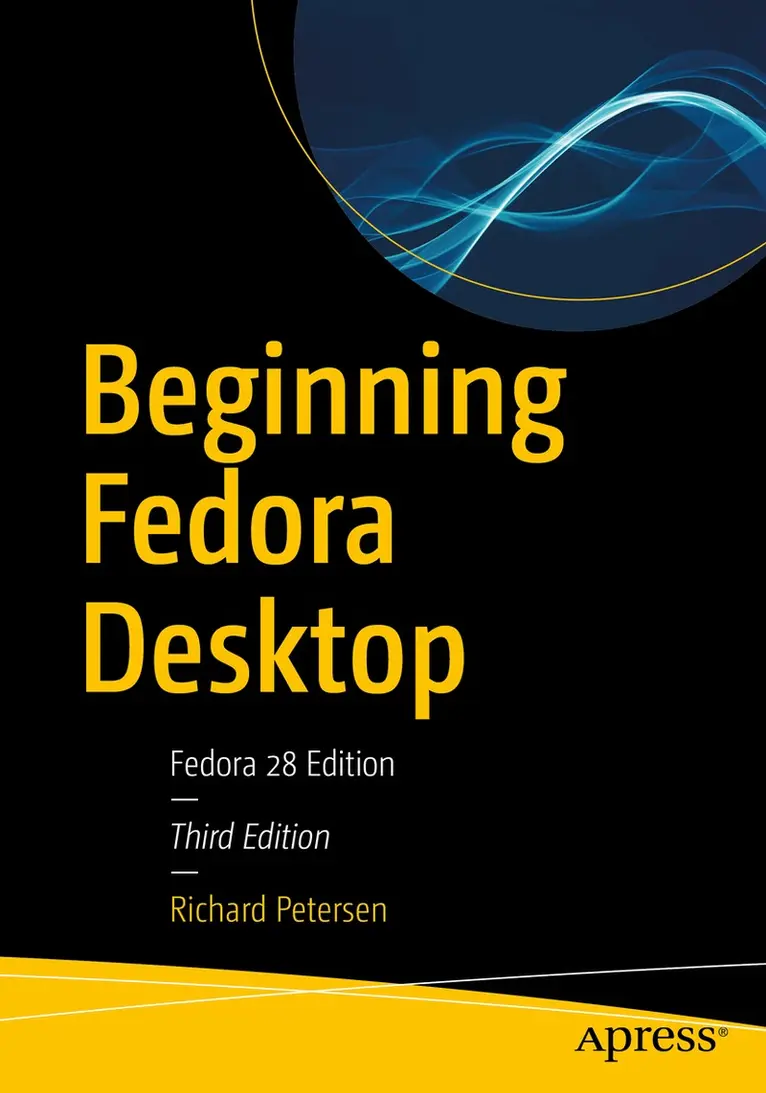
Get the most out of Fedora 28 Desktop, including free Office suites, editors, e-book readers, music and video applications. In addition to those features, you’ll also work with codecs, email clients, web browsers, FTP and BitTorrent clients, VoIP clients, and IM applications. The major Fedora 28 desktop spins are covered in detail, including the Plasma desktop (KDE), Cinnamon, Mate-Compiz, LXDE, Xfce, and LXQT.
This is your complete guide to using the Fedora 28 Desktop Linux release as your daily driver for multimedia, productivity, social networking, administrative tasks, and more. Author and Linux expert Richard Petersen delves into the operating system as a whole and offers you a complete treatment of Fedora 28 Desktop configuration and use.
With Beginning Fedora Desktop at your side, you’ll discover how to install and update the Fedora 28 Desktop, as well as access various software repositories. You’ll also learn which applications perform which functions, how to manage software, use of the desktop configuration tools, useful shell commands, and both the system administration and network tools.
What You''ll Learn
Review the available desktop choices, including GNOME, KDE, and alternative desktopsAdminister your system, add users, manage printers and perform backupsConfigure network connections and firewalls with FirewallDAccess network resources with SambaWho This Book Is For
Novice to intermediate users who are looking to install Fedora 20 as their primary computing environment.
387 kr
Skickas inom 5-8 vardagar
487 kr
Skickas inom 5-8 vardagar
591 kr
Skickas inom 3-6 vardagar
500 kr
Skickas inom 5-8 vardagar
433 kr
Skickas inom 5-8 vardagar
514 kr
Skickas inom 5-8 vardagar
500 kr
Skickas inom 5-8 vardagar
472 kr
Skickas inom 5-8 vardagar