Stacia Misner – författare
692 kr
Skickas inom 3-6 vardagar
Publisher's Note: Products purchased from Third Party sellers are not guaranteed by the publisher for quality, authenticity, or access to any online entitlements included with the product.
Master Microsoft's Business Intelligence Tools
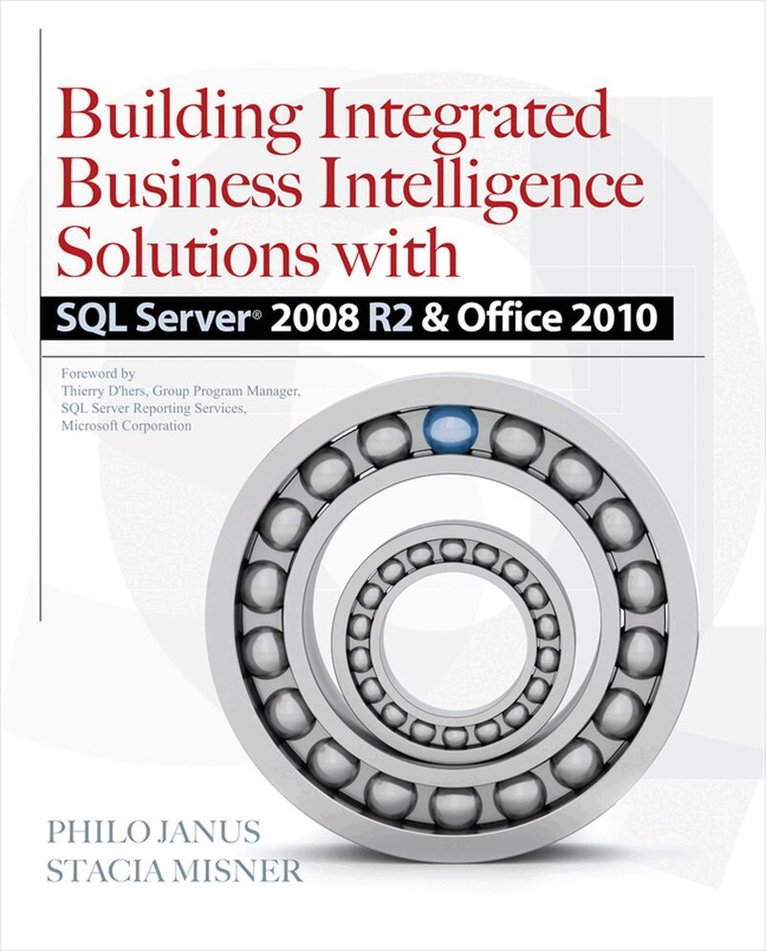
Building Integrated Business Intelligence Solutions with SQL Server 2008 R2 & Office 2010 explains how to take full advantage of Microsoft's collaborative business intelligence (BI) tools. A variety of powerful, flexible technologies are covered, including SQL Server Analysis Services (SSAS), Excel, Excel Services, PowerPivot, SQL Server Integration Services (SSIS), Server Reporting Services (SSRS), SharePoint Server 2010, PerformancePoint Services, and Master Data Services. This practical guide focuses on deveoloping end-to-end BI solutions that foster informed decision making.
Create a multidimensional store for aggregating business data with SSASMaximize the analysis capabilities of Excel and Excel ServicesCombine data from different sources and connect data for analysis with PowerPivotMove data into the system using SSIS, InfoPath, Streamsight, and SharePoint 2010 External ListsBuild and publish reports with SSRSIntegrate data from disparate applications, using SharePoint 2010 BI featuresCreate scorecards and dashboards with PerformancePoint ServicesSummarize large volumes of data in charts and graphsUse the SSRS map feature for complex visualizations of spatial dataUncover patterns and relationships in data using the SSAS data mining engineHandle master data management with Master Data ServicesPublish the components of your BI solution and perform administrative tasks741 kr
Läs direkt efter köp
Master Microsoft''s Business Intelligence Tools
Building Integrated Business Intelligence Solutions with SQL Server 2008 R2 & Office 2010 explains how to take full advantage of Microsoft''s collaborative business intelligence (BI) tools. A variety of powerful, flexible technologies are covered, including SQL Server Analysis Services (SSAS), Excel, Excel Services, PowerPivot, SQL Server Integration Services (SSIS), Server Reporting Services (SSRS), SharePoint Server 2010, PerformancePoint Services, and Master Data Services. This practical guide focuses on deveoloping end-to-end BI solutions that foster informed decision making.
Create a multidimensional store for aggregating business data with SSASMaximize the analysis capabilities of Excel and Excel ServicesCombine data from different sources and connect data for analysis with PowerPivotMove data into the system using SSIS, InfoPath, Streamsight, and SharePoint 2010 External ListsBuild and publish reports with SSRSIntegrate data from disparate applications, using SharePoint 2010 BI featuresCreate scorecards and dashboards with PerformancePoint ServicesSummarize large volumes of data in charts and graphsUse the SSRS map feature for complex visualizations of spatial dataUncover patterns and relationships in data using the SSAS data mining engineHandle master data management with Master Data ServicesPublish the components of your BI solution and perform administrative tasks449 kr
Skickas
Use your SQL Server skills to create and manage key data reports
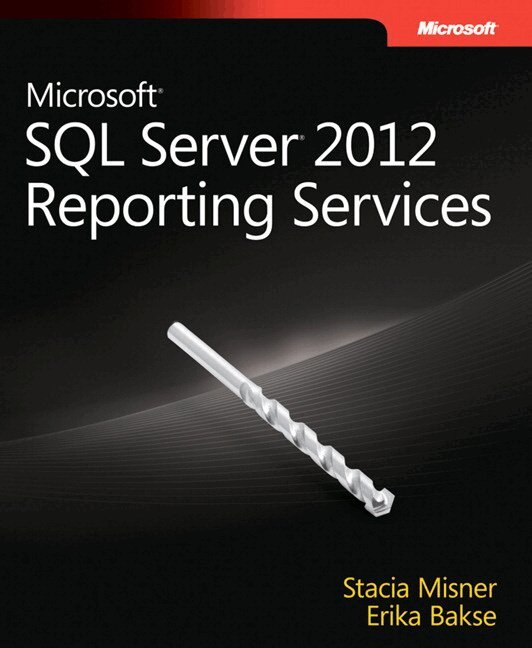
Deliver interactive business intelligence reports using SQL Server 2012 Reporting Services, and help facilitate real-time decision making throughout the enterprise. SQL Server expert Stacia Misner shows you in detail how to design, manage, and access custom reports that capture data from multiple sources. This book is ideal for experienced SQL Server developers, whether you’re new to Reporting Services or upgrading from an earlier version.
Discover how to:
Use the latest features, including the Power View ad hoc reporting tool Design reports by understanding how your audience accesses and uses data Add interactive features to help end users sort and filter data Create rich data visualization with charts, gauges, indictors, and data maps Configure your report server, provide security, and monitor report contents Use SharePoint or Report Manager to search and access reports online Create a library of report parts that clients can use for ad hoc reporting Build and manage reports using Reporting Services as a development platform