Business Skills - Böcker
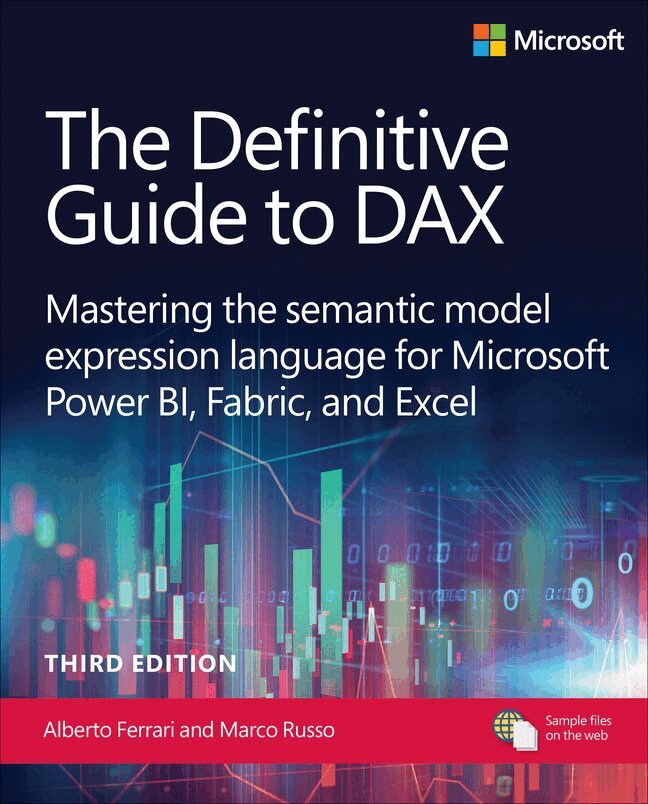
The Definitive Guide to DAX
Mastering the semantic model expression language for Microsoft Power BI, Fabric, and Excel
413 kr
Skickas inom 7-10 vardagar
Seasoned Experts Alberto Ferrari and Marco Russo Help You Master DAX for Superior Business Intelligence Solutions
The Definitive Guide to DAX is an authoritative resource for mastering the DAX language, which is pivotal for creating measures for semantic models in Microsoft Power BI, Fabric, Analysis Services, and Excel. With years of experience since the inception of Power Pivot, the authors offer a comprehensive reference that navigates through the unique and complex concepts of DAX, making it an essential tool for BI professionals. This third edition updates you with the latest features and provides a framework for writing efficient DAX code, enhancing your ability to customize calculations in data models. You will gain the skills necessary to understand and apply advanced DAX concepts, structure code in user-defined functions, and leverage new calendars for time intelligence calculations.
By reading this book, you will:
Understand the foundational concepts of DAX and its unique language structure Master the use of evaluation contexts to enhance data analysis Utilize CALCULATE and CALCULATETABLE functions effectively Implement variables to simplify complex DAX expressions Leverage classic and new calendar based time intelligence functions Work with iterators to perform advanced calculations Apply visual calculations to improve report interactivity Create and manage calculation groups for dynamic reporting Handle complex hierarchies and relationships in data models Author DAX queries for testing and troubleshootingAbout This Book
For BI professionals and Excel power users eager to deepen their understanding of DAX and enhance their data modeling capabilities with advanced techniques For data analysts and IT specialists seeking to optimize their use of Microsoft Power BI, Fabric, Analysis Services, and Excel for more efficient and insightful data analysis312 kr
Skickas inom 7-10 vardagar
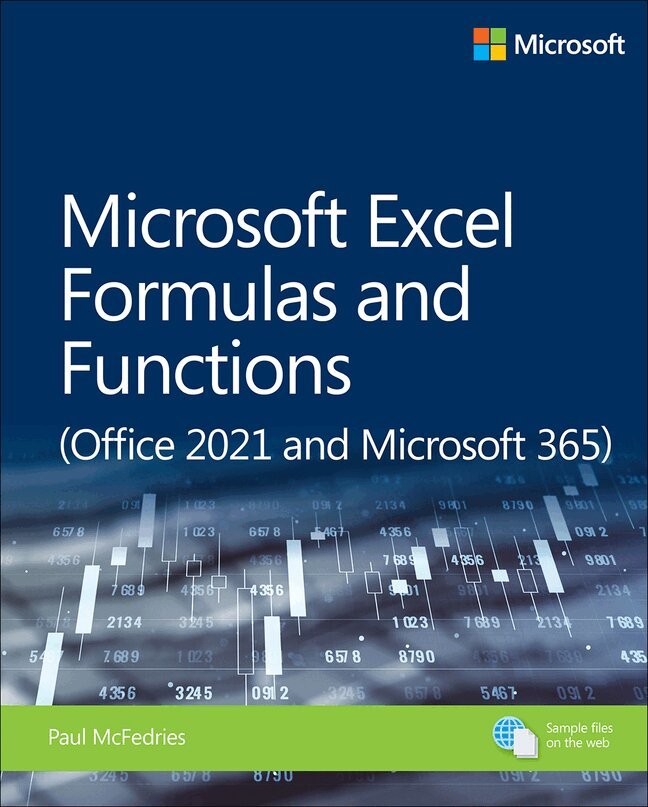
Use Excel 365 and Excel 2021 core features to build spreadsheets that solve business problems and deliver reliable answers. Drawing on his unsurpassed experience, Paul McFedries helps you make the most of formulas and functions, including recent improvements ranging from dynamic arrays to XLOOKUP and LET. McFedries' step-by-step projects walk you through handling key tasks, from building timesheets to projecting cash flow and aging receivables. His practical examples and clear instructions demystify intermediate-to-advanced-level formula construction, and help you leverage Excel's most useful functions in your everyday work.
Becoming an Excel expert has never been easier!
By reading this book, you will:
Improve business analyses by adding intelligence and knowledge to your models Replace cumbersome formulas with convenient predefined functions Use modern lookups to make your formulas more powerful and flexible Simplify complex calculations with dynamic arrays in Excel 365 and Excel 2021 Use conditional formatting to reveal anomalies, problems, or opportunities Calculate loan payments, interest costs, terms, and amortization schedules Project the future value of investments, and plan to achieve investment goals Master essential discounting and cash-flow analysis tools, including NPV and IRR Sort, filter, and analyze any tabular data, from customers to inventory Easily analyze huge datasets with PivotTable calculations Perform sophisticated what-if analyses, scenario planning, and forecasting Optimize profit, cost, or operational efficiency with Solver
About This Book
For everyone who wants to get more done with Microsoft Excel in less time For business and financial professionals, entrepreneurs, students, and others who need to efficiently manage and analyze data
288 kr
Skickas inom 7-10 vardagar
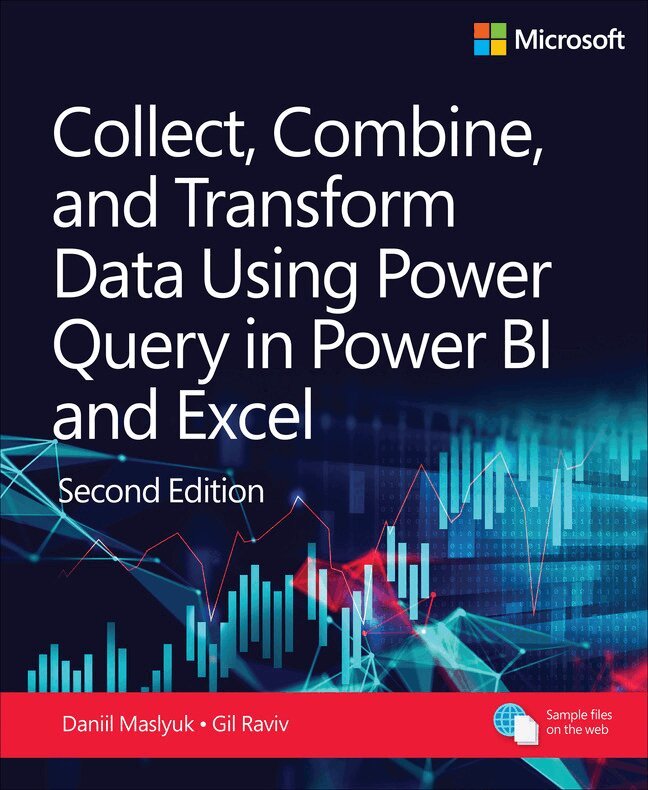
Transform your data analysis experience with Power Query, the ultimate tool for importing, reshaping, and cleansing data through a user-friendly interface. Whether you're using Power BI, Excel, or other Microsoft products, Power Query's capabilities are at your fingertips. Renowned Power Query experts Daniil Maslyuk and Gil Raviv guide you through mastering this indispensable tool, helping you eliminate tedious manual data preparation, tackle common issues, and avoid potential pitfalls. In this updated edition, you'll delve into comprehensive analytics challenges, seamlessly integrating your skills into a realistic, final project. By the end, you'll possess the expertise to handle any data and convert it into actionable insights.
You will learn how to:
Effortlessly prepare data by utilizing Power Query in Power BI and Excel to transform your data quickly and efficiently Overcome common data preparation problems with intuitive mouse clicks and straightforward formula edits Combine data from various sources, multiple queries, and mismatched tables with ease Reshape tables to suit your analysis needs Use the Power Query M formula language to create flexible data mashups and tailor transformations to your requirements Address and overcome collaboration challenges by using Power Query's powerful features Gain crucial insights from text feeds by enhancing your data analysis capabilities Profile data, diagnose queries, improve query performance, and more!About This Book
For everyone who wants to get more done with Power Query in less time For business and financial professionals, developers, entrepreneurs, students, and others who need to efficiently manage and analyze data288 kr
Skickas inom 7-10 vardagar
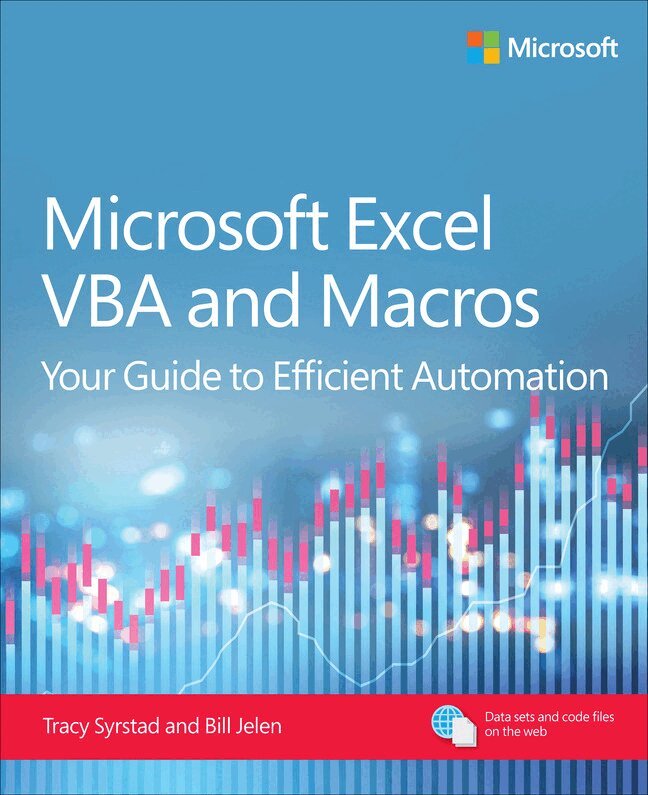
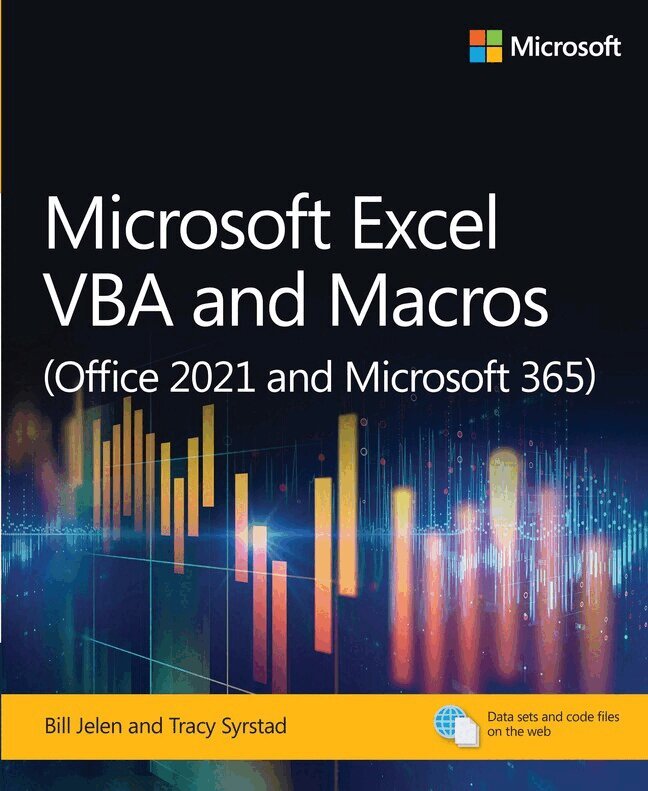
Renowned Excel experts Tracy Syrstad and Bill Jelen (MrExcel) help you automate Excel tasks to get more done faster than ever!
This book is designed to equip you with a solid foundation in Microsoft Excel Visual Basic for Applications (VBA), and help you progress to advanced techniques like in-memory processing and custom object programming for efficient data manipulation. You will learn to write and understand VBA code, automate complex Excel tasks, import and export data, interact with cells programmatically, and manipulate data efficiently. You’ll also learn advanced reporting automation, enabling you to generate and update charts and pivot tables through code and develop programs that transform raw data into comprehensive reports with a single click of a button. With clear explanations and practical examples, Tracy Syrstad and Bill Jelen help make complex tasks a breeze!
You’ll find simple, step-by-step instructions, real-world case studies, project specification solutions, and 50 workbooks packed with examples and complete, easy-to-adapt solutions.
By reading this book, you will:
Quickly master Excel macros development —even if you’re starting with no prior experience. Learn the foundations of VBA through clear, step-by-step guidance. Gain insider techniques for cleaner code, better structure, and long-term maintainability. Go beyond how-to tutorials: learn how professionals approach automation. Design advanced userforms with multiple views, custom controls, and data validation. Use custom objects and collections to write scalable, object-oriented code. Extend Excel’s power by automating Word, Outlook, and other Office programs. Integrate data from the internet, Access, text fi les, and other sources. Leverage advanced filter techniques to isolate and manipulate large datasets efficiently. Share your programs using Excel Add-ins (XLAM), Office Add-ins (Office.js), and Office ScriptsAbout This Book
For everyone who wants to get more done with Microsoft Excel in less time For business and financial professionals, entrepreneurs, students, and others who need to efficiently manage and analyze data263 kr
Skickas inom 7-10 vardagar
Renowned Excel experts Bill Jelen (MrExcel) and Tracy Syrstad explain how to build more powerful, reliable, and efficient Excel spreadsheets.
Use this guide to automate virtually any routine Excel task: save yourself hours, days, maybe even weeks. Make Excel do things you thought were impossible, discover macro techniques you won’t find anywhere else, and create automated reports that are amazingly powerful. Bill Jelen and Tracy Syrstad help you instantly visualize information to make it actionable; capture data from anywhere, and use it anywhere; and automate the best new features in Excel 2019 and Excel in Office 365. You’ll find simple, step-by-step instructions, real-world case studies, and 50 workbooks packed with examples and complete, easy-to-adapt solutions.
By reading this book, you will:
Quickly master Excel macro development Work more efficiently with ranges, cells, and formulas Generate automated reports and quickly adapt them for new requirements Learn to automate pivot tables to summarize, analyze, explore, and present data Use custom dialog boxes to collect data from others using Excel Improve the reliability and resiliency of your macros Integrate data from the internet, Access databases, and other sources Automatically generate charts, visualizations, sparklines, and Word documents Create powerful solutions with classes, collections, and custom functions Solve sophisticated business analysis problems more rapidly
About This Book
For everyone who wants to get more done with Microsoft Excel in less time For business and financial professionals, entrepreneurs, students, and others who need to efficiently manage and analyze data
366 kr
Skickas inom 7-10 vardagar
Seasoned experts Jeroen ter Heerdt, Madzy Stikkelorum, and Marc Lelijveld help you master visual calculations in Power BI for transformative data insights Microsoft Power BI Visual Calculations: Simplifying DAX is a comprehensive guide that demystifies the innovative feature of visual calculations in Power BI. Jeroen, a Principal Product Manager at Microsoft, Madzy, a Data Analytics Consultant, and Marc, a Microsoft Data Platform MVP, bring their extensive expertise to this book, offering you a practical approach to mastering visual calculations. The book is designed to simplify DAX, making it accessible to beginners and empowering you to transform raw data into actionable insights. You will learn to implement visual calculations, understand their benefits, and apply them effectively in real-world scenarios, ultimately enhancing your ability to make data-driven decisions.
By reading this book, you will:
Understand the fundamentals of visual calculations in Power BI Create your first visual calculation with step-by-step guidance Explore advanced concepts like resetting context in visual calculations Compare visual calculations with other Power BI calculation options Master the performance characteristics of visual calculations Utilize specific functions designed for visual calculations Implement practical use cases like running sums and moving averages Enhance visual calculations with regular DAX expressions Optimize operational processes using data-driven insights Unlock the full potential of Power BI for strategic decision-makingAbout This Book
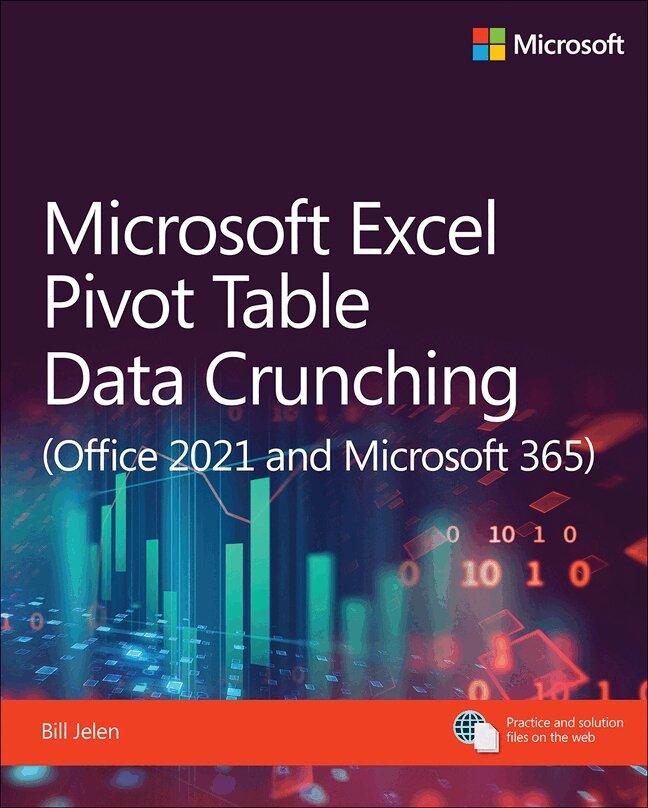
For Power BI users who want to simplify DAX and unlock the full potential of visual calculations without the usual complexities For business executives, managers, and data enthusiasts looking to transform raw data into actionable insights for strategic decision-makingMicrosoft Excel Pivot Table Data Crunching Including Dynamic Arrays, Power Query, and Copilot
312 kr
Skickas inom 7-10 vardagar
Learn to use pivot tables and pivot charts in Microsoft Excel to produce powerful, dynamic reports in minutes: take control of your data and your business! Even if you’ve never created a pivot table before, this book will help you leverage their flexibility and analytical power—and includes exploration of new array functions and Copilot capabilities in analysis creation. Drawing on more than 30 years of cutting-edge Excel experience, MVP Bill Jelen (“MrExcel”) shares practical “recipes” for solving real business problems, expert insights for avoiding mistakes, and advanced tips and tricks you’ll find nowhere else.
By reading this book, you will:
Master easy, powerful ways to create, customize, change, and control pivot tables Use Copilot and Analyze Data features to create pivot tables Transform huge datasets into clear summary reports Instantly highlight your most profitable customers, products, or regions Pivot data with powerful dynamic arrays and Power Query Use PIVOTBY and GROUPBY functions to create reports without needing to refresh Build geographical pivot tables with 3D Maps Construct and share state-of-the-art dynamic dashboards Revamp analyses on the fly by dragging and dropping fi elds Build dynamic self-service reporting systems Share your pivot tables with colleagues Create data mashups using the full Power Pivot capabilities in modern Excel versions Generate pivot tables using either VBA on the Desktop or Typescript in Excel Online or on the Desktop Embrace GetPivotData for better looking reports and learn how to prevent it for quick reporting Unpivot source data so it’s easier to useAbout This Book
For everyone who wants to get more done with Microsoft Excel in less time For business and financial professionals, entrepreneurs, students, and others who need to efficiently manage and analyze dataMicrosoft 365 Copilot Adoption
A practical guide for business leaders and consultants
412 kr
Skickas inom 7-10 vardagar
Seasoned experts Mark Smith and Megan Smith unveil a transformative guide to mastering AI with Microsoft Copilot
Transform your organization using AI-driven solutions with Microsoft 365 Copilot Adoption: A practical guide for business leaders and consultants. This book draws on real-world case studies and insights from Microsoft’s early adopters to provide a practical framework for successful AI integration. It emphasizes the importance of leadership alignment, cultural readiness, and continuous skill development, equipping readers with the mindset and methods needed to foster innovation and efficiency in an AI-driven workplace. You will learn how to navigate AI adoption challenges, secure executive support, and build a culture of continuous learning and innovation.
By reading this book, you will:
Understand and apply successful AI adoption patterns Secure executive sponsorship and leadership alignment Foster a culture of innovation and continuous learning Address common concerns such as data privacy and job role shifts Develop essential skills for becoming an AI-enabled organization Measure and celebrate both wins and failures in AI initiatives Build a network of Copilot Champions within your organization Promote critical thinking and problem-solving skills Create effective communication plans to engage stakeholders Sustain AI adoption through continuous improvement and innovation challengesAbout This Book
For business leaders and consultants aiming to harness the full potential of Microsoft Copilot to drive organizational transformation and innovation For change managers and IT professionals looking to implement effective AI adoption strategies and cultivate a culture of continuous learning and adaptability312 kr
Skickas inom 7-10 vardagar
Renowned Excel experts Bill Jelen (MrExcel) and Tracy Syrstad help you automate Excel tasks to get more done, faster than ever.
Use this guide to automate virtually any routine Excel task: save yourself hours, days, maybe even weeks. Make Excel do things you thought were impossible, discover macro techniques you won't find anywhere else, and create automated reports that are amazingly powerful. Bill Jelen and Tracy Syrstad help you instantly visualize information to make it actionable; capture data from anywhere, and use it anywhere; and automate the best new features in Microsoft Excel. You'll find simple, step-by-step instructions, real-world case studies, and 50 workbooks packed with examples and complete, easy-to-adapt solutions.
By reading this book, you will:
Quickly master Excel macro development Work more efficiently with ranges, cells, and formulas Generate automated reports and quickly adapt them for new requirements Learn to automate PivotTables to summarize, analyze, explore, and present data Leverage more of Excel VBA's power with classes, collections, and Advanced Filter Make the most of User-Defined Functions (UDFs), including new LAMBDA functions Build sophisticated UserForm custom dialogs to collect data from other Excel users Integrate data from the Internet, Access and SQL Server databases, and other sources Automatically generate charts, visualizations, sparklines, and Word documents Extend Excel's power by controlling other Office programs and Windows itself Create Office Add-ins to expand worksheet functionality or streamline retrieval of external information Get started creating brand-new TypeScript applications for Excel Online
About This Book
• For everyone who wants to get more done with Microsoft Excel in less time
• For business and financial professionals, entrepreneurs, students, and others who need to efficiently manage and analyze data
476 kr
Skickas inom 3-6 vardagar
Use Microsoft 365 Excel and Excel 2021 pivot tables and pivot charts to produce powerful, dynamic reports in minutes: take control of your data and your business! Even if you've never created a pivot table before, this book will help you leverage all their flexibility and analytical power— including important recent improvements in Microsoft 365 Excel. Drawing on more than 30 years of cutting-edge Excel experience, MVP Bill Jelen (“MrExcel”) shares practical “recipes” for solving real business problems, expert insights for avoiding mistakes, and advanced tips and tricks you'll find nowhere else.
By reading this book, you will:
Master easy, powerful ways to create, customize, change, and control pivot tables Transform huge datasets into clear summary reports Instantly highlight your most profitable customers, products, or regions Use the data model and Power Query to quickly analyze disparate data sources Create powerful crosstab reports with new dynamic arrays and Power Query Build geographical pivot tables with 3D Maps Construct and share state-of-the-art dynamic dashboards Revamp analyses on the fly by dragging and dropping fi elds Build dynamic self-service reporting systems Share your pivot tables with colleagues Create data mashups using the full Power Pivot capabilities in modern Excel versions Generate pivot tables using either VBA on the Desktop or Typescript in Excel Online Save time and avoid formatting problems by adapting reports with GetPivotData Unpivot source data so it's easier to work with Use new Analyze Data artificial intelligence to create pivot tables
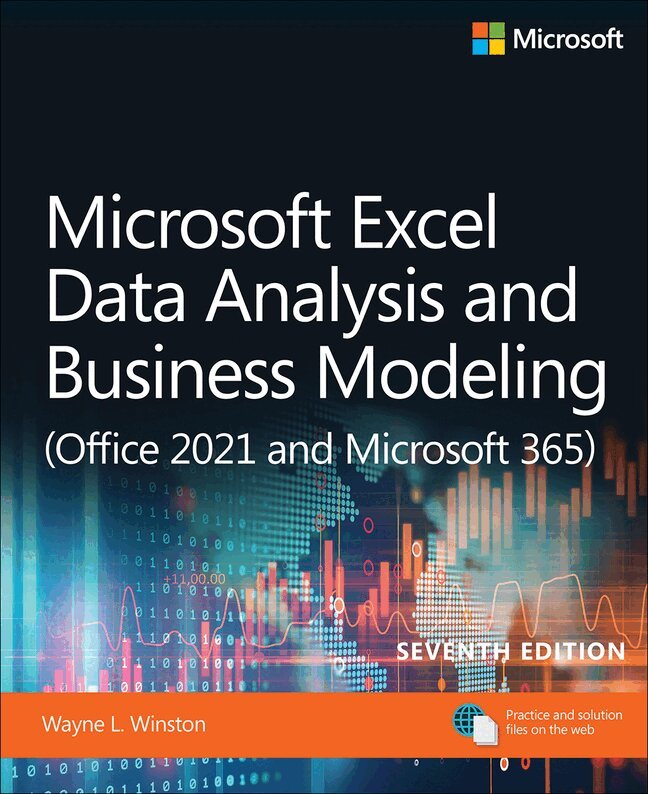
Microsoft Excel Data Analysis and Business Modeling (Office 2021 and Microsoft 365)
402 kr
Skickas inom 7-10 vardagar
Master business modeling and analysis techniques with Microsoft Excel and transform data into bottom-line results. Award-winning educator Wayne Winston's hands-on, scenario-focused guide helps you use today's Excel to ask the right questions and get accurate, actionable answers. More extensively updated than any previous edition, new coverage ranges from one-click data analysis to STOCKHISTORY, dynamic arrays to Power Query, and includes six new chapters. Practice with over 900 problems, many based on real challenges faced by working analysts.
Solve real problems with Microsoft Excel—and build your competitive advantage
Quickly transition from Excel basics to sophisticated analytics Use recent Power Query enhancements to connect, combine, and transform data sources more effectively Use the LAMBDA and LAMBDA helper functions to create Custom Functions without VBA Use New Data Types to import data including stock prices, weather, information on geographic areas, universities, movies, and music Build more sophisticated and compelling charts Use the new XLOOKUP function to revolutionize your lookup formulas Master new Dynamic Array formulas that allow you to sort and filter data with formulas and find all UNIQUE entries Illuminate insights from geographic and temporal data with 3D Maps Improve decision-making with probability, Bayes' theorem, and Monte Carlo simulation and scenarios Use Excel trend curves, multiple regression, and exponential smoothing for predictive analytics Use Data Model and Power Pivot to effectively build and use relational data sources inside an Excel workbook
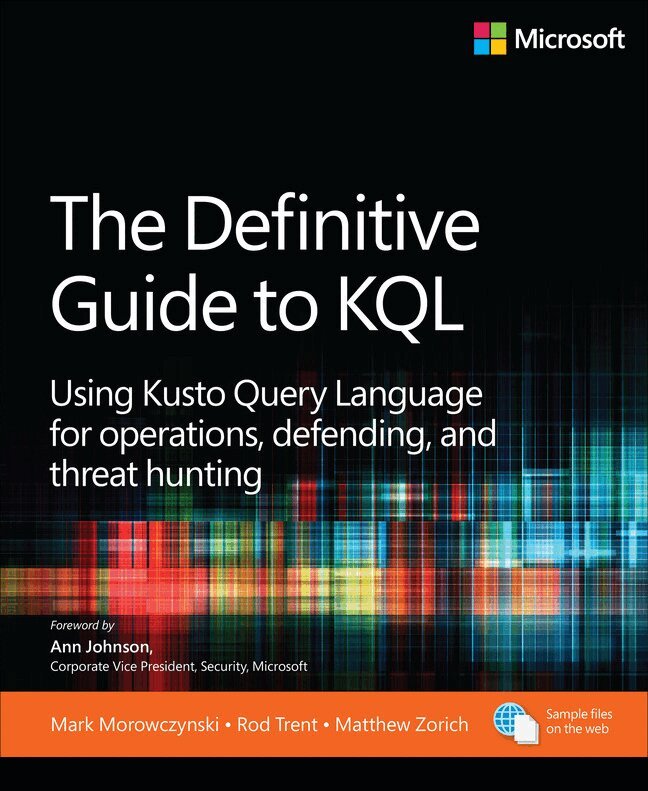
The Definitive Guide to KQL
Using Kusto Query Language for operations, defending, and threat hunting
366 kr
Skickas inom 7-10 vardagar
Turn the avalanche of raw data from Azure Data Explorer, Azure Monitor, Microsoft Sentinel, and other Microsoft data platforms into actionable intelligence with KQL (Kusto Query Language). Experts in information security and analysis guide you through what it takes to automate your approach to risk assessment and remediation, speeding up detection time while reducing manual work using KQL. This accessible and practical guide—designed for a broad range of people with varying experience in KQL—will quickly make KQL second nature for information security.
Solve real problems with Kusto Query Language— and build your competitive advantage:
Learn the fundamentals of KQL—what it is and where it is used Examine the anatomy of a KQL query Understand why data summation and aggregation is important See examples of data summation, including count, countif, and dcount Learn the benefits of moving from raw data ingestion to a more automated approach for security operations Unlock how to write efficient and effective queries Work with advanced KQL operators, advanced data strings, and multivalued strings Explore KQL for day-to-day admin tasks, performance, and troubleshooting Use KQL across Azure, including app services and function apps Delve into defending and threat hunting using KQL Recognize indicators of compromise and anomaly detection Learn to access and contribute to hunting queries via GitHub and workbooks via Microsoft Entra ID360 kr
Skickas
Your guide to quickly turn data into results.
Transform your skills, data, and business—and create your own BI solutions using software you already know and love: Microsoft Excel. Two business intelligence (BI) experts take you inside PowerPivot functionality for Excel 2013, with a focus on real world scenarios, problem-solving, and data modeling. You'll learn how to quickly turn mass quantities of data into meaningful information and on-the-job results—no programming required!
Understand the differences between PowerPivot for Self Service BI and SQL Server Analysis Services for Corporate BI Extend your existing data-analysis skills to create your own BI solutions Quickly manipulate large data sets, often in millions of rows Perform simple-to-sophisticated calculations and what-if analysis Create complex reporting systems with data modeling and Data Analysis Expressions Share your results effortlessly across your organization using Microsoft SharePointAuthors’ note on using Microsoft Excel 2016: This book’s content was written against Excel 2013, but it is useful and valid for users of Excel 2016 too. Excel 2016 introduces several new DAX functions and an improved editor for DAX without changing any existing behavior. In other words, all of the concepts and examples explained in this book continue to work with Excel 2016.
259 kr
Skickas inom 7-10 vardagar
Renowned DAX experts Alberto Ferrari and Marco Russo teach you how to design data models for maximum efficiency and effectiveness.
How can you use Excel and Power BI to gain real insights into your information? As you examine your data, how do you write a formula that provides the numbers you need? The answers to both of these questions lie with the data model. This book introduces the basic techniques for shaping data models in Excel and Power BI. It’s meant for readers who are new to data modeling as well as for experienced data modelers looking for tips from the experts. If you want to use Power BI or Excel to analyze data, the many real-world examples in this book will help you look at your reports in a different way—like experienced data modelers do. As you’ll soon see, with the right data model, the correct answer is always a simple one!
By reading this book, you will:
• Gain an understanding of the basics of data modeling, including tables, relationships, and keys
• Familiarize yourself with star schemas, snowflakes, and common modeling techniques
• Learn the importance of granularity
• Discover how to use multiple fact tables, like sales and purchases, in a complex data model
• Manage calendar-related calculations by using date tables
• Track historical attributes, like previous addresses of customers or manager assignments
• Use snapshots to compute quantity on hand
• Work with multiple currencies in the most efficient way
• Analyze events that have durations, including overlapping durations
• Learn what data model you need to answer your specific business questions
About This Book
• For Excel and Power BI users who want to exploit the full power of their favorite tools
• For BI professionals seeking new ideas for modeling data
348 kr
Skickas inom 7-10 vardagar
276 kr
Skickas inom 7-10 vardagar
Definitive Guide to DAX, The
Business intelligence for Microsoft Power BI, SQL Server Analysis Services, and Excel
534 kr
Skickas
276 kr
Skickas inom 7-10 vardagar
Renowned Excel experts Bill Jelen (MrExcel) and Michael Alexander help you crunch data from any source with Excel 2019 pivot tables.
Use Excel 2019 pivot tables and pivot charts to produce powerful, dynamic reports in minutes instead of hours, to take control of your data and your business. Even if you’ve never created a pivot table before, this book will help you leverage all their remarkable flexibility and analytical power–including valuable improvements in Excel 2019 and Excel in Office 365. Drawing on more than 45 combined years of Excel experience, Bill Jelen and Michael Alexander offer practical “recipes” for solving real business problems, help you avoid common mistakes, and present tips and tricks you’ll find nowhere else.
By reading this book, you will:
• Master easy, powerful ways to create, customize, change, and control pivot tables
• Control all future pivot tables using new pivot table defaults
• Transform huge data sets into clear summary reports
• Instantly highlight your most profitable customers, products, or regions
• Use Power Query to quickly import, clean, shape, and analyze disparate data sources
• Build geographical pivot tables with 3D Map
• Construct and share state-of-the-art dynamic dashboards
• Revamp analyses on the fly by dragging and dropping fields
• Build dynamic self-service reporting systems
• Share your pivot tables with colleagues
• Create data mashups using the full Power Pivot capabilities of Excel 2019 and Excel in Office 365
• Automate pivot tables with macros and VBA
• Save time by adapting reports with GetPivotData
• Discover today’s most useful pivot table tips and shortcuts
276 kr
Skickas inom 7-10 vardagar
Did you know that there is a technology inside Excel, and Power BI, that allows you to create magic in your data, avoid repetitive manual work, and save you time and money?
Using Excel and Power BI, you can:
Save time by eliminating the pain of copying and pasting data into workbooks and then manually cleaning that data. Gain productivity by properly preparing data yourself, rather than relying on others to do it. Gain effiiciency by reducing the time it takes to prepare data for analysis, and make informed decisions more quickly.With the data connectivity and transformative technology found in Excel and Power BI, users with basic Excel skills import data and then easily reshape and cleanse that data, using simple intuitive user interfaces. Known as “Get & Transform” in Excel 2016, as the “Power Query” separate add-in in Excel 2013 and 2010, and included in Power BI, you'll use this technology to tackle common data challenges, resolving them with simple mouse clicks and lightweight formula editing. With your new data transformation skills acquired through this book, you will be able to create an automated transformation of virtually any type of data set to mine its hidden insights.