• Fri frakt över 249 kr
  • •
  • Snabba leveranser
  • •
  • Billiga böcker
Kundservice

Du är på sajten för privatpersoner.

Företag, bibliotek eller offentlig verksamhet?

Du handlar på classic.bokus.com, där alla dina funktioner finns intakta.
Till classic.bokus.com
Bokus logotyp. Gå till startsidan.
  • Erbjudanden
  • Nyheter
  • Student
  • Topplistor
  • Barn & ungdom
  • Bokus Play
  • E-böcker
  • Pocketböcker
  • Spel & pussel

Må bättre, för mindre! Upp till 50% rabatt på hälsoböcker

Sidfot

Mina sidor

    Hjälp

    • Kundservice
    • Vanliga frågor och svar
    • Frakt och leverans
    • Retur vid ångerrätt
    • Reklamera vara
    • Betalning
    • Köpvillkor
    • Allmänna villkor
    • Information om webbplatsens tillgänglighet

    Om Bokus

    • Om oss
    • Pressrum
    • För studenter
    • För företag
    • För bibliotek och offentlig verksamhet
    • För leverantörer
    • Hållbarhet

    Populärt

    • Aktuella erbjudanden
    • Presentkort
    • Studentlitteratur
    • Nya böcker
    • Topplistor
    • Signerade böcker
    • Engelska böcker

    Inspiration

    • Boktips
    • BookTok
    • Populära bokserier
    • Barnbokskaraktärer
    • Populära författare
    Logotyp för Bokus
    Följ oss på Facebook (extern länk)Följ oss på Instagram (extern länk)Följ oss på YouTube (extern länk)Följ oss på TikTok (extern länk)
    bokus @ CookiesAnpassa cookiesIntegritetspolicyKöpvillkor
    Till Citymail hemsida (extern länk)Till Budbee hemsida (extern länk)Till Postnord hemsida (extern länk)Till Schenker hemsida (extern länk)Till Early Bird hemsida (extern länk)Till Walleys hemsida (extern länk)
    1. Data och IT
    2. Grafik och bildbehandling

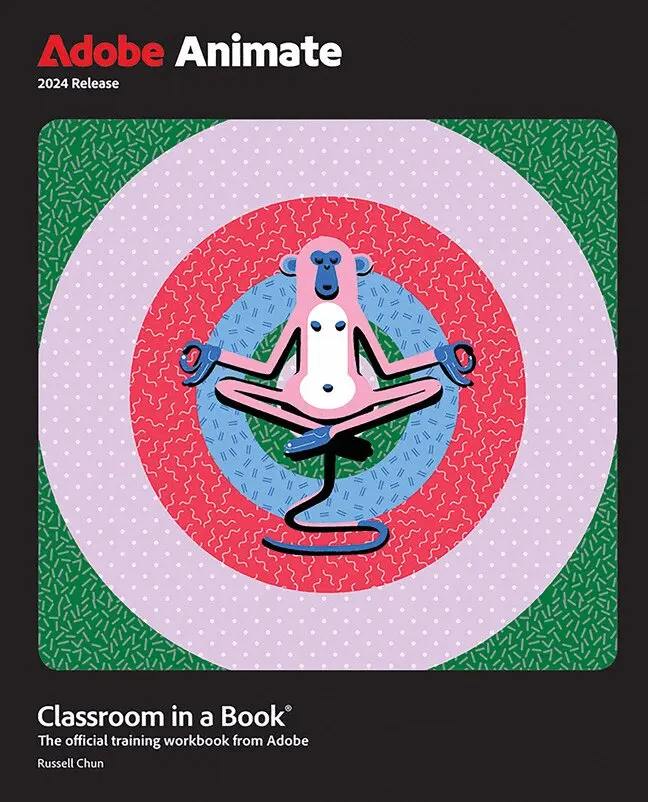
    Adobe Animate Classroom in a Book 2024 Release

    AvRussell Chun

    Häftad, Engelska, 2024

    Del i serien Classroom in a Book

    519 kr

    Beställningsvara. Skickas inom 7-10 vardagar. Fri frakt över 249 kr.

    Fler format och utgåvor

    E-bok

    853 kr

    Beskrivning

    The fastest, easiest, most comprehensive way to learn Adobe Animate

    Adobe Animate Classroom in a Book 2024 Release contains 10 lessons that use real-world, project-based learning to cover the basics and beyond, providing countless tips and techniques to help you become more productive with the program. You can follow the book from start to finish or choose only those lessons that interest you. Learn to:

    • Unleash your productivity and creativity with the support of Apple Silicon M1 and M2
    • Use the sleek new user interface for a consistent experience across Creative Cloud applications
    • Navigate enhanced animation controls and publishing options for SVG, WebGL, HTML5, animated GIFs, and HD broadcast video

    Classroom in a Book®, the best-selling series of hands-on software training workbooks, offers what no other book or training program does—an official training series from Adobe, developed with the support of Adobe product experts.

    Purchasing this book includes valuable online extras. Follow the instructions in the books "Getting Started" section to unlock access to:

    • Downloadable lesson files you need to work through the projects in the book
    • Web Edition containing the complete text of the book, interactive quizzes, and videos that walk you through the lessons step by step

    What you need to use this book: Adobe Animate 2024 Release software, for either Windows or macOS. (Software not included.)

    Produktinformation

    • Utgivningsdatum:2024-04-10
    • Mått:189 x 232 x 22 mm
    • Vikt:937 g
    • Format:Häftad
    • Språk:Engelska
    • Serie:Classroom in a Book
    • Antal sidor:480
    • Upplaga:1
    • Förlag:Pearson Education
    • ISBN:9780138317713

    Utforska kategorier

    • Grafik och bildbehandling inom Data och IT
    • Digital animation inom Data och IT

    Mer om författaren

    Russell Chun earned his master's degree in medical illustration from the Johns Hopkins University School of Medicine, and used Flash for over eight years to develop interactive, instructional multimedia. He has taught Flash at the beginning through advanced levels at a number of institutions including the College of San Mateo, the Center for Electronic Art, the UC Berkeley Graduate School of Journalism, Cellspace, Columbia University Graduate School of Journalism, and City University of New York Graduate School of Journalism. He has also taught Flash at national conferences, regional user group meetings, and corporate workshops. He is the author of several advanced Flash books, Macromedia Flash Advanced Visual QuickPro Guide for versions 5, MX, MX2004, and 8. He has written several Flash articles for MacWorld and for SBS Digital Design.

    Innehållsförteckning

    • Lesson 1 Getting AcquaintedLesson 2 Creating Graphics and TextLesson 3 Animating Symbols with Classic TweensLesson 4 Layer Parenting and Character AnimationLesson 5 Animating with Modern RiggingLesson 6 Animating Symbols with Motion TweensLesson 7 Animating the CameraLesson 8 Animating Shapes and Using MasksLesson 9 Inverse Kinematics with BonesLesson 10 Creating Interactive Media