Cindy Lewis - Böcker
Visar alla böcker från författaren Cindy Lewis. Handla med fri frakt och snabb leverans.
2 produkter
2 produkter
432 kr
Skickas inom 3-6 vardagar
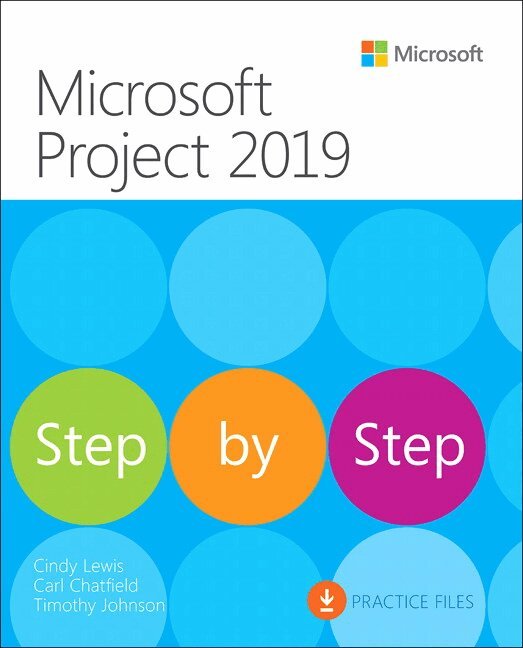
The quick way to learn Microsoft Project 2019! This is learning made easy. Get more done quickly with Microsoft Project 2019. Jump in wherever you need answers–brisk lessons and informative screenshots show you exactly what to do, step by step. Other Project users will want to grab this book as well. Quickly start new plans, build task lists, and assign resourcesView resource capacity and track progressCapture and fine-tune work and cost detailsVisualize schedules with Gantt charts and other views and reportsConsolidate projects, and share resources across plansManage modern Agile projects (James Mills, Jr., contributor)Customize Project to maximize your efficiencyLeverage improvements to task linking, timelines, and accessibilityMaster PM best practices while you learn ProjectLook up just the tasks and lessons you need
263 kr
Skickas inom 7-10 vardagar
Microsoft Project Desktop is still a popular software!
If you are using any of these products, this book is for you:
Microsoft Project Standard 2021 or 2024 Microsoft Project Professional 2021 or 2024 Microsoft Project Online Desktop Client (subscription version) Earlier versions (Microsoft Project 2010 through 2019) – feature differences are summarized in Chapter 1Although Microsoft has announced they are retiring Project Online, this does not impact the desktop client software. In fact, the desktop client software is still needed for companies who are using Project Server. (Refer to Appendix C for a sample solution using Project Server).
Microsoft Project Desktop has been around for over 40 years and continues to be the most robust scheduling tool available for managing projects!
The quick way to learn Microsoft Project!
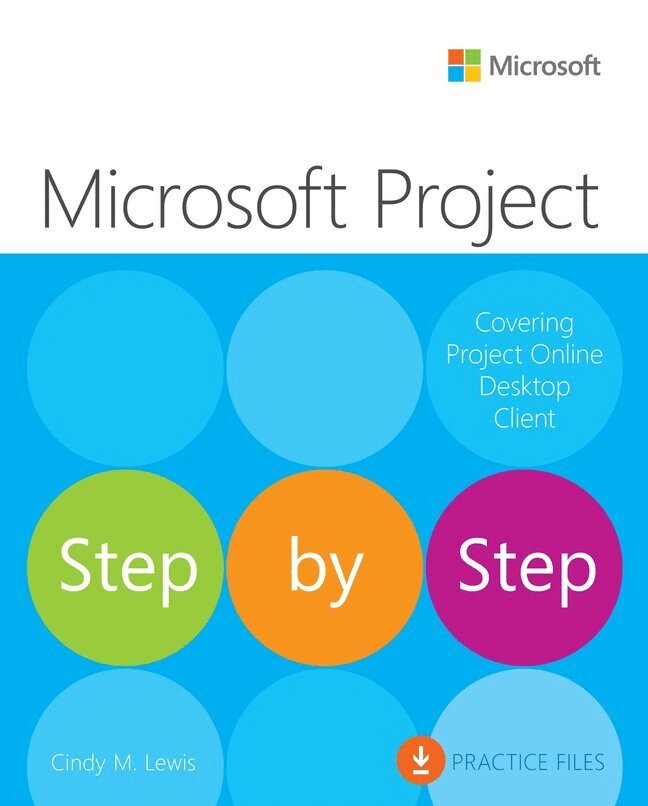
This is learning made easy. Get more done quickly with Microsoft Project. Jump in wherever you need answers. Brisk lessons and detailed screenshots show you exactly what to do, step by step. Quickly start a new plan, build task lists, and assign resources Share your plan and track your progress Capture and fine-tune work and cost details Use Gantt charts and other views and reports to visualize project schedules Share resources across multiple plans and consolidate projects Manage Agile plans using the new task boards to create backlogs, plan sprints, and hold scrum meetings Learn more about integrating Project with Microsoft 365 solutions for collaboration Master project management best practices as you learn Project Easily identify the features and lessons you need