Gary Rosenzweig – författare
391 kr
Skickas
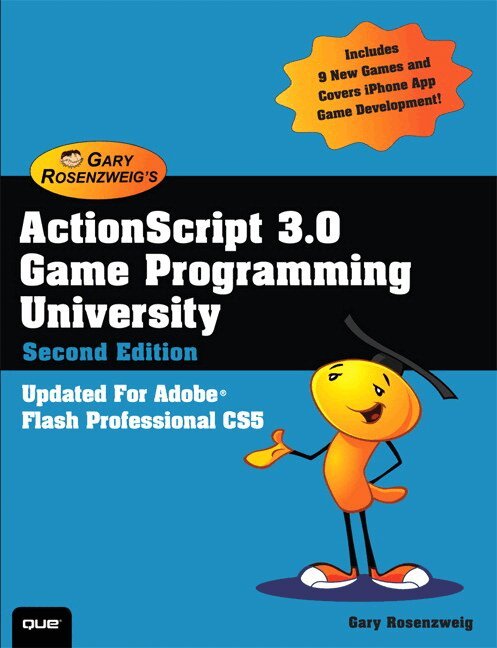
Learn ActionScript 3.0 the fun way, by creating 16 great games: real, robust games - not just "web toys"!
Highly-rated ActionScript tutorial, now with seven new 3D and card games! Code and techniques easily adaptable to training, advertising, and more For Flash artists learning ActionScript, Flash programmers seeking to create games, and upgraders from ActionScript 1.0/2.0.
Includes a chapter on developing games in Flash for the iPhone!
Gary Rosenzweig's ActionScript 3.0 Game Programming University, Second Edition is the best hands-on tutorial for learning ActionScript 3.0, the programming language behind Flash Professional CS5. You will master all the basics of ActionScript programming by building 16 robust games. One step at a time, you'll learn techniques (and get tested code) that can be adapted to virtually any project, from games to training and advertising. The first edition earned widespread raves; Rosenzweig has now updated it with seven brand-new games that teach even more valuable ActionScript 3.0 skills and techniques. You will first learn how Flash and ActionScript 3.0 work together, the elements of an ActionScript program, and how to build a basic game framework with ActionScript. Next, Rosenzweig walks you through building the full spectrum of ActionScript games, including brain games, animation-based games, picture puzzles, games based on direction and movement, casual games, word games, Q and A games, action games, game worlds, and more. This edition adds new chapters on card games and 3D games, with High-Low, Video Poker, Blackjack, 3D Paddle Ball, 3D Scavenger Hunt, and two other new projects.
189 kr
Skickas
138 kr
Skickas
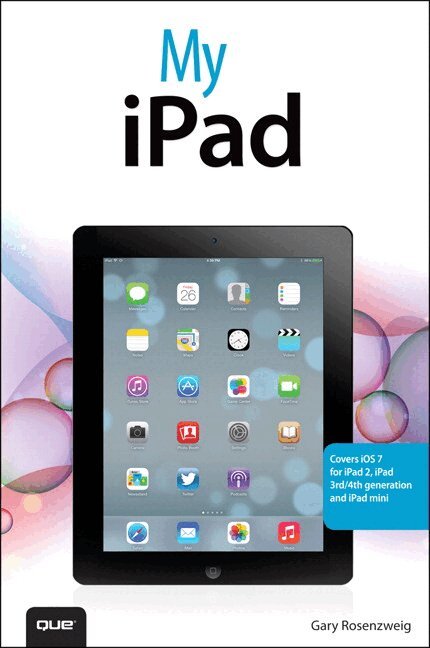
Covers iOS 7 for iPad 2, iPad 3rd/4th generation, and iPad mini
My iPad offers a full-color, fully illustrated, step-by-step resource for anyone using an iPad or iPad mini running iOS 7. Each task is presented in easy-to-follow steps–each with corresponding visuals that are numbered to match the step they refer to. Notes and sidebars offer additional insight into using the iPad without the need to search through paragraphs of text to find the information you need. Tasks are clearly titled to help you quickly and easily find things you want to accomplish. Everything you need to know (or didn’t know was possible) is covered in this e-book. From setup and configuration to using apps like iBooks, Reminders, Calendar, Pages, and Maps, each task is clearly illustrated and easy to follow. Learn how to use the iPad's two cameras to take pictures and video, and share them with friends or chat with them live. Learn how to: * Connect your iPad to your Wi-Fi and 3G/4G LTE networks * Use Control Center to control frequently used settings * Use Siri to control your iPad or get information by speaking commands * Use iCloud to keep everything current between all your iOS devices (and even your Mac), including music, photos, emails, and more * Surf the Web, and send and receive email * Download and install apps to make your iPad even more useful * Secure your iPad * Record and edit video using iMovie for iPad * Take photos, and then edit them using iPhoto for iPad * Use iTunes to manage and sync iPad content with your computer * Stream audio and video to Apple TV and other devices * Use AirDrop to share files and information with other iOS devices in your vicinity * Manage your contacts, and then connect with others using Messaging * Stay organized with the Calendar app * Use FaceTime and Skype to stay connected with friends and family, or to conduct video conferences * Use Pages and Numbers to create documents and spreadsheets * Use Keynote to build and display presentations278 kr
Skickas
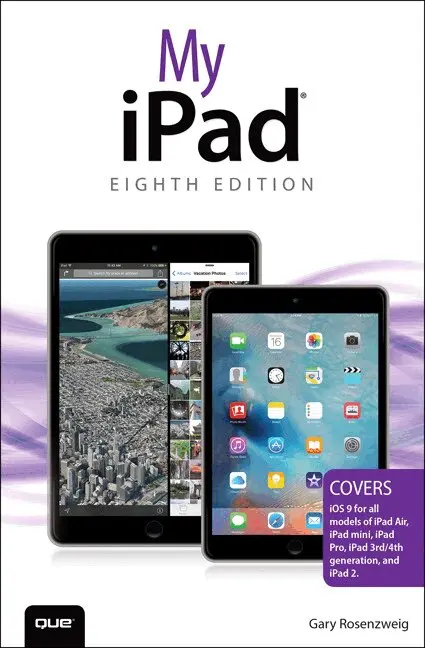
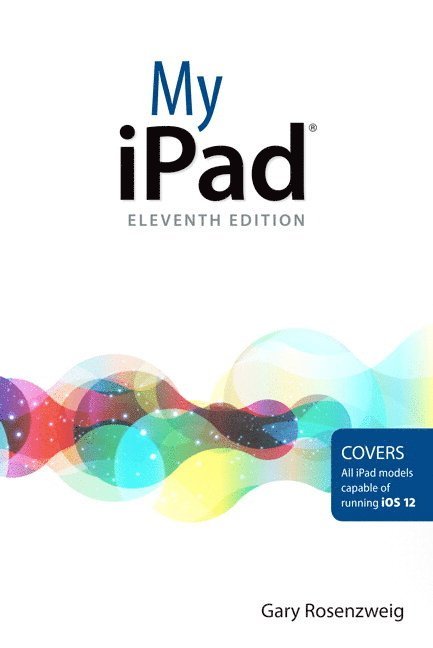
My iPad, Eighth Edition, helps you quickly get started with your new tablet, and use its features to look up information and perform day-to-day activities from anywhere, any time.
Covers iOS 9 for all models of iPad Air, iPad mini, iPad Pro, iPad 3rd/4th generation, and iPad 2 March 21, 2016 Update: An iPad Pro 9.7" was announced today by Apple. The content of this book is applicable to this new iPad. Step-by-step instructions with callouts to iPad photos that show you exactly what to do. Help when you run into iPad problems or limitations. Tips and Notes to help you get the most from your iPad. Full-color, step-by-step tasks walk you through getting and keeping your iPad working just the way you want. Learn how to: • Connect your iPad to your Wi-Fi and your mobile carrier • Learn how to use the on-screen keyboard, predictive text, and dictation • Use Control Center to control frequently used settings • Use Siri to control your iPad or get information by speaking commands • Use iCloud to keep everything current between all your iOS devices (and even your Mac), including music, photos, messages, documents, and more • Surf the Web, and send and receive email and messages • Download and install apps to make your iPad even more useful • Secure your iPad using Touch ID, passcodes, and other security measures • Record and edit video using iMovie for iPad • Take photos, and then edit them using the Photos app • Use AirDrop and iCloud Drive to share files and information with your other devices • Use your iPad to take notes, make lists, draw sketches, and create reminders • Use FaceTime and Skype to stay connected with friends and family • Use Pages, Numbers, and Keynote to create documents and presentations • Discover some of the most useful and entertaining apps171 kr
Skickas
47 kr
Skickas