Fotoutrustning och fototeknik
188 kr
Skickas inom 5-8 vardagar
264 kr
Skickas inom 5-8 vardagar
32 kr
Skickas
410 kr
Skickas inom 7-10 vardagar
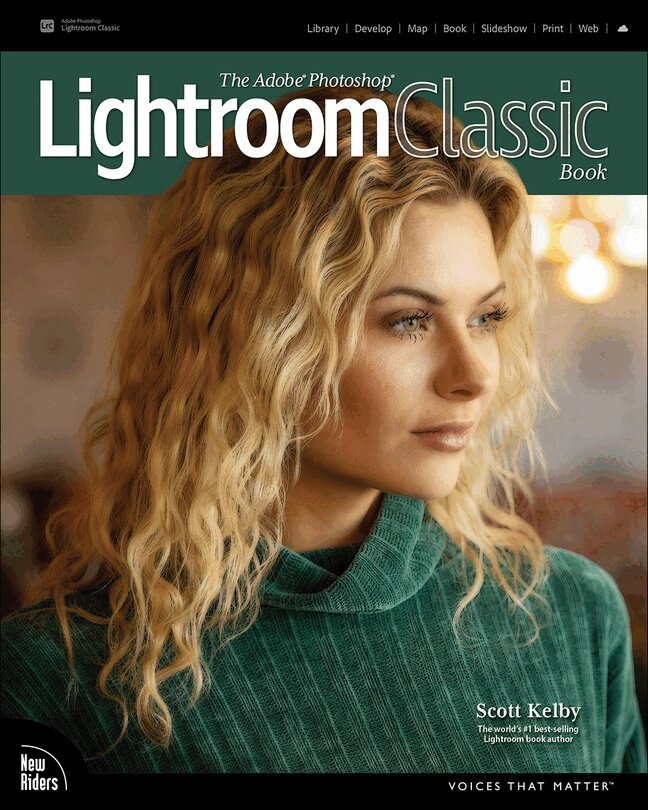
Since Lightroom first launched 18 years ago, Scott Kelby’s The Adobe Photoshop Lightroom Book has been the world’s #1 top-selling Lightroom book (it has been translated into dozens of different languages), and this latest version is a huge update where Scott shares all his newest techniques, insights, and invaluable tips using his award-winning, plain-English style that makes learning Lightroom easy and fun.
Scott doesn’t just show you which sliders do what (every Lightroom book does that, right?). Instead, he shares his own personal settings, his time-tested techniques, and his proven step-by-step method of learning Lightroom, so you can begin using it like a pro from the start. Each year, he trains thousands of Lightroom users at his live seminars, online conferences, and through his blog at LightroomKillerTips.com, and he has learned firsthand what really works and what doesn’t. He tells you flat-out which techniques work best, which ones to avoid, and why.
You’ll learn:
His SLIM (Simplified Lightroom Image Management) system, which is taught at colleges and universities around the world because it’s so simple and straightforward, as it teaches you step by step how to organize your images, back them up, and be able to find them quickly and easily. How to make your images look like the pros, remove distracting things that are ruining otherwise great photos, and finally “get” the whole image editing thing. You’ll learn exactly what to do, in which order, and why. How to unlock the incredible power of Lightroom’s Masking tools (these are real game changers), including how to “paint with light” and Scott’s top masking tips to take your images to another level. How to use Lightroom along with Photoshop, and how to make the two work together absolutely seamlessly. You’ll be surprised at what you’ll be able to do, even if you’ve never used Photoshop before. How to expand Lightroom’s power to your phone or tablet, so you can organize and edit your images from anywhere. How to share your images in print and in gorgeous coffee table books, or online, including how to do online client proofing or share images with a group.You can download many of the same images in the book, so you can follow right along, and you'll get a killer collection of custom Lightroom Develop and Print presets to give you some of the most sought-after looks and effects, all with just one click.
This is the first and only book to bring the whole process together in such a clear, concise, and visual way. There is no faster, more straight-to-the-point, or more fun way to learn Lightroom.

153 kr
Skickas inom 5-8 vardagar
153 kr
Skickas inom 5-8 vardagar
301 kr
Skickas inom 5-8 vardagar
244 kr
Skickas inom 5-8 vardagar
538 kr
Skickas
456 kr
Skickas
216 kr
Skickas inom 3-6 vardagar
913 kr
Skickas inom 5-8 vardagar
261 kr
Skickas
113 kr
Skickas
398 kr
Skickas
215 kr
Skickas inom 5-8 vardagar
364 kr
Skickas inom 3-6 vardagar
221 kr
Skickas inom 5-8 vardagar
222 kr
Skickas inom 5-8 vardagar
210 kr
Skickas inom 5-8 vardagar
168 kr
Skickas
467 kr
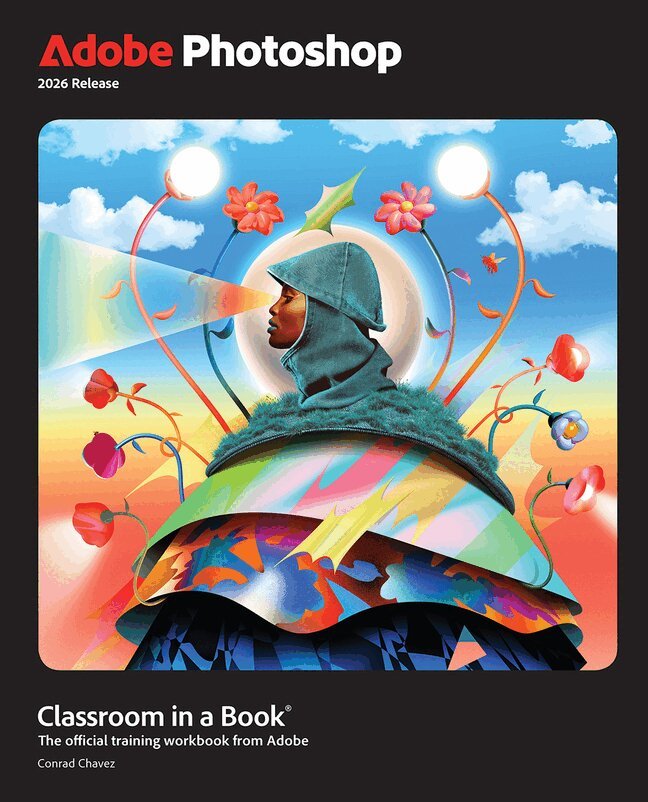
Adobe Photoshop Classroom in a Book 2026 contains 15 lessons that use real-world, project-based learning to cover the basics and beyond, providing countless tips and techniques to help you become more productive with the program. For beginners and experienced users alike, you can follow the book from start to finish or choose only those lessons that interest you. Learn to:
Create and improve images using the professional tools in Adobe Photoshop Easily correct and repair photos Seamlessly remove backgrounds and unwanted object Select subjects with complex outlines, including hair Use Adobe Firefly generative AI to retouch challenging images or to create new images Composite multiple images with graphics and typography Using a timeline, animate graphics and type and combine them with video and audio Automate repetitive tasks Edit camera raw images Export your work for the web, mobile devices, video, and printClassroom in a Book®, the best-selling series of hands-on software training workbooks, offers what no other book or training program does – an official training series from Adobe, developed with the support of Adobe product experts.
Purchasing this book includes valuable online extras. Follow the instructions in the book’s “Getting Started” section to unlock access to:
Downloadable lesson files you need to work through the projects in the book Web Edition containing the complete text of the book, interactive quizzes, and videos that walk you through the lessons step by stepWhat you need to use this book: Adobe Photoshop 2026 Release software, for either Windows or macOS. (Software not included.)
307 kr
Skickas
274 kr
Skickas inom 5-8 vardagar
419 kr
Skickas
Mästarnas goda råd
360 kr
Skickas
393 kr
Skickas inom 7-10 vardagar
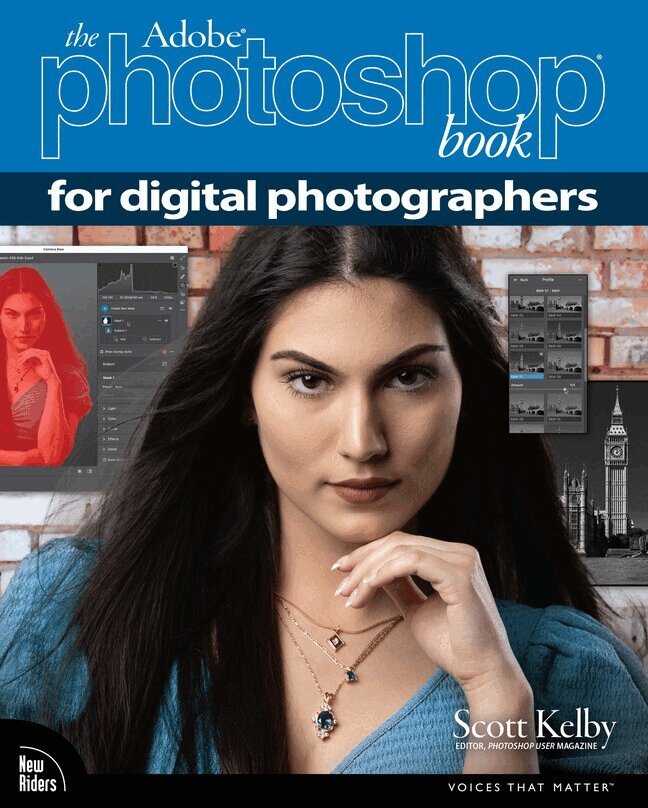
Are you ready for an amazing new edition of the Photoshop book that breaks all the rules?
Scott Kelby, Editor and Publisher of Photoshop User magazine—and the #1 best-selling photography techniques author—once again takes this book to a whole new level as he uncovers more of the latest, most important, and most useful Adobe Photoshop techniques for photographers.
This update to his award-winning, record-breaking book does something for digital photographers that has never been done before—it cuts through the bull and shows you exactly “how to do it.” It's not a bunch of theory; it doesn't challenge you to come up with your own settings or figure it out on your own. Instead, Scott shows you step by step the exact techniques used by today's cutting-edge photographers, and best of all, he shows you flat-out exactly which settings to use, when to use them, and why. That's why editions of this book are widely used as the official study guide in photography courses at colleges and universities around the world.
The photographer's workflow in Photoshop has evolved greatly over time and, in the latest edition of this book, you'll learn how to leverage Photoshop's new AI-powered masking features and how to spend less time on boring production tasks, so you can spend more time being creative. Plus, you'll learn:
The most useful retouching techniques for photographers, such as how to make “impossible” selections, like wind-blown hair (it's easy, once you know the secrets), and how to use layers like a pro. The sharpening techniques the pros really use. The pros' tricks for fixing the most common photo problems fast! How to seamlessly remove distracting things from your images. How to make the most of Camera Raw and when to work it into your workflow, even if you never shoot in RAW—it works great on JPEGs and TIFFs, too. The latest Photoshop special effects for photographers (there's a whole chapter just on these!). A host of shortcuts, workarounds, and slick “insider” tricks to help you get twice the work done in half the time.You also get four online bonus chapters with even more content, along with the images used in the book, for download, so you can follow right along. If you're ready to learn all the “tricks of the trade”—the same ones that today's leading pros use to correct, edit, retouch, and sharpen their work—then you're holding the book that will do just that.
483 kr
Skickas
166 kr
Skickas
327 kr
Skickas inom 3-6 vardagar