• Fri frakt över 249 kr
  • •
  • Snabba leveranser
  • •
  • Billiga böcker
Kundservice

Du är på sajten för privatpersoner.

Företag, bibliotek eller offentlig verksamhet?

Du handlar på classic.bokus.com, där alla dina funktioner finns intakta.
Till classic.bokus.com
Bokus logotyp. Gå till startsidan.
  • Erbjudanden
  • Nyheter
  • Student
  • Topplistor
  • Barn & ungdom
  • Bokus Play
  • E-böcker
  • Pocketböcker
  • Spel & pussel

10% rabatt på allt med kod NYSTART10 →

Sidfot

Mina sidor

    Hjälp

    • Kundservice
    • Vanliga frågor och svar
    • Frakt och leverans
    • Retur vid ångerrätt
    • Reklamera vara
    • Betalning
    • Köpvillkor
    • Allmänna villkor
    • Information om webbplatsens tillgänglighet

    Om Bokus

    • Om oss
    • Pressrum
    • För studenter
    • För företag
    • För bibliotek och offentlig verksamhet
    • För leverantörer
    • Hållbarhet

    Populärt

    • Aktuella erbjudanden
    • Presentkort
    • Studentlitteratur
    • Nya böcker
    • Topplistor
    • Signerade böcker
    • Engelska böcker

    Inspiration

    • Boktips
    • BookTok
    • Populära bokserier
    • Barnbokskaraktärer
    • Populära författare
    Logotyp för Bokus
    Följ oss på Facebook (extern länk)Följ oss på Instagram (extern länk)Följ oss på YouTube (extern länk)Följ oss på TikTok (extern länk)
    bokus @ CookiesAnpassa cookiesIntegritetspolicyKöpvillkor
    Till Citymail hemsida (extern länk)Till Budbee hemsida (extern länk)Till Postnord hemsida (extern länk)Till Schenker hemsida (extern länk)Till Early Bird hemsida (extern länk)Till Walleys hemsida (extern länk)
    1. Data och IT
    2. Nätverk och kommunikation

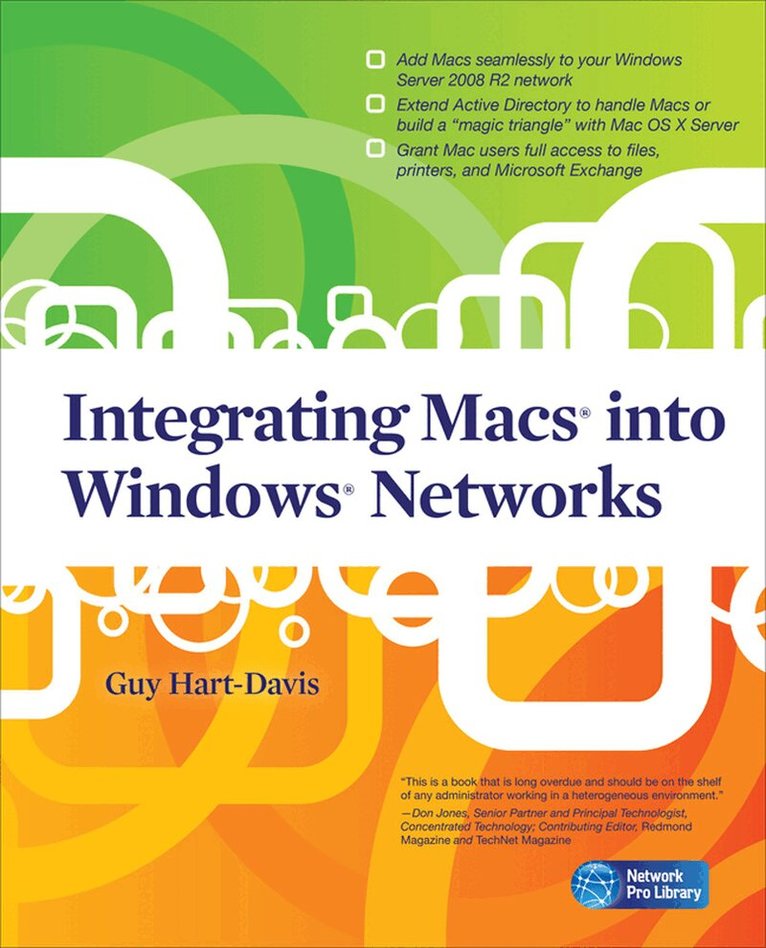
    Integrating Macs into Windows Networks

    AvGuy Hart-Davis

    Häftad, Engelska, 2010

    599 kr

    Beställningsvara. Skickas inom 3-6 vardagar. Fri frakt över 249 kr.

    Fler format och utgåvor

    E-bok

    861 kr

    Beskrivning

    Publisher's Note: Products purchased from Third Party sellers are not guaranteed by the publisher for quality, authenticity, or access to any online entitlements included with the product.

    Integrate Macs seamlessly into your Windows network

    These days, almost every Windows network must include Macs--and not just as second-class citizens with limited connectivity, but as full members of the network. Covering Mac OS X Snow Leopard and Windows Server 2008 R2, Integrating Macs into Windows Networks shows you how to incorporate Macs quickly and easily into your Windows Server network. You'll learn how to plan your Mac rollout, choose the best way of managing Macs, add Macs to the network seamlessly, and keep them secure and running smoothly.

    • Select the right Macs for your organization's needs
    • Make the physical connection to the network via Ethernet or AirPort
    • Choose between extending Active Directory to handle Macs or building a "magic triangle" with Mac OS X Server
    • Use proxy servers to give Macs safe internet access
    • Connect Mac clients to Microsoft Exchange for e-mail and calendaring
    • Provide Mac users with network home or mobile home folders
    • Set up Macs to print to your Windows network printers
    • Install software on Macs automatically both before and after deployment
    • Run Windows programs on Macs using Boot Camp, virtual machines, or both
    • Allow Mac users remote access to the network via virtual private networking
    • Back up and restore data, and troubleshoot Mac hardware and software problems

    Produktinformation

    • Utgivningsdatum:2010-09-16
    • Mått:185 x 231 x 21 mm
    • Vikt:712 g
    • Format:Häftad
    • Språk:Engelska
    • Antal sidor:432
    • Förlag:McGraw-Hill Education
    • ISBN:9780071713023

    Utforska kategorier

    • Nätverk och kommunikation inom Data och IT

    Mer om författaren

    Guy Hart-Davis (Barnard Castle, UK) is the author of more than 60 computer books, including all editions of How to Do Everything: iPod, iPhone, & iTunes, iPad and iPhone Administrator’s Guide, Integrating Macs in Windows Networks, and Mac OS X System Administration.

    Innehållsförteckning

    • Chapter 1. Planning Your Mac Rollout; Chapter 2. Connecting the Macs to the Network and Active Directory; Chapter 3. Binding a Mac OS X Server to Manage Macs via a "Magic Triangle"; Chapter 4. Extending Active Directory to Handle Mac Clients Natively; Chapter 5. Giving Your Macs Safe Access to the Internet; Chapter 6. Connecting Macs to Microsoft Exchange;Chapter 7. Providing Home Folders and File Services for Macs; Chapter 8. Setting Up Printing on Macs; Chapter 9. Installing and Updating Software; Chapter 10. Run Windows Applications on Macs; Chapter 11. Providing Remote Access for and to Macs; Chapter 12. Backing Up and Restoring Macs; Chapter 13. Recovering from Disasters on Macs; Chapter 14. Adding Macs to Small Windows Networks; Index